
Topic
Windows 11
Windows 11 is Microsoft’s modern PC operating system, built to deliver a refreshed interface, stronger productivity tools, gaming features, enhanced security, and deep integration with services like Copilot. It launched as the successor to Windows 10 and supports a wide range of desktops, laptops, and compatible hardware configurations for work, play, and everyday computing. | Release Date: October 5, 2021 | Developer: Microsoft | Platforms: x86-64 PCs, Arm64 PCs | Genre: Operating System
-
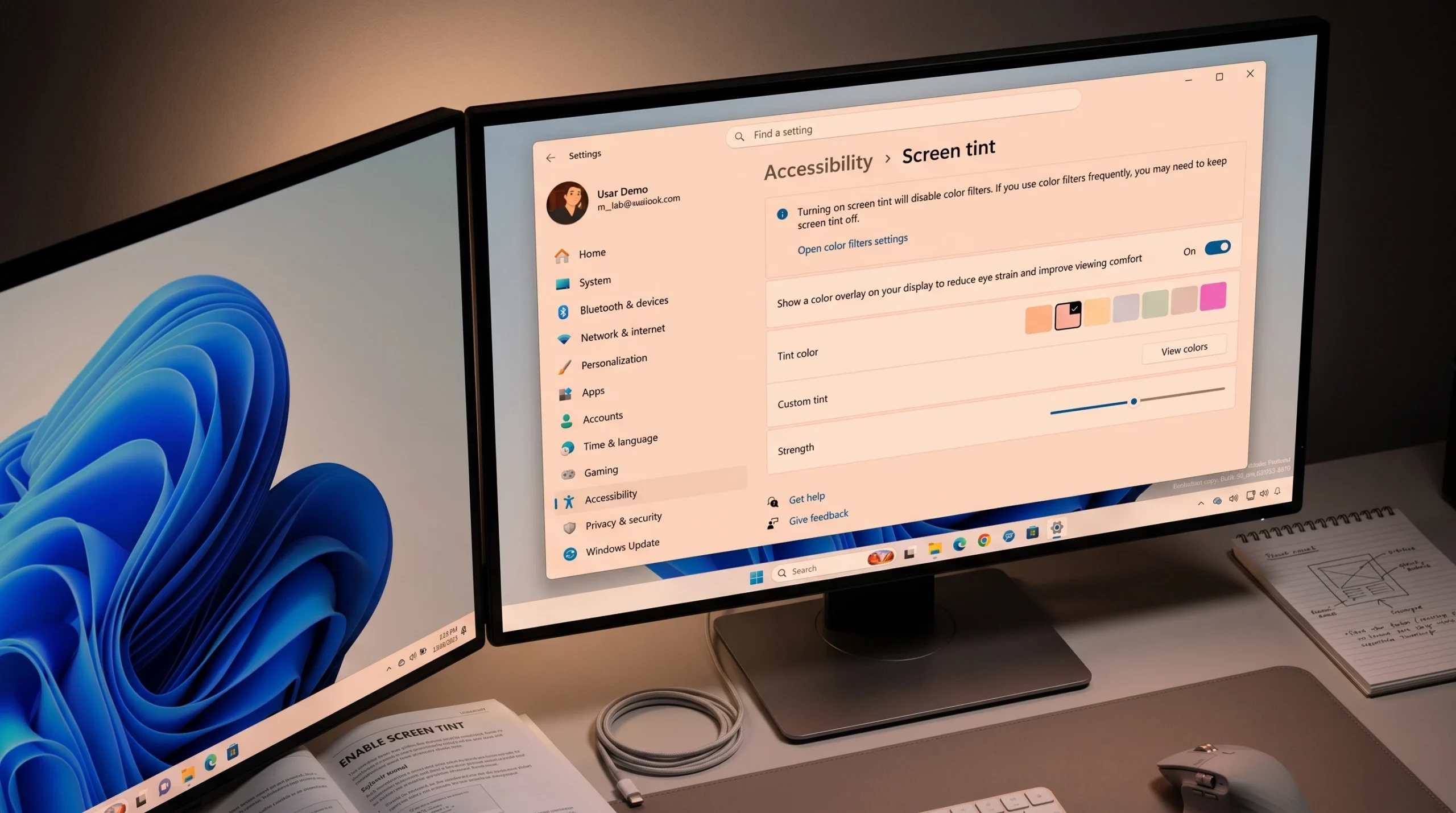
How to Enable Screen Tint in Windows 11 (Accessibility Setting)
Turn on the color overlay under Accessibility, pick a preset, and set its strength to ease eye strain.
-
CodexSandboxUsers on Windows 11: What the Account Is and Whether to Delete It
What the Codex sandbox accounts do, why they touch your user folders, and how to remove them cleanly.
-
Best HDR Settings for Gaming on Windows 11 (2026)
Exact toggles, calibration steps, and GPU tweaks to make HDR games look right instead of washed out.
-
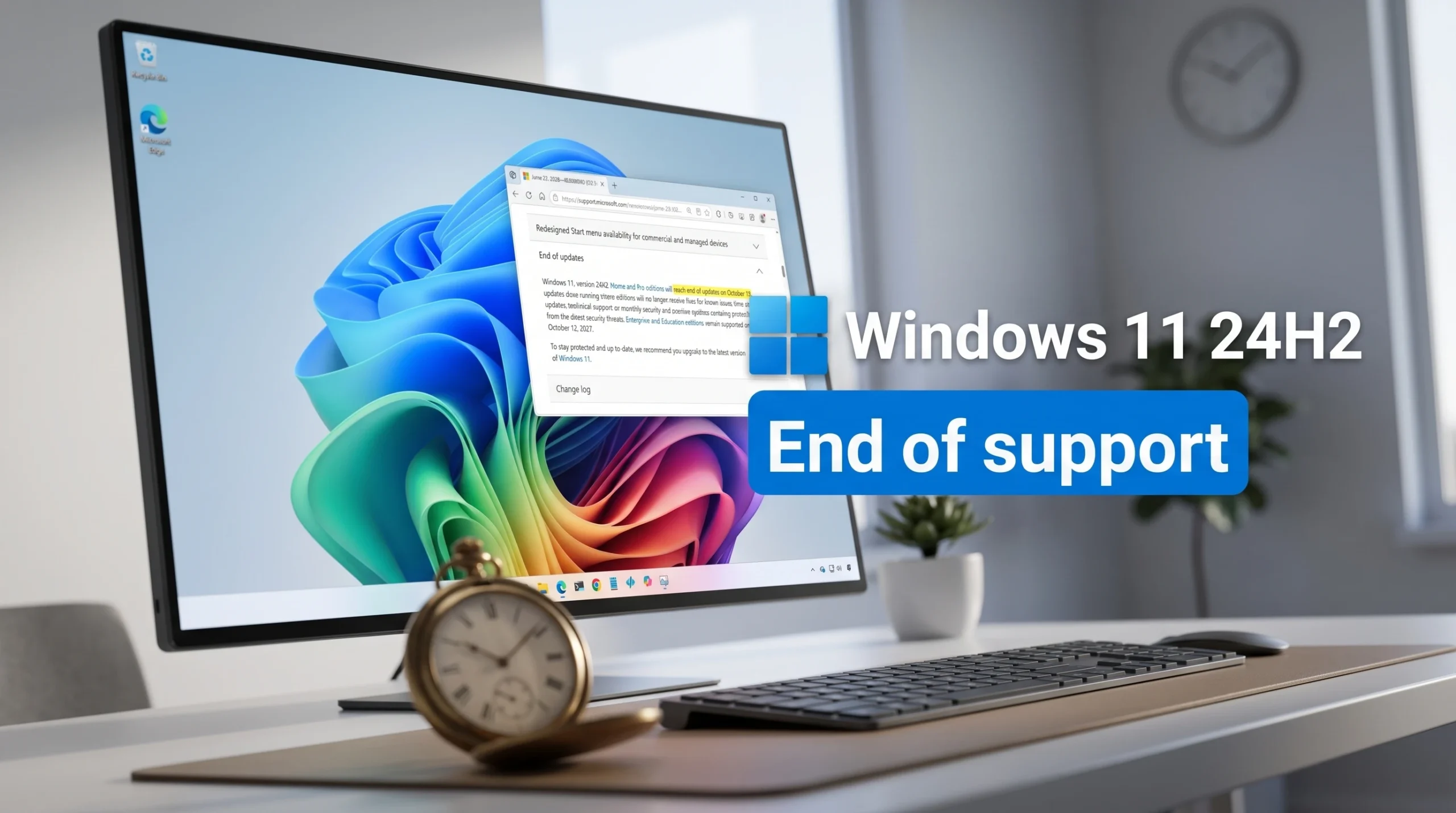
Windows 11 24H2 End of Support: October 13, 2026 Deadline for Home and Pro
Consumer editions stop getting security updates after October 13, 2026, and upgrading to 25H2 keeps you supported.
-
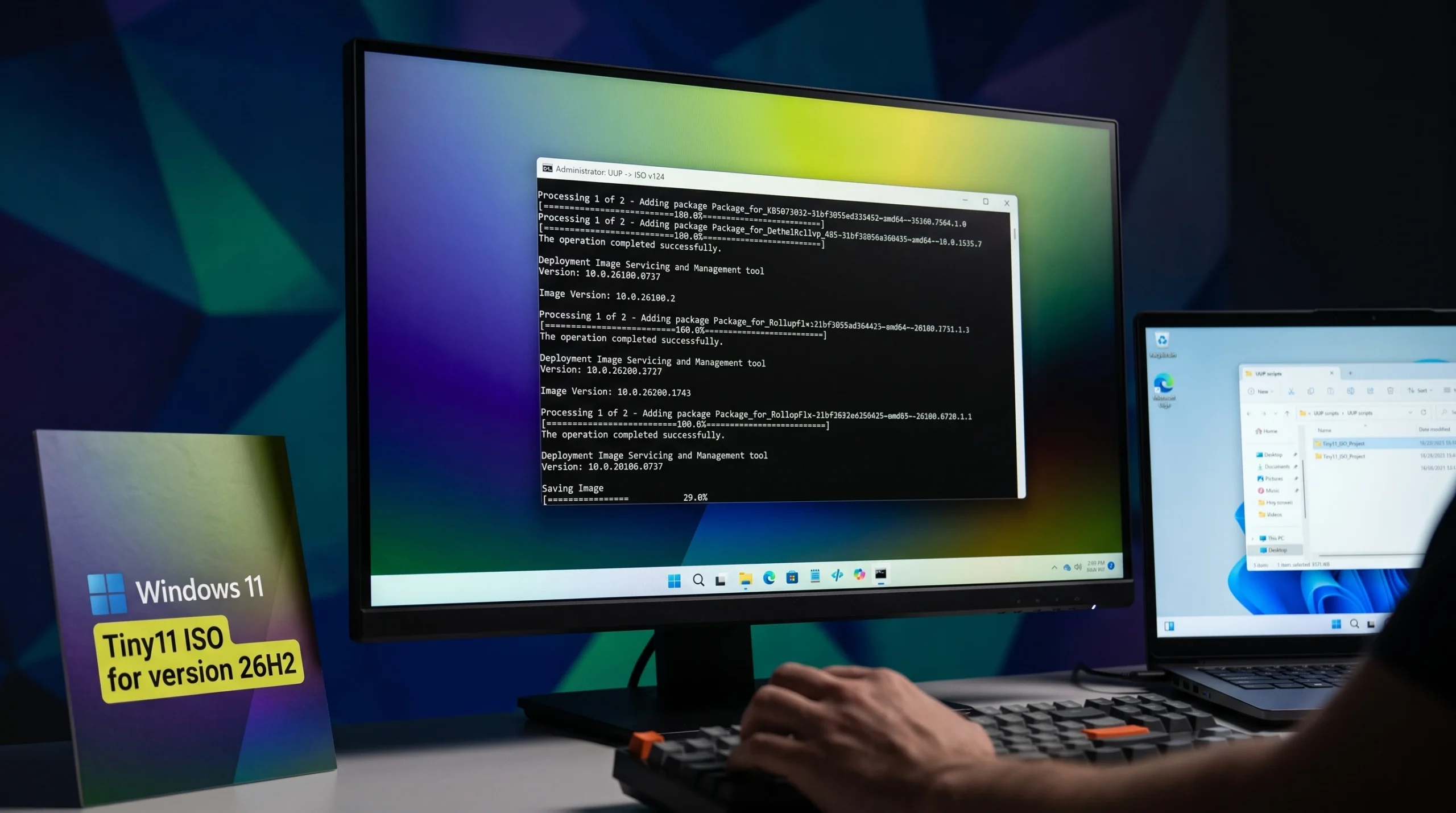
Tiny11 26H2 ISO for Windows 11: Where to Download and How to Build It
Pull the debloated Windows 11 26H2 image from the Internet Archive, or build your own with Tiny11 Builder and an official Microsoft ISO.
-
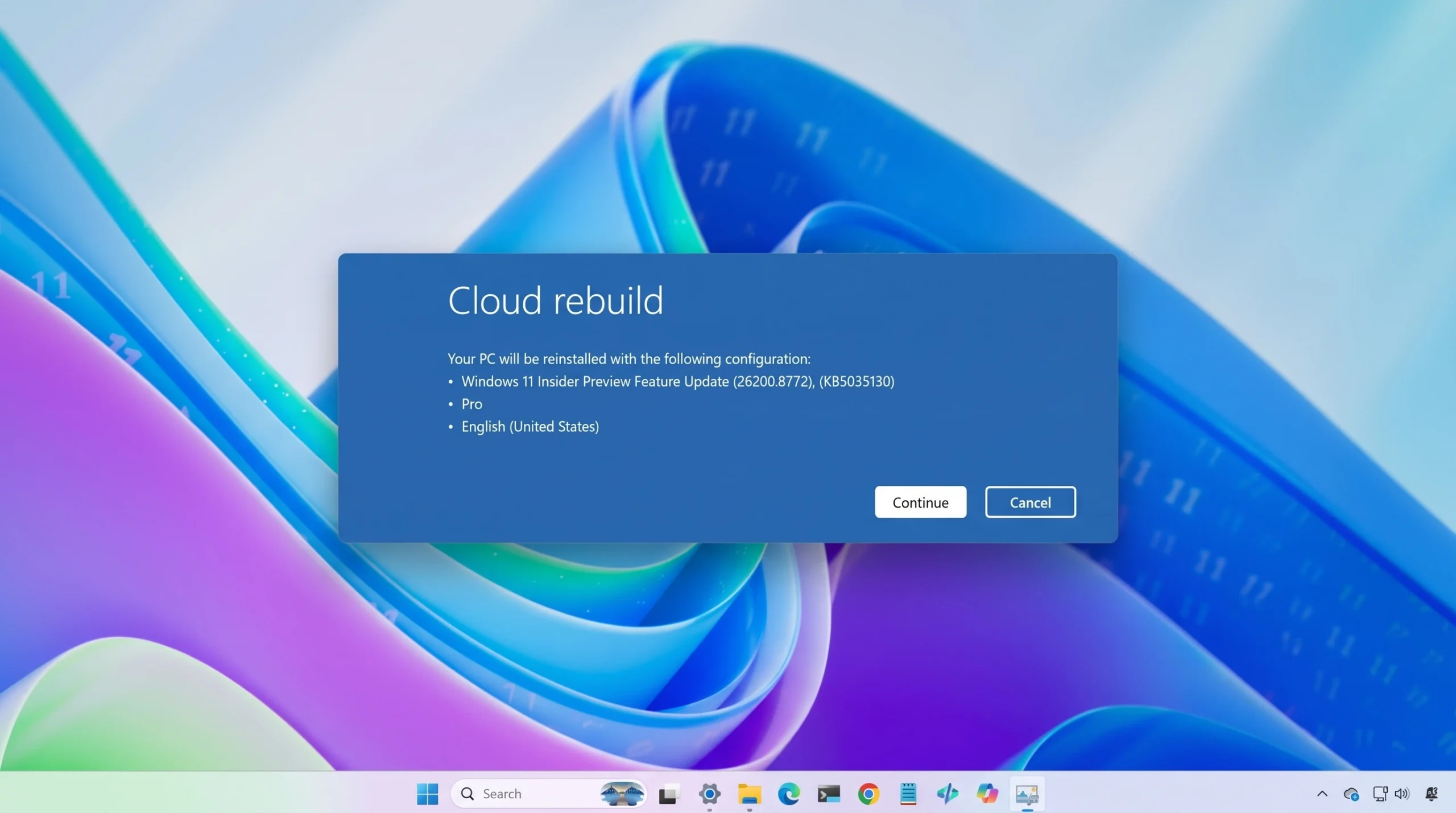
Reinstall Windows 11 From the Cloud Using Cloud Rebuild in WinRE
A full driver-and-OS reinstall from Windows Update, with no USB stick or custom image required.
-
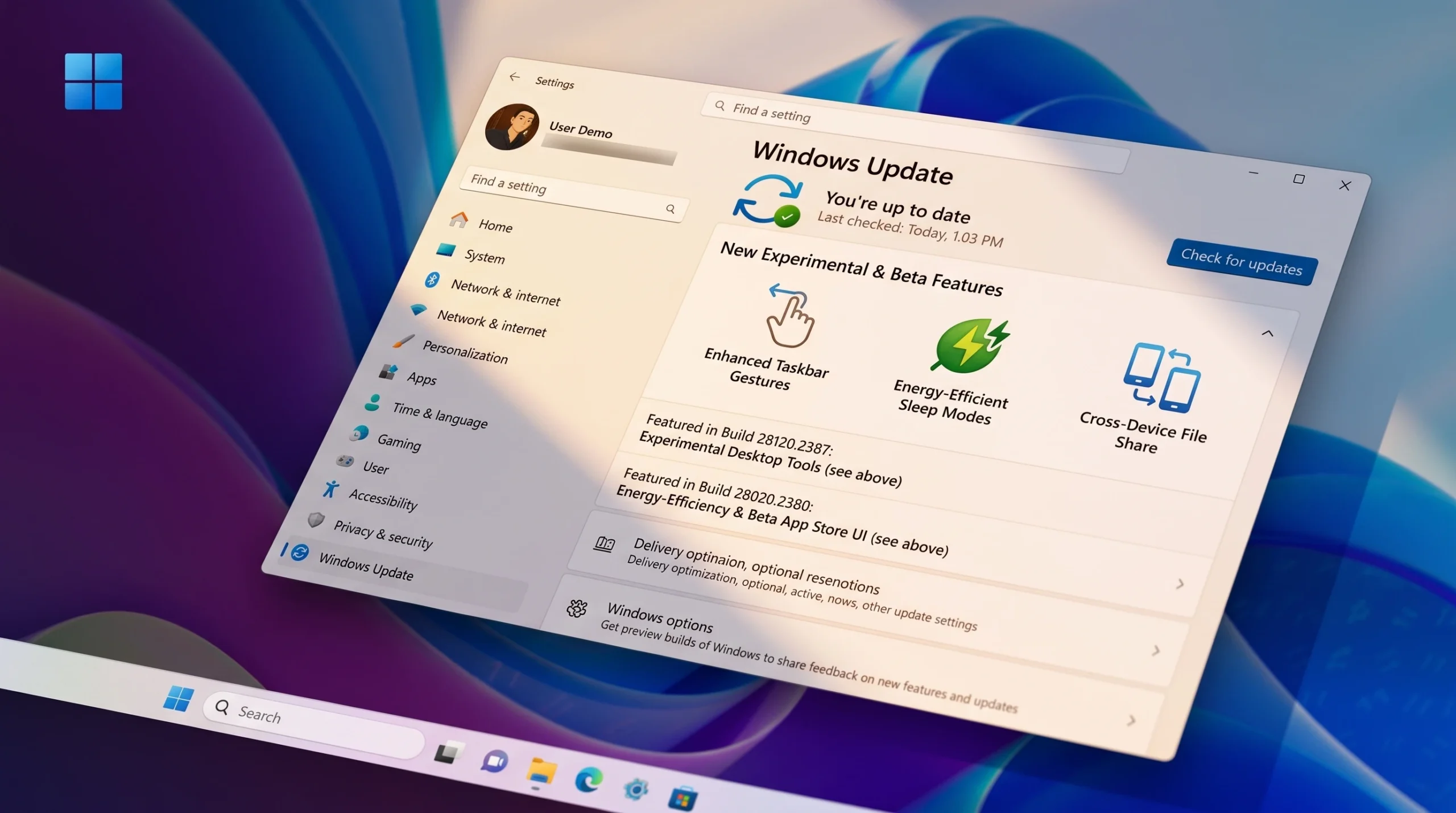
Windows 11 26H1 Insider Builds: New Beta (28020) and Experimental (28120) Train Explained
Microsoft split 26H1 into distinct Beta and Experimental branches, each with its own build numbers and a simple in-place switch.
-
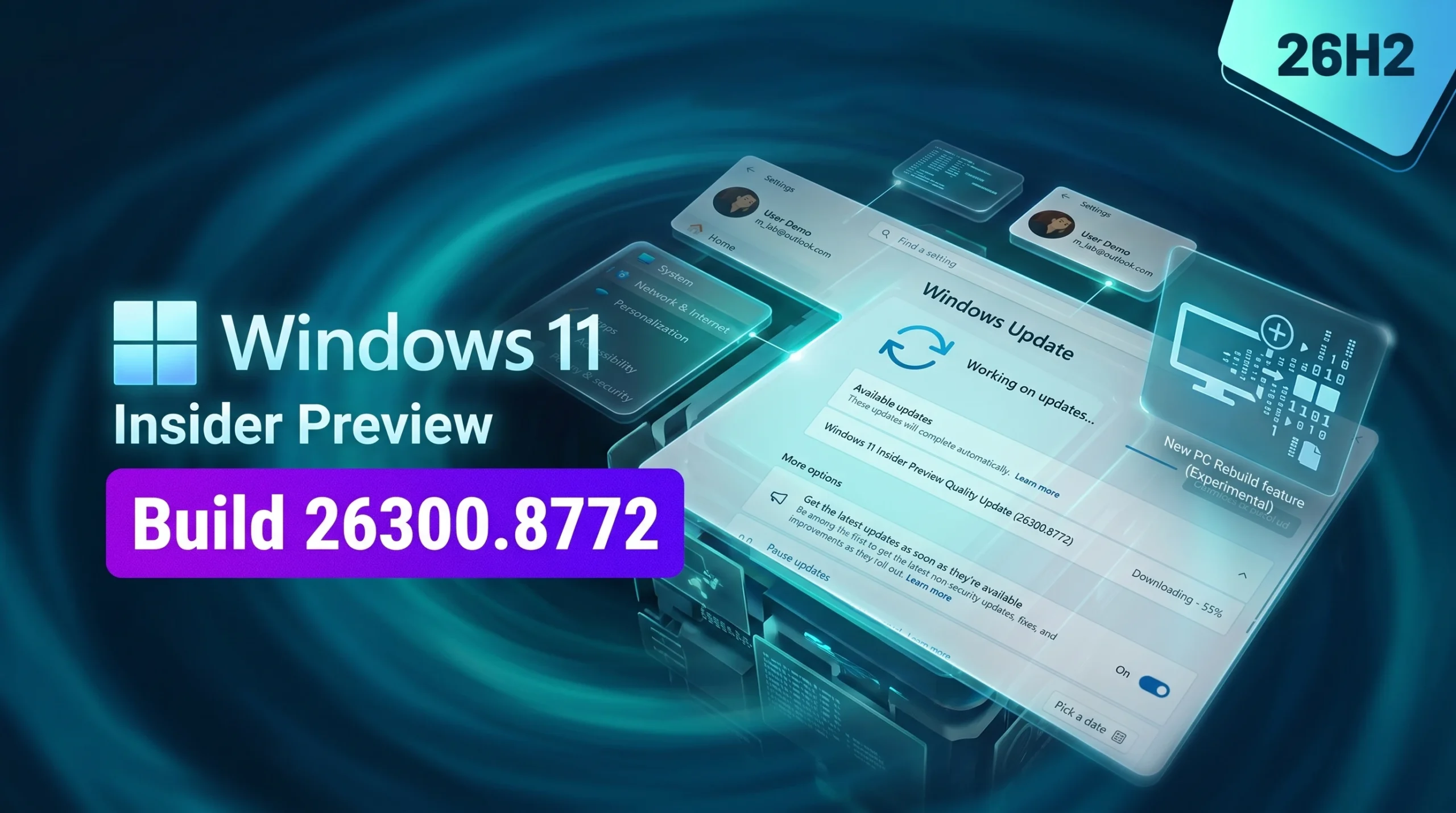
Cloud Rebuild in Windows 11 26H2: How the New WinRE Recovery Option Works
Build 26300.8772 adds a full OS reinstall that pulls Windows and your drivers from Windows Update, even when the PC won’t boot.
-
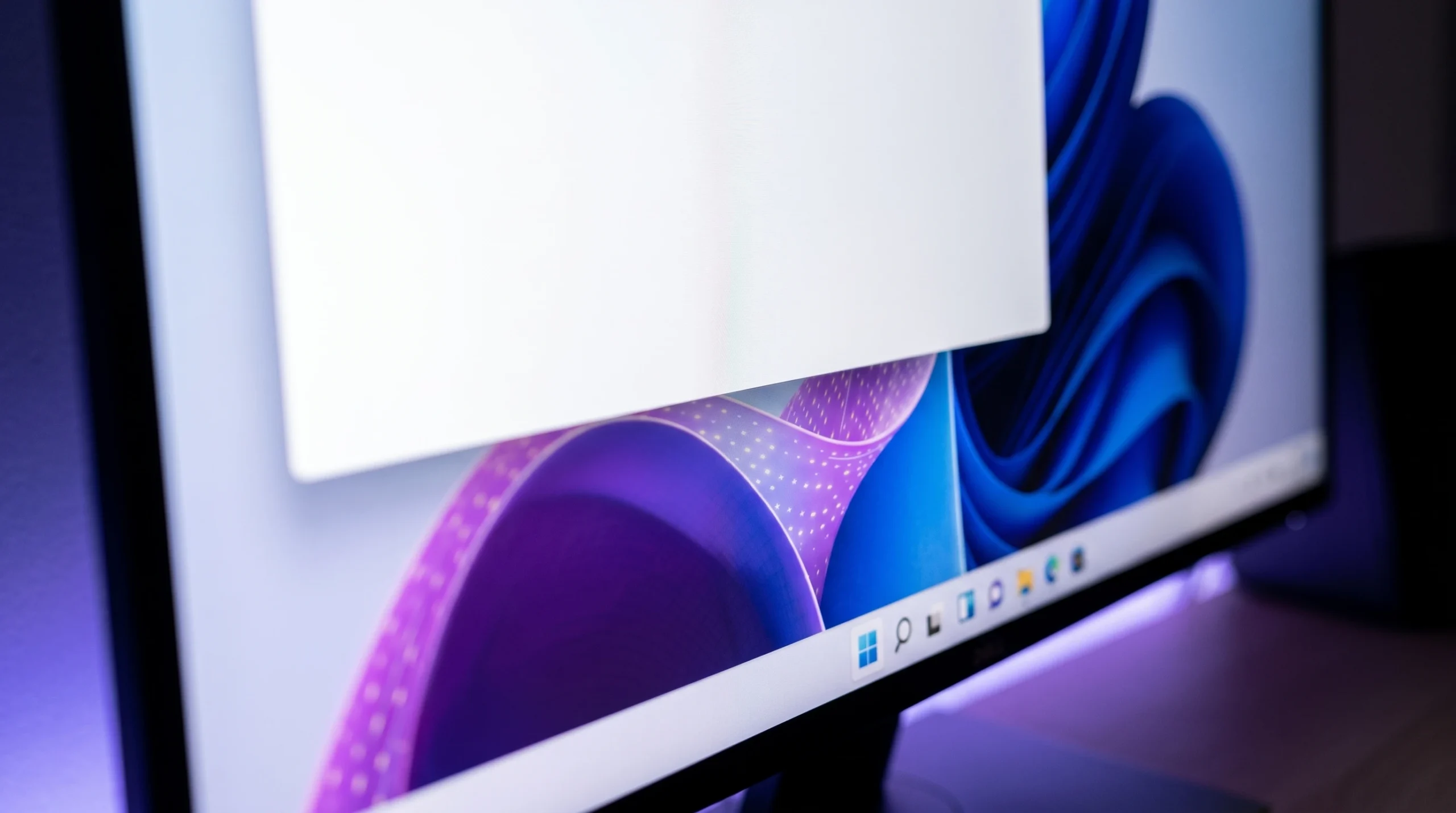
Blank White Window on Windows 11 Login: How to Stop the Chrome Task
The empty box that flashes after sign-in traces back to a Google Chrome scheduled task you can turn off.
-
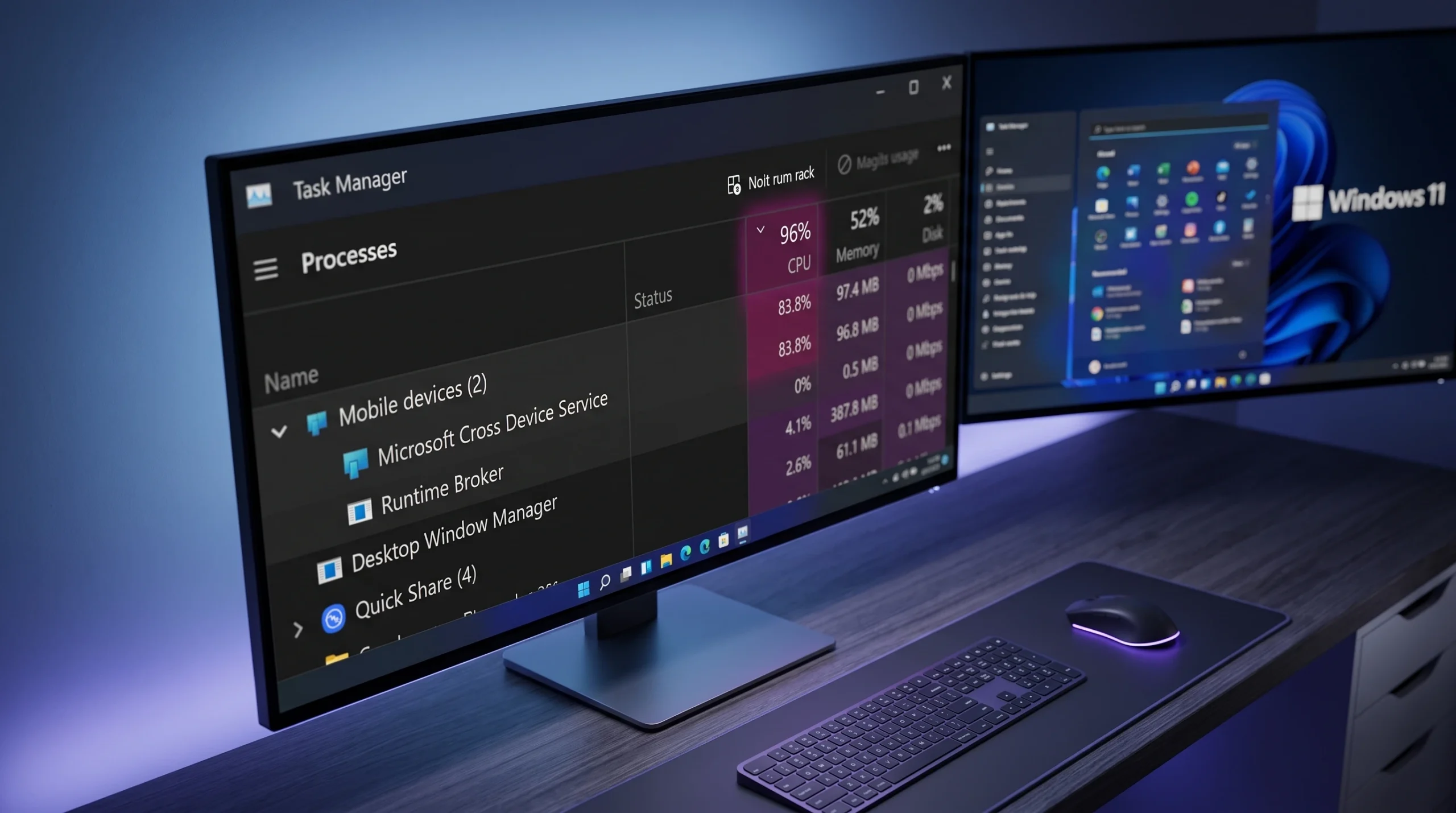
Cross Device Service High CPU and RAM Usage on Windows 11: Fixes That Work
Stop crossdeviceservice.exe from eating your CPU and memory while keeping Phone Link usable, or remove it entirely.