
Topic
Windows 11
Windows 11 is Microsoft’s modern PC operating system, built to deliver a refreshed interface, stronger productivity tools, gaming features, enhanced security, and deep integration with services like Copilot. It launched as the successor to Windows 10 and supports a wide range of desktops, laptops, and compatible hardware configurations for work, play, and everyday computing. | Release Date: October 5, 2021 | Developer: Microsoft | Platforms: x86-64 PCs, Arm64 PCs | Genre: Operating System
-

Windows 11 Game Mode: On or Off in 2026
What Game Mode changes, when to keep it on, and how it now sits next to Xbox Mode.
-

Cross Device Experience Host Won’t Install on Windows 11 (Fix)
Clear the stuck “pending” install, force the update through winget, and repair the app so phone linking works.
-
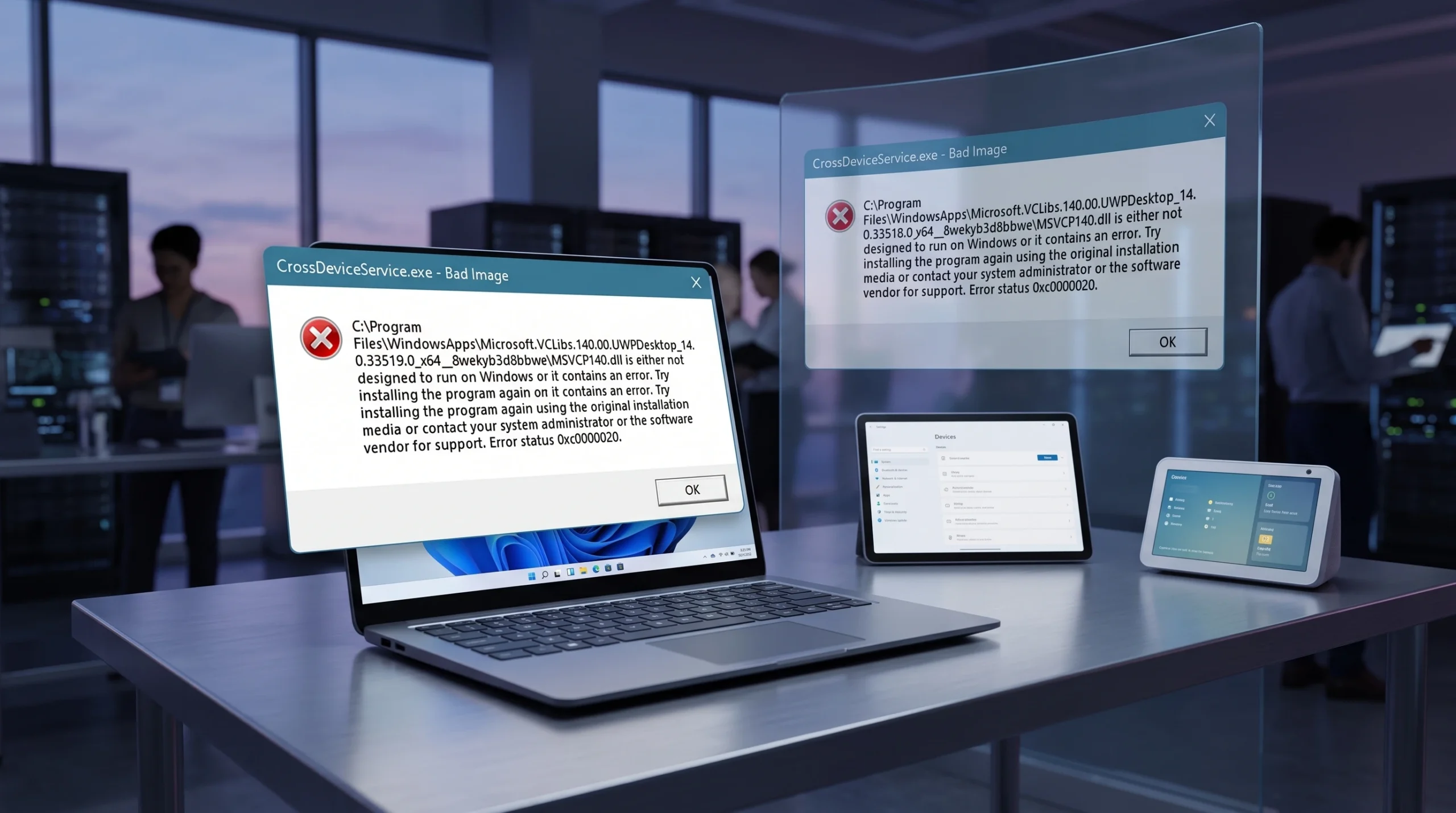
CrossDeviceService.exe Bad Image and Parameter Is Incorrect Errors (Fix)
Clear the corrupted VCLibs and Phone Link errors that pop up right after login on Windows 11.
-
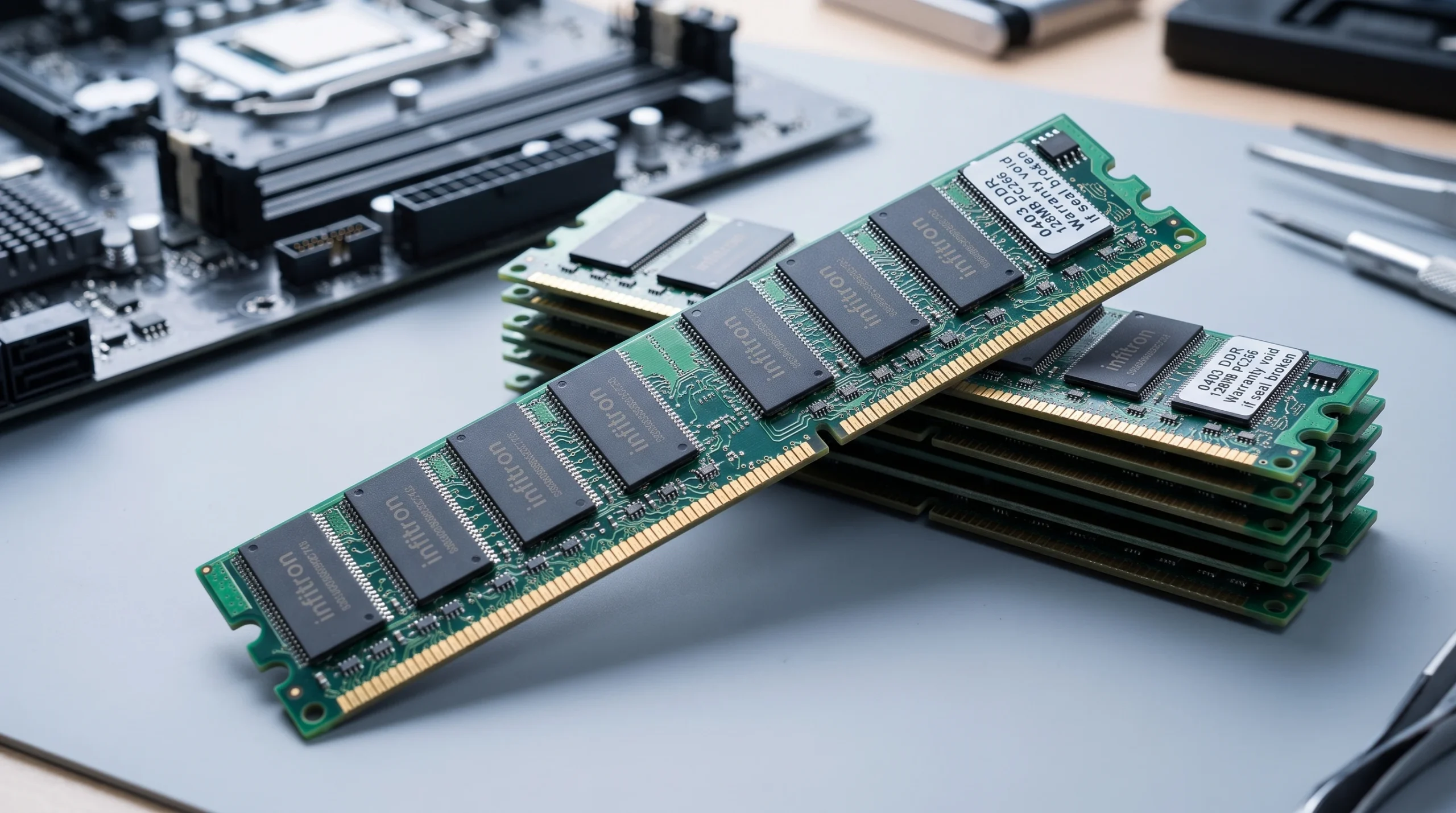
Fix Usable RAM Less Than Installed in Windows 11
Clear boot limits, adjust firmware settings, and rule out faulty memory to reclaim the missing RAM.
-

Reduce Windows 11 network latency with the TcpNoDelay registry tweak
Disabling Nagle’s Algorithm and delayed ACKs with two registry values clears the artificial lag on chatty TCP connections like RDP and SSH.
-
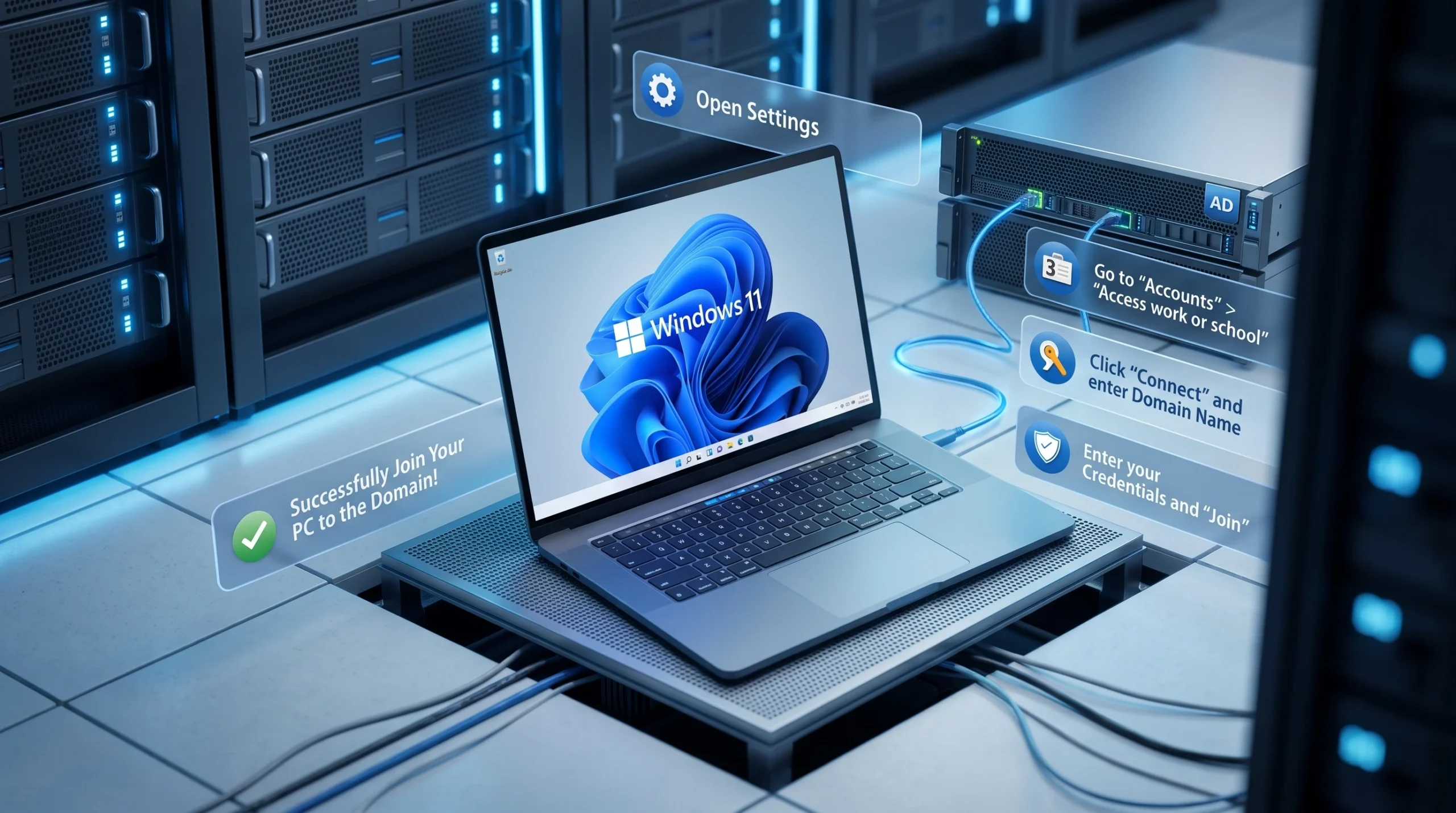
Join and Remove Windows 11 from an Active Directory Domain
What you need first, the exact settings path to add a PC, and how to disconnect it cleanly.
-
Turn a Spare Laptop Into a Second Monitor for Your PC
Use Windows’ built-in wireless display feature to extend your desktop onto another laptop’s screen without buying hardware.
-
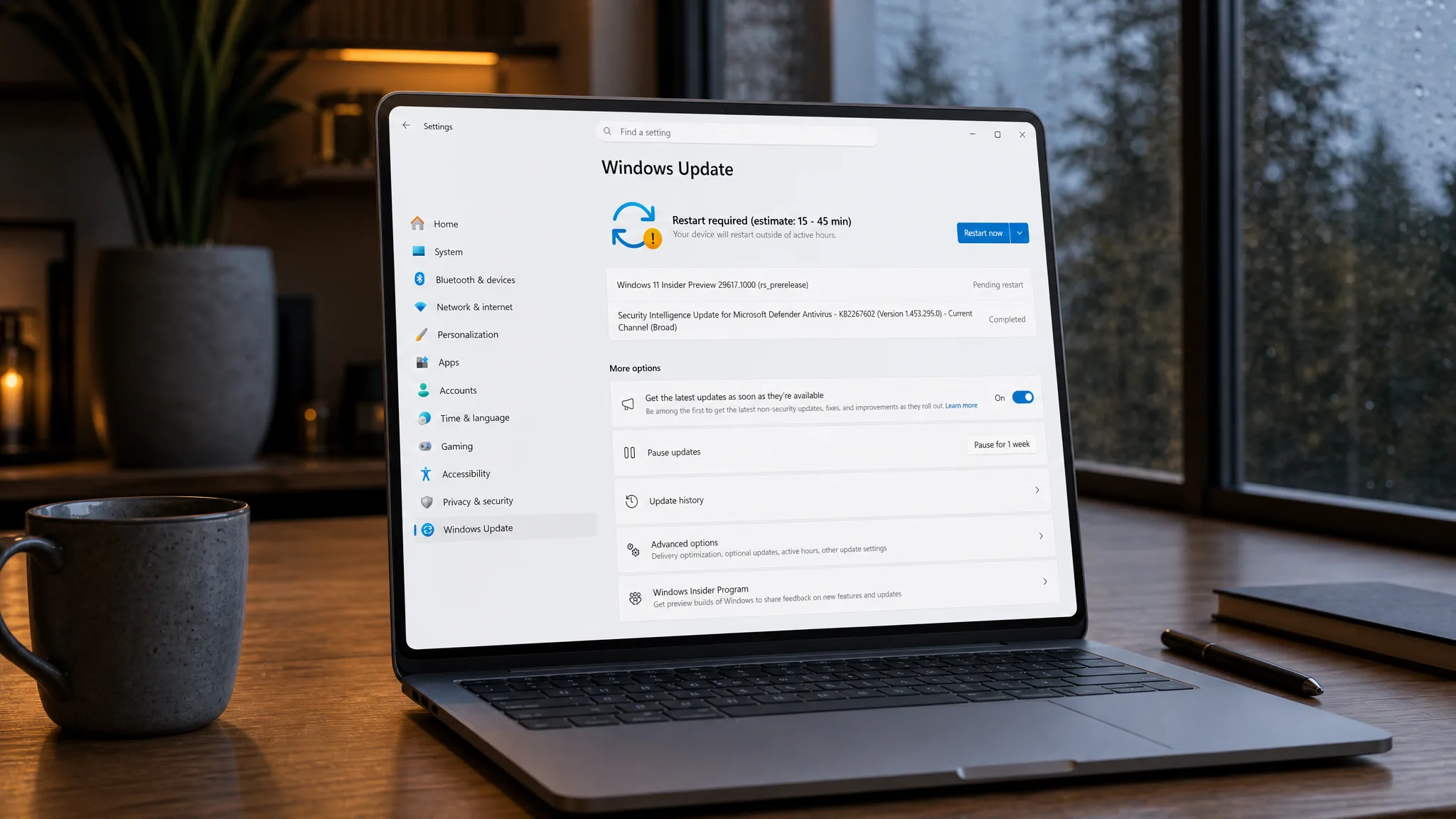
Windows 11 Build 29617 Brings One Monthly Restart and Screen Tint (Future Platforms)
The Experimental (Future Platforms) flight bundles fewer reboots, a new Screen tint overlay, and sharper Magnifier zoom controls.
-
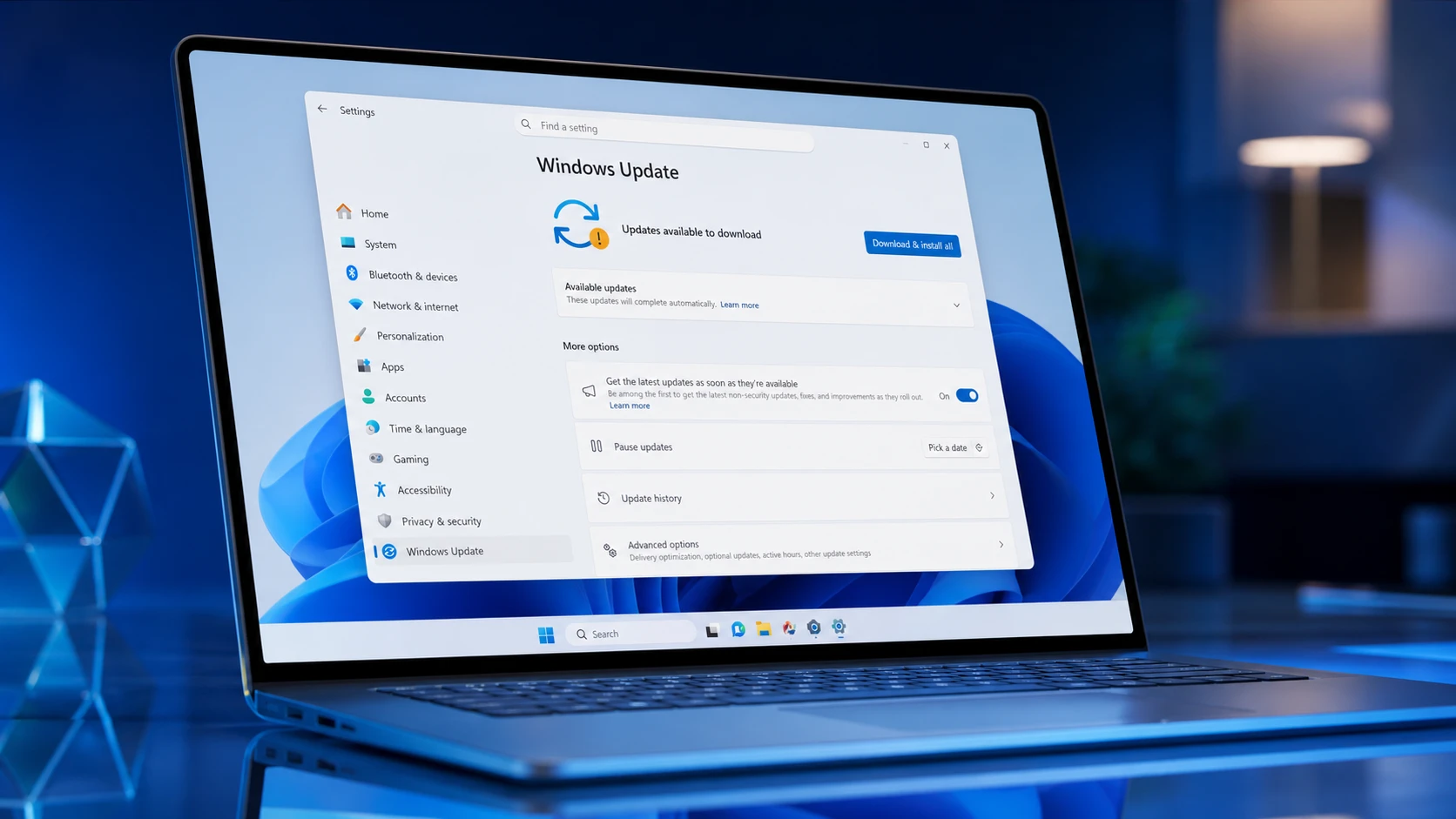
Windows 11 26H1 Builds 28120.2315 and 28020.2308 Fix Audio and Caption Bugs
Two new 26H1 flights land in the Experimental and Beta channels with HD Audio reliability work and faster caption redraws.
-
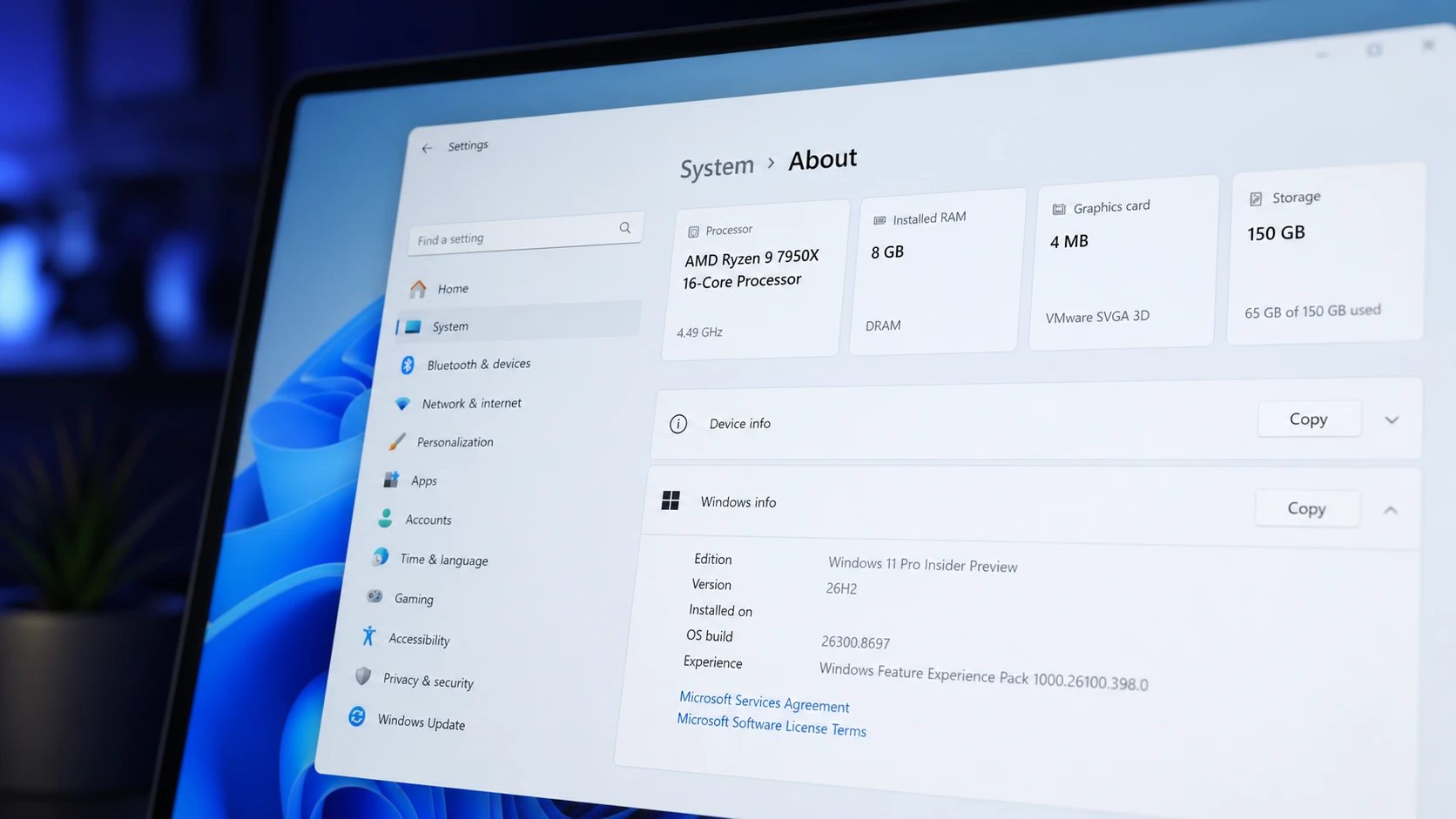
Windows 11 26H2 System Requirements and PC Compatibility
The 2026 update keeps the same minimum specs as 24H2 and 25H2, so most current PCs stay eligible.