
Topic
Windows 11
Windows 11 is Microsoft’s modern PC operating system, built to deliver a refreshed interface, stronger productivity tools, gaming features, enhanced security, and deep integration with services like Copilot. It launched as the successor to Windows 10 and supports a wide range of desktops, laptops, and compatible hardware configurations for work, play, and everyday computing. | Release Date: October 5, 2021 | Developer: Microsoft | Platforms: x86-64 PCs, Arm64 PCs | Genre: Operating System
-
How to Fix Error 0x8050800c in Windows 11
Resolve the 0x8050800c error in Windows 11 by updating system files, removing conflicting antivirus software, and following targeted troubleshooting steps for Microsoft Defender and…
-
How to Fix Update Error 0x80240016 in Windows 11
Resolve Windows Update error 0x80240016 in Windows 11 by following these troubleshooting methods to restore smooth update functionality.
-
How to Fix Error 0x80242022 When Installing Xbox Games on Windows 11
Resolve Error 0x80242022 during Xbox Game Pass installations on Windows 11 by reconnecting drives, adjusting install locations, and troubleshooting hidden files.
-
How to Fix 0x8007OBC2 Update Error in Windows 11
Resolve the 0x8007OBC2 Windows 11 update error with detailed troubleshooting, from running the update troubleshooter to manual installation and advanced repair techniques.
-

How to Fix “An Error Occurred When Applying Attributes to the File” Error in Windows 11
Resolve file access and permission issues in Windows 11 by adjusting ownership, permissions, and encryption settings.
-
How to Fix Laptop Turning Off After Showing Locking Message on Windows 11
Resolve unexpected shutdowns and “locking” messages on Windows 11 laptops by addressing power settings, hardware checks, and system diagnostics.
-

How to Get Rid of the “Save Print Output As” Message When Printing on Windows 11
Clear, comprehensive solutions to stop Windows 11 from prompting you to save a file instead of printing directly to your printer.
-
How to Display a QR Code on Windows 11
Clear instructions for showing and scanning QR codes using built-in Windows 11 tools and browser features.
-
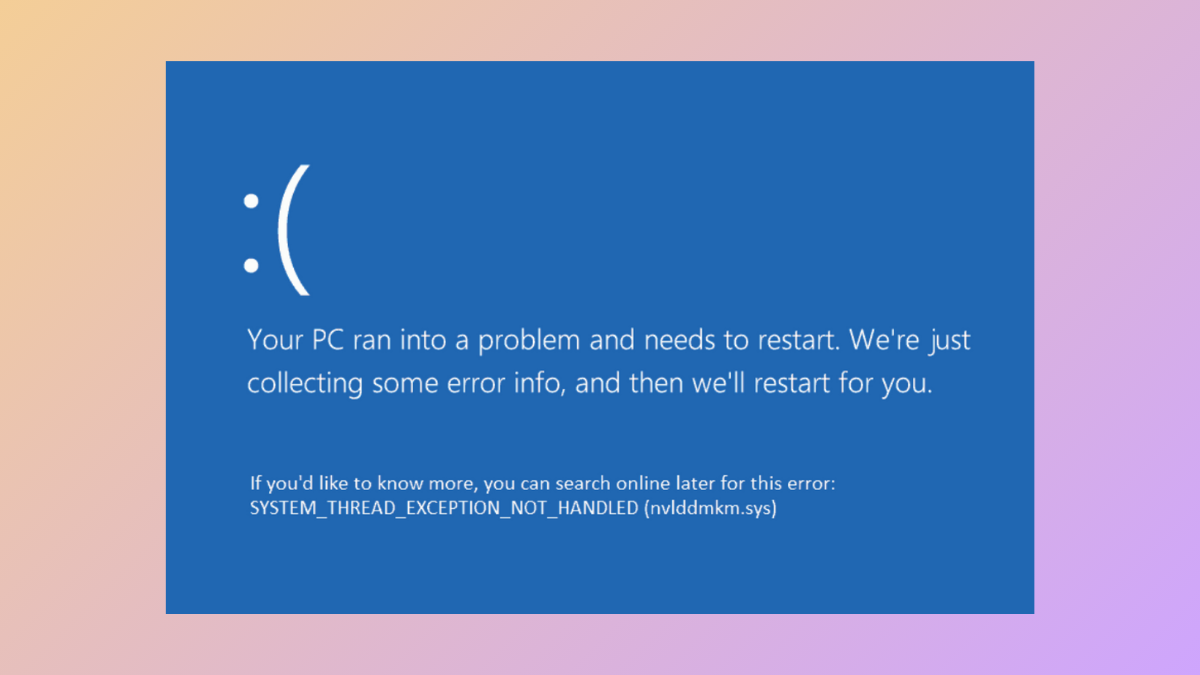
How to Fix the System Thread Exception Not Handled Blue Screen Error on Windows 11
Resolve the “System Thread Exception Not Handled” BSOD in Windows 11 by identifying faulty drivers, repairing system files, and troubleshooting hardware issues.
-
How to Fix the “Windows Could Not Start the WLAN AutoConfig Service” Error in Windows 11
Resolve the WLAN AutoConfig service startup error in Windows 11 with effective solutions to restore Wi-Fi connectivity and system stability.