
Topic
Windows 11
Windows 11 is Microsoft’s modern PC operating system, built to deliver a refreshed interface, stronger productivity tools, gaming features, enhanced security, and deep integration with services like Copilot. It launched as the successor to Windows 10 and supports a wide range of desktops, laptops, and compatible hardware configurations for work, play, and everyday computing. | Release Date: October 5, 2021 | Developer: Microsoft | Platforms: x86-64 PCs, Arm64 PCs | Genre: Operating System
-
Enable or Disable Archive Apps Feature in Windows 11
Learn how to manage the automatic archiving of infrequently used Microsoft Store applications to save storage space on your PC.
-
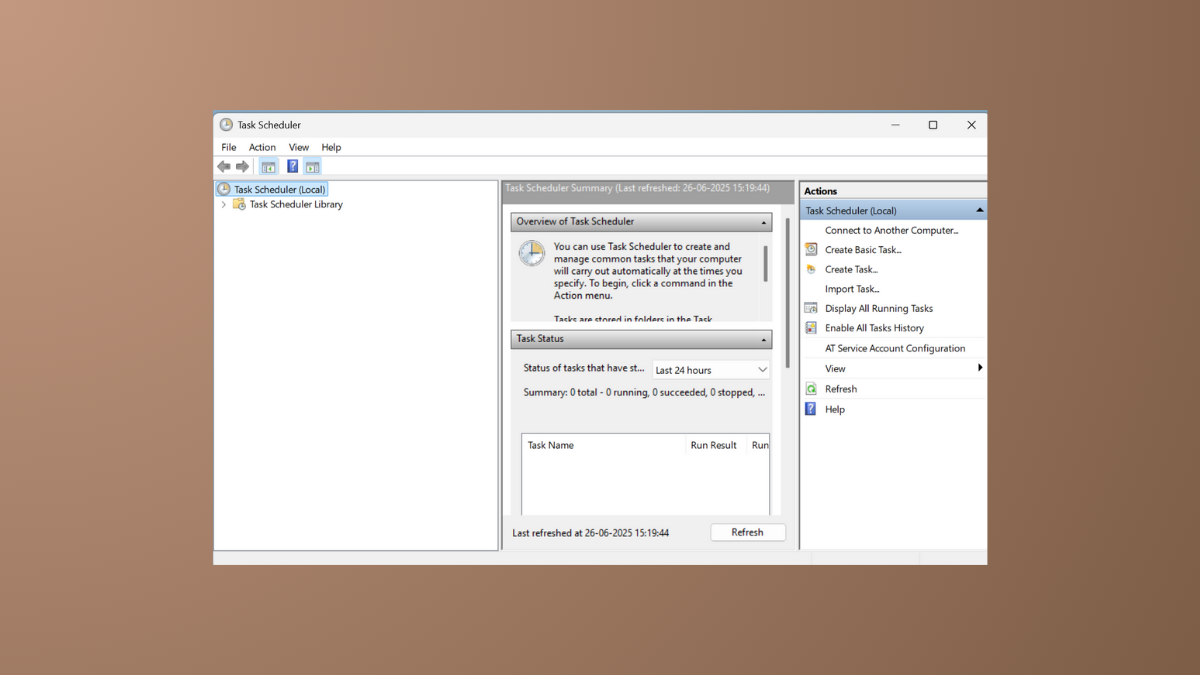
Fix Task Scheduler Not Running or Starting Programs in Windows 11
This guide will help you diagnose and resolve issues with scheduled tasks and the Task Scheduler service on your Windows 11 system.
-
Fix Windows Update Stuck on Downloading in Windows 11
Resolve a stalled Windows 11 update by resetting core components, running troubleshooters, and clearing corrupted files.
-
Fix the Hyper-V Cannot Be Installed Error on Windows 11
This guide addresses issues with both enabling the Hyper-V feature and installing Windows 11 within a virtual machine.
-
Fix the Administrator Account Has Been Disabled Error in Windows 11
Regain access to your system by re-enabling the built-in administrator account using the Windows Recovery Environment, Safe Mode, or the Registry Editor.
-
Fix Microsoft Store Payment Failed Errors in Windows 11
Resolve payment issues by checking your account details, updating the Store app, and adjusting system settings.
-
Fix Gdi32full.dll Missing or Not Found Error on Windows 11
Resolve this graphics-related error by using built-in Windows repair tools, updating drivers, or addressing software conflicts.
-

Fix Mouse Cursor Moving Automatically in Windows 11
Regain control of your pointer by systematically troubleshooting input devices, drivers, and software settings.
-
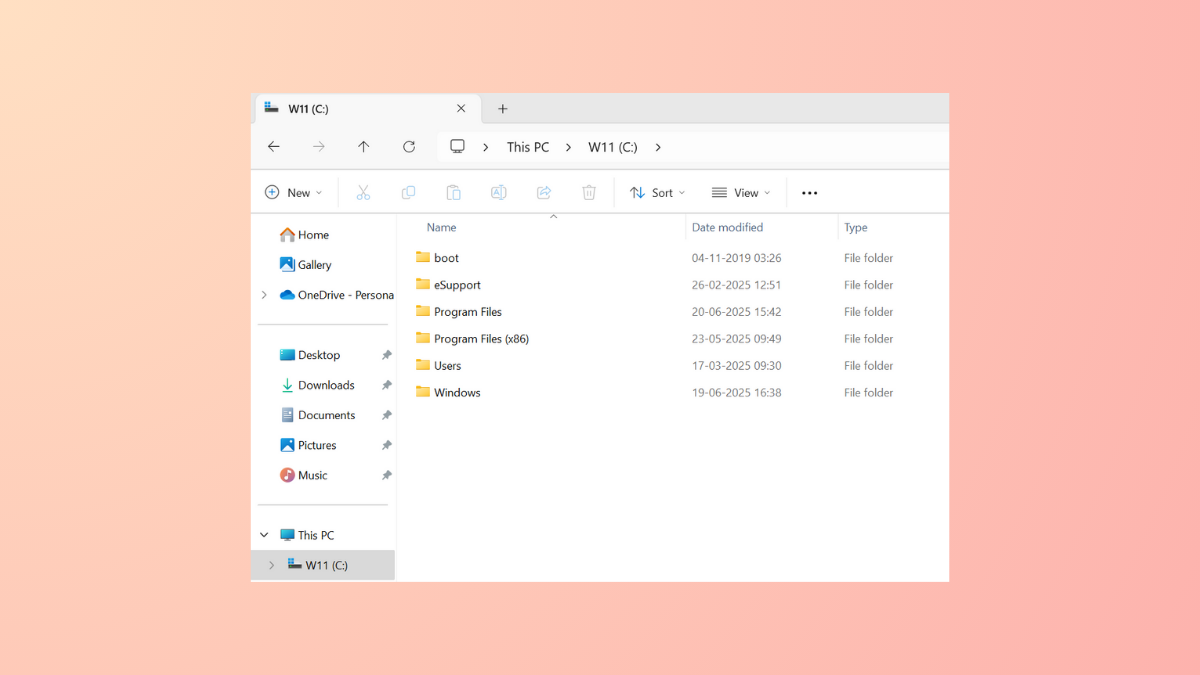
Add or Remove Columns in Windows 11 File Explorer
Tailor the information you see in your folders by adding, removing, or reordering columns to fit your workflow.
-

Fix the Failed to Connect to a Windows Service Error in Windows 11
Restore system functionality by troubleshooting network settings, system services, and corrupted files that cause this common Windows error.