
Topic
Windows 11
Windows 11 is Microsoft’s modern PC operating system, built to deliver a refreshed interface, stronger productivity tools, gaming features, enhanced security, and deep integration with services like Copilot. It launched as the successor to Windows 10 and supports a wide range of desktops, laptops, and compatible hardware configurations for work, play, and everyday computing. | Release Date: October 5, 2021 | Developer: Microsoft | Platforms: x86-64 PCs, Arm64 PCs | Genre: Operating System
-
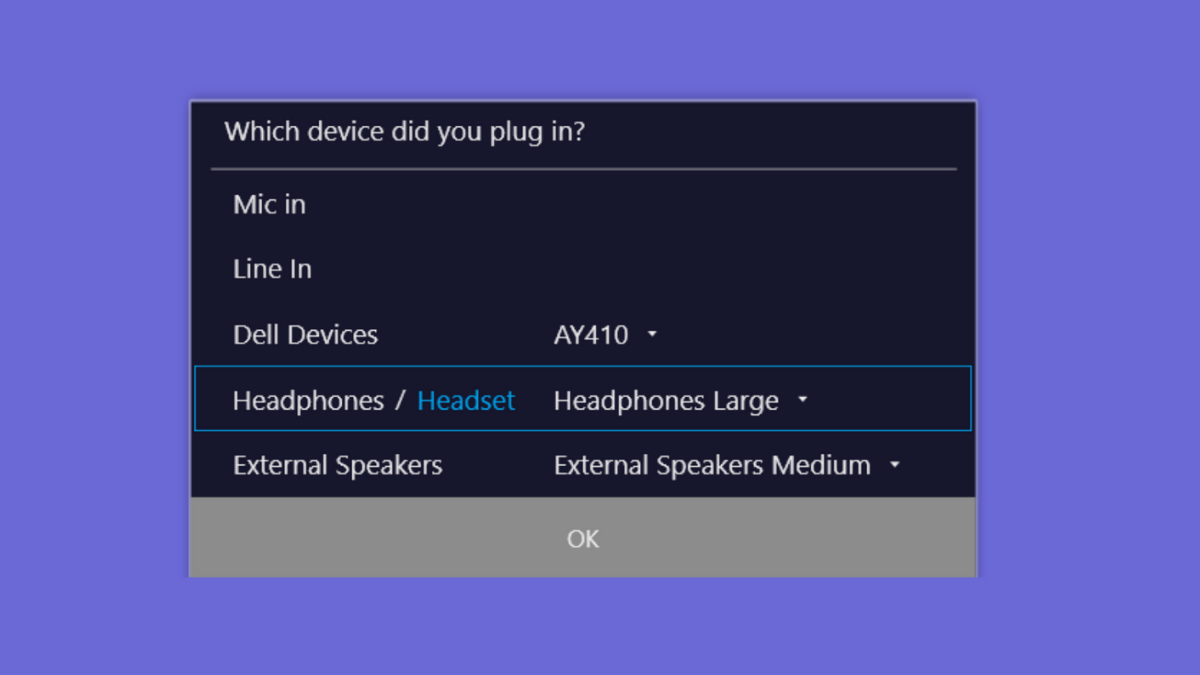
Get Rid Of “Which Device Did You Plug In” Message on Windows 11
Resolve persistent or missing “Which device did you plug in?” pop-ups on Windows 11 by adjusting Realtek Audio Console settings, updating drivers, or restoring…
-
Fix Error 0x800700df in Windows 11
Resolve file transfer failures caused by the “file size exceeds the limit allowed and cannot be saved” error in Windows 11 by adjusting system…
-
Fix Screen Tearing Issues in Windows 11
Resolve screen tearing problems in Windows 11 by adjusting graphics settings, updating drivers, and applying targeted troubleshooting steps.
-
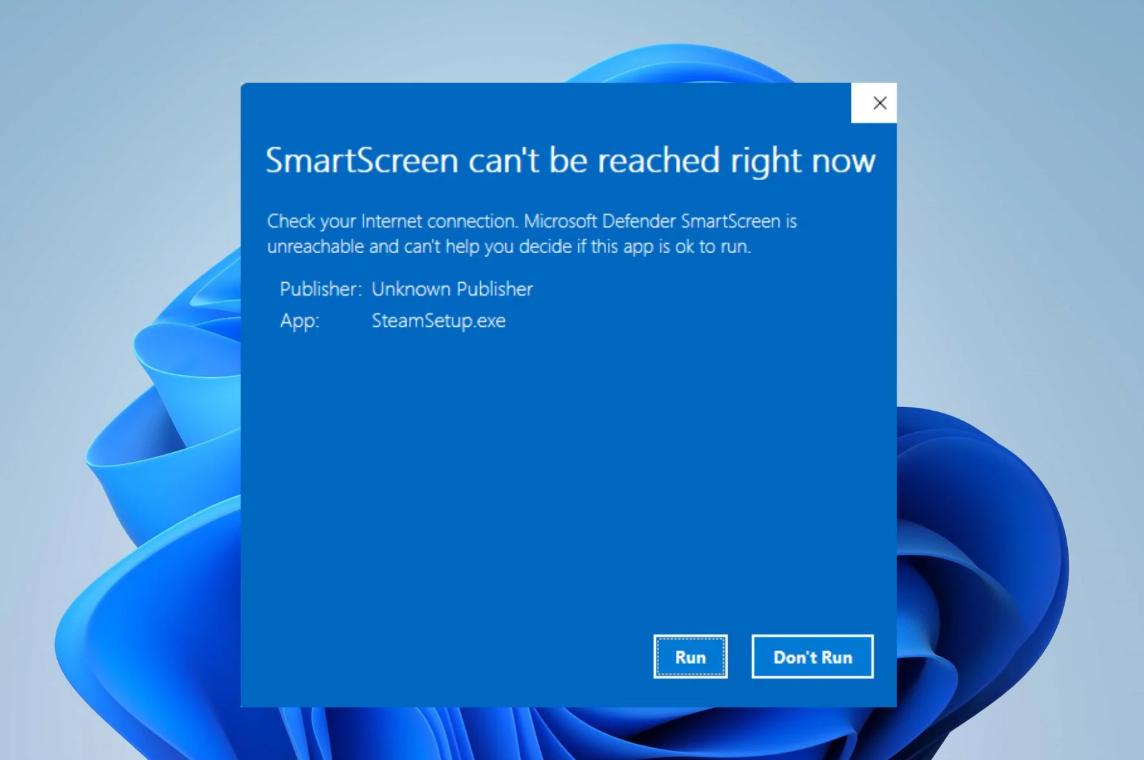
Fix Windows SmartScreen Cannot Be Reached Right Now Error on Windows 11
Resolve the “SmartScreen can’t be reached right now” message in Windows 11 by addressing connectivity, settings, and policy issues to restore real-time app protection.
-
Fix No Such Interface Supported Error in Windows 11
Resolve the “No Such Interface Supported” error in Windows 11 by repairing apps, re-registering DLL files, and addressing system file issues for reliable file…
-
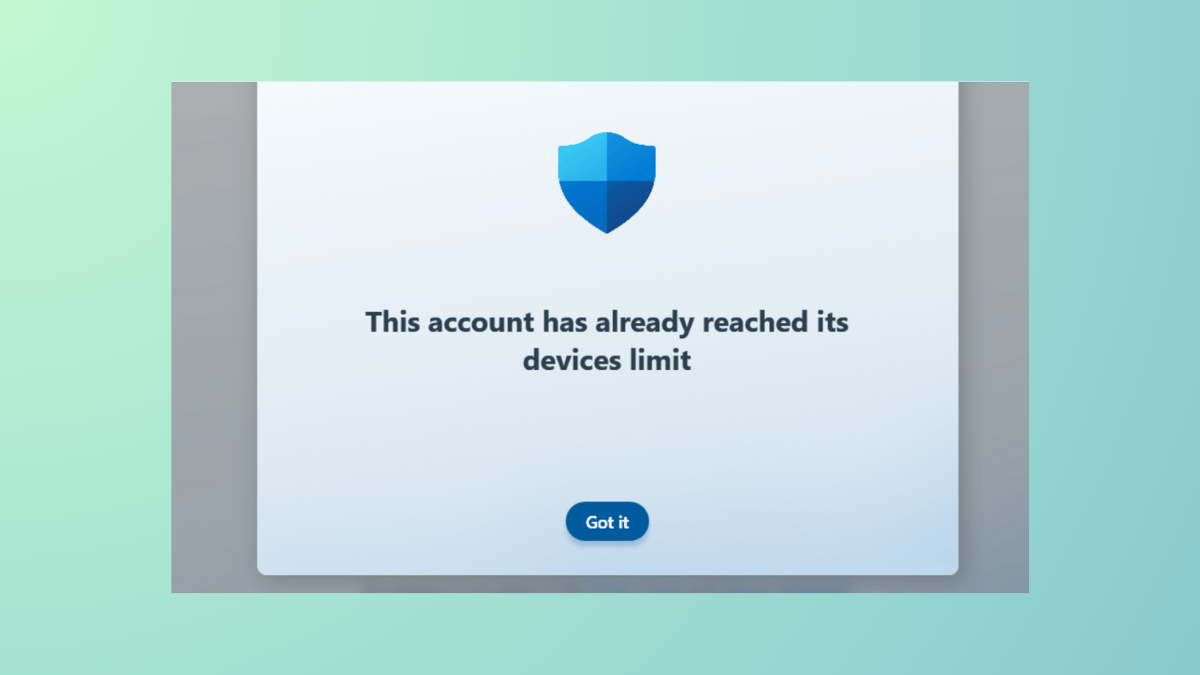
Fix Device Limit Reached for Microsoft Store in Windows 11
Resolve the “device limit reached” error in Microsoft Store on Windows 11 by removing old devices and restoring access to app and game downloads.
-
Turn Off File History in Windows 11
Completely disable File History backups in Windows 11 using Control Panel, Group Policy, or Registry Editor for better system control and resource management.
-
Verify Windows 11 ISO File Hash with PowerShell
Accurately confirm the authenticity and integrity of your Windows 11 ISO download by calculating and comparing its hash value using PowerShell.
-
Fix Windows 11 PC Doesn’t Turn On After Rebooting
Effective solutions for resolving Windows 11 PCs that fail to start after a restart or update, including BIOS updates, fast startup settings, and recovery…
-
Turn On and Use Color Filters for Colorblind People in Windows 11
Enable and adjust color filters in Windows 11 to help users with color vision deficiency distinguish on-screen elements more clearly.