
Topic
Windows 11
Windows 11 is Microsoft’s modern PC operating system, built to deliver a refreshed interface, stronger productivity tools, gaming features, enhanced security, and deep integration with services like Copilot. It launched as the successor to Windows 10 and supports a wide range of desktops, laptops, and compatible hardware configurations for work, play, and everyday computing. | Release Date: October 5, 2021 | Developer: Microsoft | Platforms: x86-64 PCs, Arm64 PCs | Genre: Operating System
-
Turn Cloud Content Search On or Off in Windows 11 Search
Control whether Windows 11 search displays results from cloud services like OneDrive, Outlook, and SharePoint by adjusting cloud content search settings using Windows Settings,…
-
Fix Screen Not Turning Off After Set Time in Windows 11
Resolve display timeout issues in Windows 11 by addressing power settings, device conflicts, and system glitches that prevent your screen from turning off automatically.
-
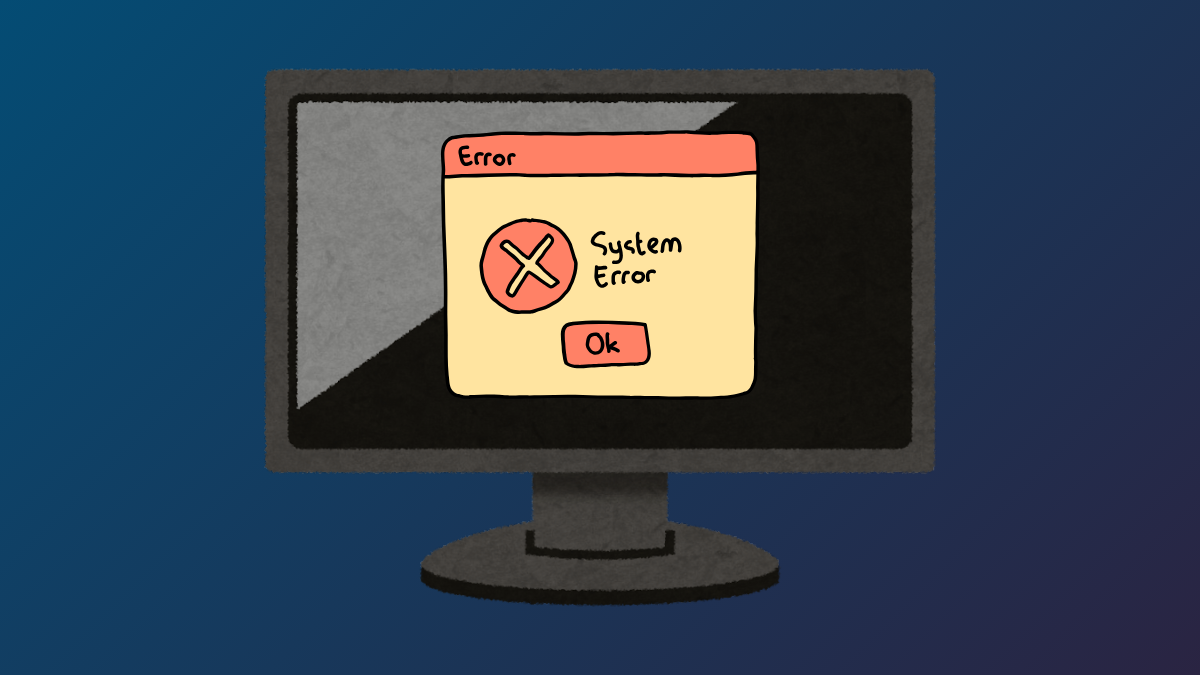
Fix Error 0x80300002 While Installing Windows 11
Resolve Windows 11 installation failure caused by error 0x80300002 using proven steps to address drive partition issues, corrupted installation media, and hardware compatibility problems.
-

Fix PC Does Not Wake Up from Sleep in Windows 11
Follow these comprehensive solutions to resolve issues where your Windows 11 computer fails to wake from sleep mode using the keyboard or mouse.
-
Fix Windows 11 Activation Error 0xC004F200
Resolve Windows 11 activation issues caused by hardware changes or non-genuine license errors using troubleshooting steps and license management.
-
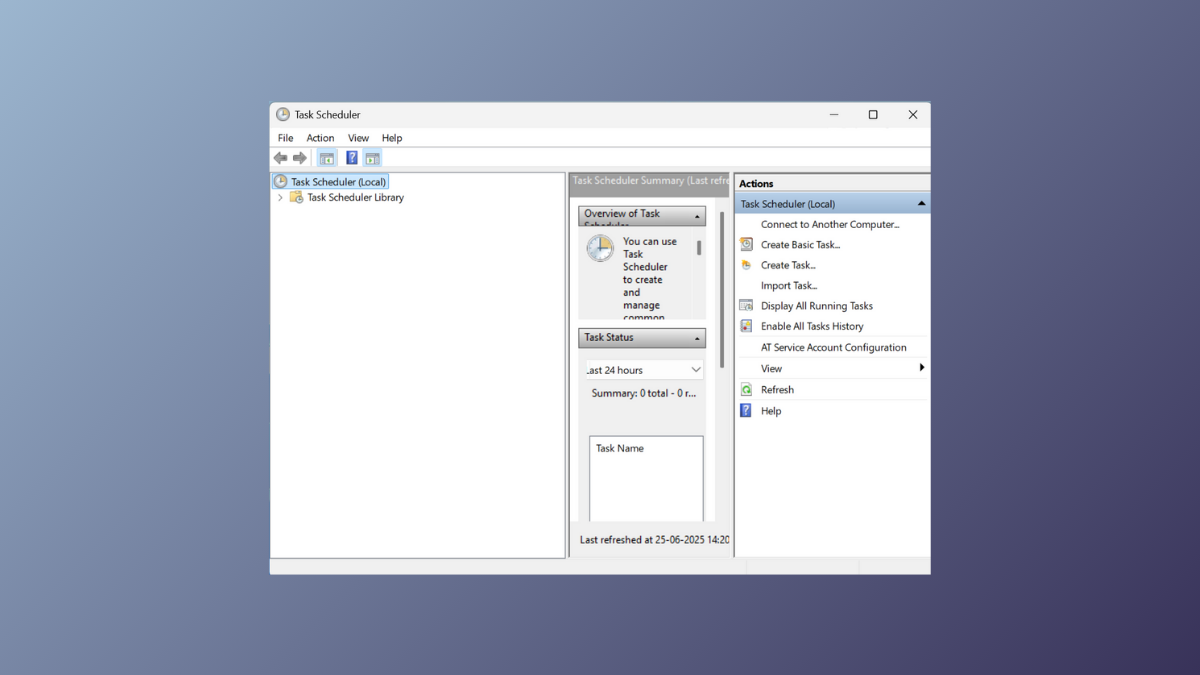
Enable, View, and Clear Task Scheduler History in Windows 11
Learn how to activate, review, and delete Task Scheduler history to monitor and troubleshoot automated tasks on Windows 11.
-
Disable Touchpad When Connecting External Mouse in Windows 11
Automatically turn off your laptop’s touchpad when using a USB or Bluetooth mouse in Windows 11 for smoother, more accurate navigation.
-
Fix the Boot Configuration Data Is Missing from Your Computer Error
Resolve Windows startup failures caused by missing or corrupted Boot Configuration Data (BCD) files with effective repair methods and data recovery options.
-
Show or Restore Microsoft Print to PDF Printer in Windows 11
Get Microsoft Print to PDF working again in Windows 11 by addressing missing drivers, fixing installation errors, and restoring the printer using detailed methods.
-
Delete Files and Folders Using Command Prompt in Windows 11
Quickly remove files and directories in Windows 11 using Command Prompt commands to speed up mass deletions and bypass common system limitations.