
Topic
Windows
Windows is Microsoft’s long-running graphical operating system family for personal computers, known for broad hardware support, a massive software library, and deep compatibility across productivity, creative, and gaming use cases. First launched as a graphical shell for MS-DOS, it evolved into the dominant PC platform and a core destination for modern PC gaming through DirectX and widespread developer support. | Release Date: November 20, 1985 | Developer: Microsoft | Platforms: PC | Genre: Ope
-
How to Enable or Disable Xbox App Starting Automatically in Windows 11
Learn proven methods to control whether the Xbox app launches at startup on Windows 11, including using app settings, Task Manager, and advanced system…
-
Shut Down Hidden Windows Services That Make Your System Slower
Identify and disable unnecessary Windows background services to reduce CPU and memory usage, leading to a faster and more responsive PC.
-
Check If Your PC Has a Vulnerable TPM or Secure Boot Issue
Identify, verify, and resolve Trusted Platform Module (TPM) and Secure Boot vulnerabilities to meet Windows 11 security requirements and protect your system from threats.
-
Turn Off Telemetry and Tracking Features in Windows
Reduce data collection and tracking in Windows by adjusting system settings, using built-in tools, and applying advanced privacy controls.
-
Use Windows Package Manager (winget) for Bulk App Installations
Accelerate new PC setups and system refreshes by installing multiple applications at once with Windows Package Manager (winget).
-
Repair Broken Microsoft Store Apps After a System Upgrade
Resolve persistent Microsoft Store app issues following a Windows system upgrade or restore with targeted troubleshooting and repair steps.
-
Resolve High CPU Usage Caused by Windows Processes
Identify and fix persistent high CPU usage from Windows system and background processes with practical troubleshooting steps and targeted solutions.
-
Manage Files When Dual-Booting Windows and Linux
Practical methods for sharing and managing files across Windows and Linux in a dual-boot setup, including clear instructions and key compatibility tips.
-
Check Whether Monitoring Software Is Installed on Your PC
Learn the most effective methods to identify and confirm the presence of monitoring software on your Windows or Mac computer, protecting your privacy and…
-
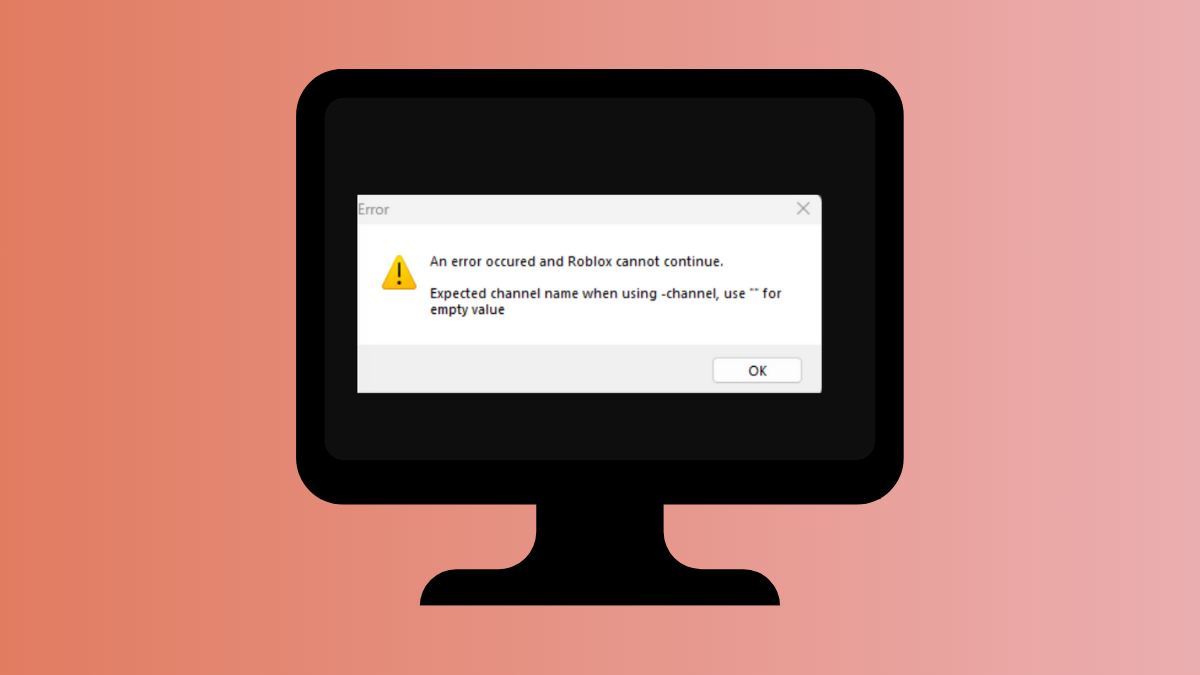
Resolve Roblox Secure Channel Support (0x8007sd7d) Error in Windows
Address the Secure Channel Support (0x8007sd7d) error in Roblox on Windows by updating system security protocols and troubleshooting network settings.