
Topic
Windows
Windows is Microsoft’s long-running graphical operating system family for personal computers, known for broad hardware support, a massive software library, and deep compatibility across productivity, creative, and gaming use cases. First launched as a graphical shell for MS-DOS, it evolved into the dominant PC platform and a core destination for modern PC gaming through DirectX and widespread developer support. | Release Date: November 20, 1985 | Developer: Microsoft | Platforms: PC | Genre: Ope
-
Resolve DHCP Server Authorization Permissions Issue
Fix DHCP server authorization problems by adjusting permissions and verifying Active Directory configuration.
-
Fix Robocopy Stuck on ERROR 3 When Accessing Destination Directory
Resolve “The system cannot find the path specified” by troubleshooting Robocopy destination directory errors and ensuring smooth file transfers.
-
Transfer Everything Between Two Windows Machines
Move all your files, applications, and settings from one Windows computer to another with multiple methods for a seamless transition.
-
Automatically Backup Files to External Hard Drive
Set up reliable, scheduled backups to an external hard drive and safeguard important files from data loss or hardware failure.
-

Disable WorkloadsSessionHost in Windows Environments
Detailed instructions to identify WorkloadsSessionHost and prevent it from running on your system.
-

Turn Off Device Default Effects in Sound Always On at Boot
Resolve persistent audio effects that activate automatically on system startup by disabling Device Default Effects in your sound settings.
-
Enable BitLocker Pre-Boot PIN on Devices Already Encrypted with TPM-Only
Add a pre-boot PIN to strengthen security for systems where BitLocker encryption was previously set up using only the TPM.
-
Resolve Clipboard “Used by Another Application” Error
Free up clipboard access and restore normal copy-paste functionality when Windows reports the clipboard is being used by another application.
-
Set Up Automatic Log-In from Power On with Fingerprint
Configure your device to skip password entry and log in directly from startup using your fingerprint sensor.
-
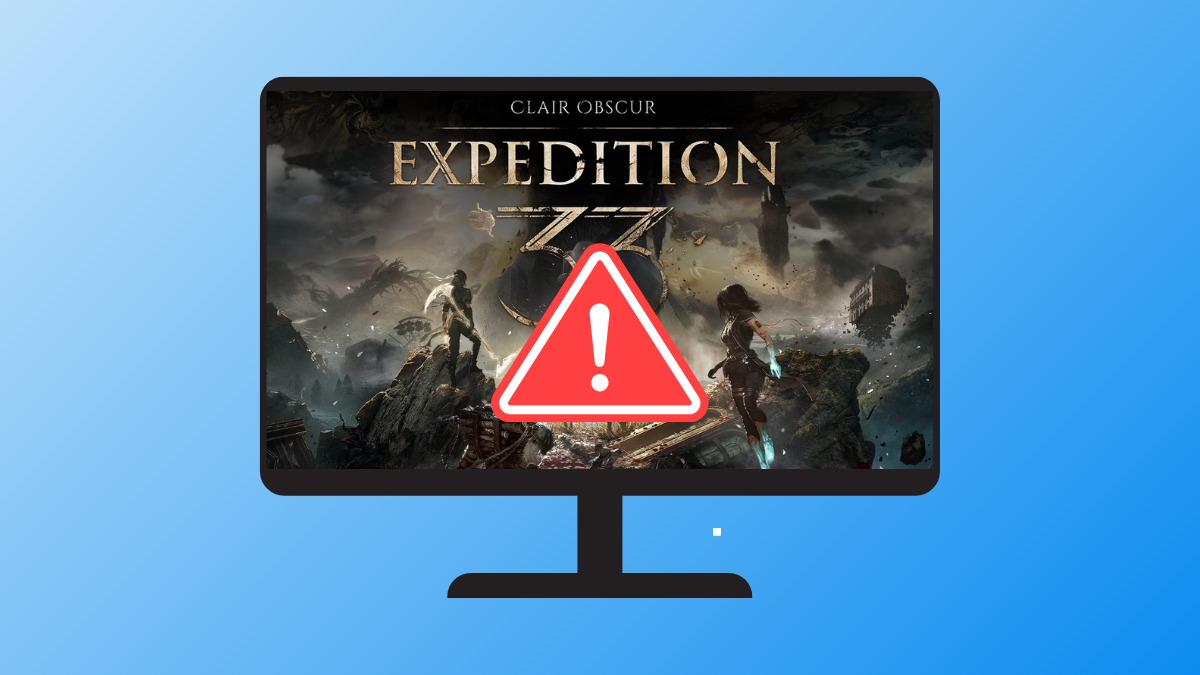
Fix Fatal Error or LowLevelFatalError When Launching Clair Obscur: Expedition 33
Resolve startup crashes and Unreal Engine errors in Clair Obscur: Expedition 33 with proven solutions for PC players.