
Topic
Windows
Windows is Microsoft’s long-running graphical operating system family for personal computers, known for broad hardware support, a massive software library, and deep compatibility across productivity, creative, and gaming use cases. First launched as a graphical shell for MS-DOS, it evolved into the dominant PC platform and a core destination for modern PC gaming through DirectX and widespread developer support. | Release Date: November 20, 1985 | Developer: Microsoft | Platforms: PC | Genre: Ope
-
Make Windows Taskbar Completely Black
Set your Windows taskbar to a solid black color using built-in settings and alternative methods for a consistent, distraction-free desktop appearance.
-

Use 3rd Party Software for Tagging Folders
Organize and locate your folders quickly by applying custom tags with third-party software solutions.
-

Make Right Earphone Louder Than Left One
Adjust audio balance and troubleshoot hardware issues to increase the volume in your right earphone compared to the left.
-

Remove Disabled Apps from Startup Menu
Clear out disabled programs from your Windows Startup menu to streamline boot times and keep your system organized.
-

Enable or Disable Startup Apps for Maximum Performance
Learn which startup applications to manage and how to configure them to optimize your system’s speed and responsiveness.
-

Install Apps From Microsoft Store With Windows Update Disabled or Corrupted Microsoft Store
Resolve app installation issues when Windows Update is disabled or the Microsoft Store is not working by following alternative installation methods.
-

Disable EFS Encryption for Every Active Directory User via Group Policy
Prevent users from encrypting files with Encrypting File System (EFS) across your organization by configuring Group Policy settings in Active Directory.
-

Resolve Read Access Denied on System Volume Information Directory for Web Deploy When Running as Administrator
Address permission errors on the System Volume Information directory during Web Deploy operations, even when using administrative privileges.
-
Resolve Mac Ventura Can’t Access Symlinked Folders on Network File Share Hosted by Windows Server 2016
Fix issues with Mac Ventura failing to open or display symlinked directories on SMB shares from Windows Server 2016.
-
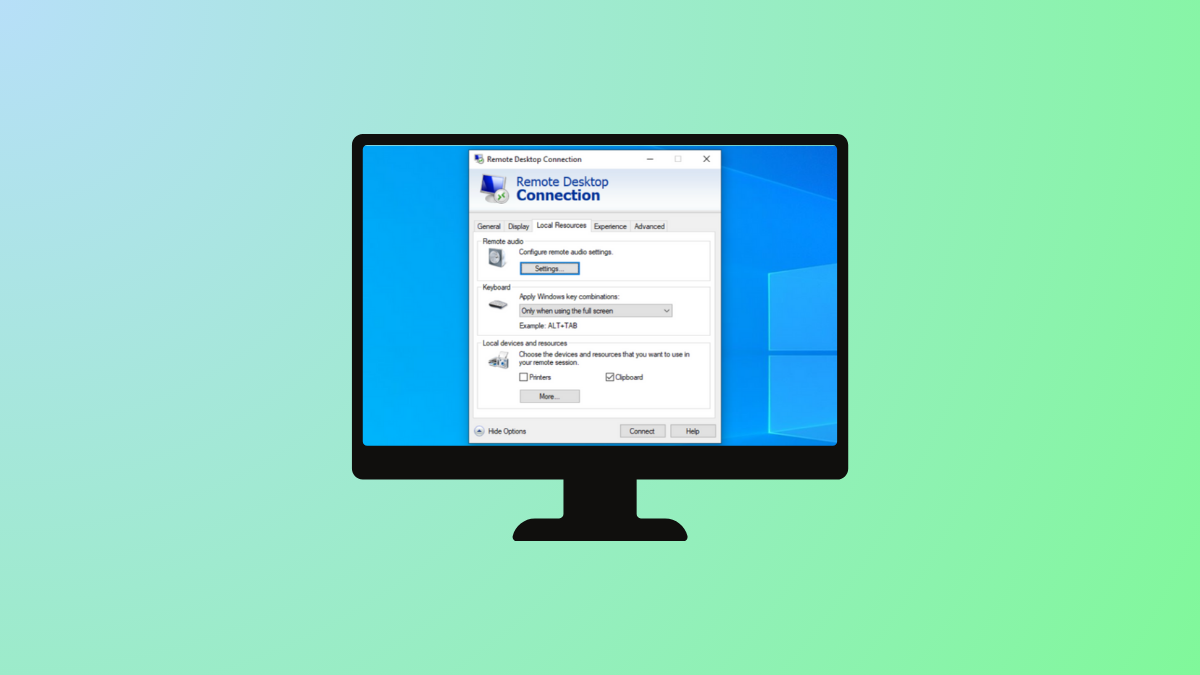
Identify Windows RDP Client Credential Source
Pinpoint the origin of stored credentials that the Windows Remote Desktop Protocol (RDP) client automatically uses during connections.