
Instructional, step-by-step articles.
Content Type: How-To
-

How to Build Coppelia in Reverse 1999 (Skills, Psychubes, Teams)
A complete look at Coppelia’s Conduit kit, The Silent Anthem psychube, Insight upgrades, and the teammates who use her Energy.
-
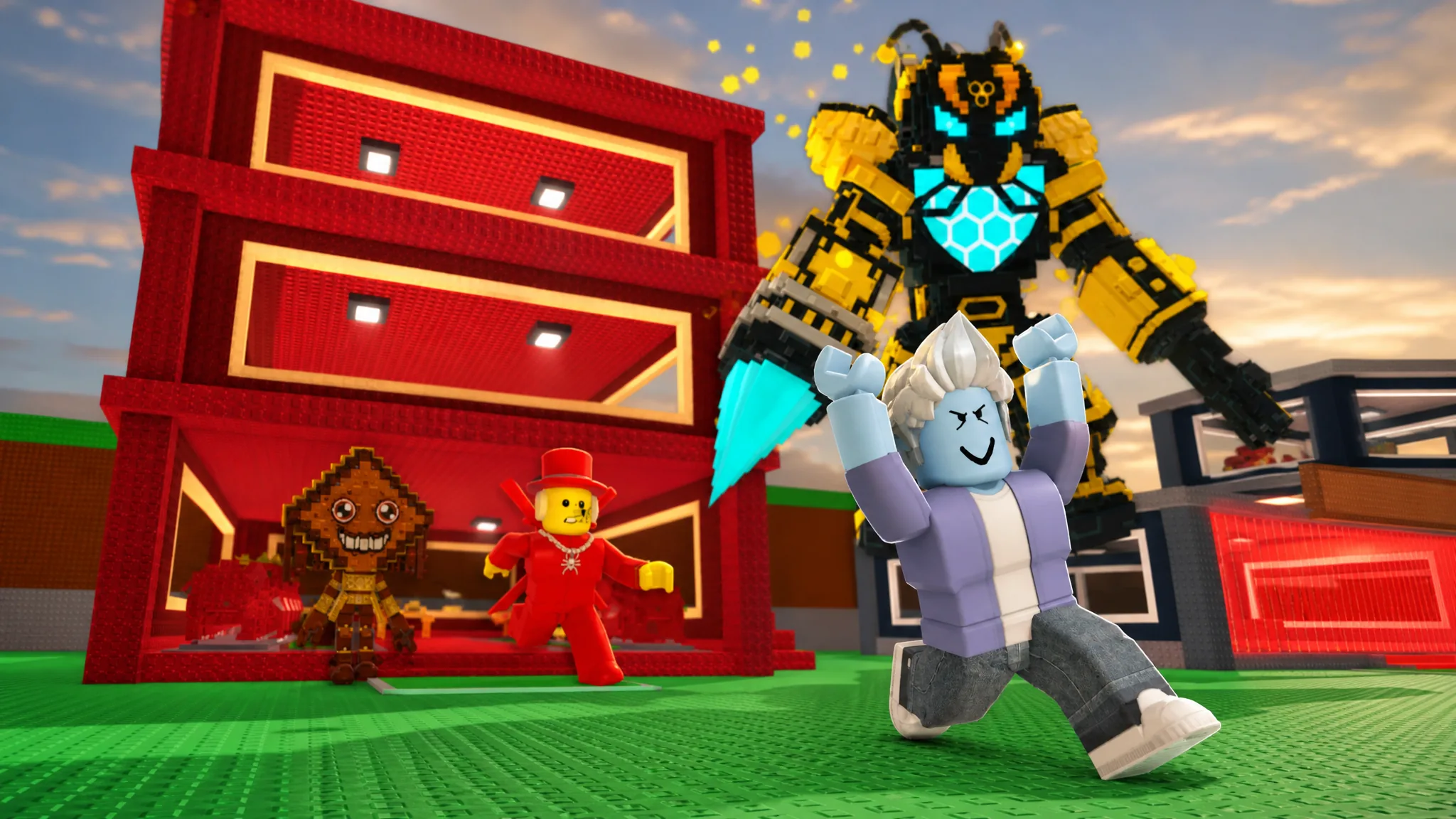
How to Get Peschito Machito in Steal a Brainrot
The Update 61 Secret anglerfish costs $2.8 billion and pays out $19 million per second once it’s in your base.
-
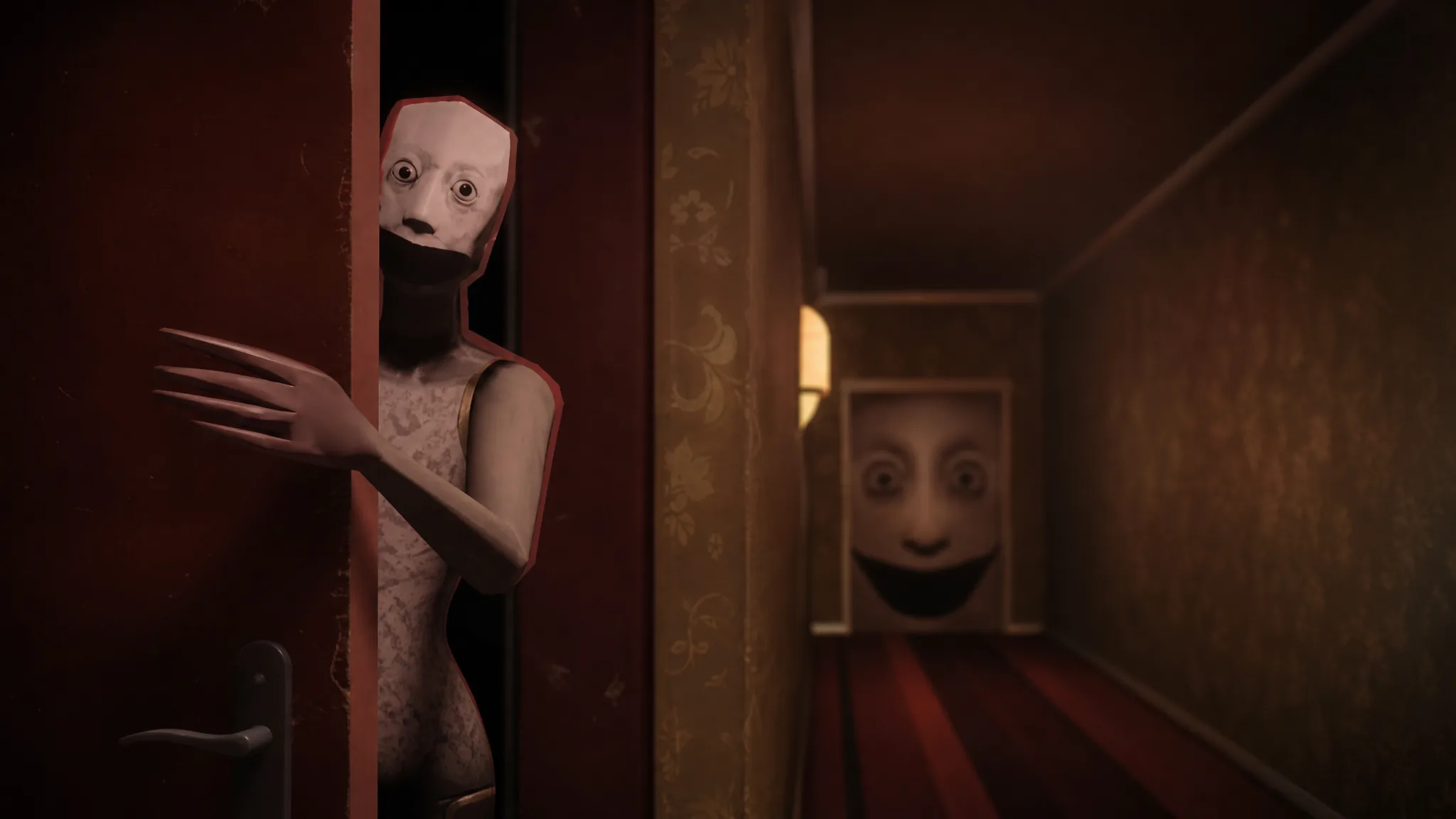
Keep the Door Locked (Anomaly): How to Get the Hallway Ending
Survive ten nights, accept the manager’s key, and clear the Door Breaker chase to earn the Ending 1 badge and 15,000 Cash.
-

Pokémon Pokopia: How to Complete the Fetching Scales for Feebas Event
Collect Prism Scales on Dream Islands, buy the right furniture, and build two beach habitats to move in Feebas and Milotic.
-
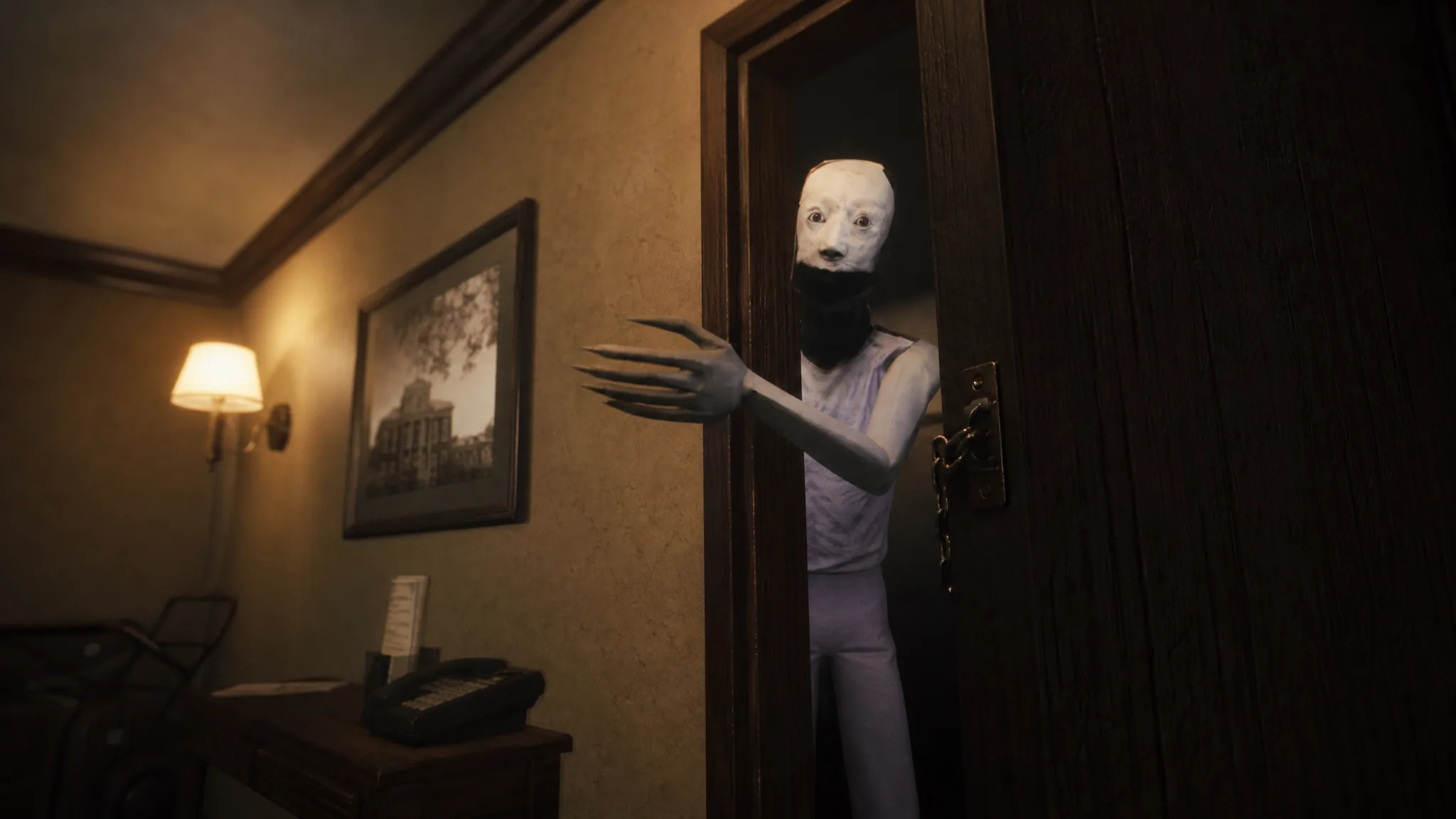
Keep the Door Locked (Anomaly): How to Get the Ritual Ending
The exact choices on Night 10 that hand you the Weird Granny key, the forbidden door, and the Ending 3 badge.
-
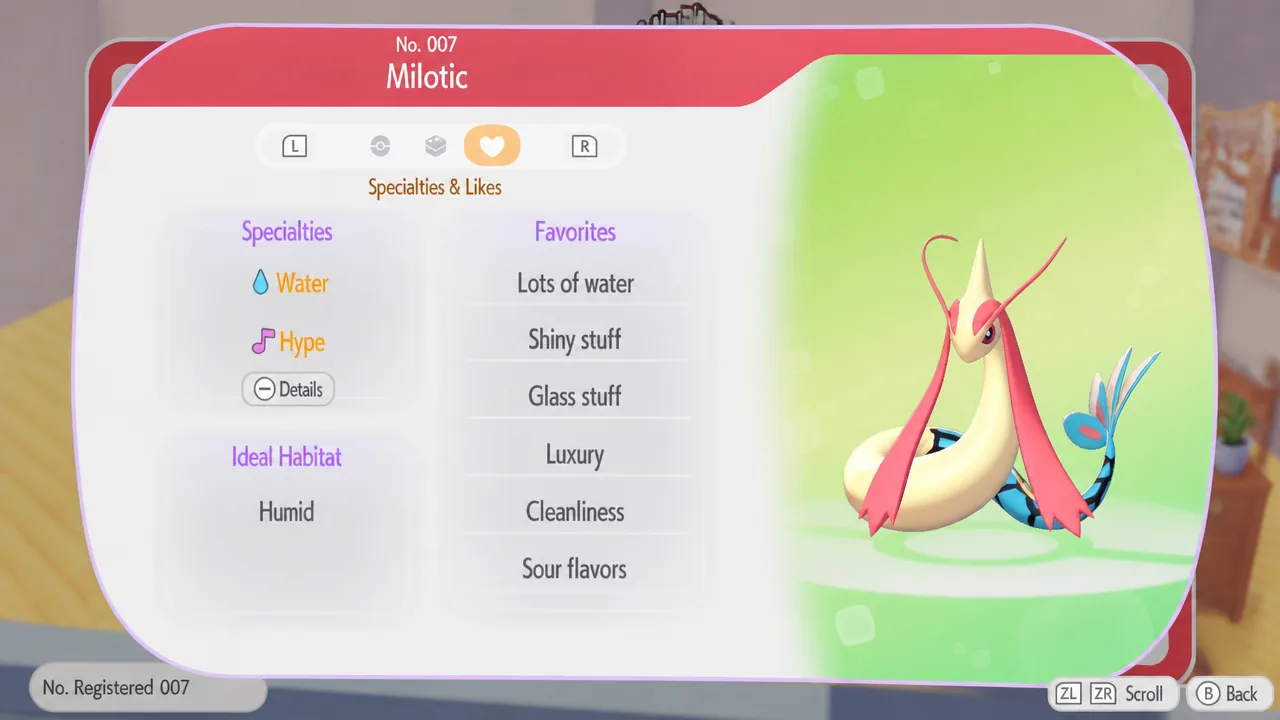
How to Build the Marine Leisure Activities Habitat for Milotic in Pokémon Pokopia
Collect the right furniture from the Feebas event, arrange the habitat, and Milotic moves into town.
-
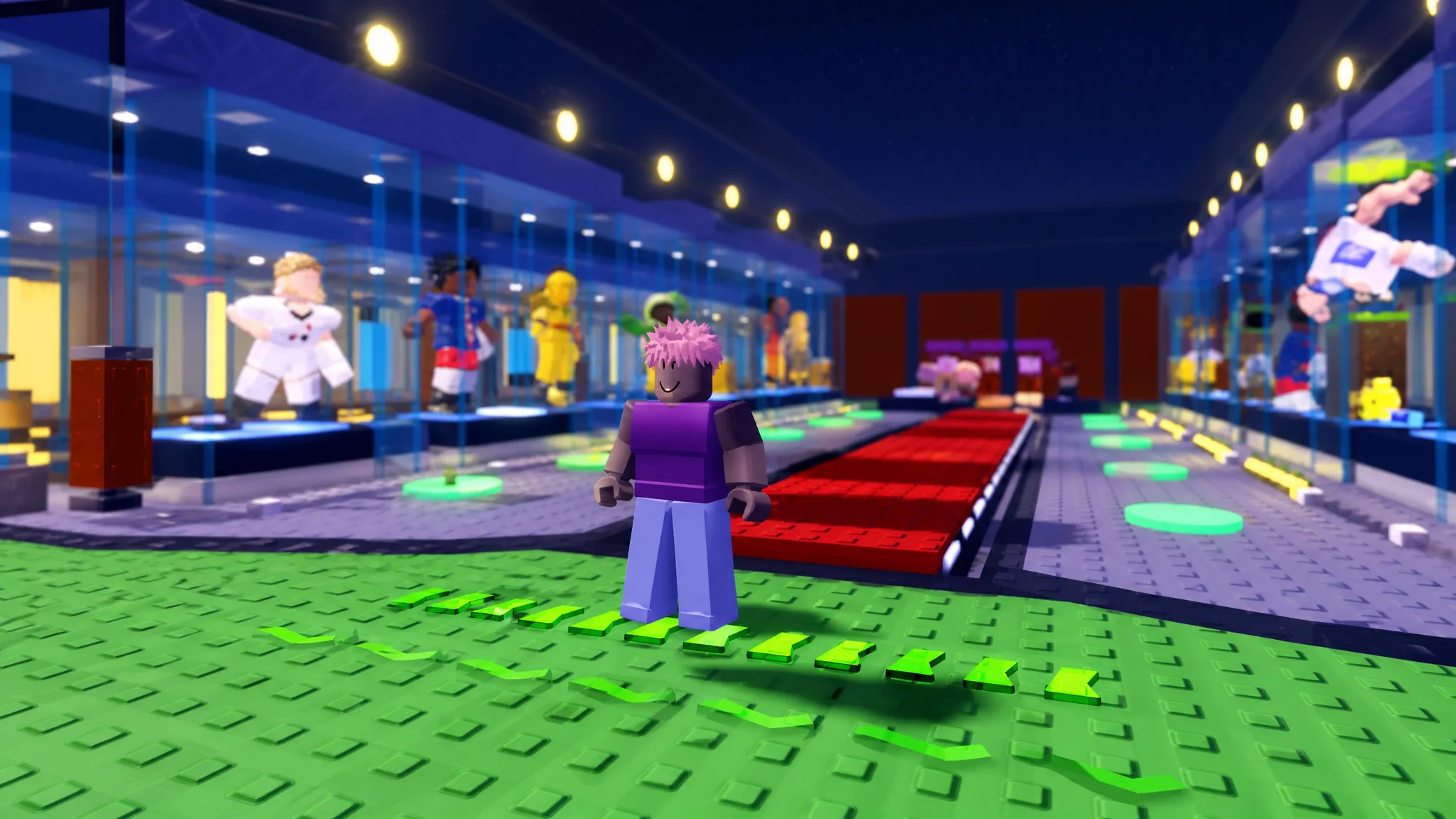
Jump to Steal Soccer Players Mutations: How to Get All 9
Every mutation, its money multiplier, and the exact Lucky Block that gives you the best odds.
-

How to Play Goat Simulator 3 Free on Google Play Pass
Subscribers can install the full chaos sandbox on Android with every seasonal update included at no extra charge.
-
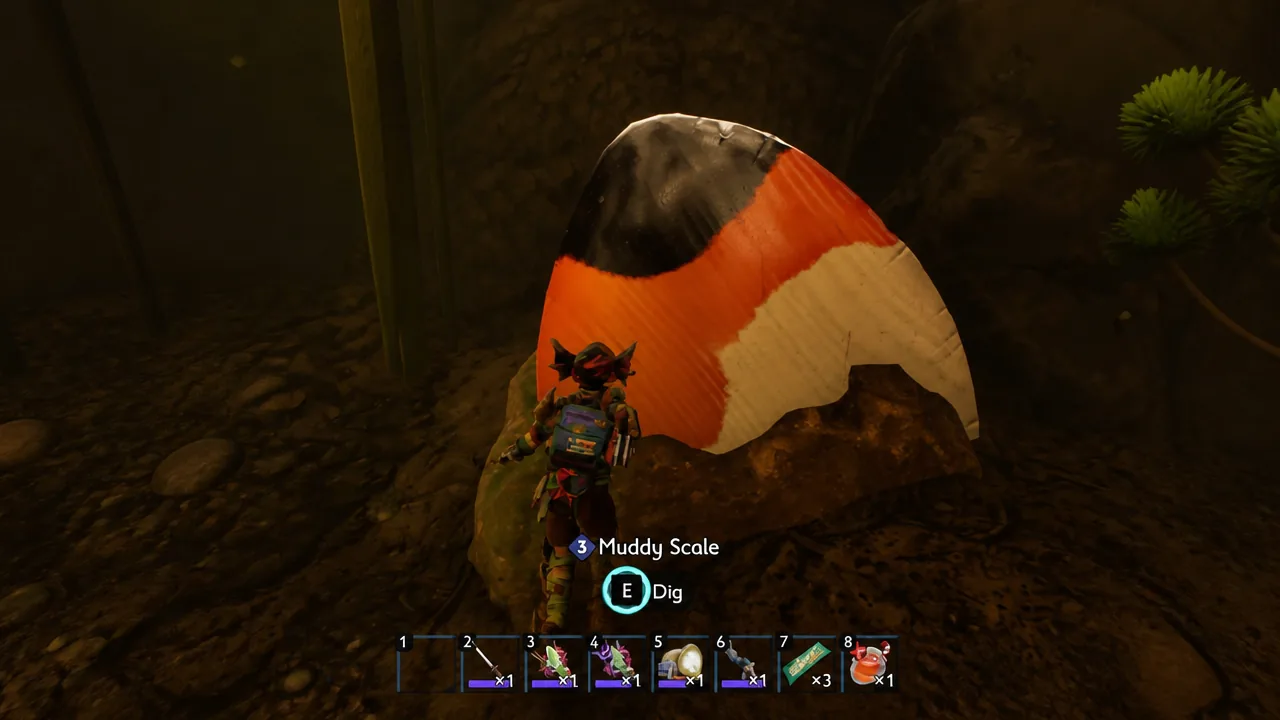
Grounded 2: How to Get Koi Fish Scales in Into the Abyss
Everything you need to dive Skunk Pond, farm Koi Fish Scales safely, and craft the full Koi Scale armor set.
-

How to Turn Off Genshin Impact Player Messages and Ice Constructs in Snezhnaya
Disable the Eye of Graeae’s incoming signs, then clear the ones already scattered across your Snezhnaya map.