
Instructional, step-by-step articles.
Content Type: How-To
-
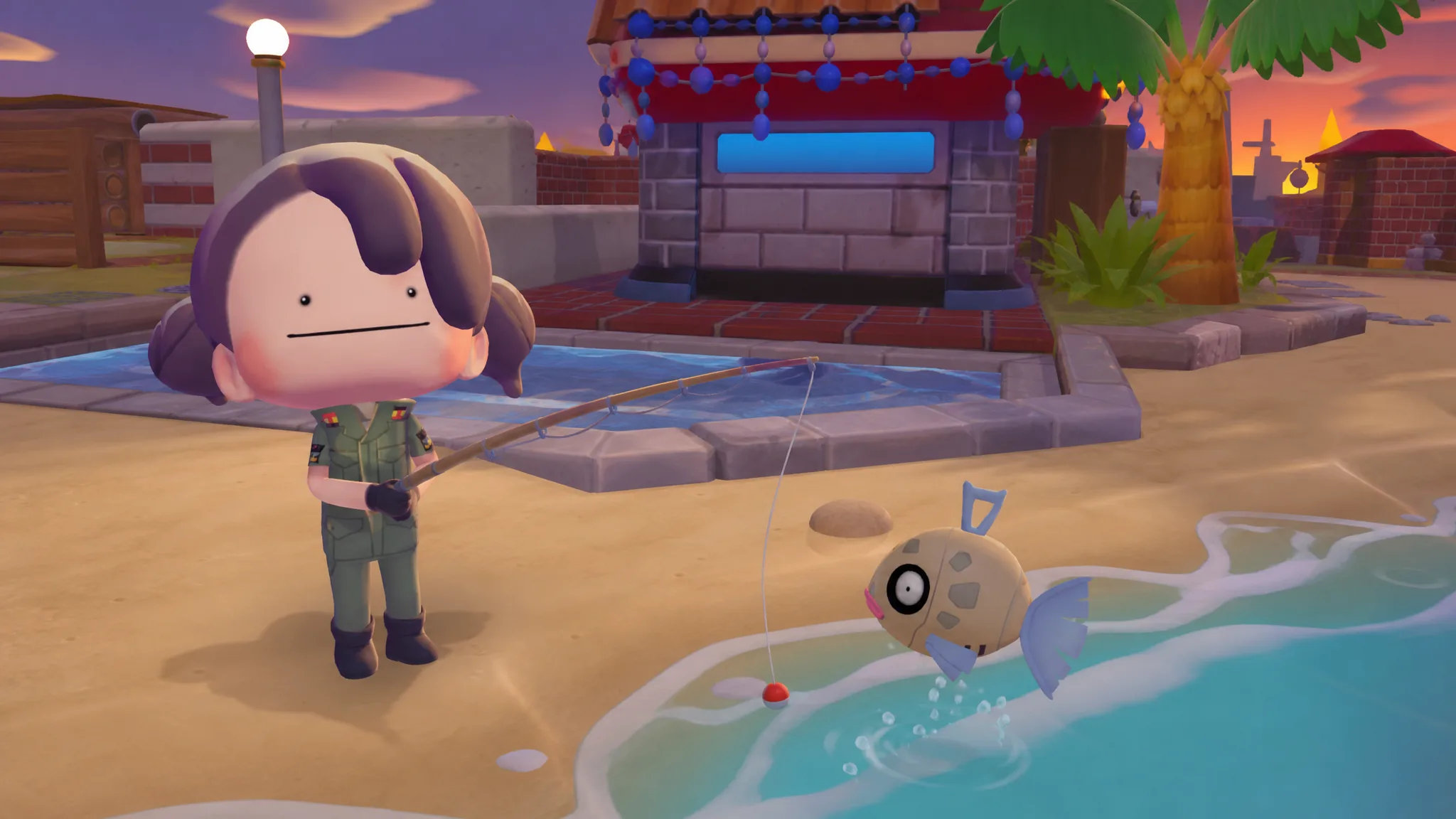
Pokopia: How to Make the Exciting Beach Habitat for Feebas
The two furniture pieces you need, where the Prism Scales come from, and how Feebas moves in once the event wraps.
-
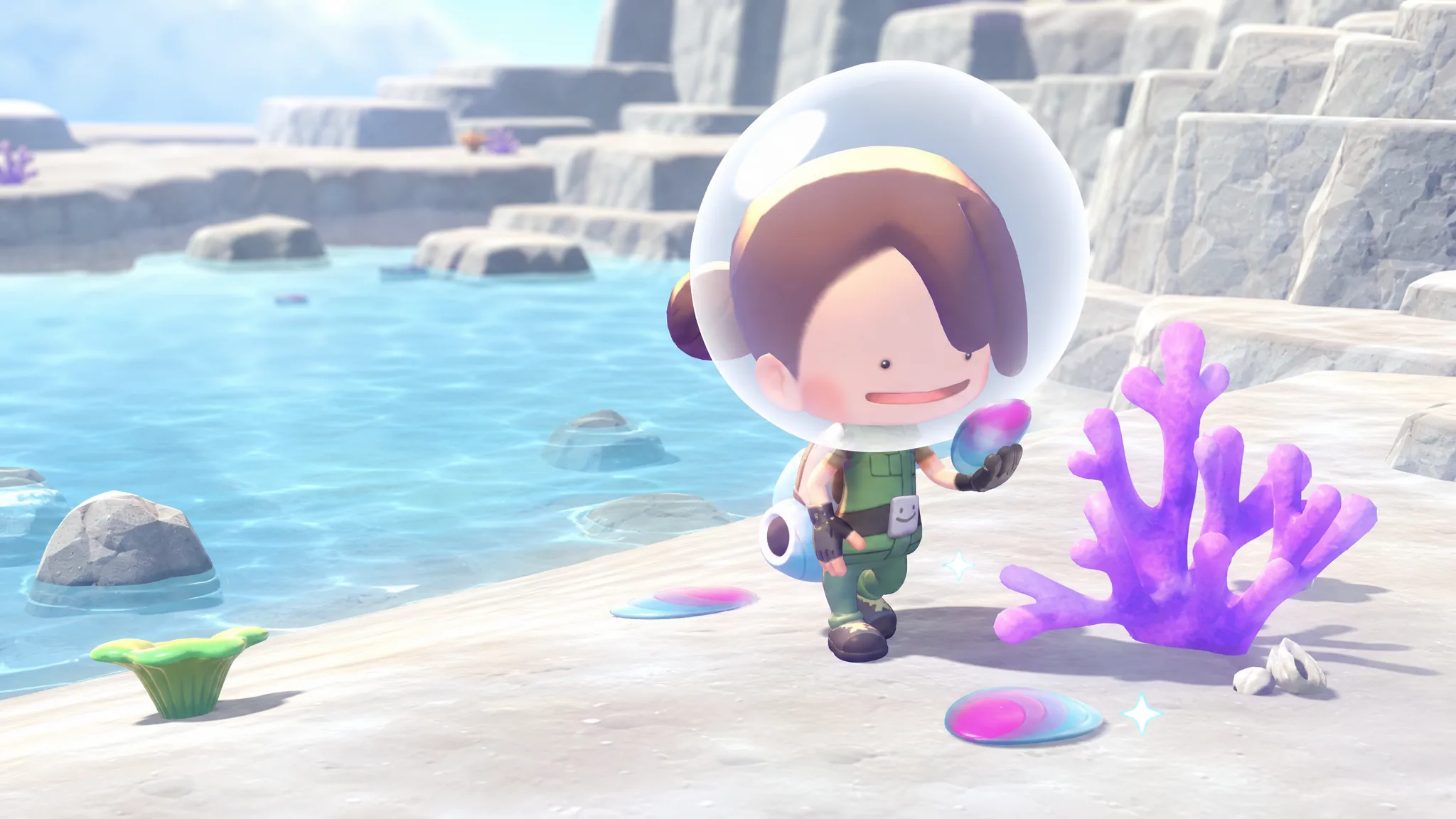
Pokémon Pokopia: How to Get Prism Scales (Fetching Scales for Feebas)
Where Prism Scales spawn, which Dream Island drops the most, and the exact costs to unlock every Feebas event reward.
-

Helldivers 2 Castellan’s Creed: How to Get Both Warhammer 40K Armor Sets
Both TG-122 Demo-Trooper and TG-8 Sharpshooter share the same passive and unlock inside one 1,500 Super Credit Warbond.
-

The Coiled Isle: How to Fast Travel There in WoW Midnight
The housing portal and the Arcatina Key both drop you onto the island in seconds once the zone is unlocked.
-
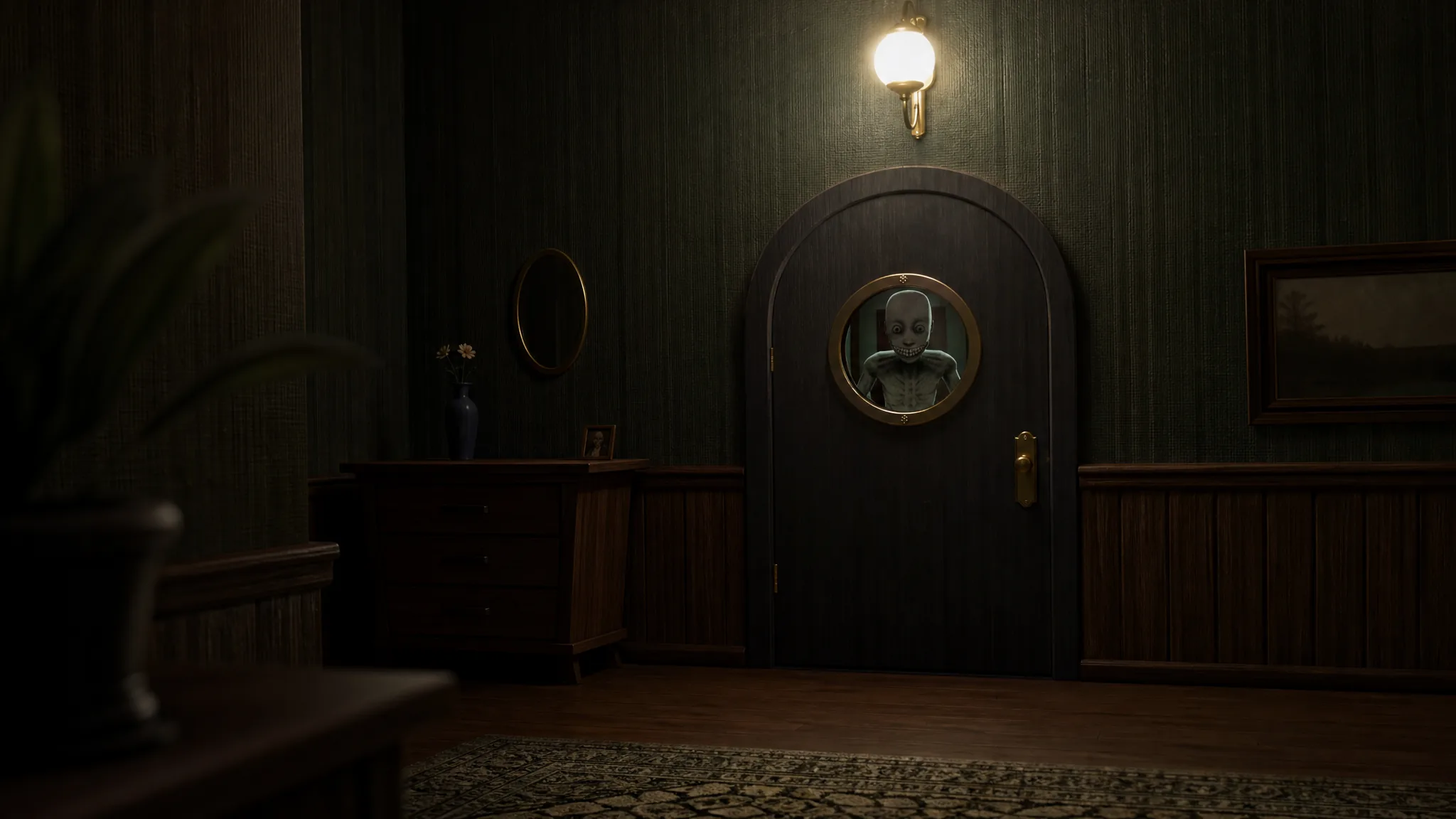
Keep the Door Locked: How to Get All Four Endings
Exact triggers, doors, and rewards for The Hallway, The Truth, The Ritual, and Escape Route in Story mode.
-
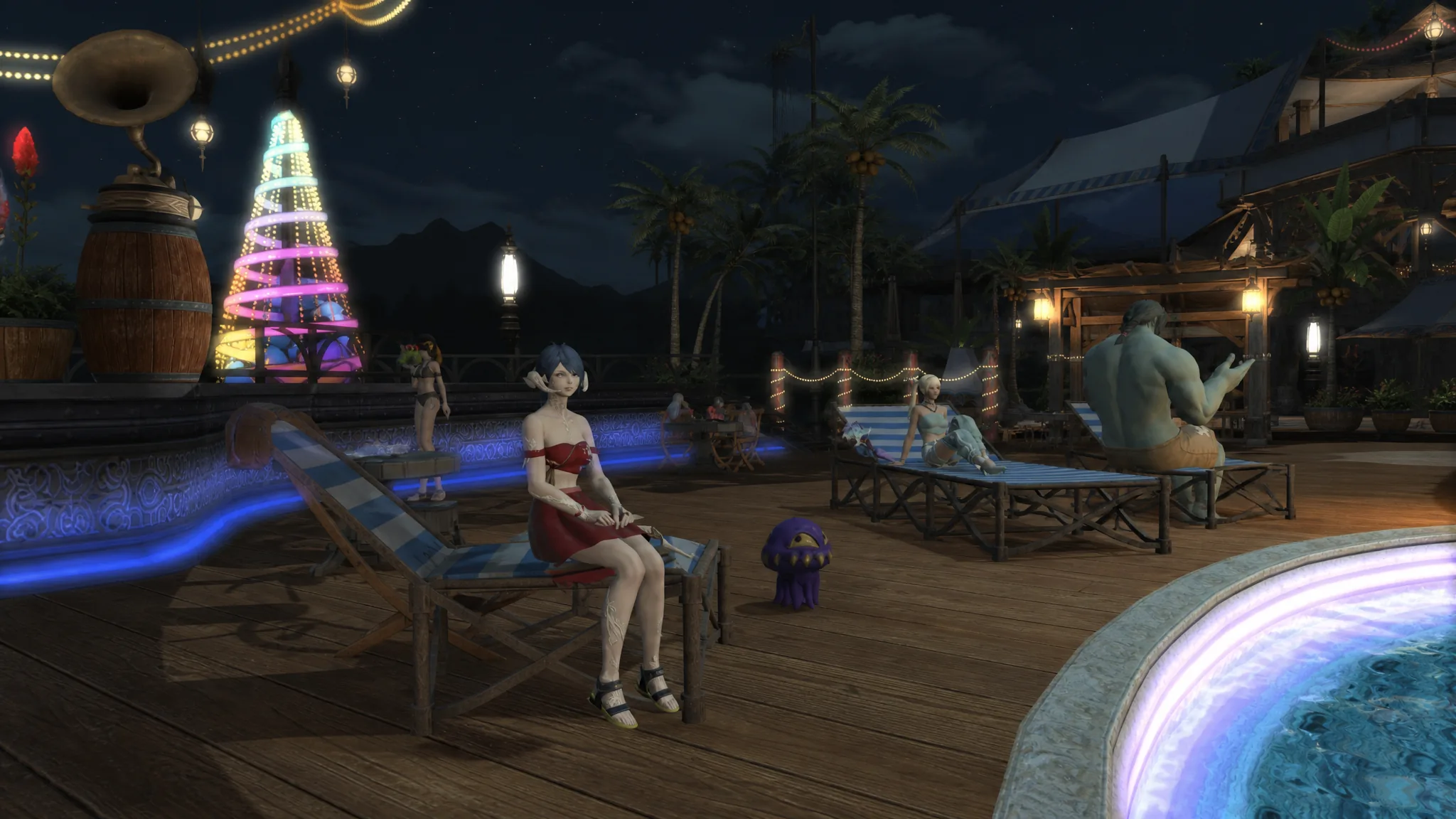
How to Get the Best Swimsuits in Final Fantasy XIV
Five standout beach outfits you can still unlock through vendors, a dungeon, crafting, or a cheap store purchase.
-

Keep the Door Locked: How to Spot Anomalies and Survive Each Night
Check the security feed, deny anything off-model, and keep your Sanity Meter from hitting zero to reach the ending.
-
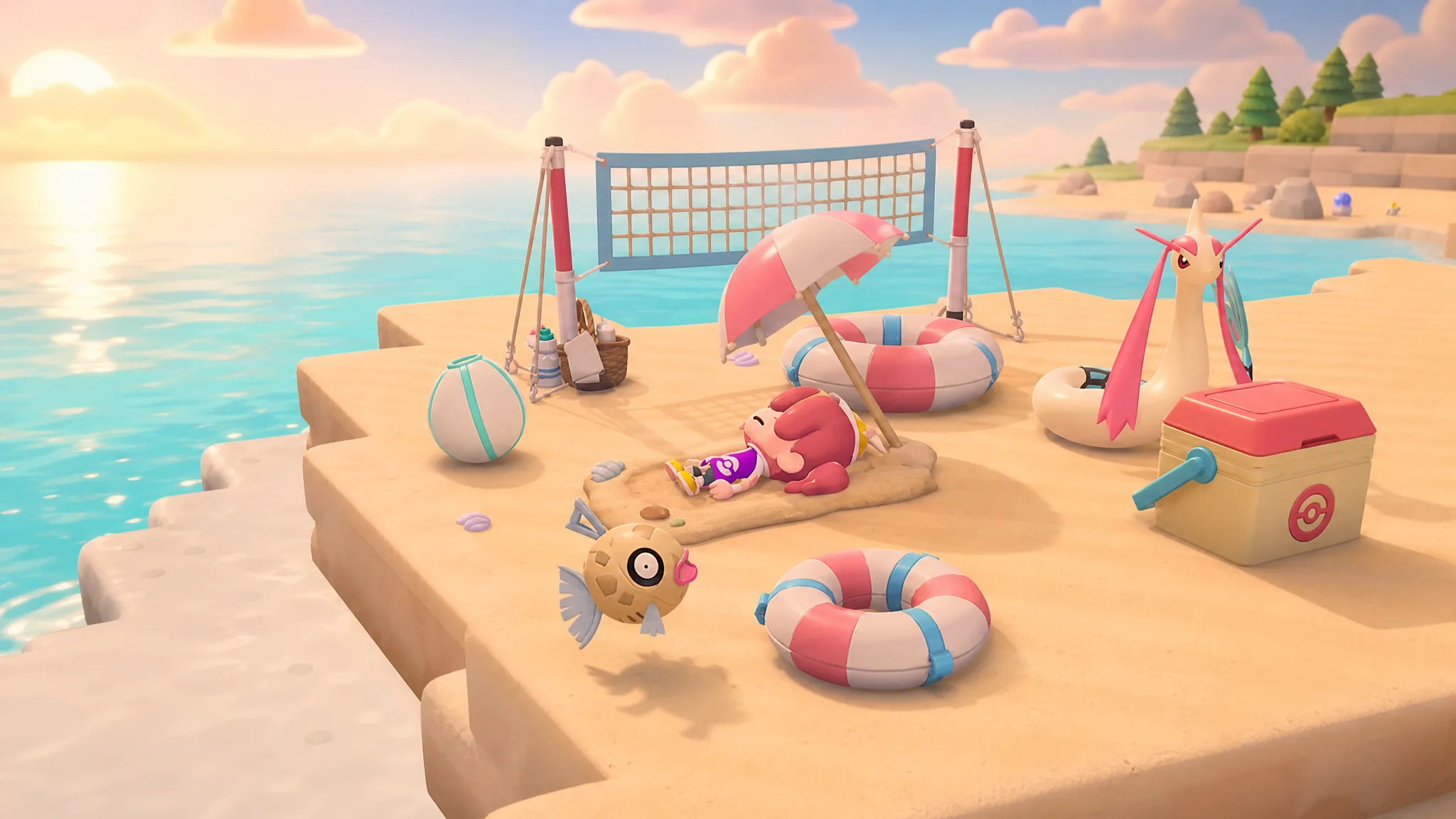
Fetching Scales for Feebas: How to Complete the Pokopia Summer Event
Collect Prism Scales, trade them for beach furniture, and build the habitats that bring Feebas and Milotic home for good.
-
ReStory: How to Fix the Eight Toughest Devices (Assembly Orders)
The exact reassembly sequence and screw counts for the hardest repairs, from the Nony PMP to the Nony PlayMachine.
-

PEAK: How to Cross and Climb Through the GLOOM Biome
Manage sleep damage, flame sources, and route planning to clear PEAK’s foggy fourth biome and reach The Citadel.