
Instructional, step-by-step articles.
Content Type: How-To
-

FC 26 Pre-Season: How to Finish the Callum Wilson Objective Fast
Build one squad that satisfies every requirement so all four Wilson tasks progress in the same games.
-

How to Get La Breakfast Combinasion in Steal a Brainrot
The Secret-rarity breakfast fusion costs $130 billion and pays out $165 million per second once claimed.
-
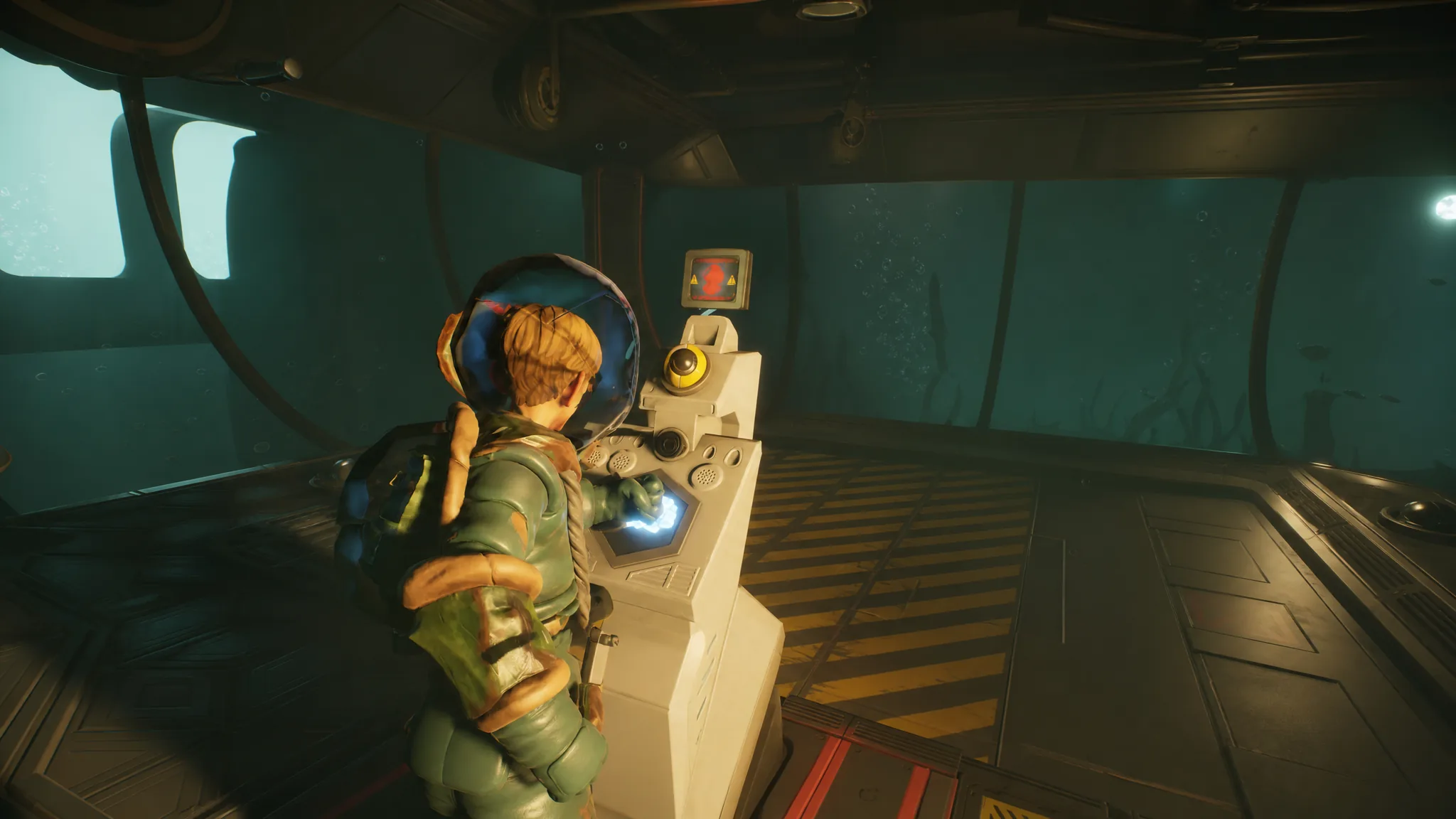
Grounded 2: How to Reach the Abyss
Everything needed to unlock the Diving Suit and descend past the Skunk Pond scanner into the new underwater zone.
-

Microsoft 365 Sign-in Error 657rx: How to Fix “Something Went Wrong”
Clear the broken account tokens that block Outlook, Teams, and Office apps from signing in, and reconnect your work account.
-

How to Abstract in Experience Abstraction: All Methods (Roblox)
Every official condition and community-tested spot that drains Sanity and turns you into the eye-covered shadow creature.
-

Lineage Piece: How to Get the Ulquiorra Fighting Style
Every item, boss summon, and mastery quest needed to unlock and fully master Ulquiorra on Hueco Mundo Island.
-

How to Spawn an EF6 Tornado in Just Tornadoes (Roblox)
The exact private-server command, radar cue, and vehicle you need to find and enter the game’s strongest twister.
-

Grow a Chicken Fighter: How to Get Cursed Eggs Fast
The exact chicken-and-egg chain that turns starter birds into a steady Cursed Egg farm.
-
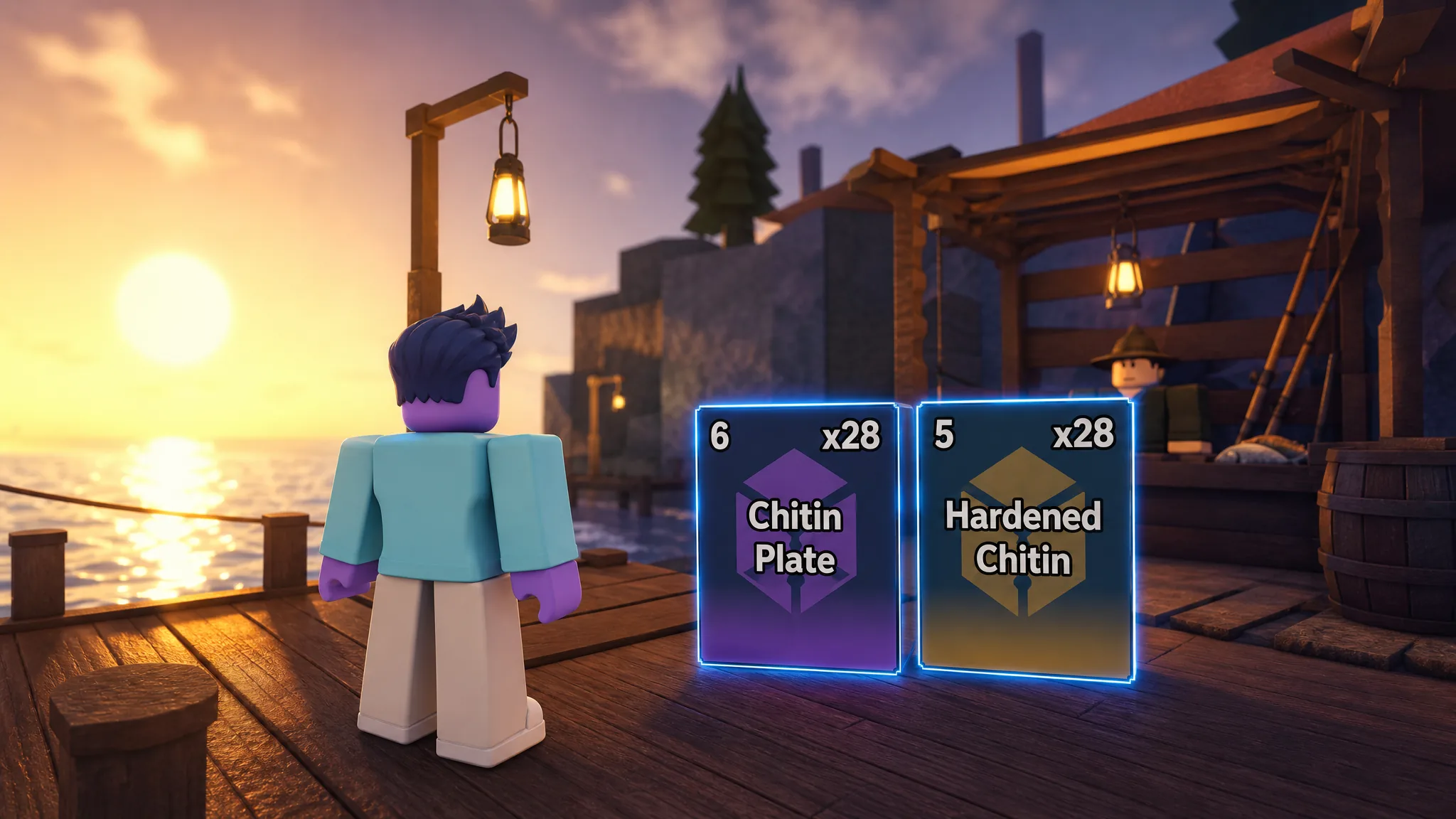
Fisch: How to Get Chitin Plate and Hardened Chitin Fast
Farm both crafting materials at Gloomy Crevice by hunting Yeti Crabs with the Harpoon Gun, plus a bounty method for bonus drops.
-

Driving Empire: How to Set Up the Helicopter AFK Money Method (Roblox)
Loop a helicopter flight with a macro to bank about $1,000 a minute while away from the keyboard.