
Instructional, step-by-step articles.
Content Type: How-To
-
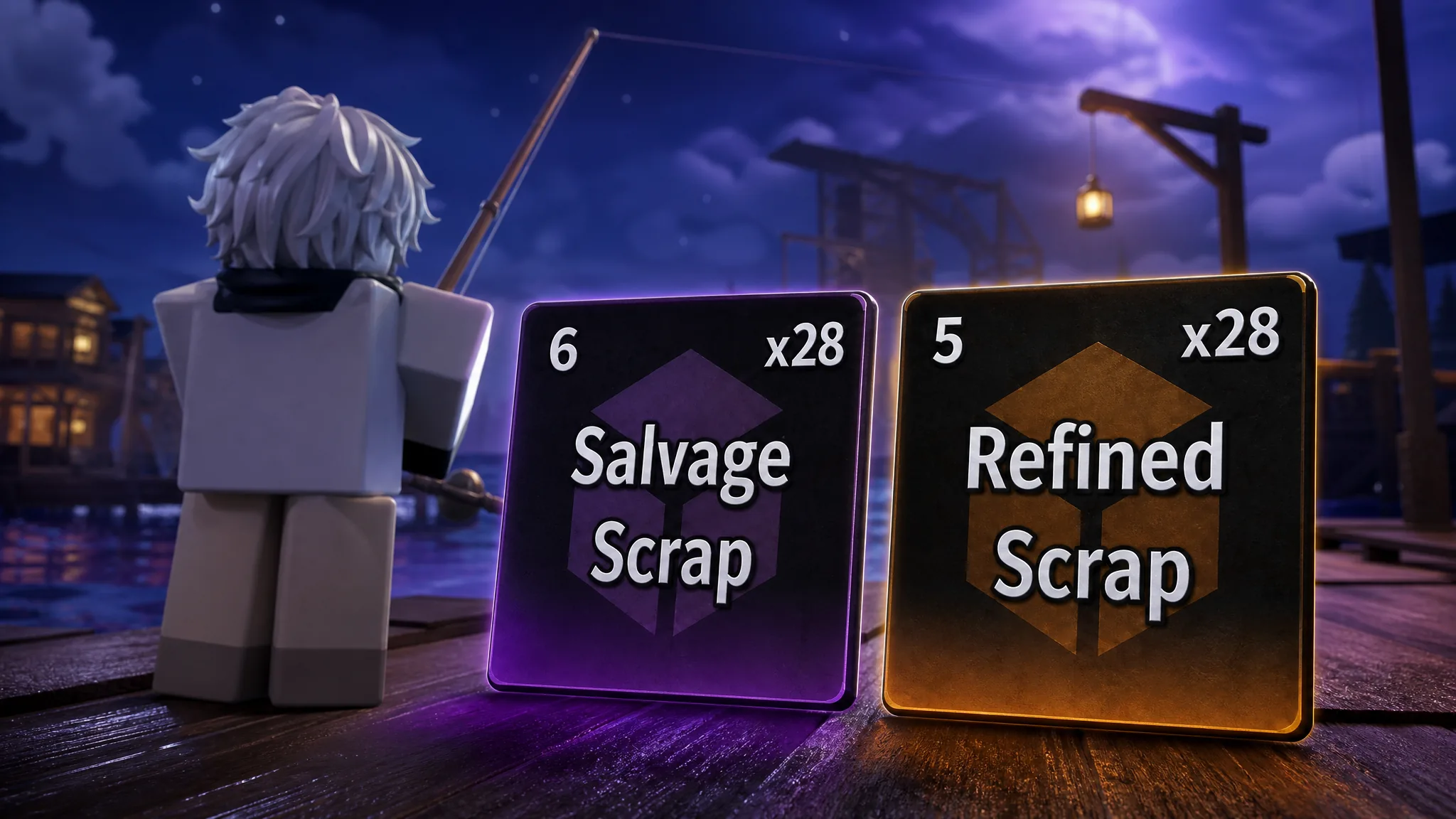
Fisch: How to Get Refined Scrap and Salvaged Scrap Fast
Both materials drop from Crushed Diving Helmets at the Gloomy Crevice in The Deep, harvested with a harpoon gun.
-
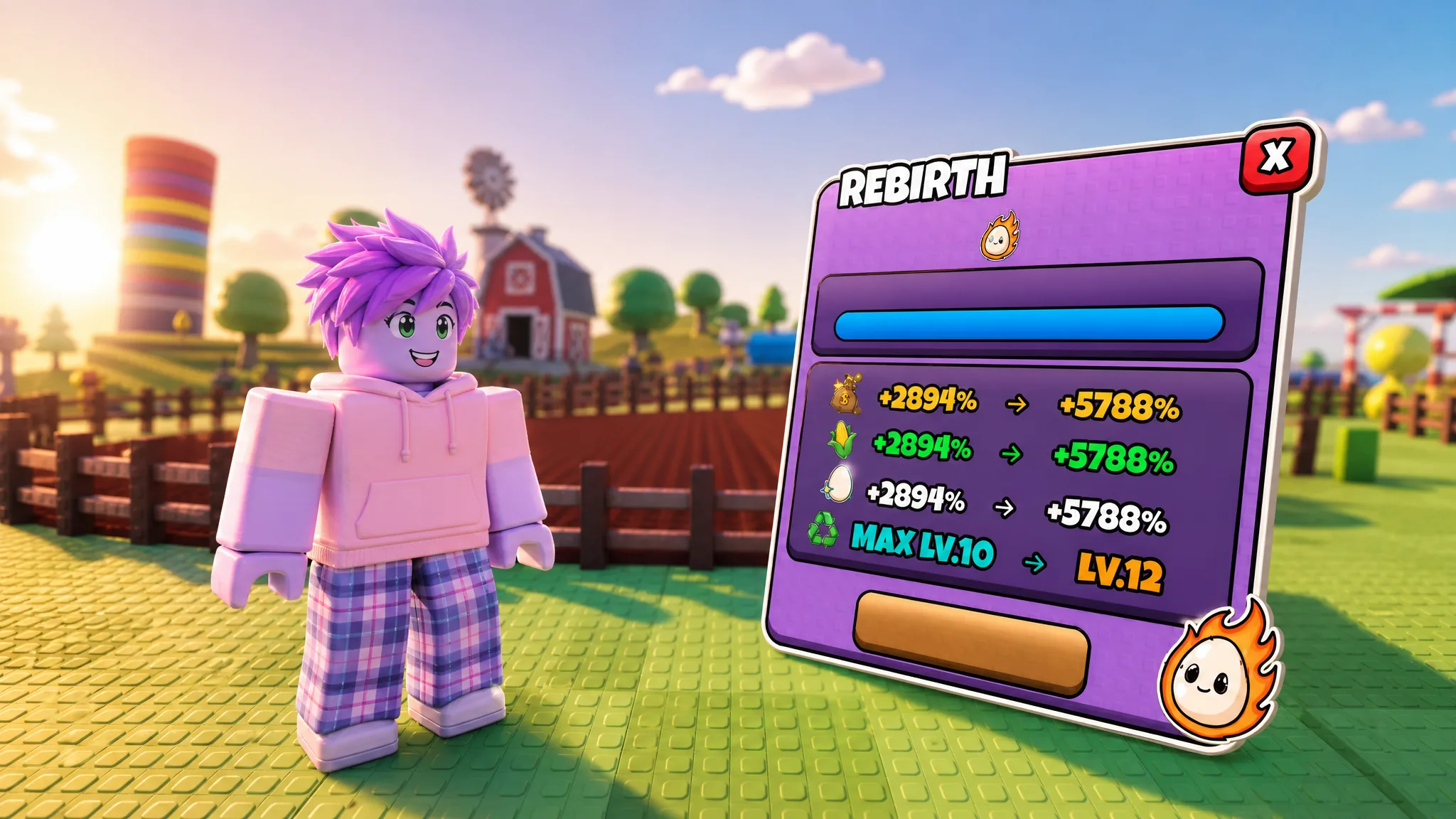
Grow a Chicken Fighter: How to Rebirth Fast
Reach the required tower floor, spend down your cash, and stack permanent Cash, Corn, and Egg bonuses on every reset.
-
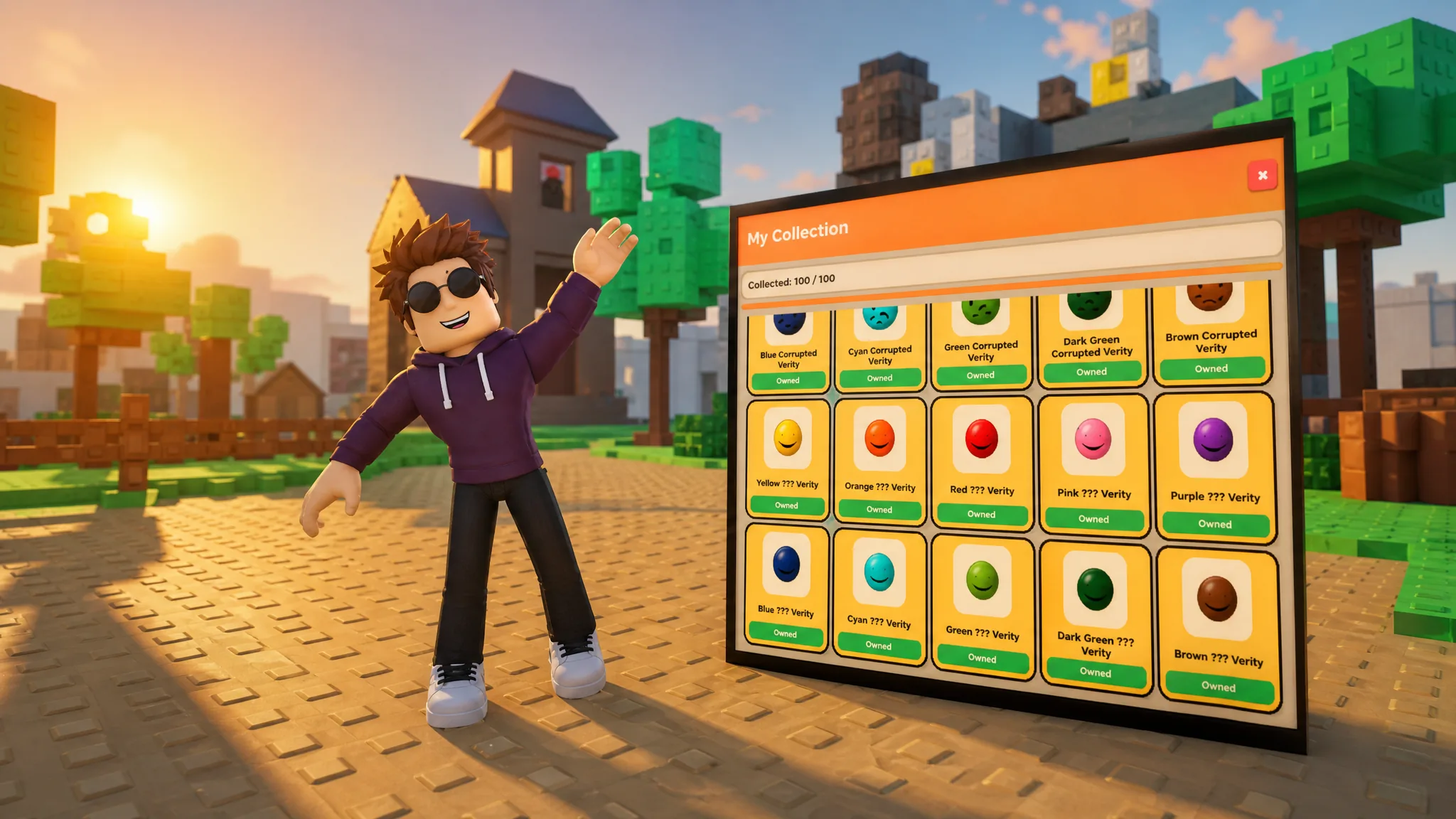
Find the Verity: How to Get All 100 Veritys (Roblox)
Every Verity color and hiding spot across all ten islands, plus the hidden Backrooms finale.
-
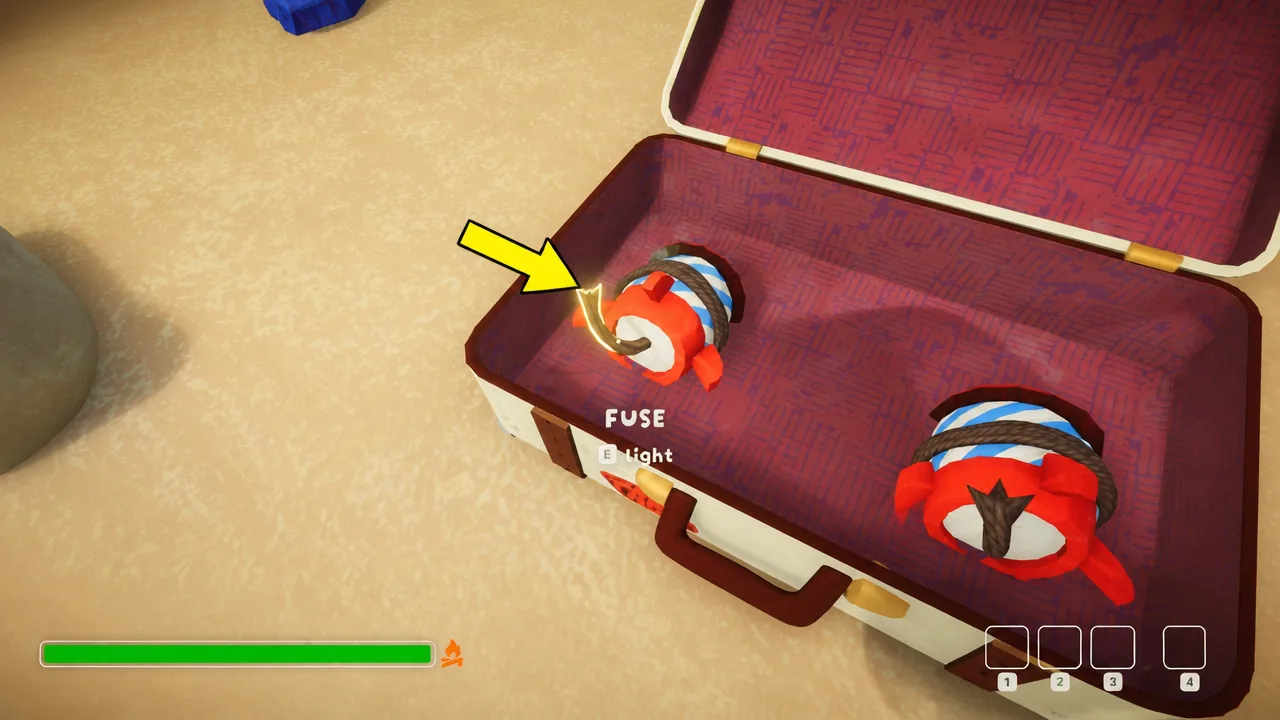
PEAK Rocketpack: How to Get and Use It Safely
Where the Rocketpack drops, how the fuse and inverted controls work, and why you need a Glider to land alive.
-
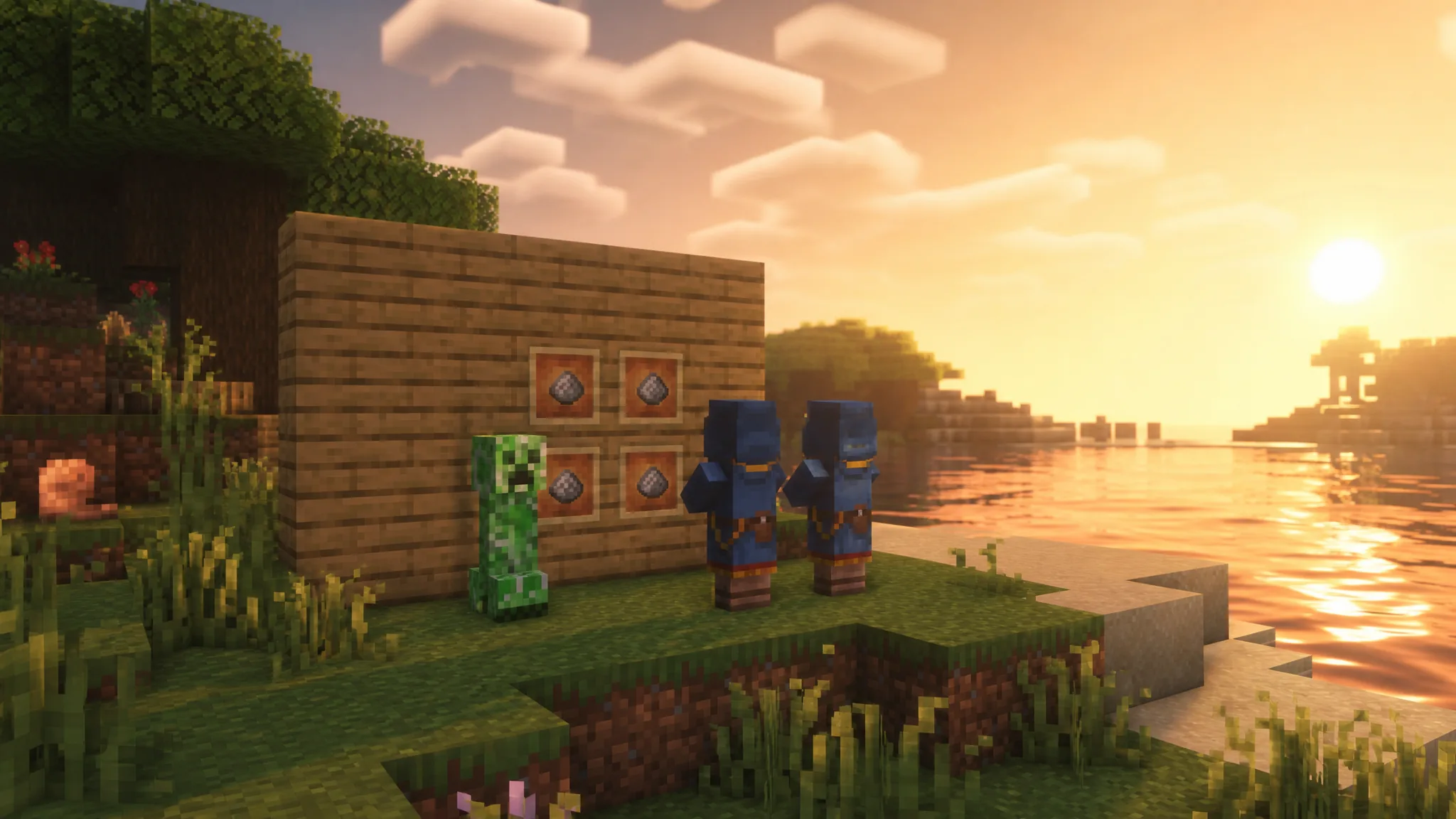
Minecraft: How to Get Gunpowder (All Methods)
Gunpowder can’t be crafted, so here are the mob drops, loot chests, and trades that actually stock it.
-

Gears of War: How to Buy the E-Day Limited Edition Xbox Controllers
Pre-orders for the $89.99 wireless controller are live now, with the Xbox Design Lab version opening September 30.
-

Genshin Impact: How to Open the Royal Hall Door (The Stone Beasts, Like Ghouls Seated)
Freeze the water pillars, build Prime Ice cubes, and slide three winged beast statues into place across the Frozen Royal Hall.
-

Mine a Mountain: How to Get Giant Crystals With the Agony Bomb
The exact bomb, rune, and carry-weight setup that spawns and holds multi-ton crystals in one run.
-

Yetimatic in Steal a Brainrot: How to Get the Secret Brainrot
The Update 61 Secret Brainrot is locked behind the RNG Machine and costs $27.5 billion to claim.
-

Anime Vanguards: How to Get and Evolve Apathetic Savior (Makoto Yuki)
Clear Floor 11 of the Lunar Bridge Dungeon, spend 500 Controller Tokens, and evolve into the Door form.