
Instructional, step-by-step articles.
Content Type: How-To
-
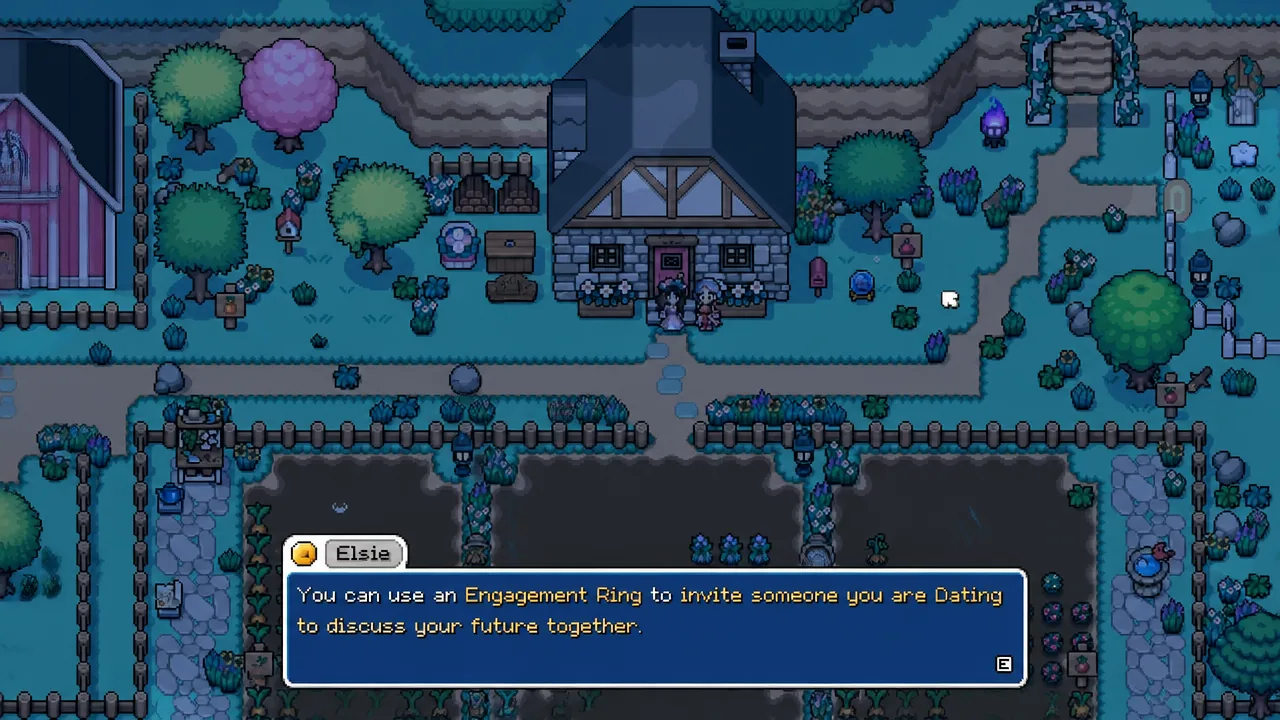
Fields of Mistria: How to Get Married and Have Children
Reach 10 hearts, craft the Engagement Ring, hold the wedding, then wait for the Great Bird’s Mystical Feather to start a family.
-
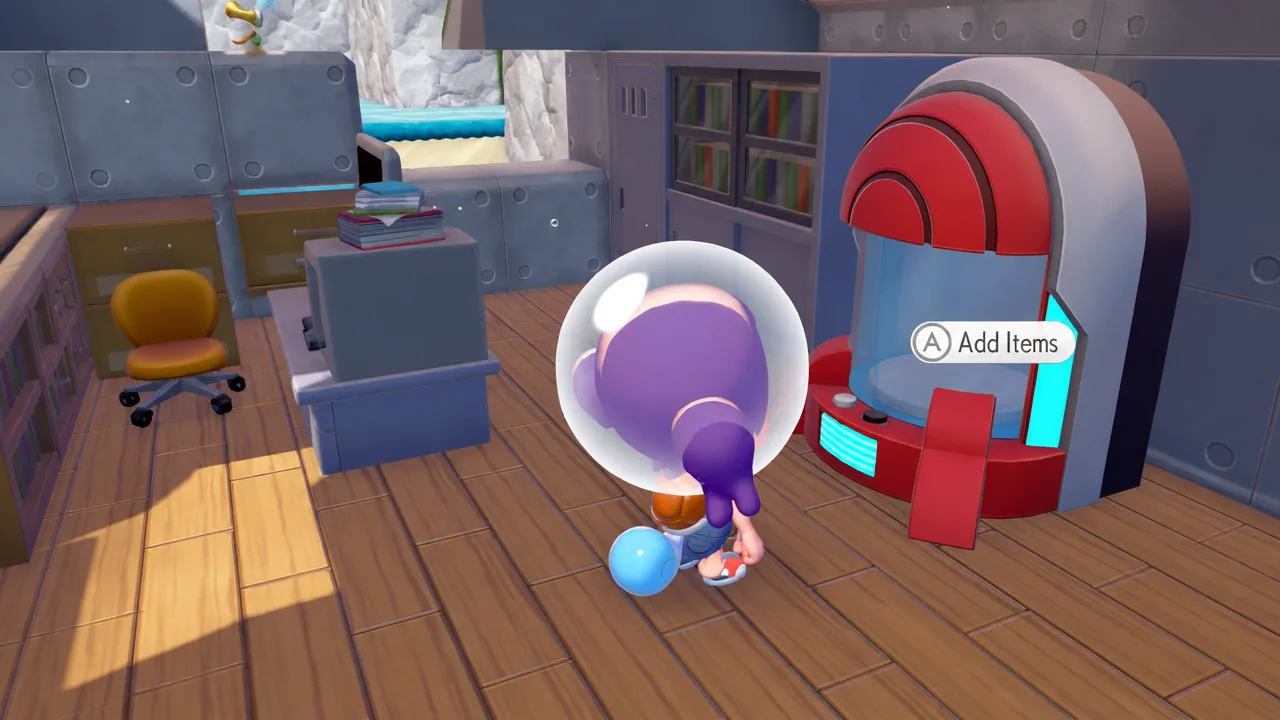
Pokemon Pokopia: How to Get More Portal Pods in Bubbly Basin
Find the two free Portal Pods in the Bubbly Basin DLC and 3D print copies for every region you build in.
-

Marvel Tokon: Fighting Souls – How to Turn Off Cross Play on PS5
Disable Cross Play to keep PS5 matches away from the unstable PC build until Arc System Works finishes its performance fixes.
-
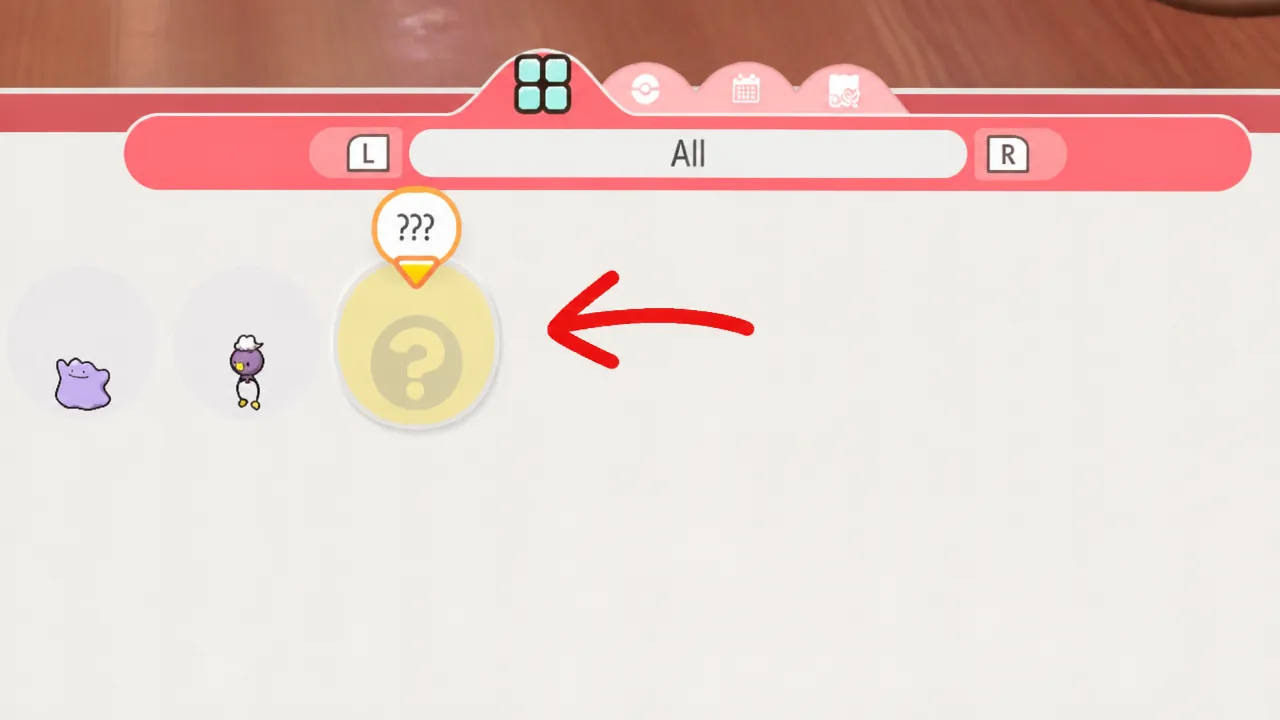
Pokopia Bubbly Basin: How to Get Phione
The Mythical Phione only turns up on the Starmie Doll Dream Island, and only on a lucky day.
-
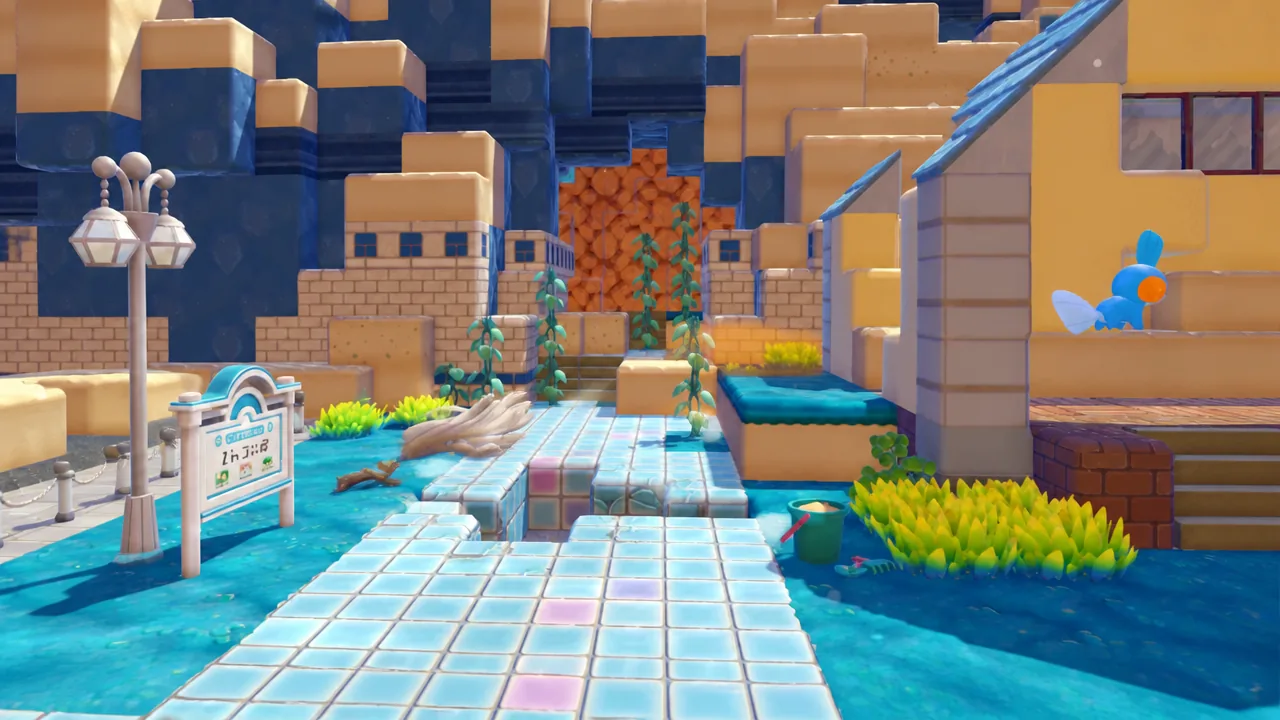
Pokémon Pokopia: How to Get the Sharpedo Submarine in Bubbly Basin
Track down the free Submarine Kit inside the old Water Gym, or buy one, then build it with Corphish.
-

Wuthering Waves 3.6 Livestream Codes: How to Get 300 Astrite
The three limited-time codes, their exact rewards, the expiry window, and the in-game redemption path.
-
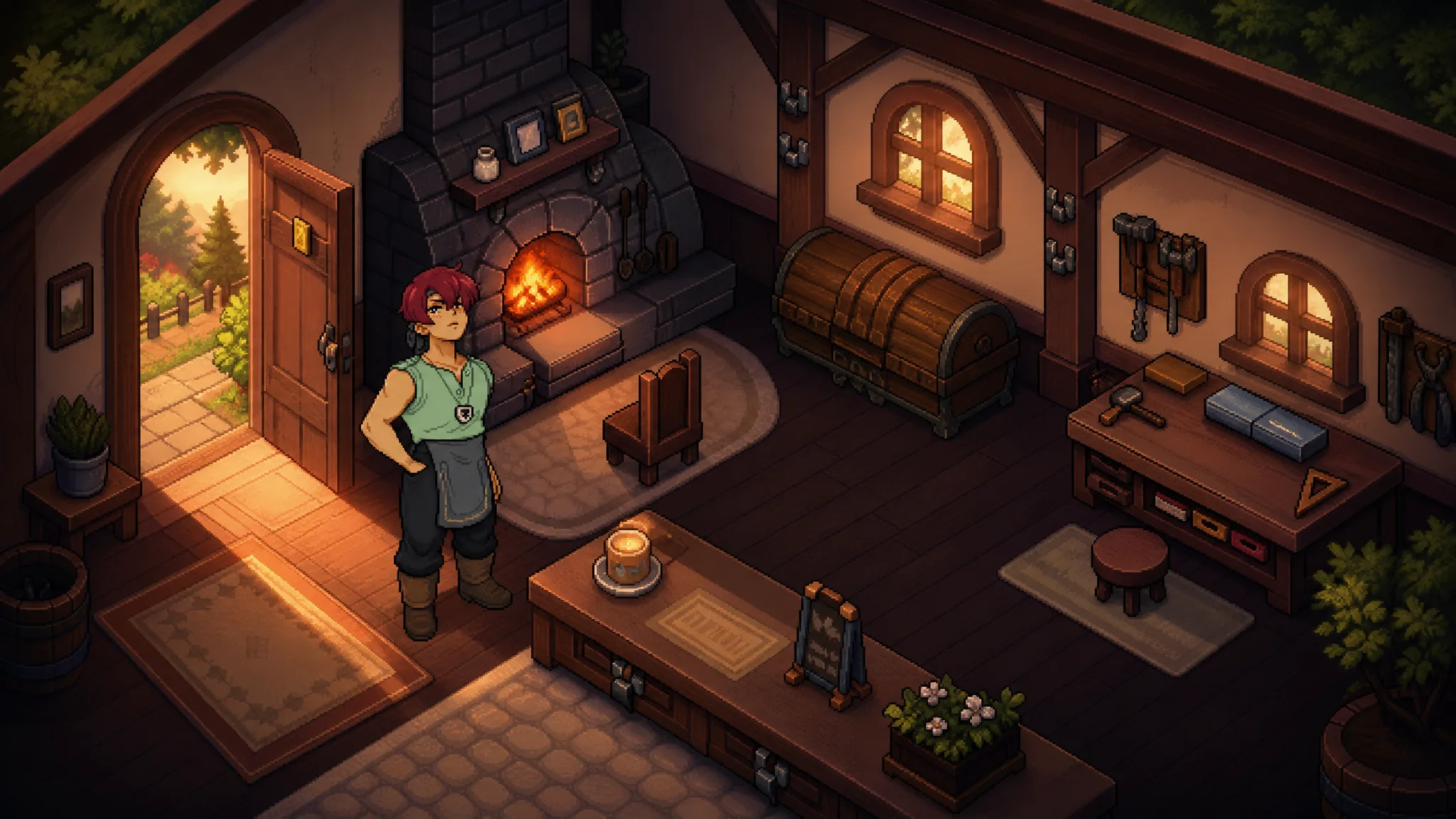
Fields of Mistria 1.0: How to Marry and Have Children
Reach 10 hearts, craft the Engagement Ring, and use the Mystical Feather to grow your household into a family of three.
-
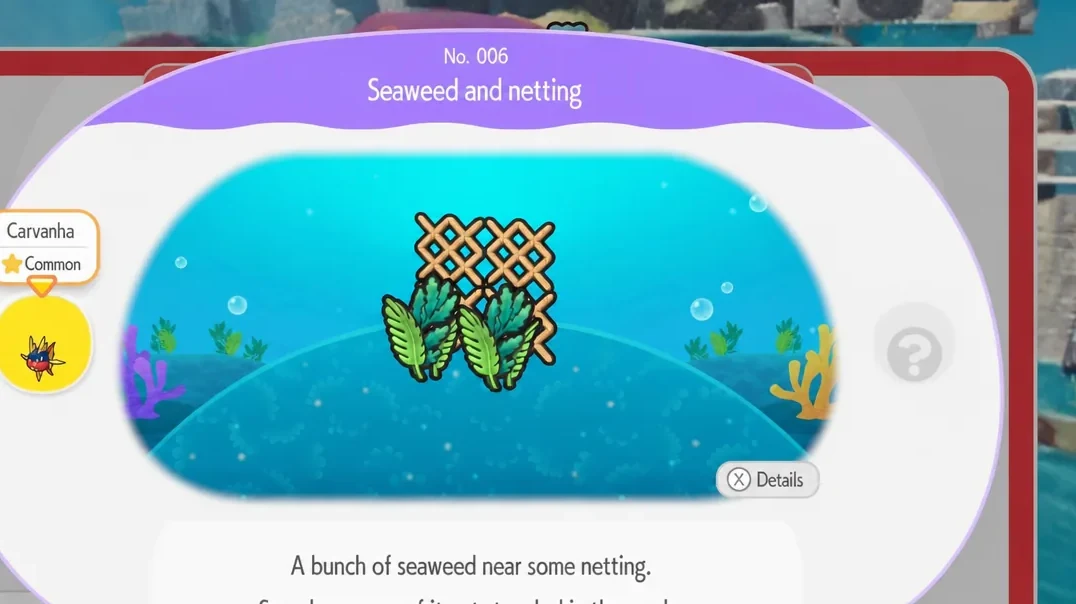
Pokémon Pokopia: How to Get Carvanha in Bubbly Basin
Build the Seaweed and Netting habitat from four Netting and two Lush Seaweed to bring the Water/Dark shark into your underwater town.
-
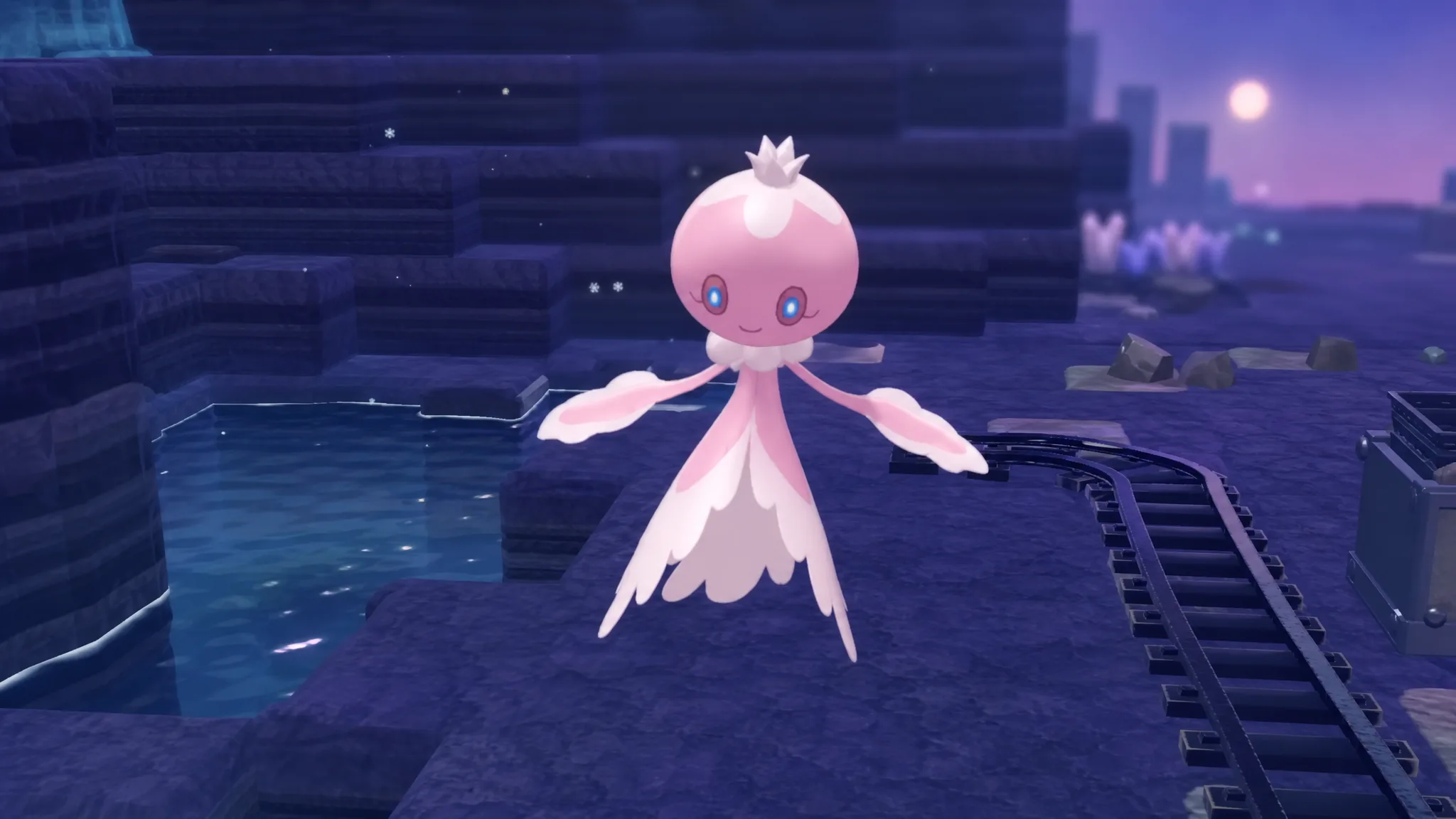
Pokémon Pokopia: How to Get Frillish in Bubbly Basin
Unlock the pink story-linked Frillish through Popplio’s cave hint, then build a habitat for the blue variant.
-
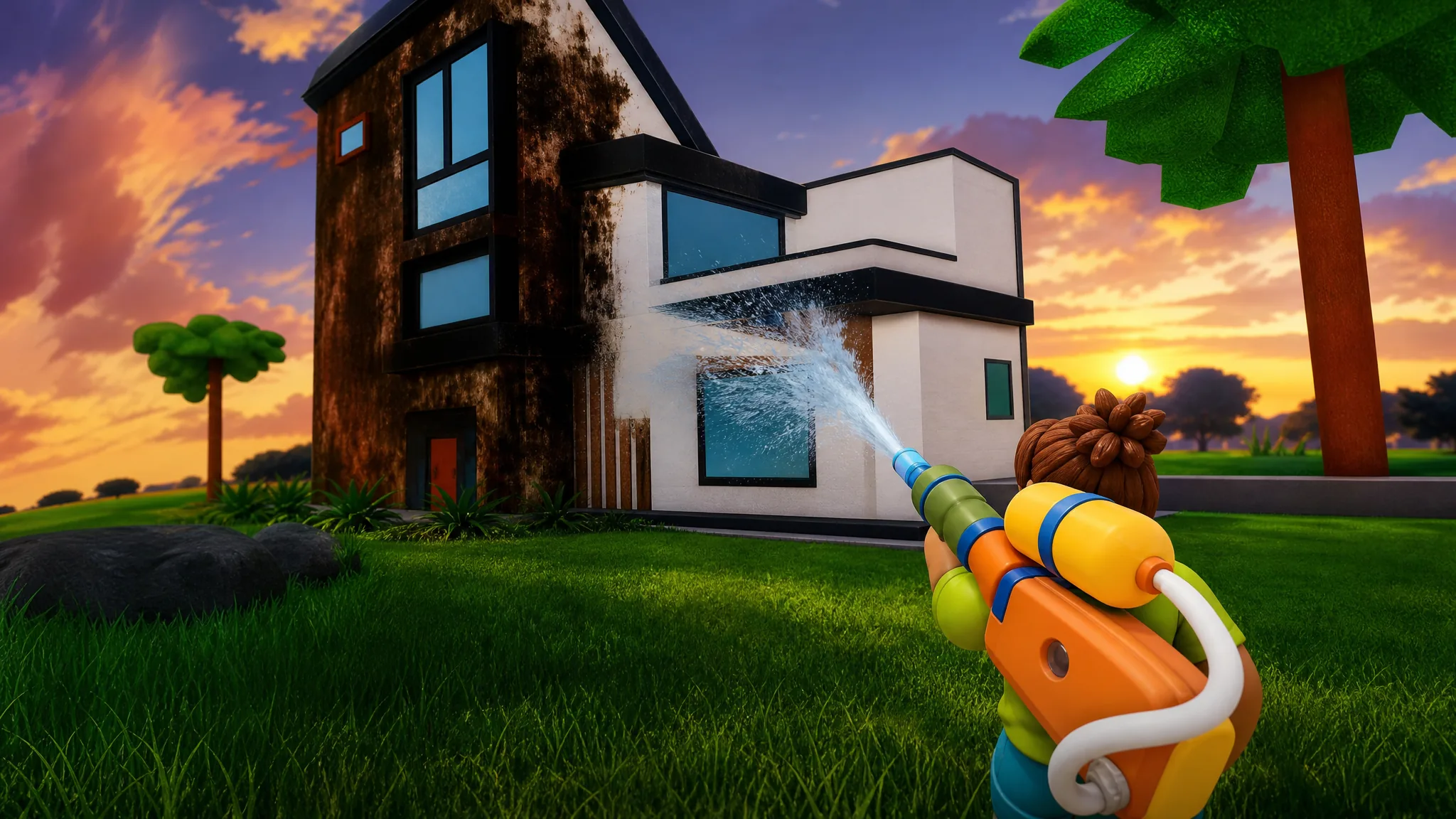
How to Get Started in Wash the House on Roblox
Sort every room, power wash the walls, and spend Coins on the upgrades that speed up each clean.