
Instructional, step-by-step articles.
Content Type: How-To
-
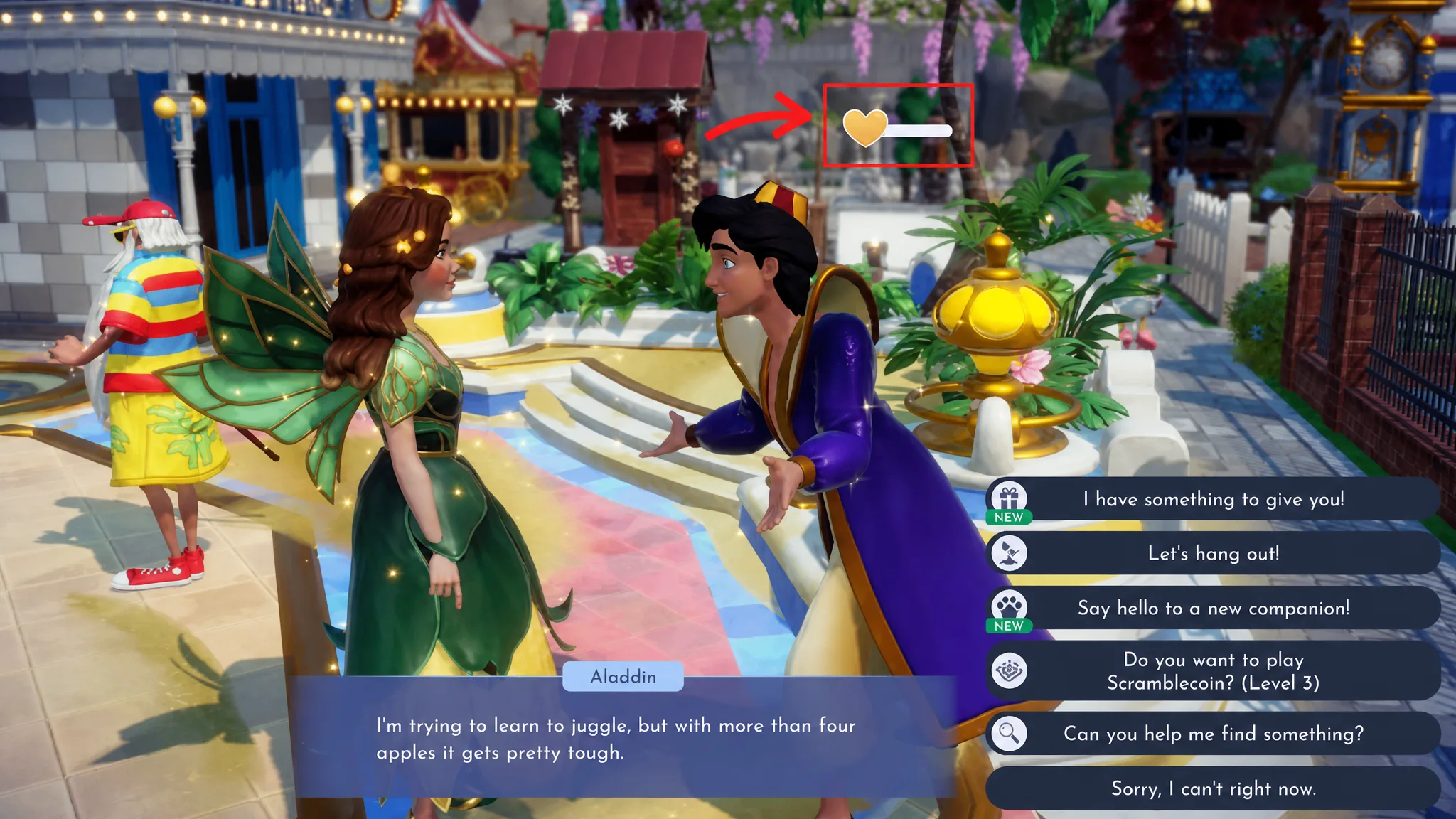
Disney Dreamlight Valley: How to Activate the Best Friend Glow
Fill a level 10 villager’s daily bar to unlock endless sprint and every profession bonus at once.
-
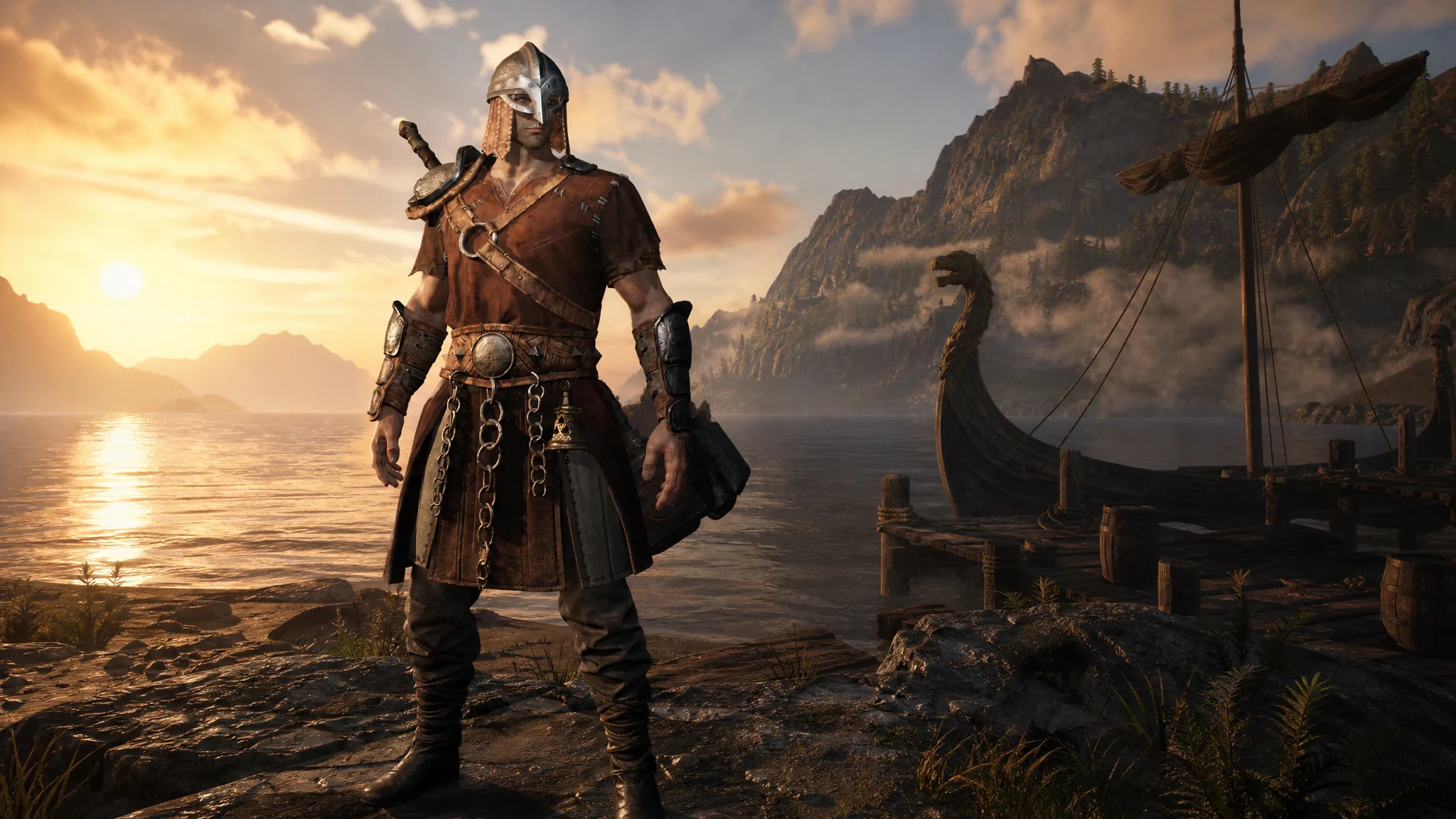
Mistfall Hunter: How to Get More Character Slots (Gyldenblod Pool)
Raise your roster from three to as many as ten by leveling the Gyldenblod Pool at your camp.
-
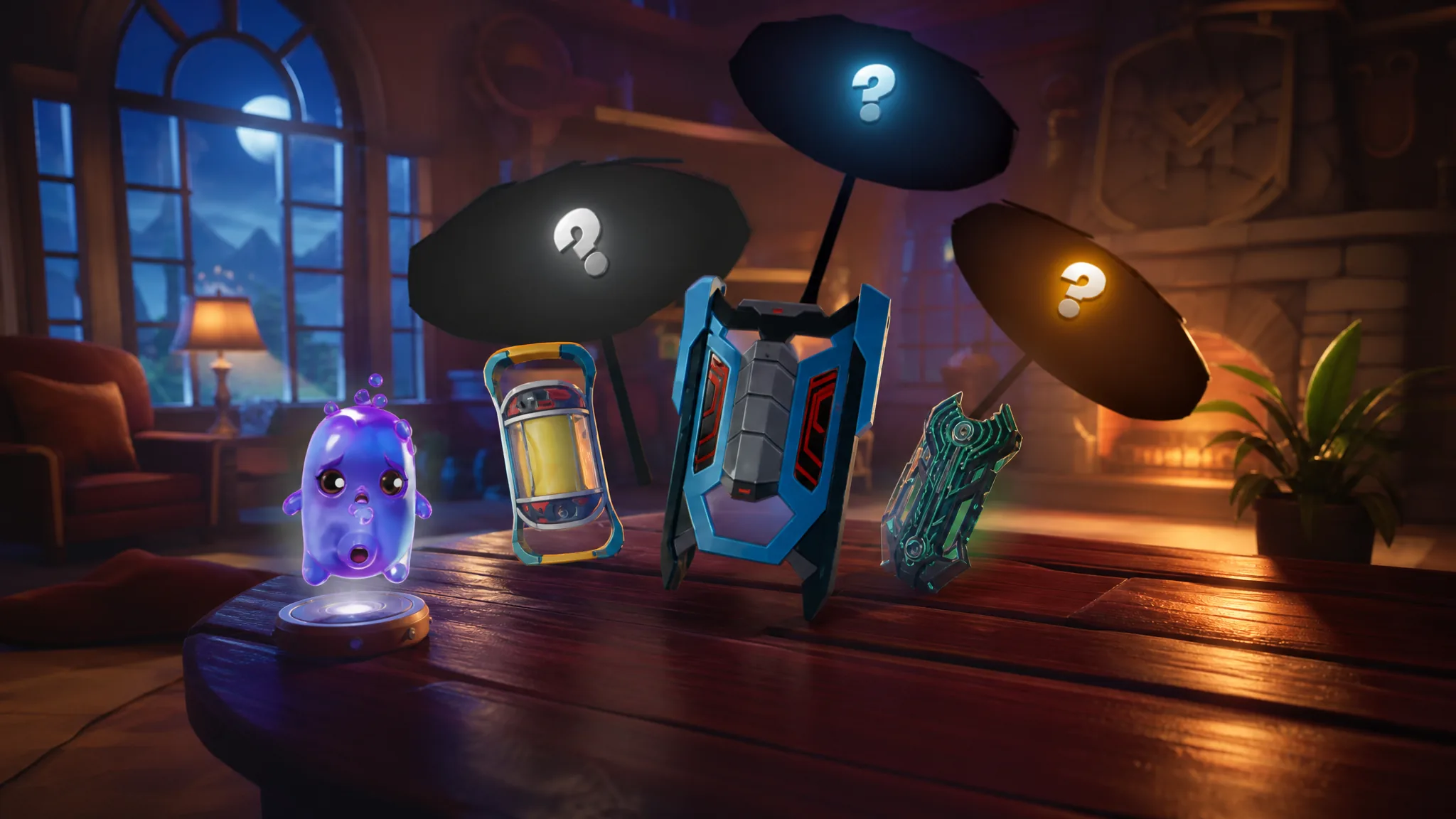
Fortnite: How to Get Quack Sprites (All Four Variants)
Quack Sprites skip chests entirely and only unlock through Sprite Mastery, so here is what each one needs.
-
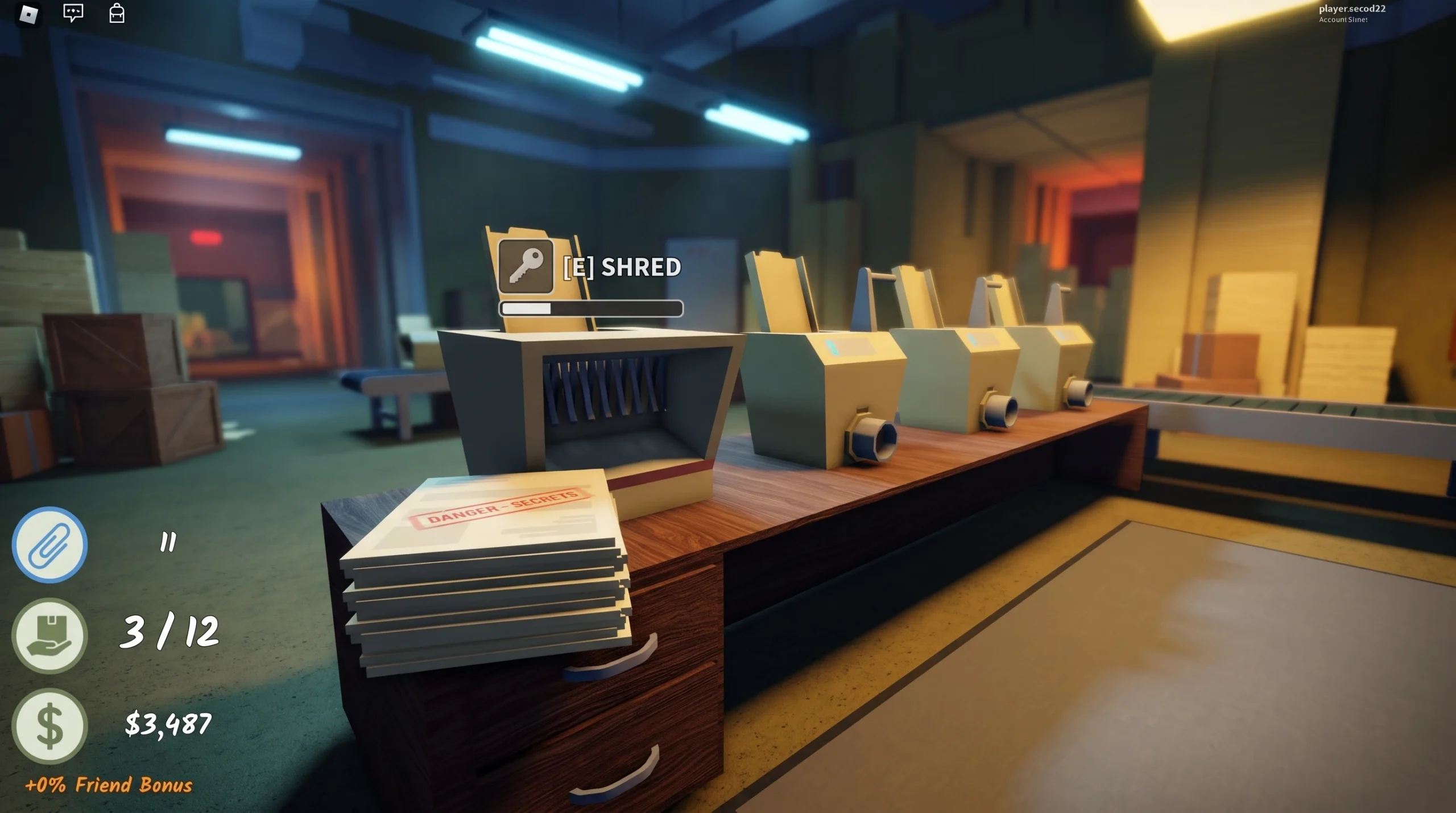
Shred the Secrets: How to Earn Money With Shredders and Upgrades
Turn collected documents into cash faster with the shredder milestones and Skill Tree upgrades that cut run time.
-
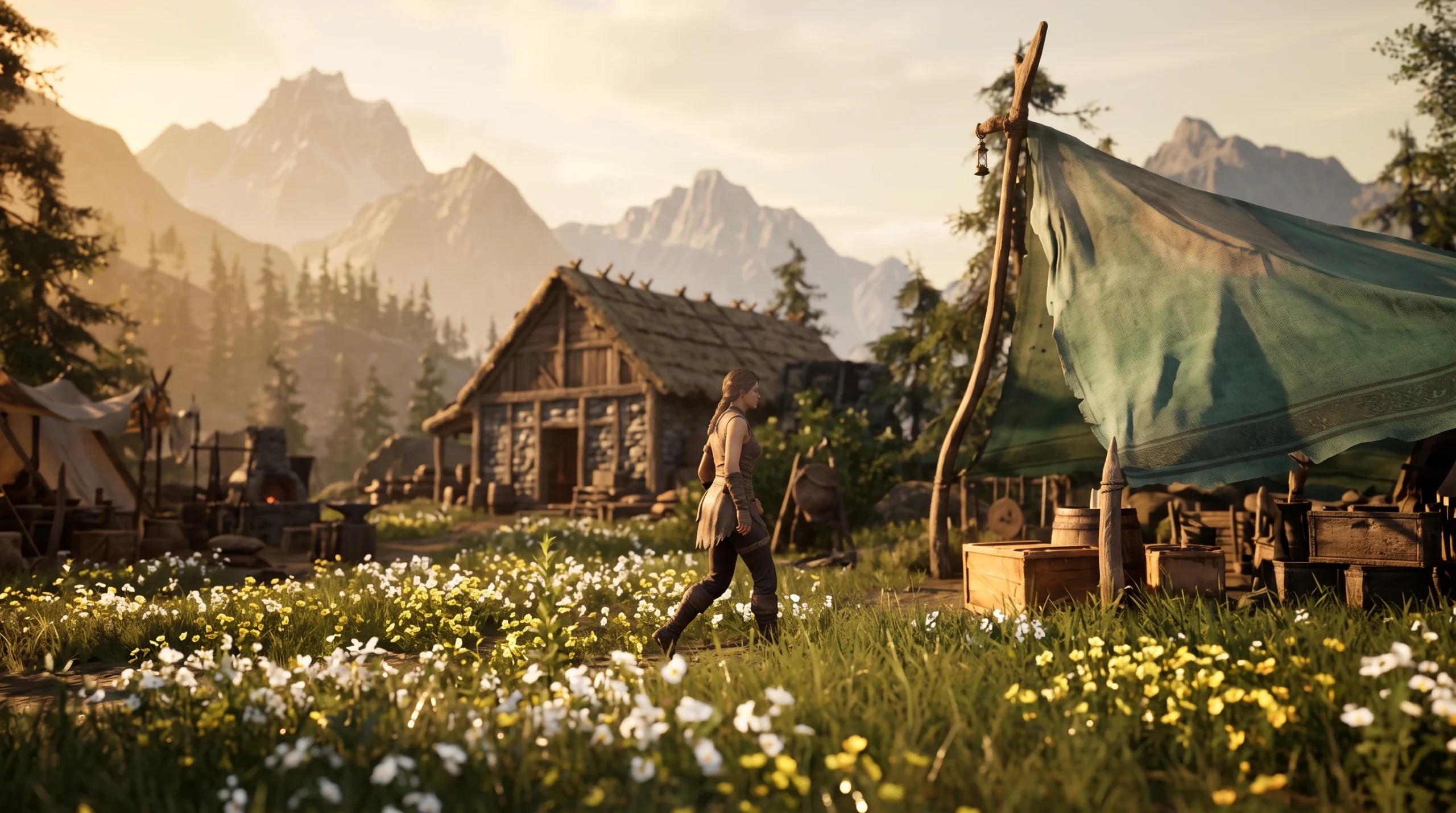
Mistfall Hunter: How to Prepare at the Warehouse Before a Run
Set up your stash, gear, skills, and camp upgrades at Windrest before you queue into the mist.
-

Mistfall Hunter: How to Complete The Way Out and Escape Hallowgrove
Drop into Hallowgrove on Normal, defeat a Woodling at a Returning Chime, and extract alive to close the quest.
-
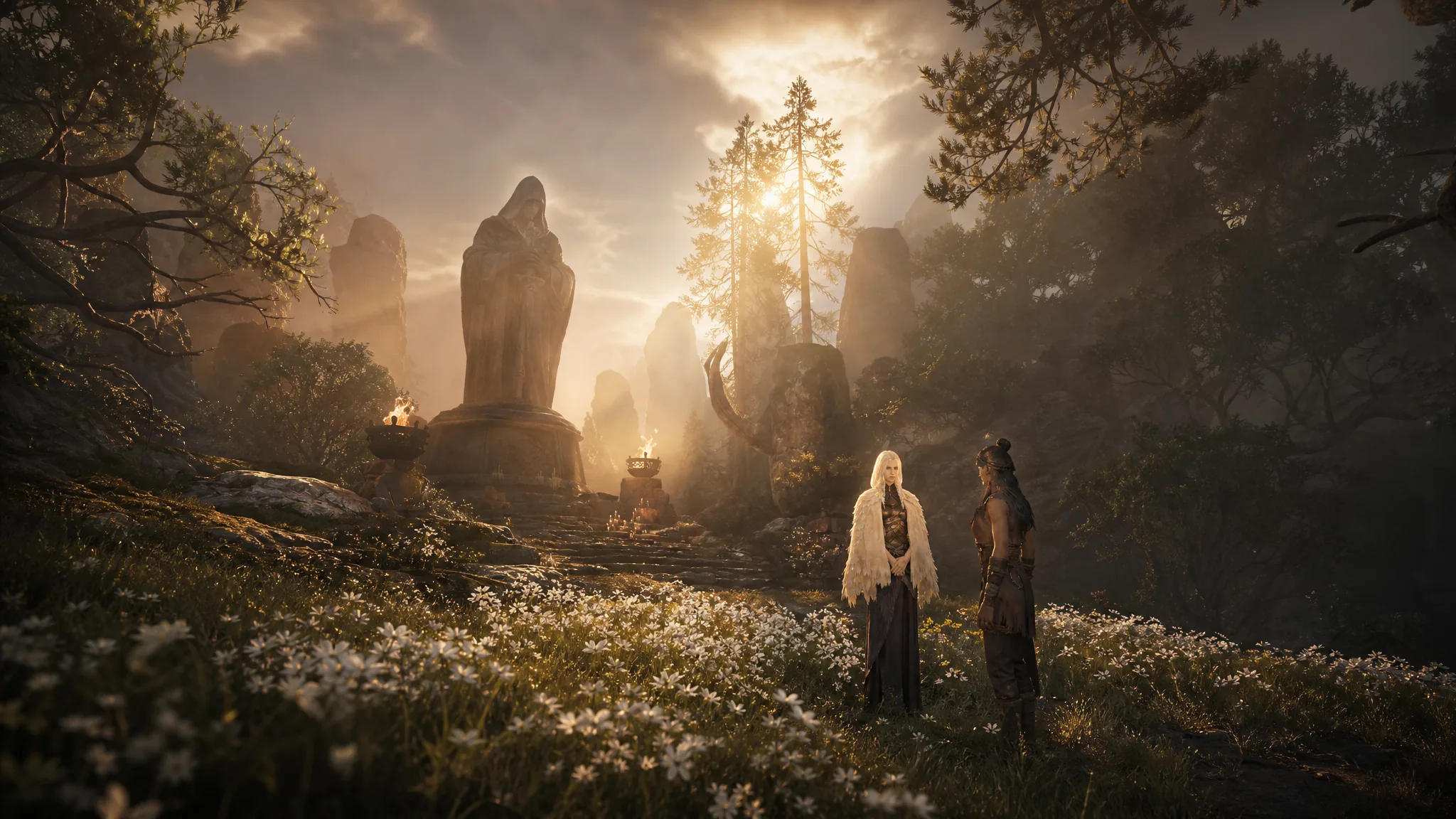
Mistfall Hunter: How to Talk to Dew at Camp
Dew is the maiden who revives you between runs, so here’s where to reach her and what she does.
-
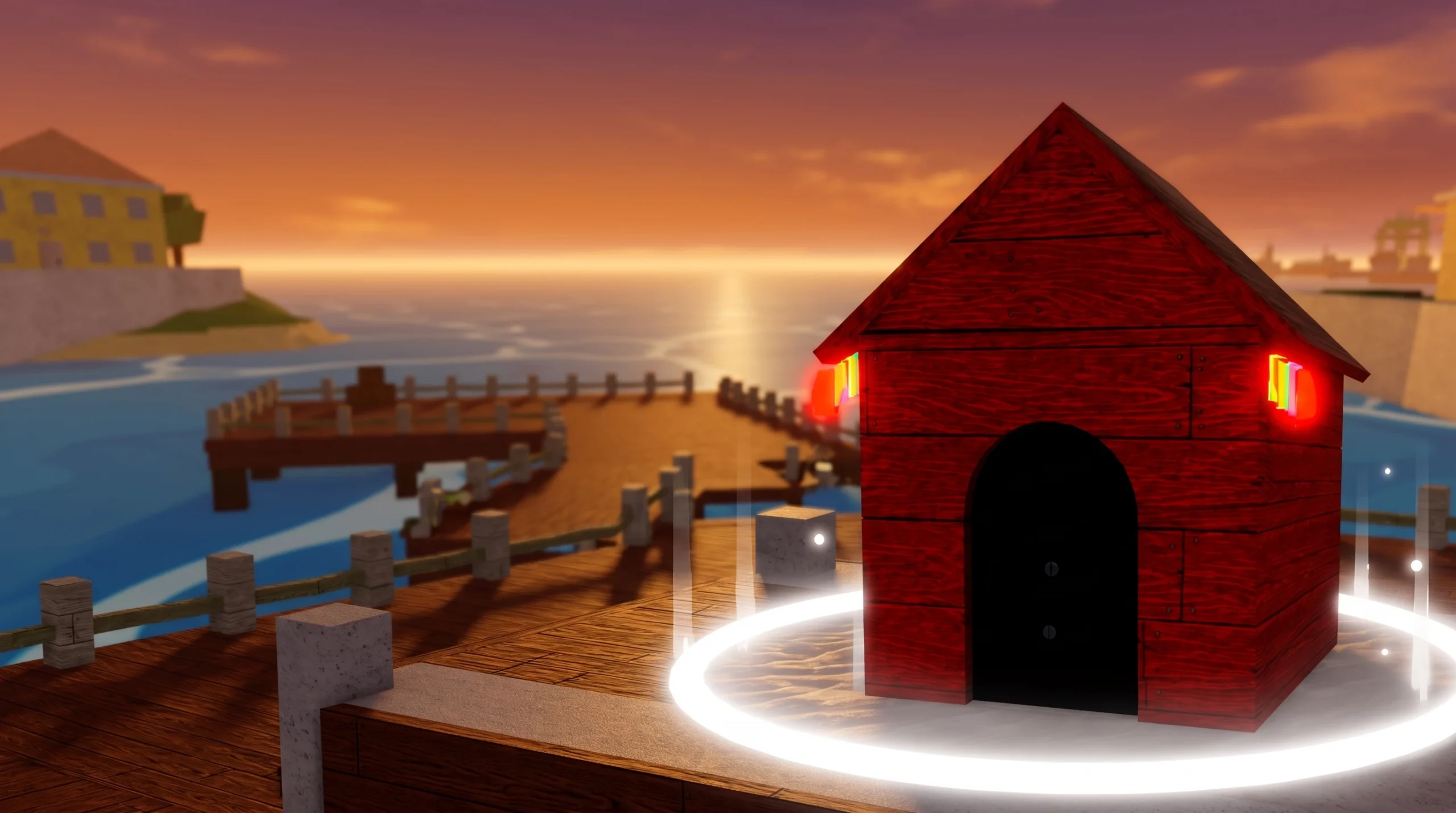
Blox Fruits Doghouse Event: How to Join and When It Returns
Everything the short-lived Doghouse event drops, plus what you need to do to catch it when it spawns.
-
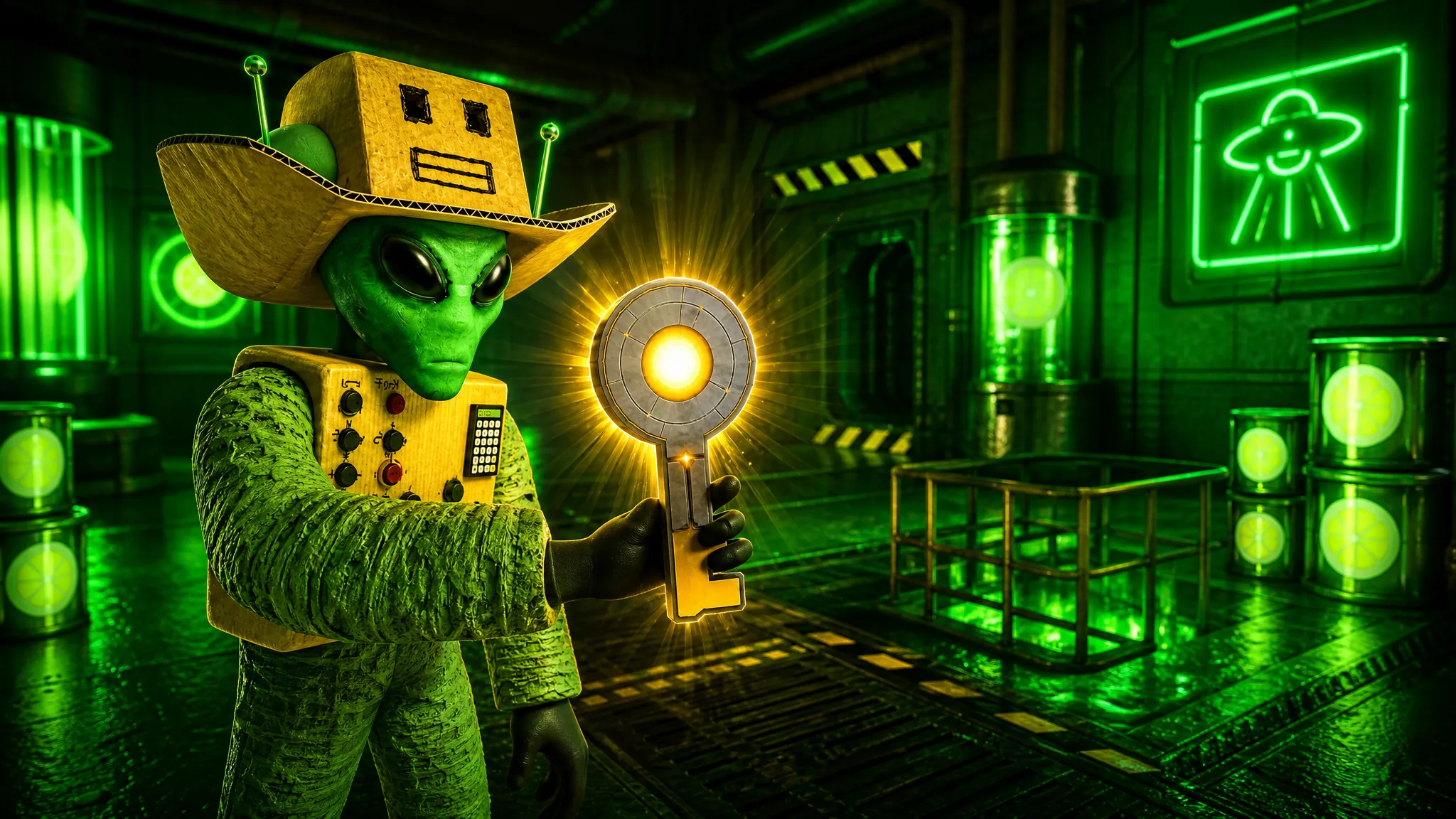
Sell Lemons: How to Get the UFO Key and Good Samaritan Badge
The exact lever order in the sewer maze, plus the rebirth requirement that makes the key spawn.
-
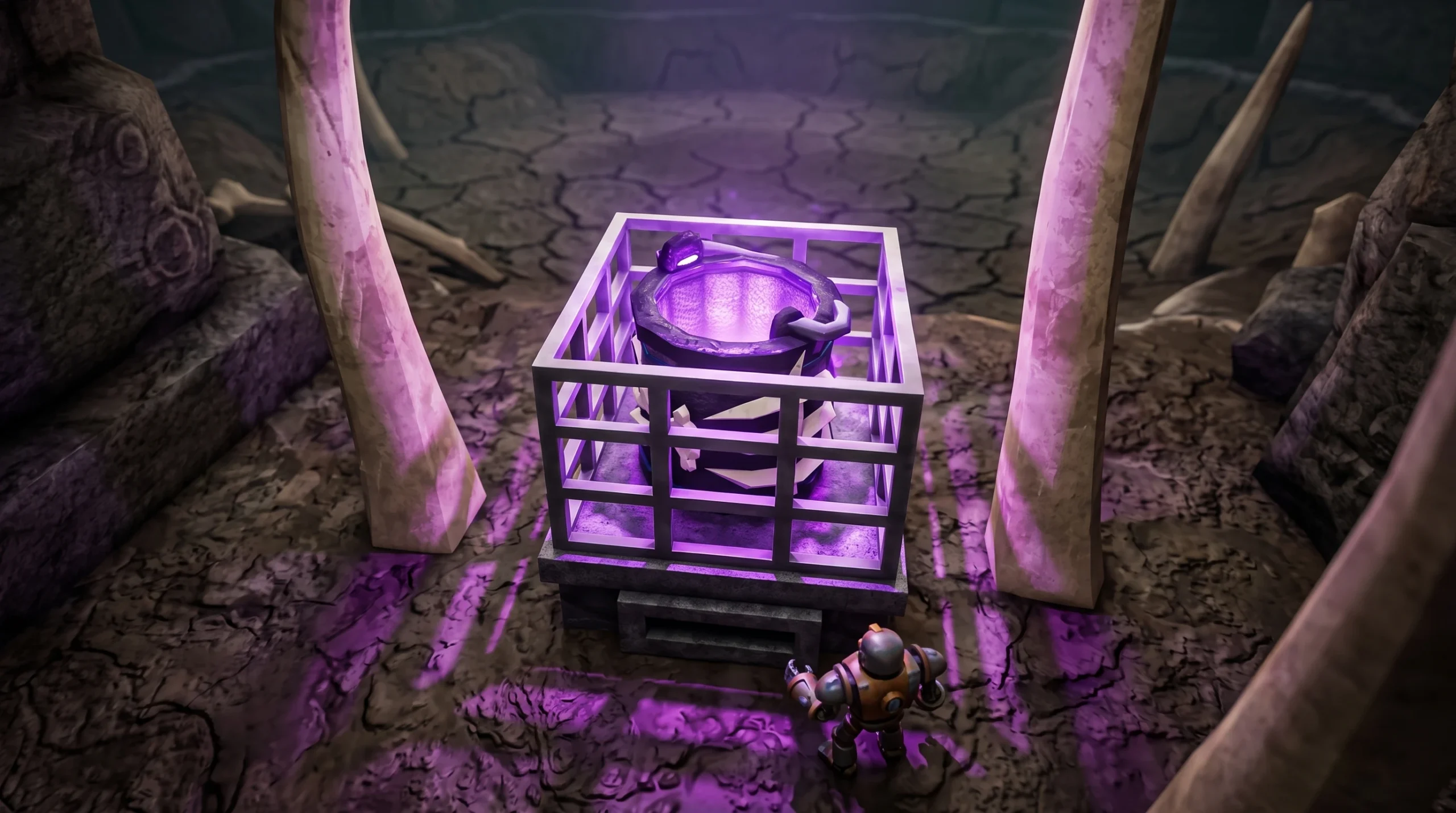
Drain the Lake: How to Get the Bone Bucket
Claim the hidden anomaly near the Molten checkpoint to unlock the bone-covered bucket for your lobby.