
Instructional, step-by-step articles.
Content Type: How-To
-
How to Get a Fine Wristwatch in ARC Raiders — And Why You Need One Now
This rare trinket is worth 3,000 coins, but the Weather Monitor project makes it more valuable than ever.
-

How to Complete the Weather Monitor System Project in Arc Raiders
Every material, location, and reward across all five stages of the Shrouded Sky permanent project.
-

How to Complete ARC Raiders’ Shrouded Sky Quests and Grab Free Gadgets
The Shrouded Sky update adds two new quests across Stella Montis and Blue Gate with free grenades, mines, and more.
-

ARC Raiders Comet Igniter — How to Get One Before It Blows Up in Your Face
You need to destroy the new Comet enemy before it self-destructs, and that takes the right weapons.
-

How to farm Gunpowder in the Windrose demo
Crafting is currently disabled, so you will need to raid pirate camps to keep your firearms loaded.
-
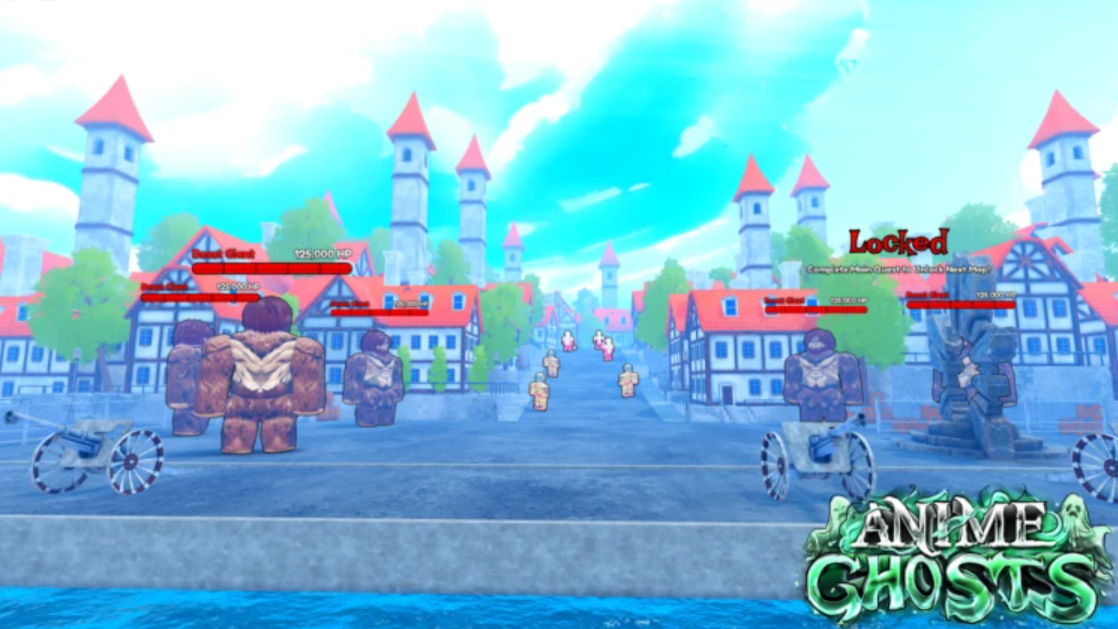
How to Get Started in Anime Ghosts on Roblox — Currencies, Heroes, and World Progression
Everything you need to farm Ghosts, power up Heroes, unlock new worlds, and earn Gems efficiently from day one.
-

The Sims 4 Satisfaction Points Cheats (February 2026) — How to Get Unlimited Points
Use these cheats to give any Sim instant Satisfaction Points and unlock Rewards Store traits and potions without grinding.
-

Windrose: How to Repair a Shipwreck and Finish the I Need a Bigger Boat Quest
Finding and fixing a wrecked ship on the second island requires the right crew, the right materials, and a bit of patience.
-

How to Get ARC Synthetic Resin in Arc Raiders
Every confirmed source for this rare recyclable material and the fastest ways to farm it.
-

How to Find and Farm Redjade Ginseng in Arknights: Endfield
This rare Wuling herb unlocks two of the strongest offensive consumables in the game.