
Instructional, step-by-step articles.
Content Type: How-To
-
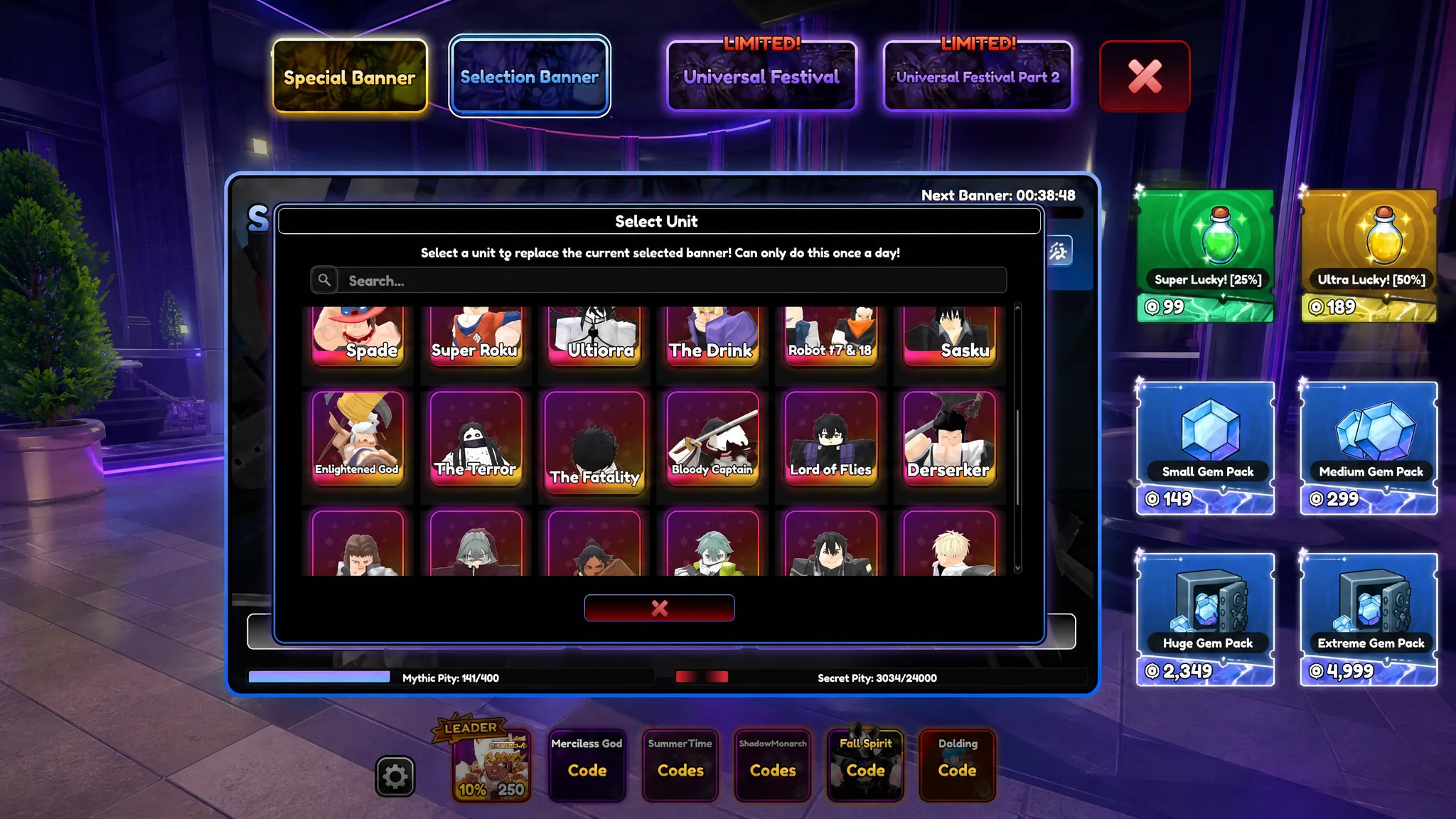
Universal Tower Defense Z: How to Get and Evolve Bloody Captain (Unohana)
Summon rates, pity, evolution materials, and the Berserker synergy that defines this Mythic support unit.
-
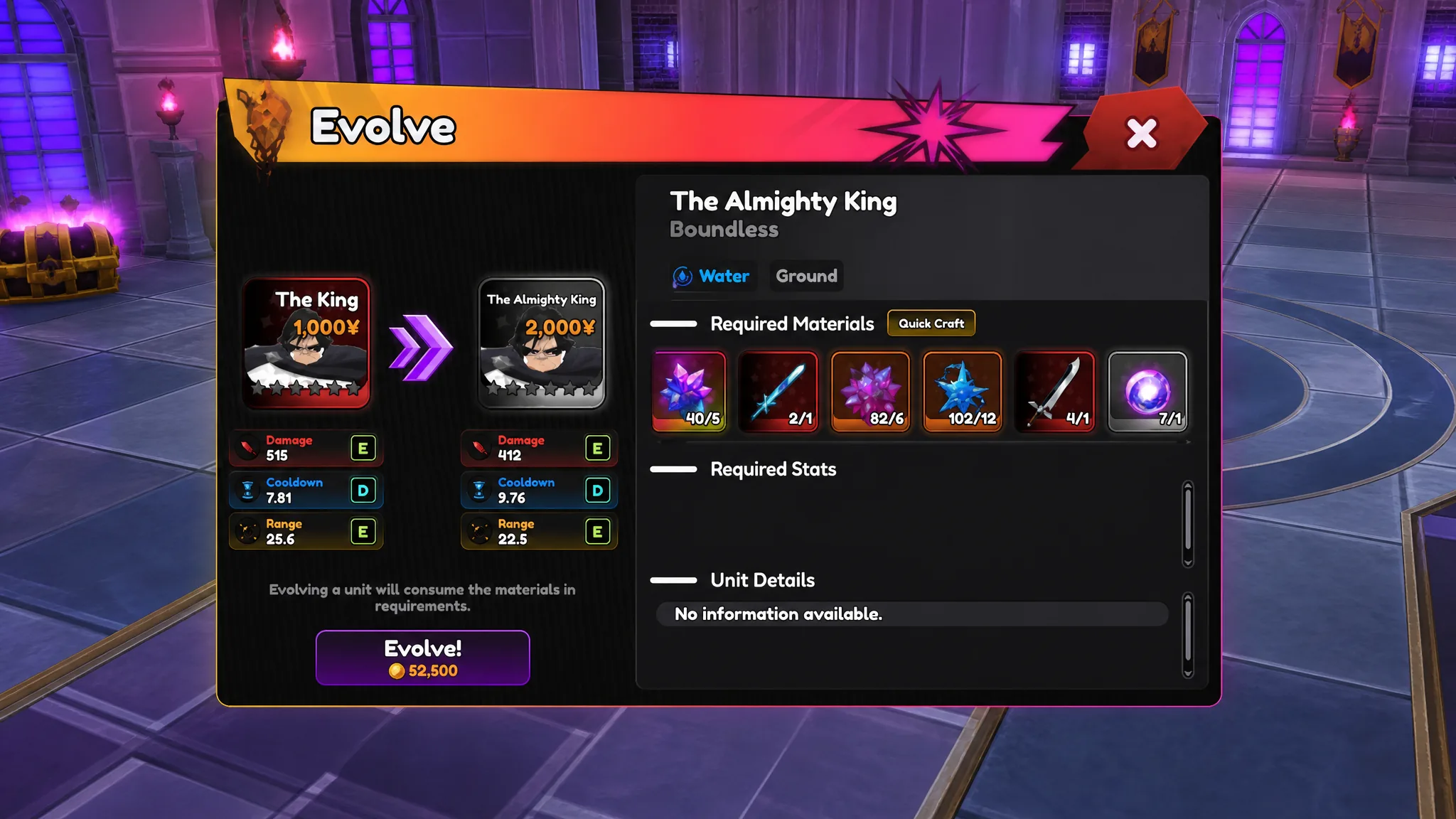
Universal Tower Defense Z: How to Get The King (Yhwach) and Evolve Him
The Moonless Sky Rift drop rates, full evolution materials, and every Almighty King passive in Update 4.0.
-
Universal Tower Defense Z: How to Get Ice Queen (White Haze)
The full evolution path, fragment costs, ability effects, and best traits for the Secret-rarity Rukia unit added in Update 4.0.
-

Universal Tower Defense Z: How to Get and Evolve Visionary (Gremmy)
Every summon rate, evolution material, and Unrivaled passive for the Bleach-inspired support carry.
-
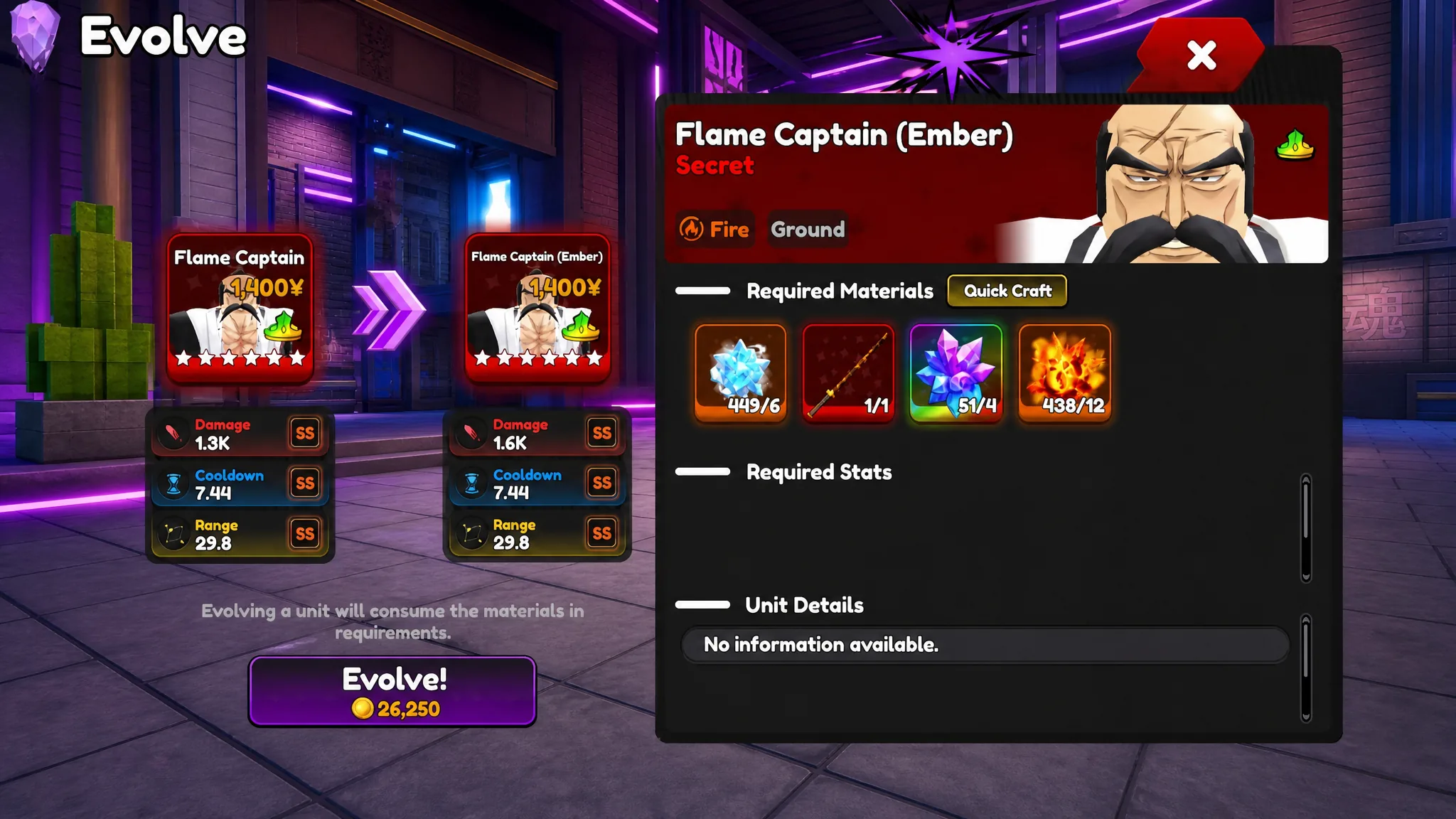
Universal Tower Defense Z: How to Get and Evolve Flame Captain (Genryusai)
Where the Reaper City Raid drops this Secret burn unit, the materials to evolve it, and every passive on Flame Captain (Ember).
-

Adopt Me: How to Get the S’mores Raccoon (150 Robux)
Where to buy the Ultra-Rare Summer Camp pet, what Neon and Mega Neon cost, and which tricks it learns.
-
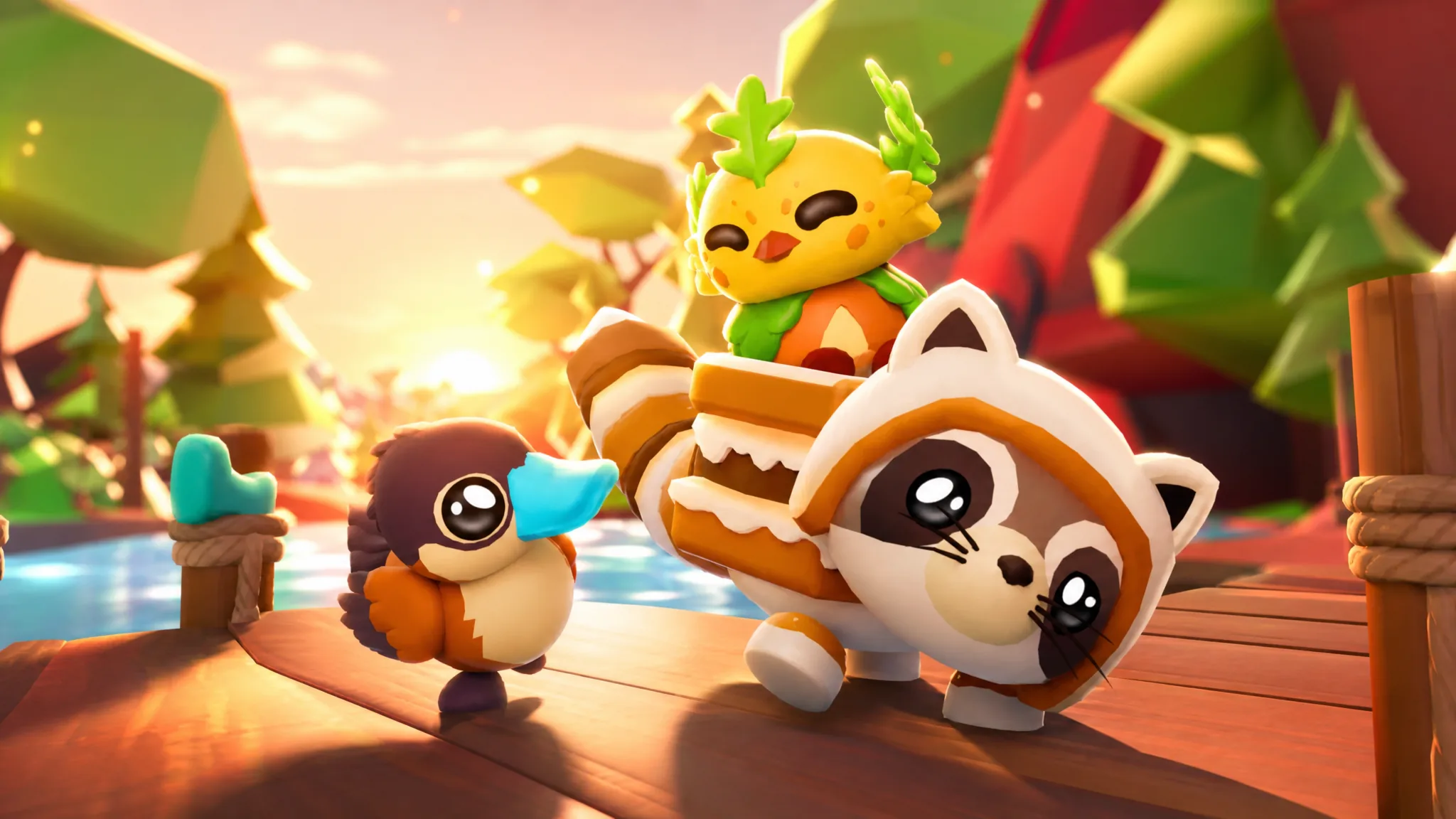
Adopt Me: How to Get the Forest Sprite Pet
The Summer Camp Common pet costs 3,700 Acorns at the Ducky Driving area, plus the Acorn methods and trick list.
-

How to Get the Ruddy Duck in Adopt Me (Summer Camp Week 4)
The limited Rare duck costs 29,000 Acorns at the Ducky Driving area during the final week of Summer Camp.
-

Echoes of Aincrad: How to Complete All 52 Achievements
Every trophy across story milestones, partners, weapon mastery, and the grindy collection goals, with the exact task for each.
-
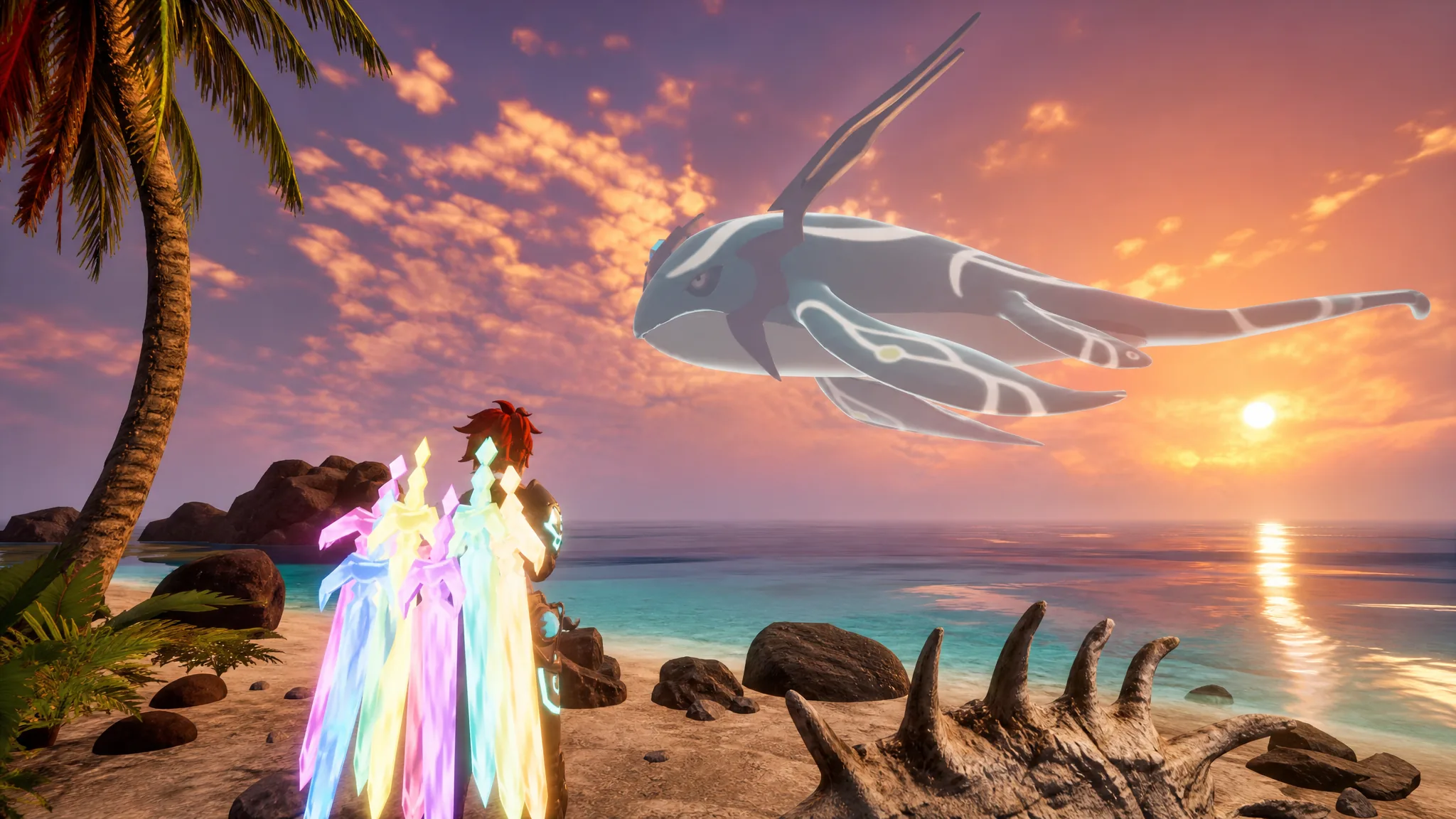
Palworld: How to Get Panthalus, the Giant Whale Pal
The full quest chain to unlock the Echoing Flute, summon the Water-type Ocean King, and capture it inside the 10-minute window.