
Instructional, step-by-step articles.
Content Type: How-To
-
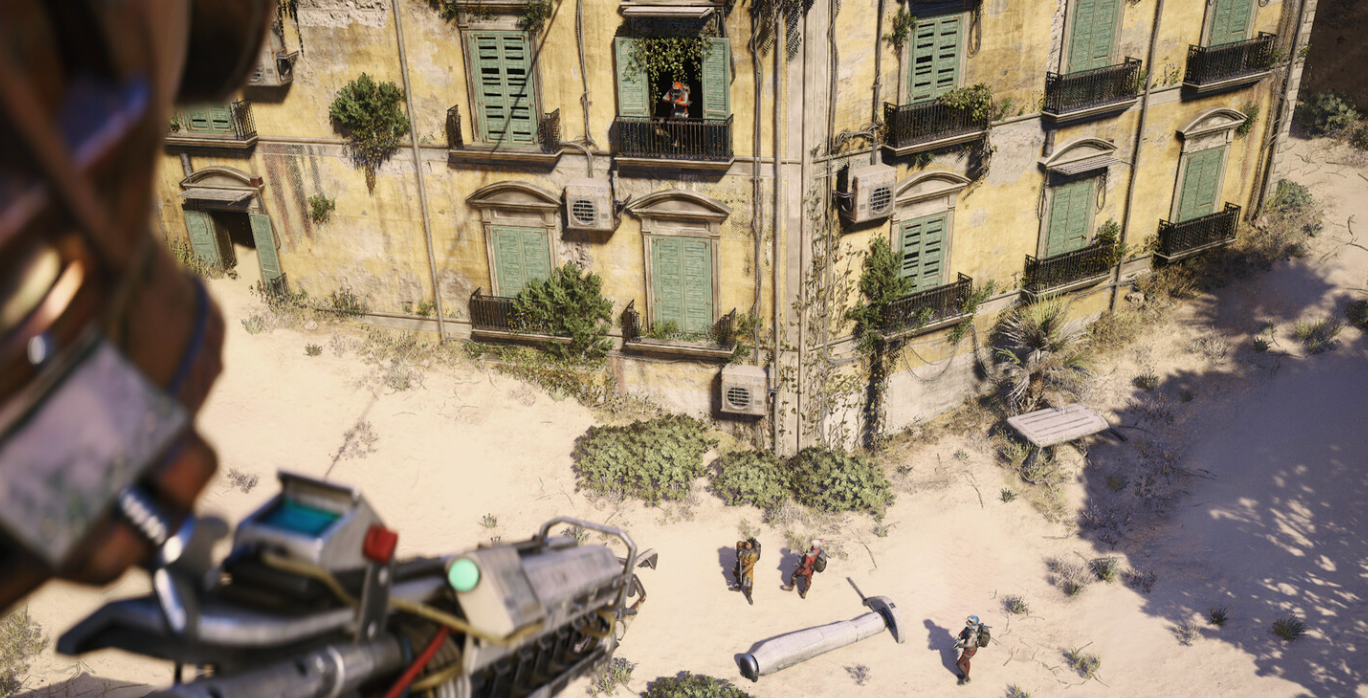
Arc Raiders Raider’s Refuge cellar buttons and how to open the vault
Learn where the buttons can appear around Raider’s Refuge on Blue Gate and how to reliably open the high‑value cellar.
-
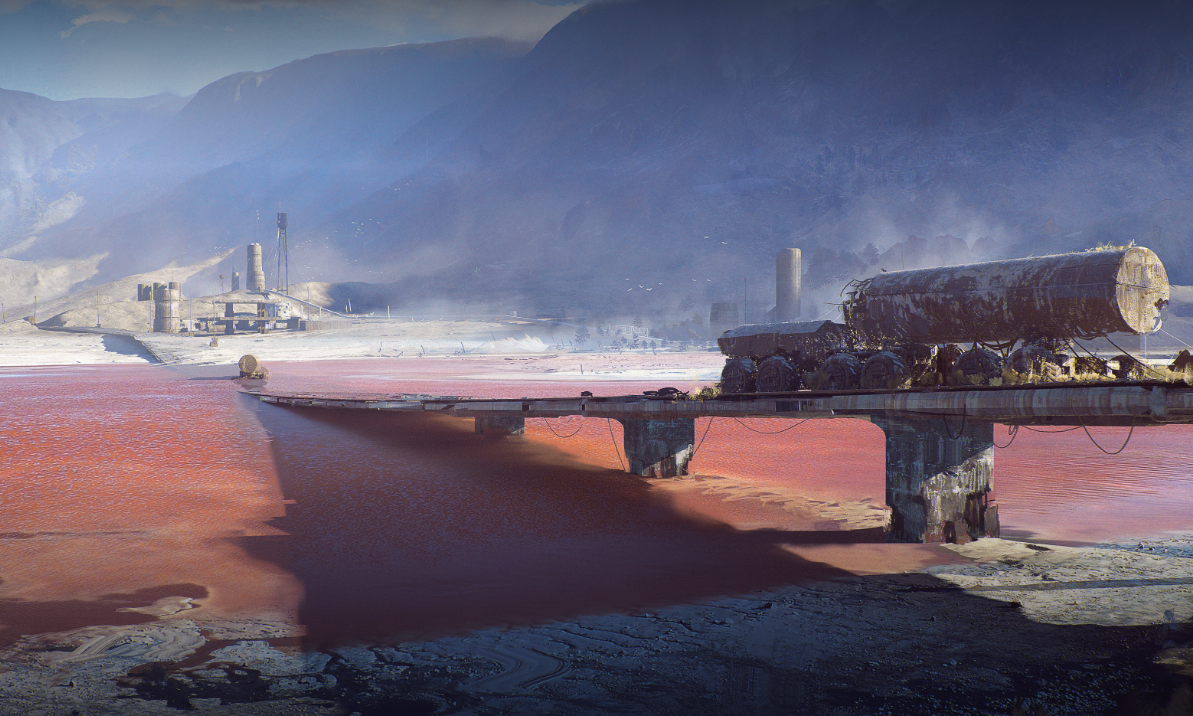
ARC Raiders: How To Reach The Departure Building Medical Exam Room
Learn the cleanest routes and room landmarks to find the medical exam room in Spaceport’s Departure building.
-
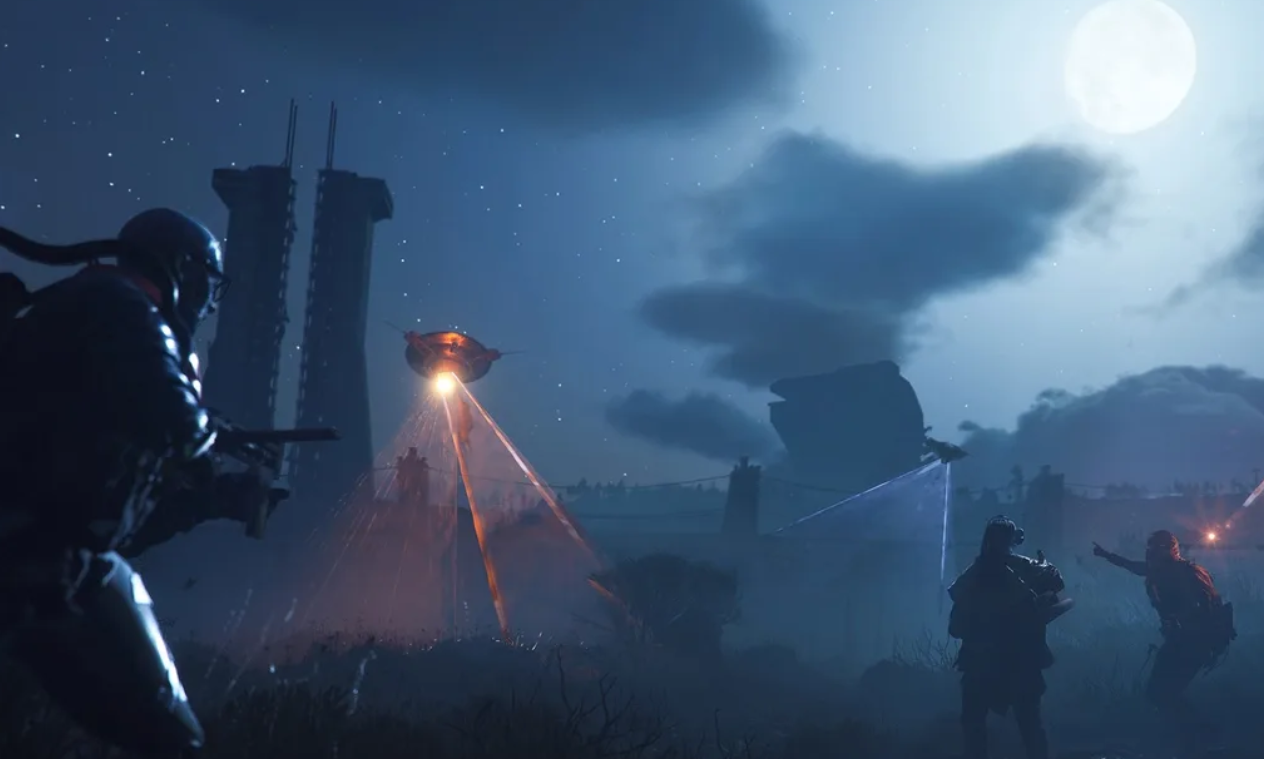
Arc Raiders: How To Reach Formicai Outpost And Raise The Raider Flag
Track down the Formicai Outpost in Dam Battlegrounds, grab the Raider Flag, and finish A Symbol Of Unification.
-
ARC Raiders ARAU0297 error – What it means and how to fix it
Why ARC Raiders shows “Online services are currently unavailable. ARAU0297” and the most reliable fixes on PC, PS5, and Xbox.
-
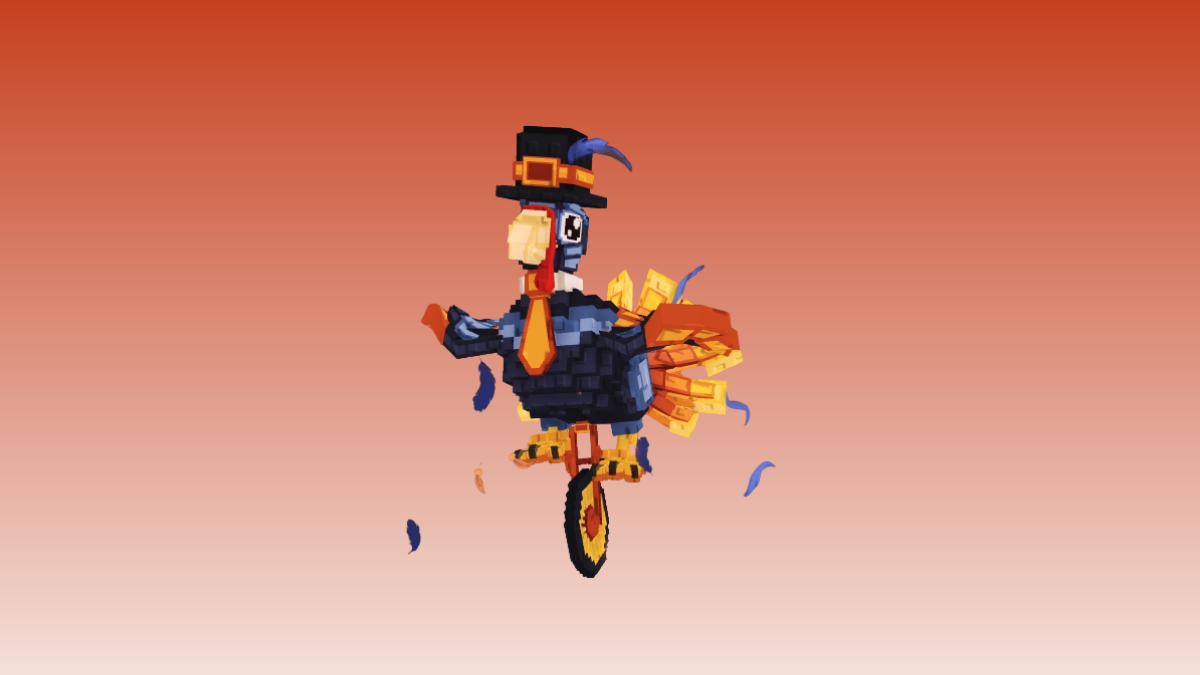
How to Catch the Turkey Brainrot Gobblino Uniciclino in Steal a Brainrot
How the Thanksgiving Turkey event works, what Gobblino Uniciclino does, and the realistic ways to secure one before it disappears.
-
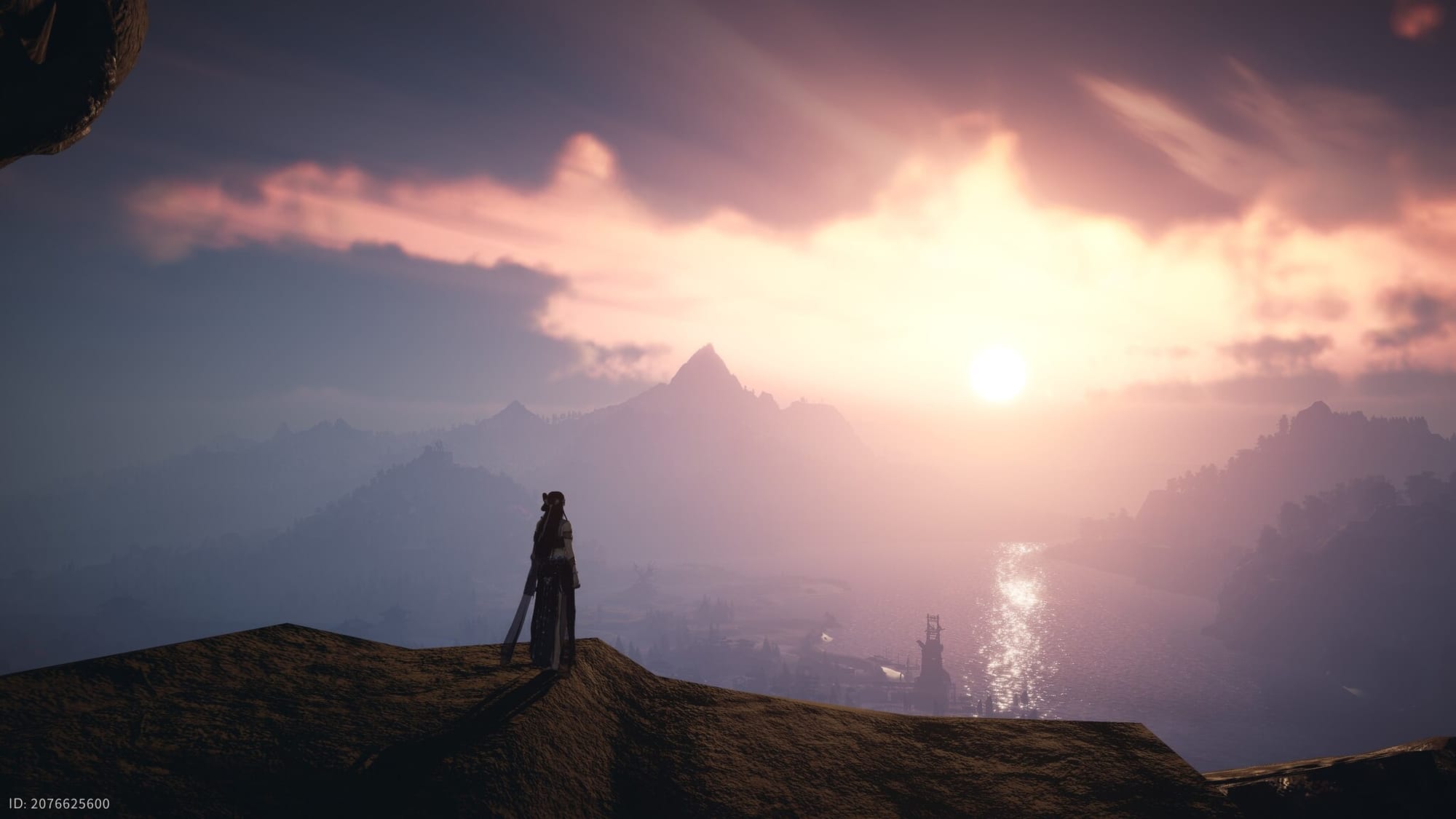
How to unlock Touch of Death in Where Winds Meet
Learn where to go, how to solve the Northern Vow Ruins puzzles, and how Touch of Death works once you unlock it.
-

Find the Bard’s Lost Guitar in The Forge (Roblox)
How to start the Bard’s quest, reach the hidden cave in Stonewake’s Cross, and claim your Unknown Key reward.
-
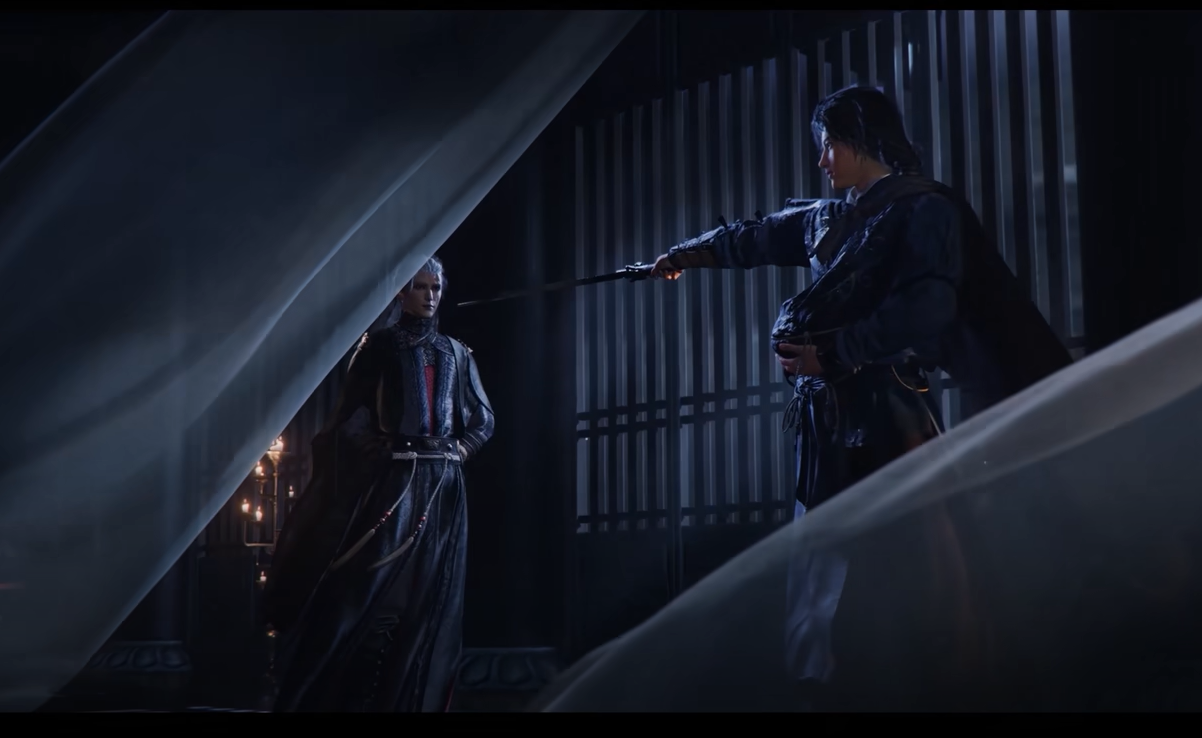
Esoteric Revival Inner Way in Where Winds Meet (effects, tiers, and how to get it)
What Esoteric Revival does for Panacea Fan builds, how its tier bonuses work, and where to obtain the tome.
-
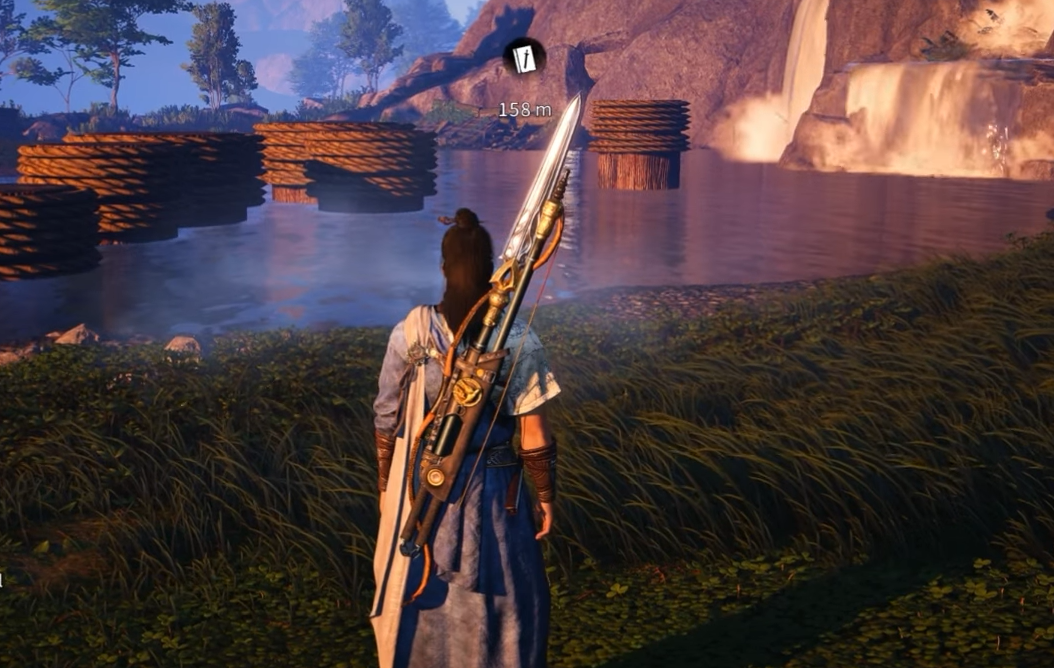
How to Hide Your Bow and Weapons in Where Winds Meet
Use the hidden Appearance Visibility menu to keep bows and other weapons off your character’s model outside of combat.
-
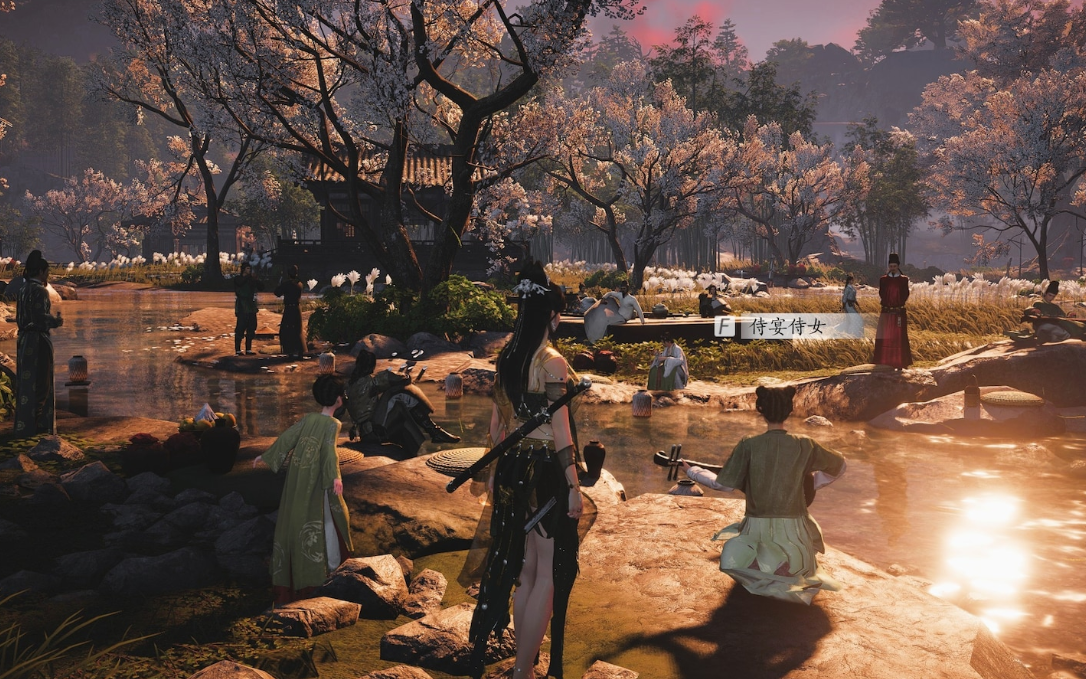
How to Change the Time of Day in Where Winds Meet
Use the in‑game clock to jump to the right hour for quests, puzzles, and exploration in Solo Mode.