
Instructional, step-by-step articles.
Content Type: How-To
-
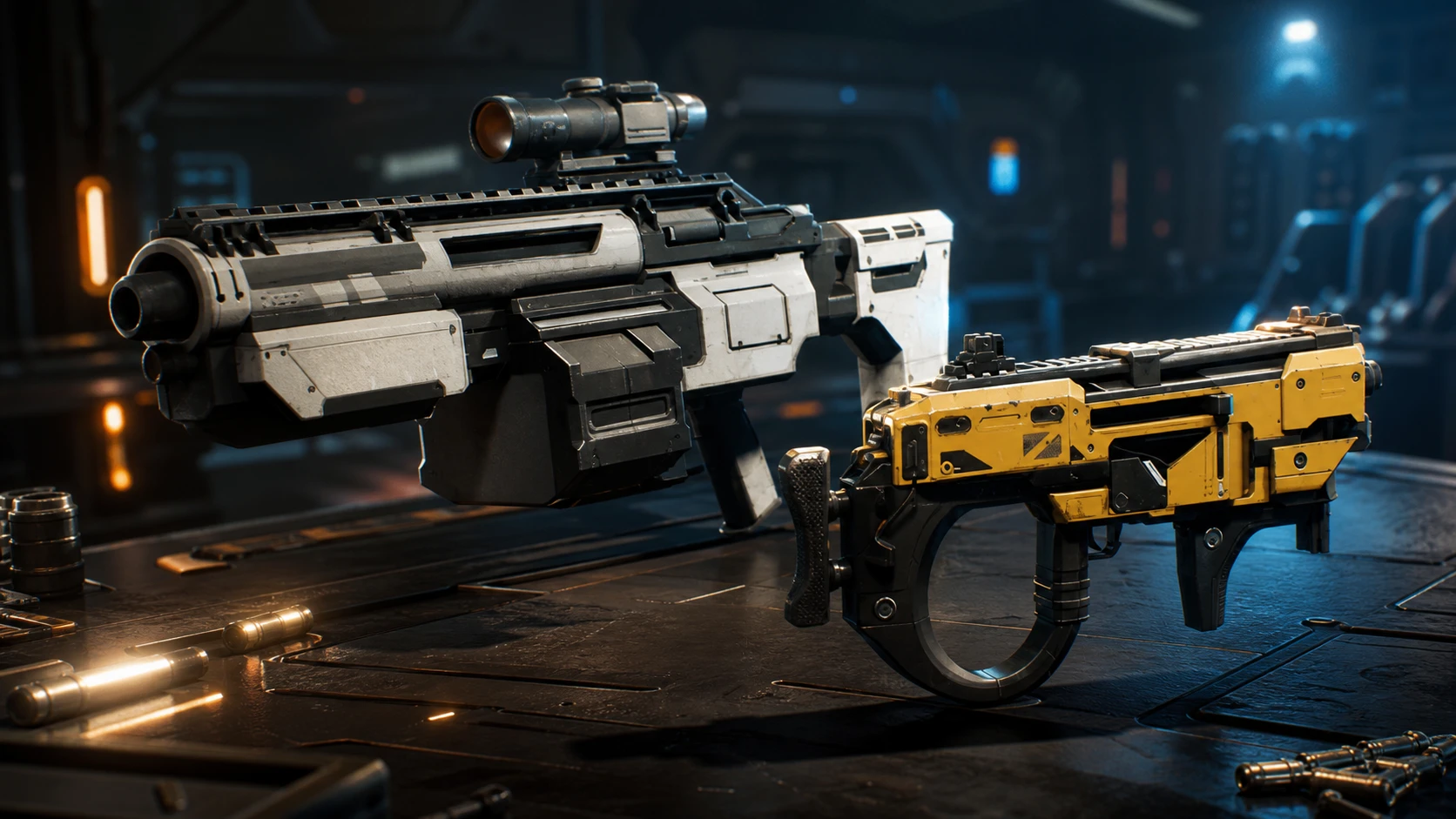
Jump Space Summer Update: How to Test the New Hammerhead Ship and Loot Now
Keepsake Games has pushed a new ship, fresh weapons, and a reworked loot system to the experimental branch ahead of a late-June launch.
-
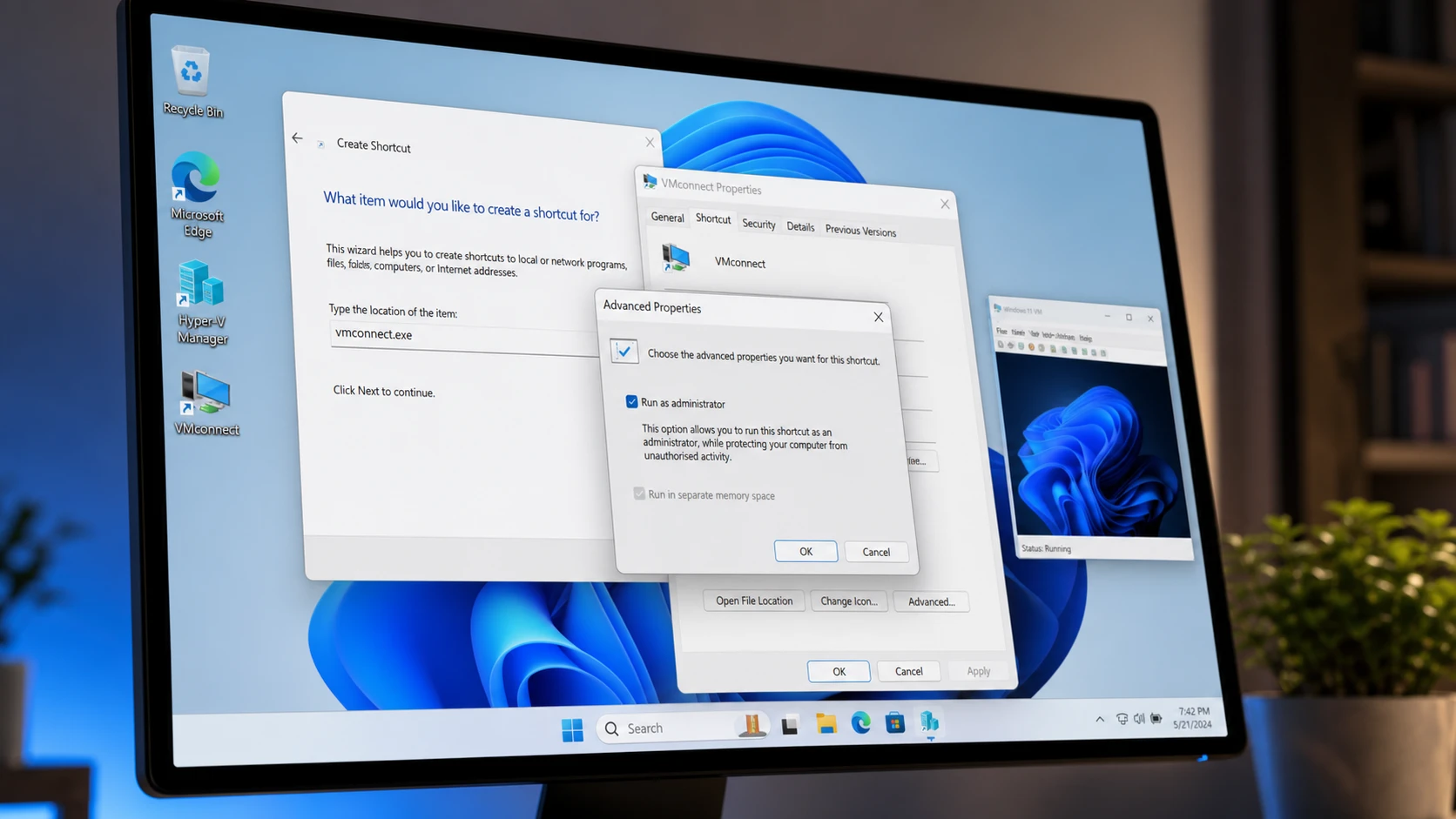
Create a Hyper-V Virtual Machine Desktop Shortcut in Windows 11
Launch a Hyper-V VM directly from your desktop using vmconnect.exe with administrator rights.
-
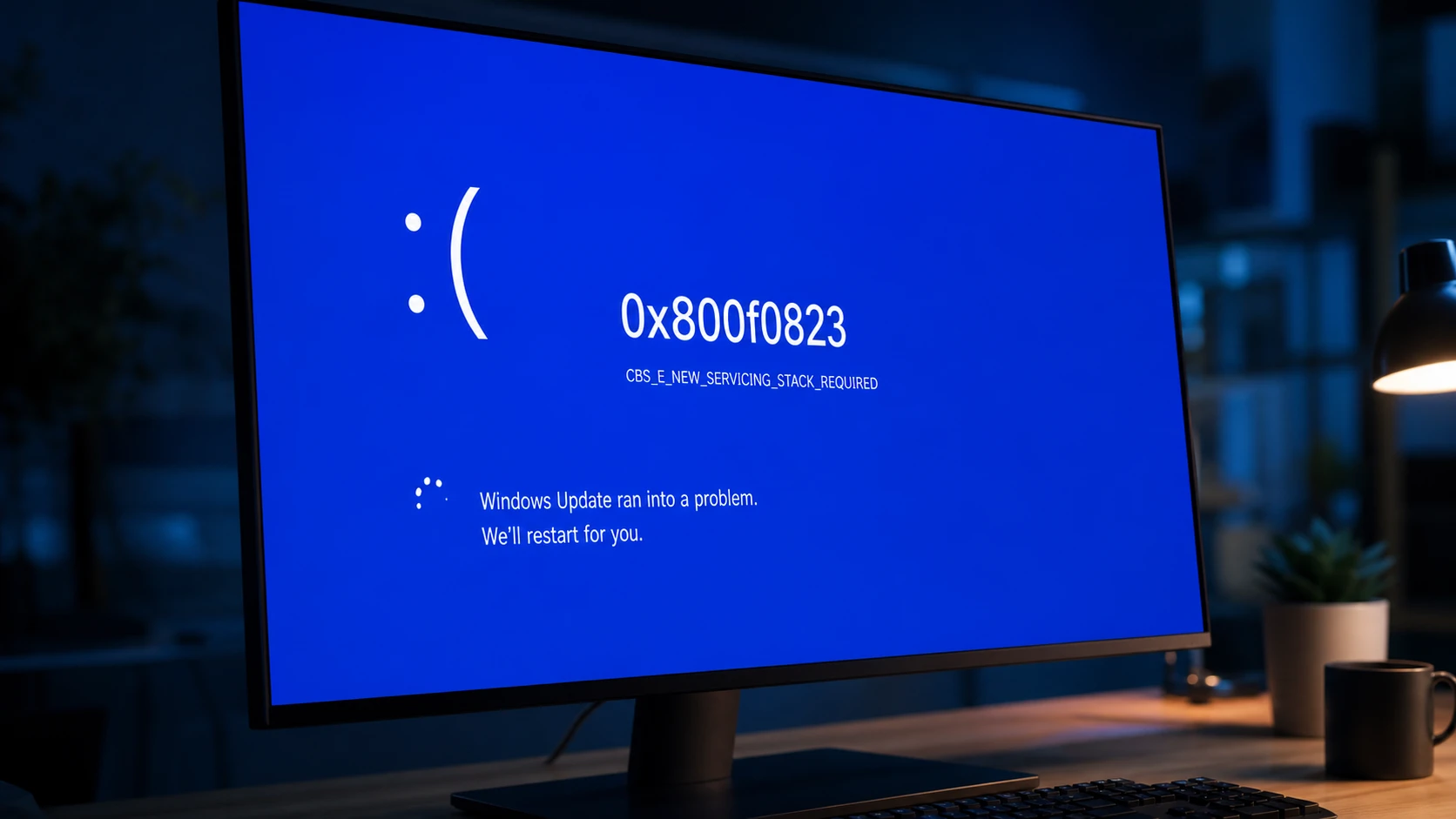
Fix Windows Update Error 0x800f0823 (CBS_E_NEW_SERVICING_STACK_REQUIRED)
Install the matching servicing stack update before the cumulative update so Windows can process new patches.
-
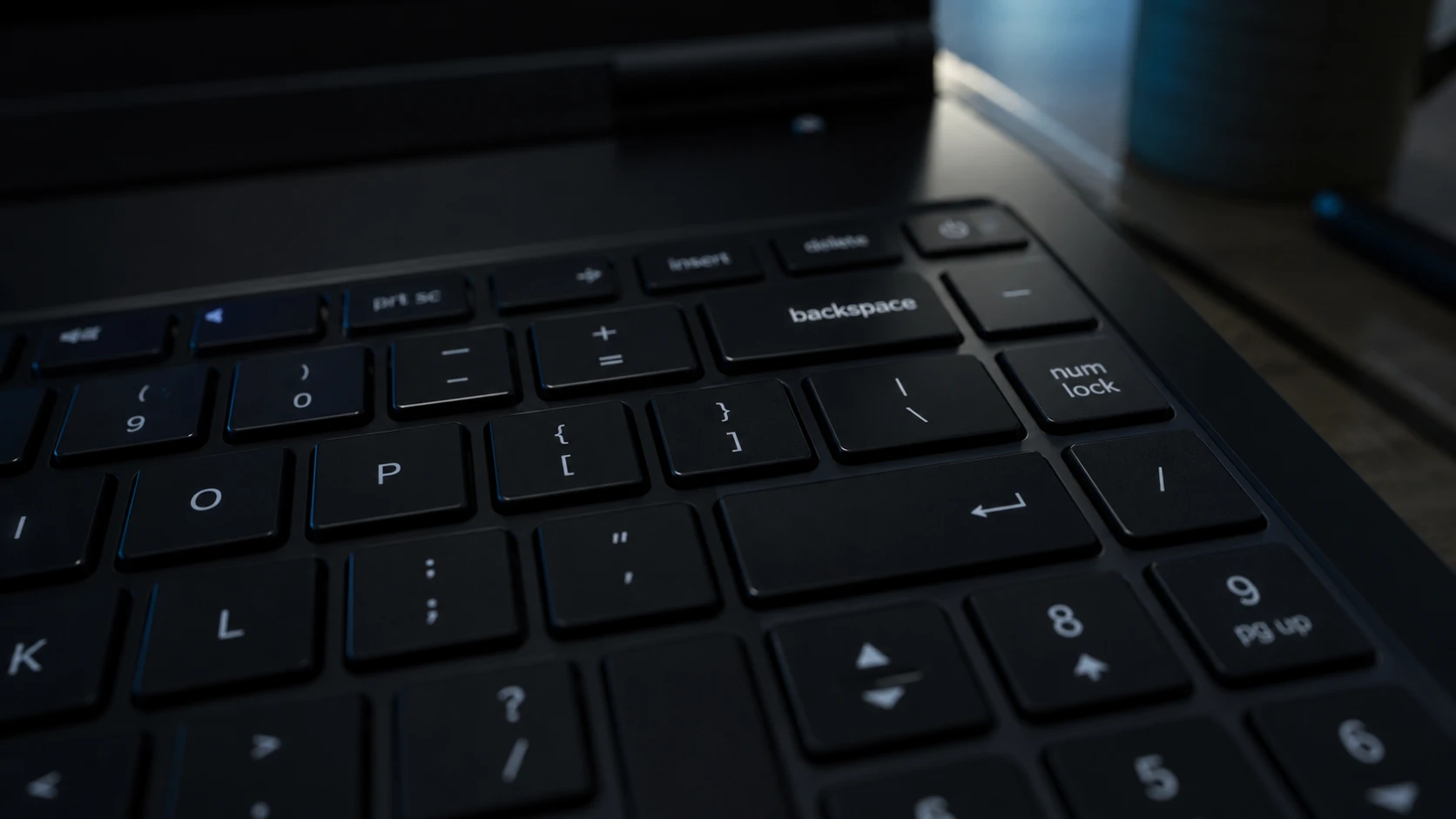
Backspace Deletes Only One Letter in Windows 11 – How to Fix It
Turn off Filter Keys first, then work through the keyboard driver and repeat-rate fixes if holding Backspace still fails.
-
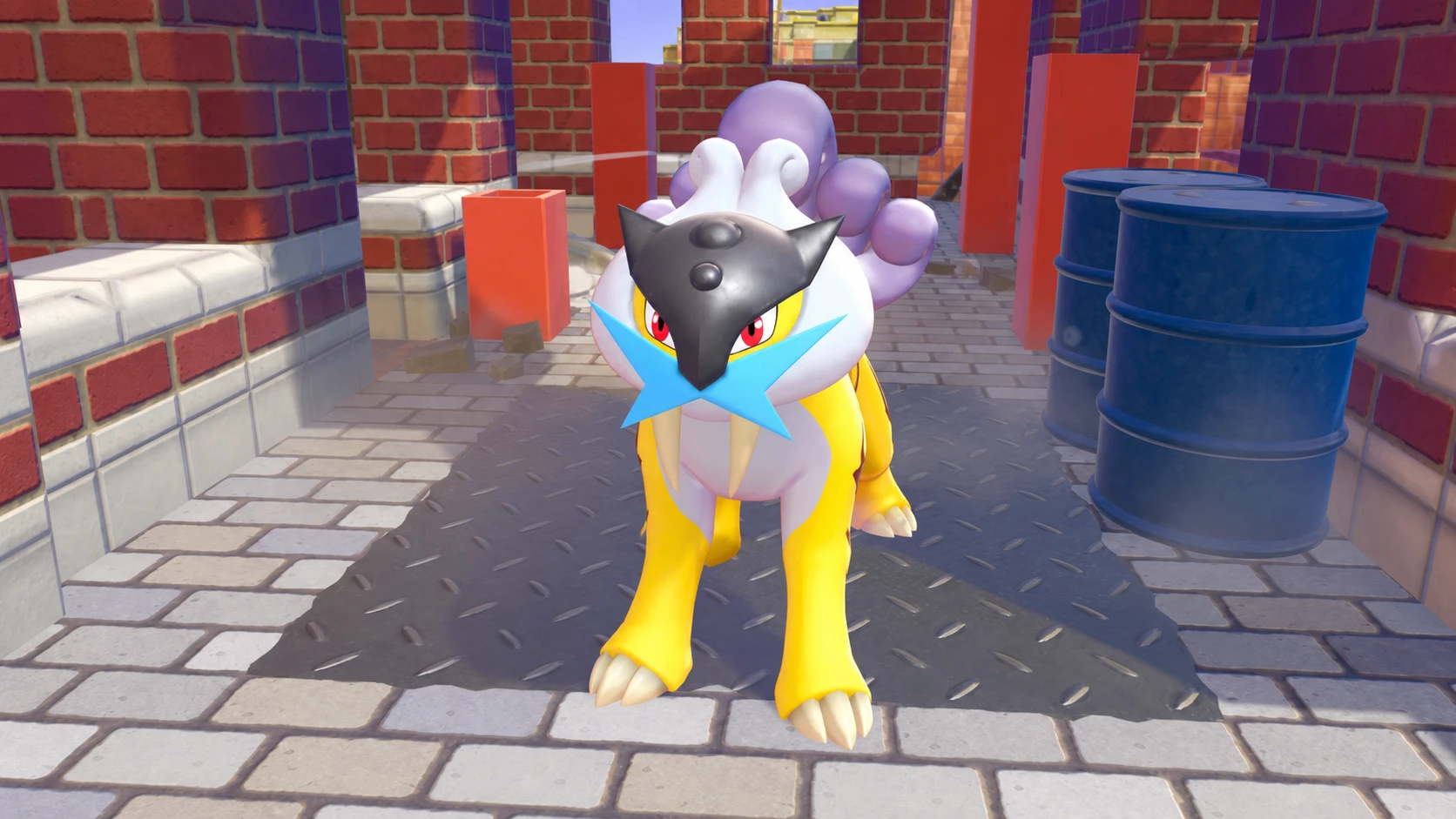
How to Get Every Legendary and Mythical Pokémon in Pokémon Pokopia
The exact triggers, kits, and crafted items needed to add all 13 Legendary and Mythical Pokémon to your Pokédex.
-
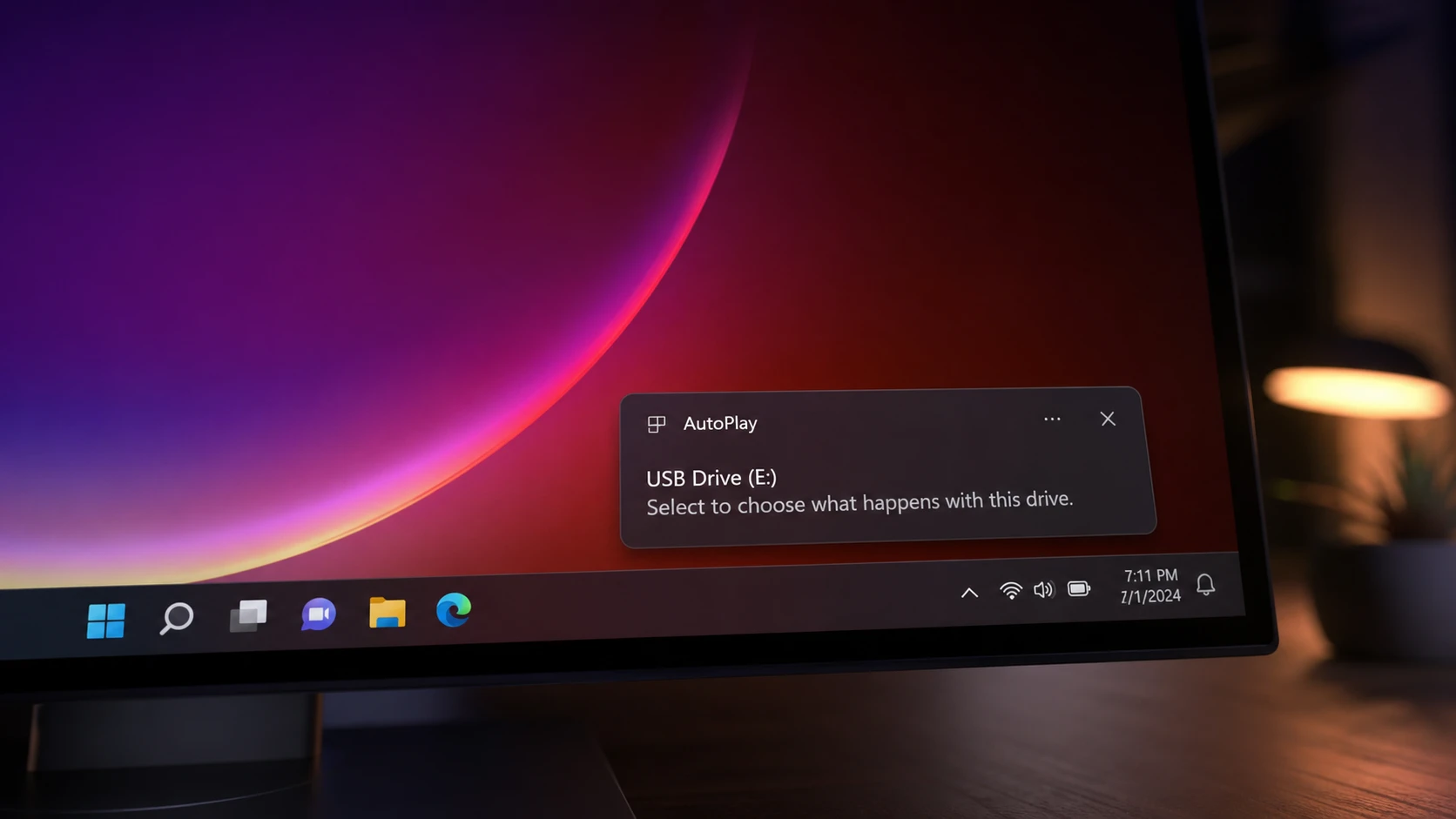
AutoPlay Not Working in Windows 11: How to Fix It
Re-enable the feature, repair the Shell Hardware Detection service, and reset defaults so Windows reacts when you plug in a drive.
-
Hide the Windows 11 Taskbar With a Hotkey
Toggle the taskbar instantly with Ctrl+Esc, a custom hotkey, or an auto-hide setting.
-
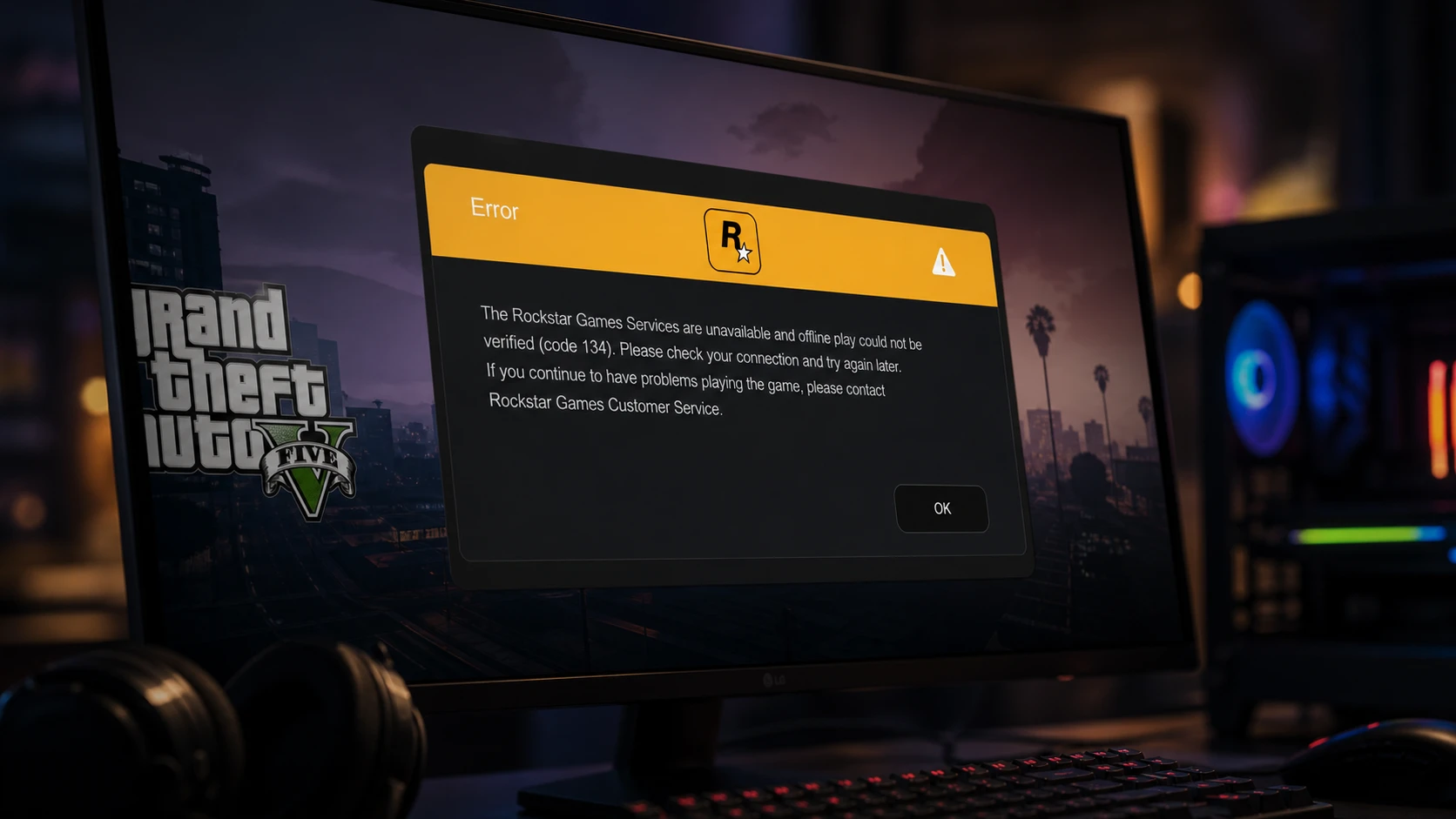
GTA V Error Code 134 on Windows: How to Get Back Online
Clear the “Rockstar Games Services are unavailable” message with checks for servers, drivers, game files, and the launcher.
-
How to Build Lucilla in Wuthering Waves (Version 3.4)
Weapons, Echoes, stats, skill priority, and team comps for Startorch Academy’s dual-mode Glacio support.
-

How to Reroll Weapons in VV: Ultimatum With Experimental Hogyoku Shards
The exact item you need, where to farm it, and the full weapon pool for each faction.