
Instructional, step-by-step articles.
Content Type: How-To
-
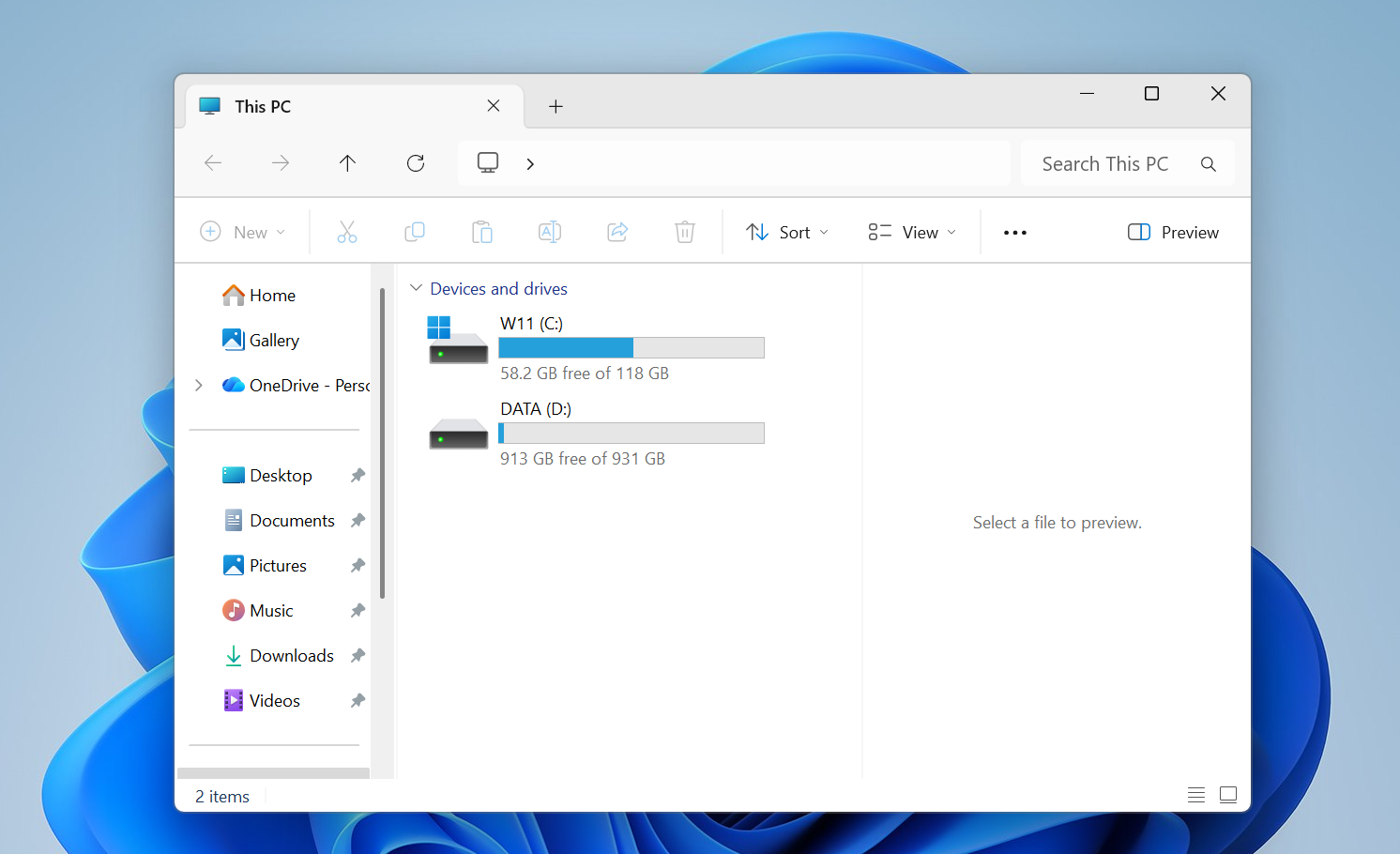
How to stop screen flickering on Windows 11
Display driver problems and misbehaving apps are behind most Windows 11 flicker issues; here’s how to isolate and fix them.
-
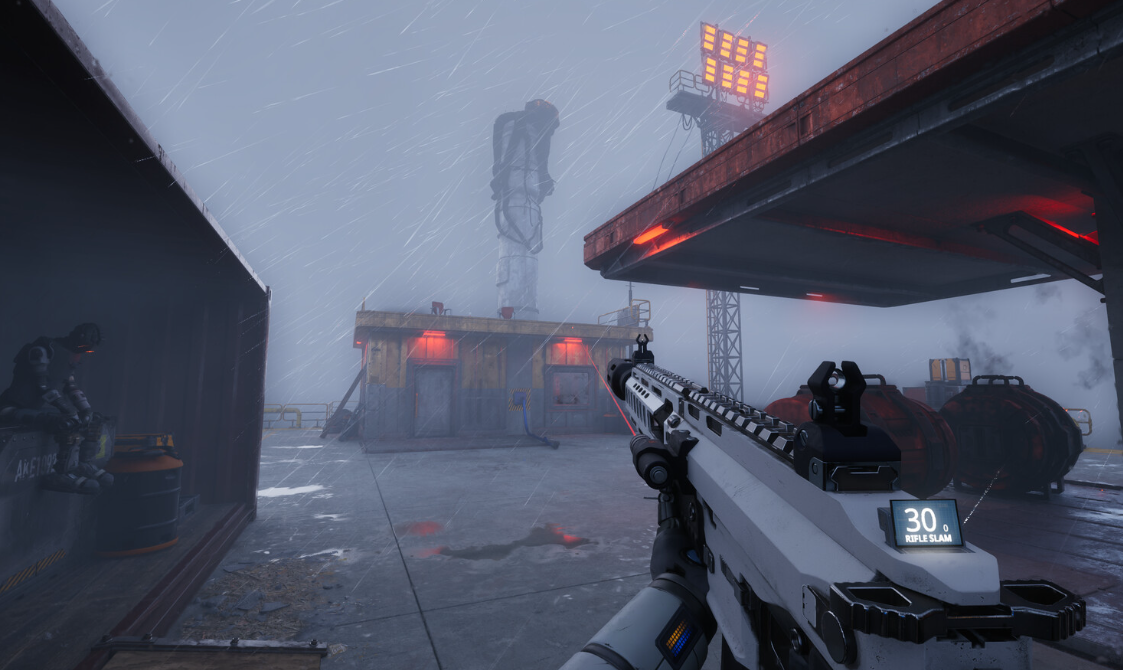
How to Grow Humans in The Last Caretaker’s Lazarus Complex
Set up water and power, craft nutrient canisters, choose memories, and shape your colony’s future humans.
-

How to Use Xbox Play Anywhere on PC and Xbox
Learn how to buy, install, and use Xbox Play Anywhere games across Xbox consoles, Windows PCs, and supported handhelds.
-
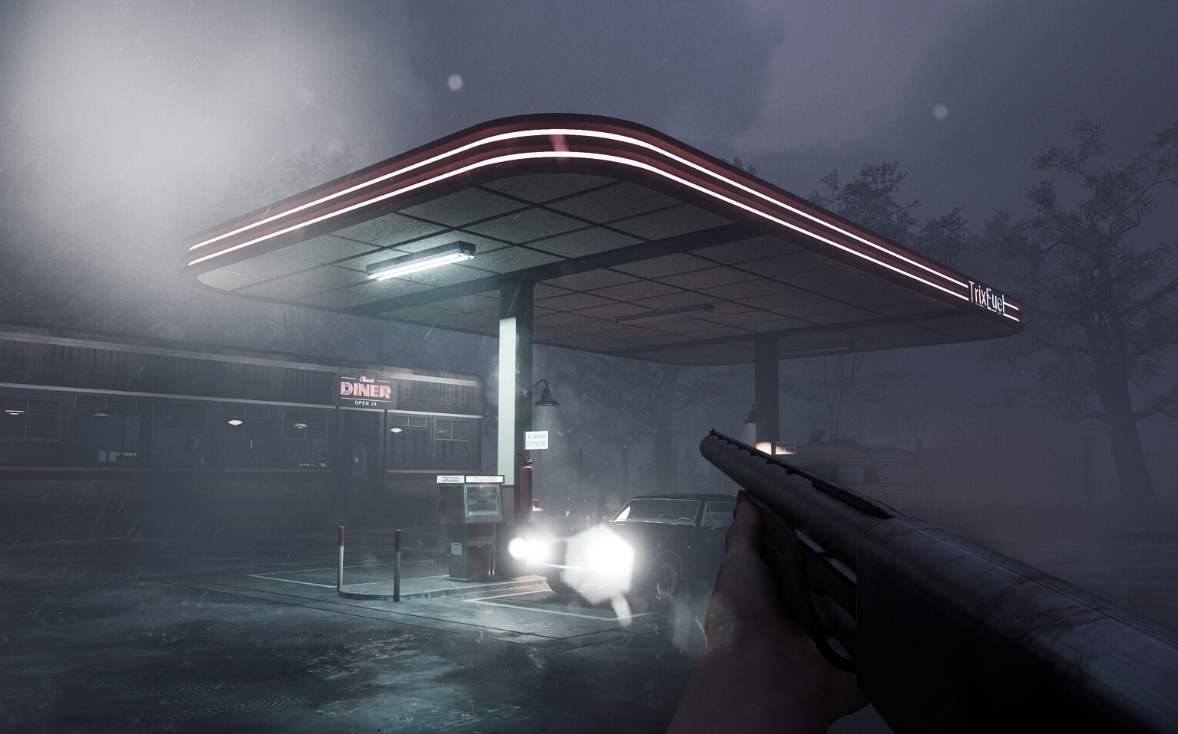
How to Build and Install the Electronic Panel in AILA
Walk through the morning apartment sequence to assemble Samuel’s robot controller and mount the finished panel in the bedroom.
-
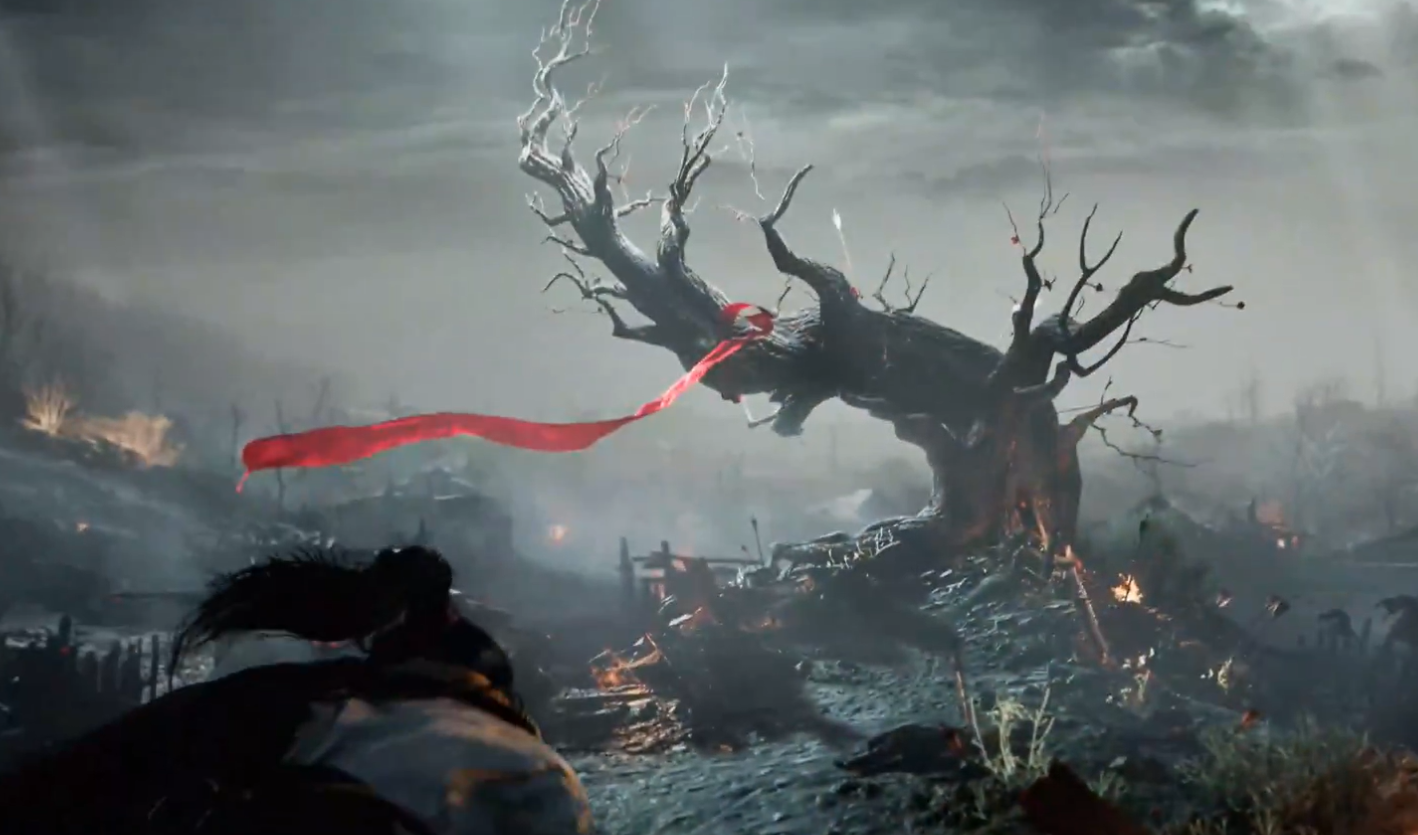
Where Winds Meet Afterglow quest: How to reach the midstream boat
Clear the wine jar challenge, land on the boat, and unlock Meteor Flight and basic windwalking in the Afterglow side story.
-
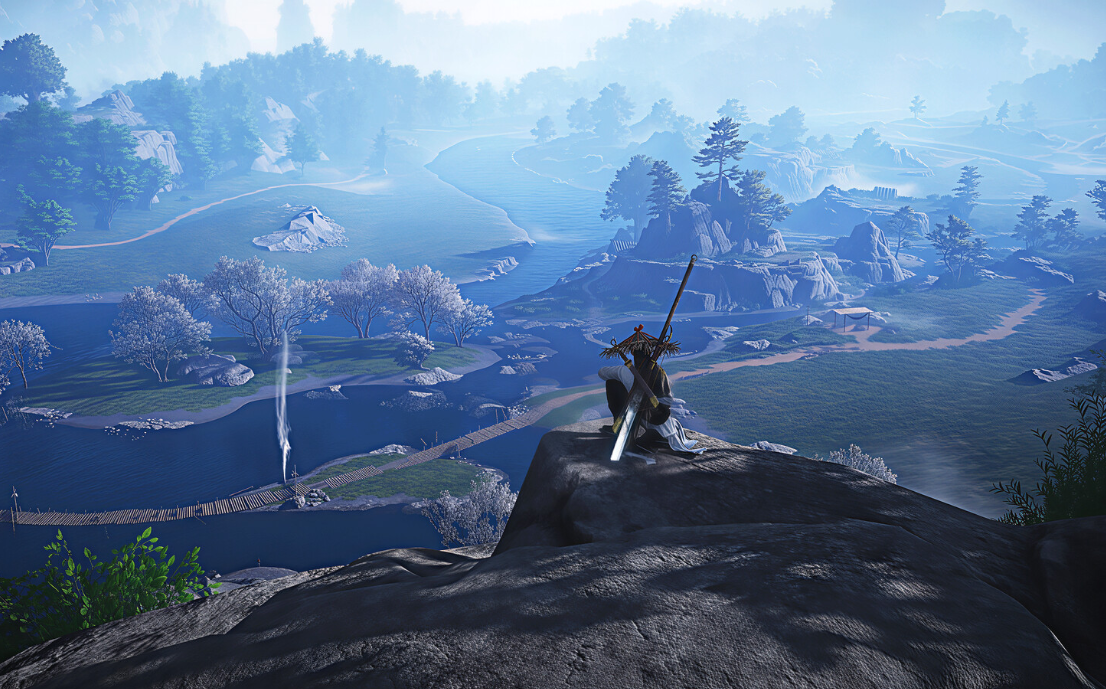
How to get Vernal Umbrella in Where Winds Meet
How to get the Vernal Umbrella, what it does in combat, and how it fits into ranged DPS builds.
-
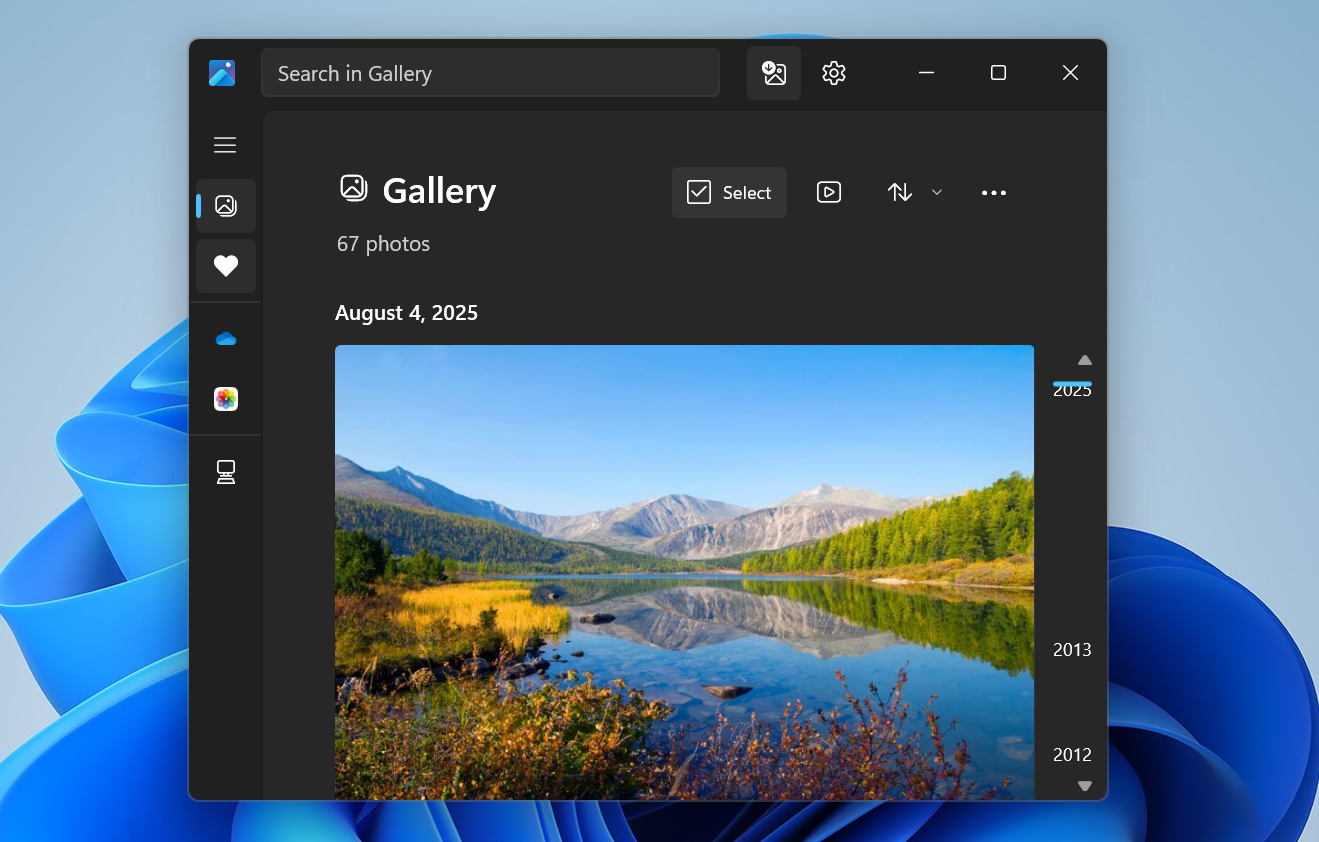
How to Sync Google Photos with the Windows 11 Photos app via Google Drive
Configure Google Drive and the Photos app so your Google Photos library appears alongside local images on a Windows 11 PC.
-
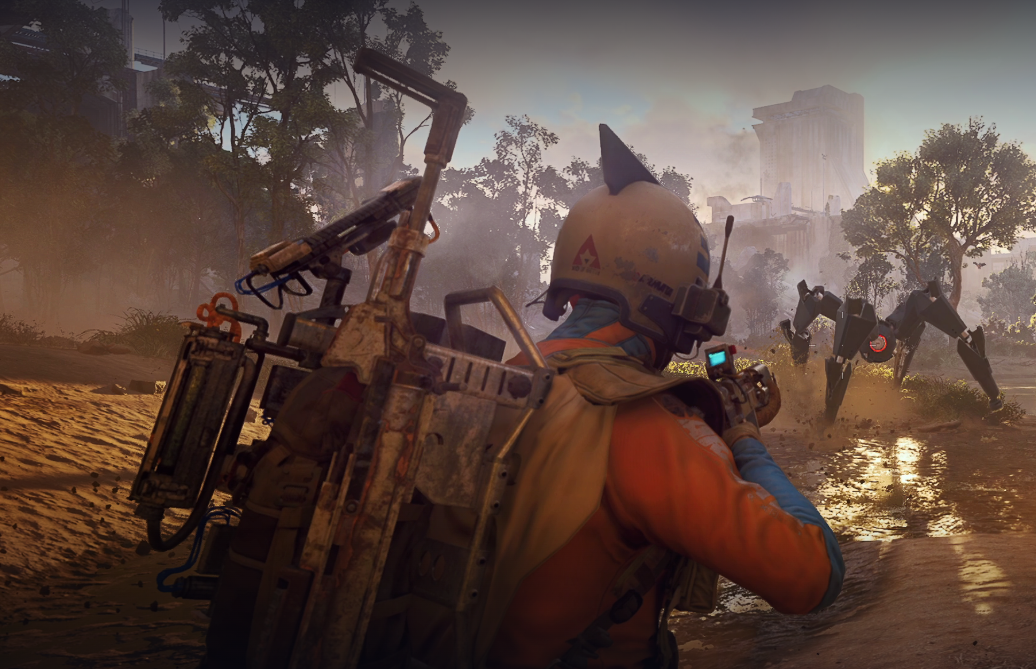
ARC Raiders First Wave husks and how to clear the Trial
What counts as a First Wave husk, where they spawn, and how to score three stars on the Week 5 Trial.
-

Where Winds Meet Fang Xu friendship and how to unlock him
How Fang Xu works as a Jianghu Friend, why he was bugged, and what players can do now to raise favor.
-

ARC Raiders stash size limits and how to manage them
How stash upgrades work, what the true cap is, and the practical ways to live with 280 slots in Speranza.