
Instructional, step-by-step articles.
Content Type: How-To
-

Battlefield 6 won’t connect to online services? How to fix the most common problems
Practical fixes for Battlefield 6 connection loops, “connection failed” errors, and random disconnects on PC, PlayStation, and Xbox.
-
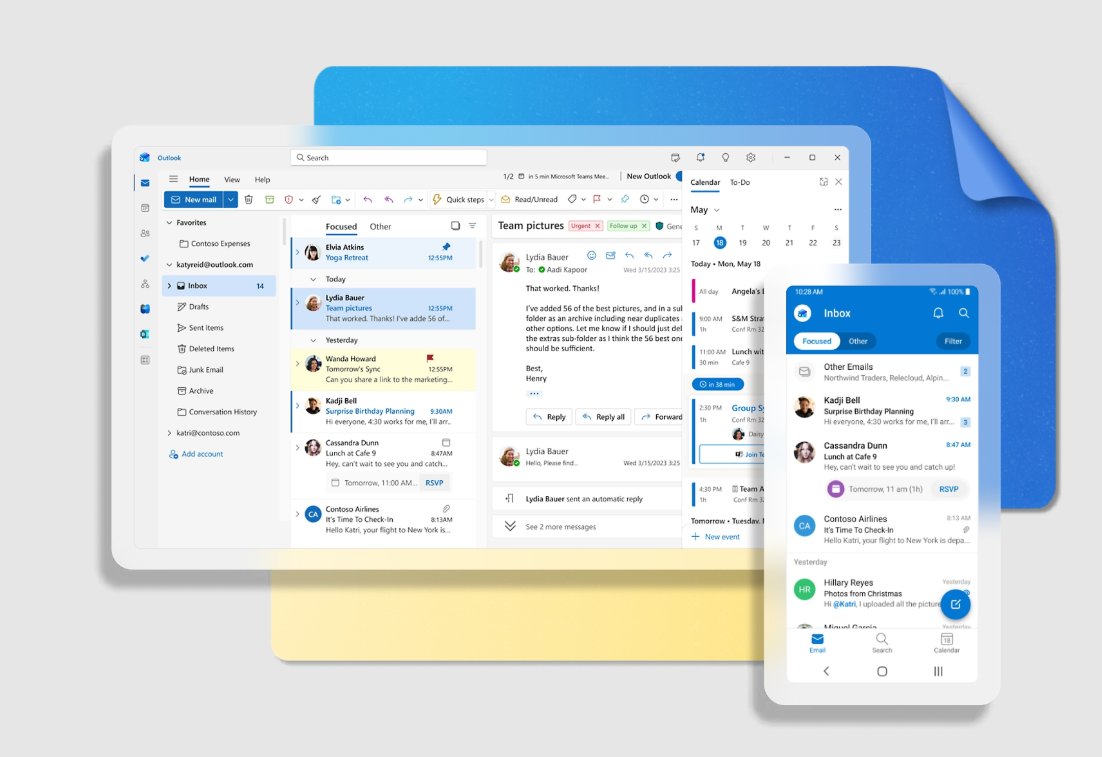
Fixing “You don’t have sufficient permissions to open the mail” for encrypted Outlook messages
What that permission error really means, when it appears, and the practical ways to get encrypted Outlook messages to open again.
-
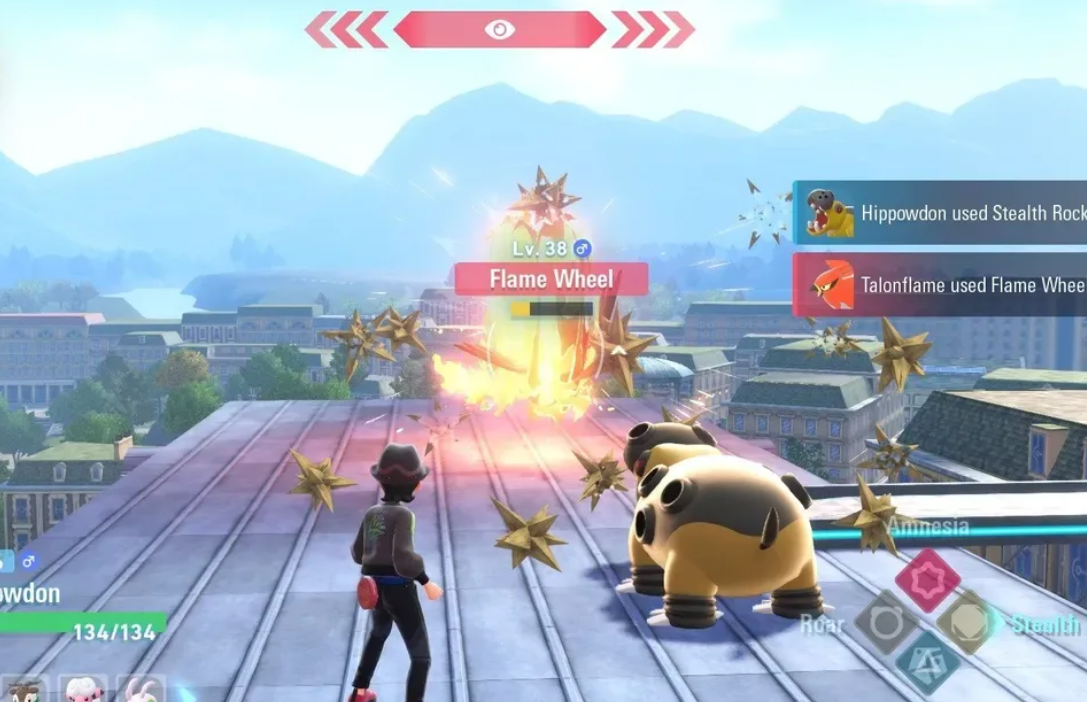
Pokémon Legends: Z-A Beldum location and how to catch it
Find Beldum in Lysandre Labs, understand its spawn rules, and make the most of this late‑game Steel/Psychic type.
-

How to Get and Evolve Galarian Slowpoke in Pokemon Legends: Z-A
Learn where Galarian Slowpoke comes from, how its one-per-save restriction works, and what to consider before evolving it.
-

Pokémon Legends Z-A Gible location and how to force its spawn
Track down Gible in Wild Zone 8’s dirt mounds and manage rare spawns to secure your future Garchomp.
-

Arc Raiders Week 5 Trials – How To Secure 3 Stars Fast
Every Week 5 Trial explained with the safest solo routes, loadouts, and map choices to hit the 3‑star threshold.
-
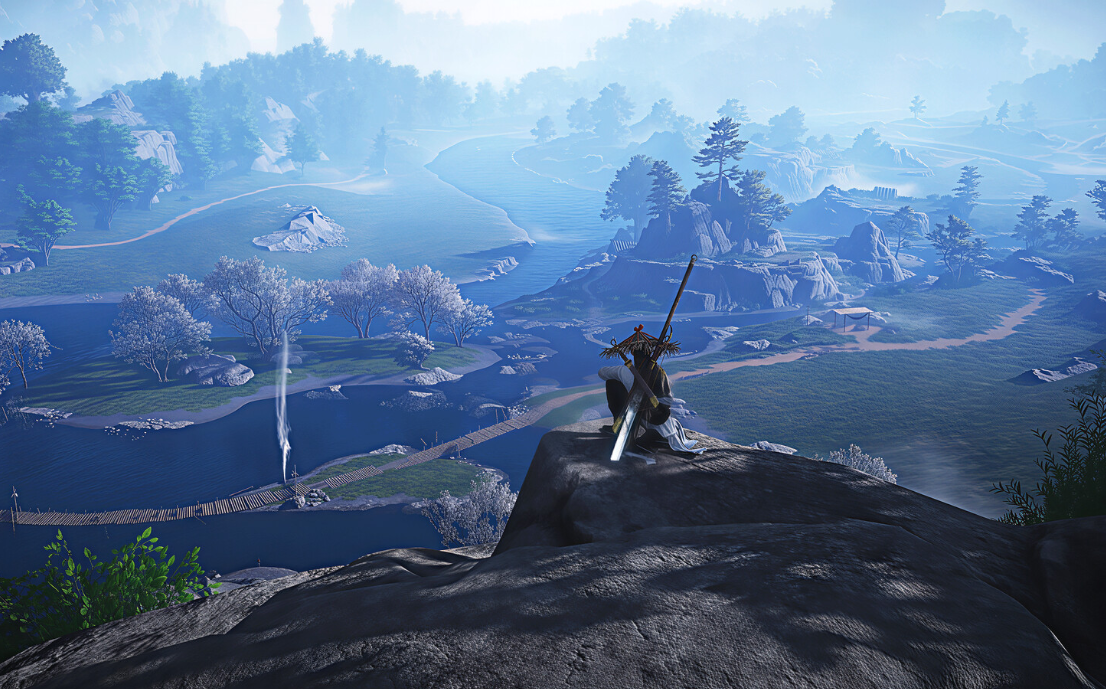
Where Winds Meet Evercare Clinic location and how to use it
Find the Evercare Clinic in Qinghe, unlock its features through the main story, and use it for healing and upgrades.
-
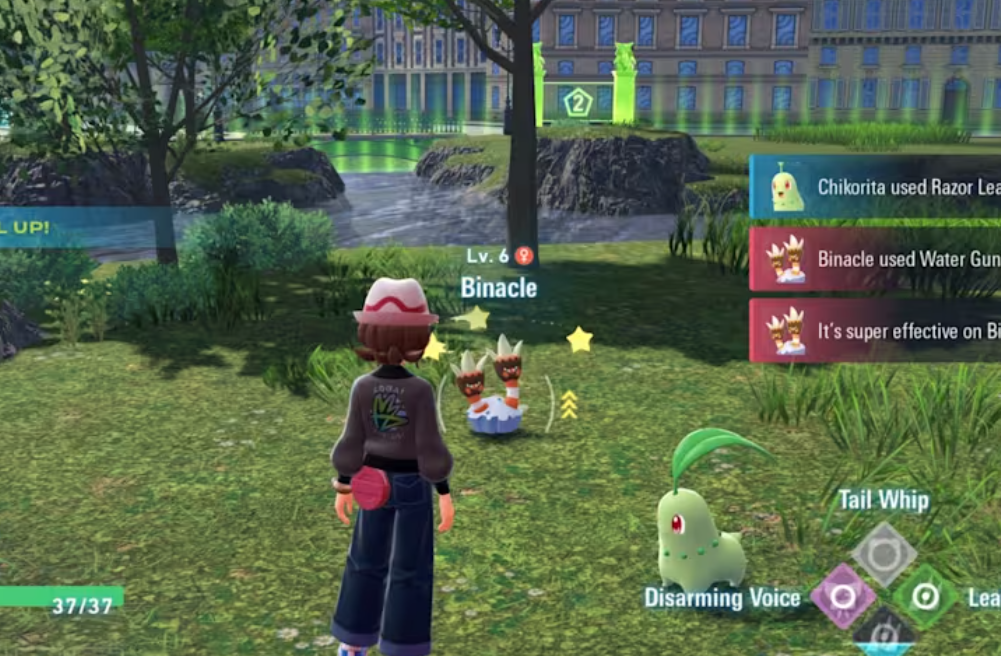
How to Get Glalie in Pokemon Legends: Z-A
Learn where to find Snorunt, how to evolve it into Glalie, and what Glalie offers once it joins your team.
-
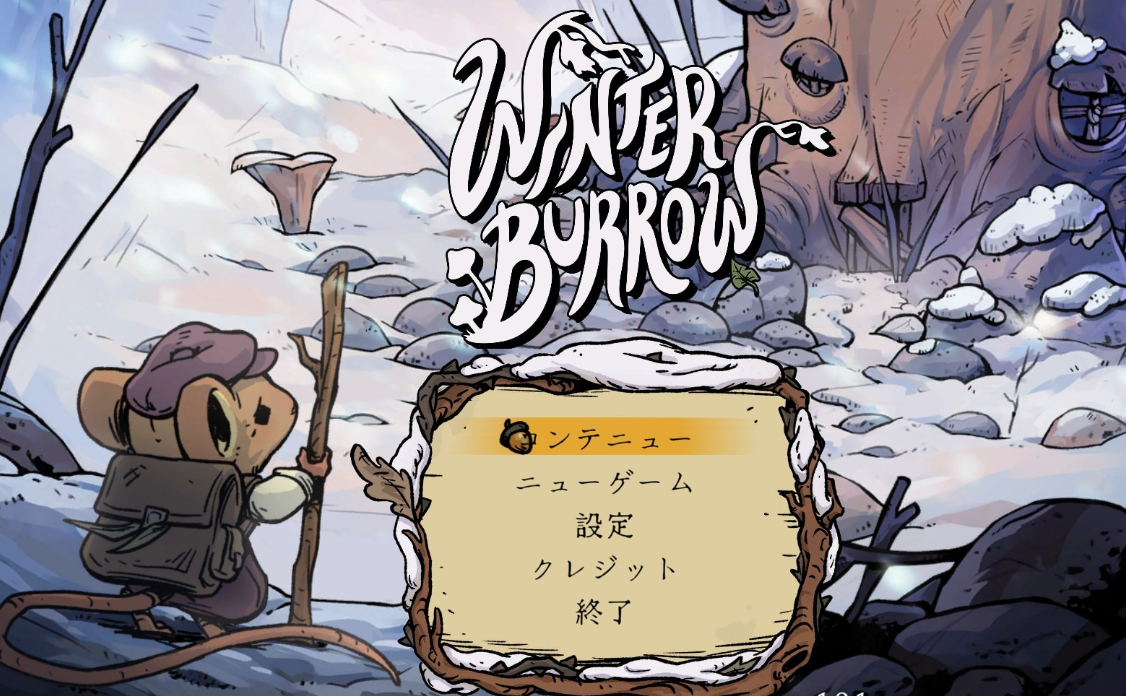
Winter Burrow: How to Start and Finish Willow’s Tunnel Quests
Where to find Willow, how to uncover her tunnels near your burrow, and what can currently break these quests.
-

Free Morph in Where Winds Meet: How to Unlock the Secret Mystic Skill
Learn every prerequisite, dungeon step, and combat requirement needed to secure the Free Morph Mystic Skill from Tian Ying.