
Instructional, step-by-step articles.
Content Type: How-To
-

Arc Raiders Tempest Blueprint: Where it drops and how to farm it
How the Tempest Blueprint works, where players are finding it, and what you need to craft the rifle.
-

ARC Raiders: How to use the Stella Montis Security Checkpoint key
Learn what the Security Checkpoint key is for, how to get it, and the exact route to its locked door on Stella Montis.
-

Leo in Kirby Air Riders: How to Unlock the Legendary Machine and What it Means
How Leo fits into Kirby Air Riders’ true ending, how to unlock it, and why the blue‑flamed lion has players theorizing.
-

Gigantes in Kirby Air Riders: How It Works and How to Unlock It
Learn how Gigantes fits into Kirby Air Riders’ story, how to unlock it, and what it actually does in City Trial.
-

Where Winds Meet: How to Unlock Zhao Feiyan’s Warehouse in Kaifeng
Access the Kaifeng restricted zone, complete The Offering Vault, and unlock Zhao Feiyan’s warehouse for Inner Way notes and a Lingering Melody.
-

Fortnite: How to Jam on Top of Moe’s to Get Homer’s Attention
Learn what “jam” means in this Springfield Stories quest and how to trigger it correctly using jam tracks.
-

Where Winds Meet keeps crashing? How to stabilize it on PC and console
Targeted fixes for startup crashes, hard locks, and constant disconnects in Where Winds Meet on Steam, launcher, PS5, and more.
-

Windows 11 File Explorer Preloading: What it does and how to enable or disable it
Microsoft is testing a File Explorer “preloading” feature in Windows 11 to hide launch lag by keeping its UI ready in memory.
-
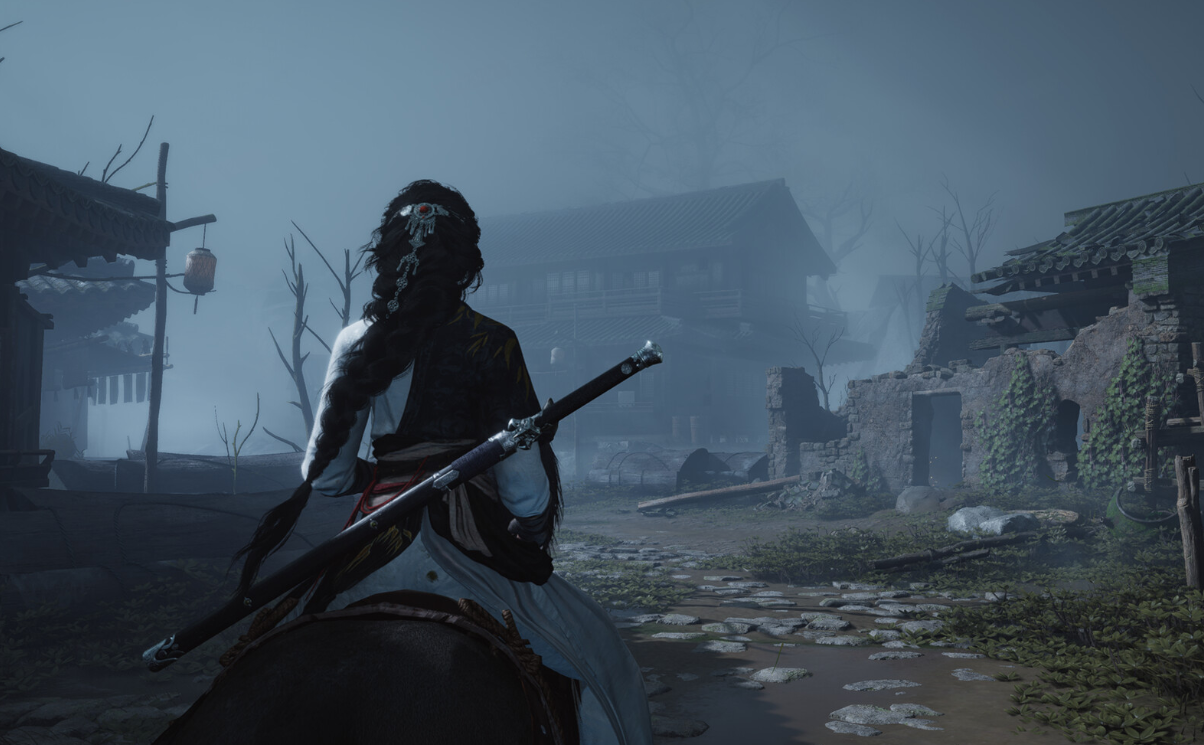
Where Winds Meet: How to Unlock Fivefold Bleed from the Lamp-lighting Monk
Track down the Lamp-lighting Monk in Kaifeng’s Grand Imperial Temple, solve his lamp puzzles, and claim the Fivefold Bleed Inner Way.
-
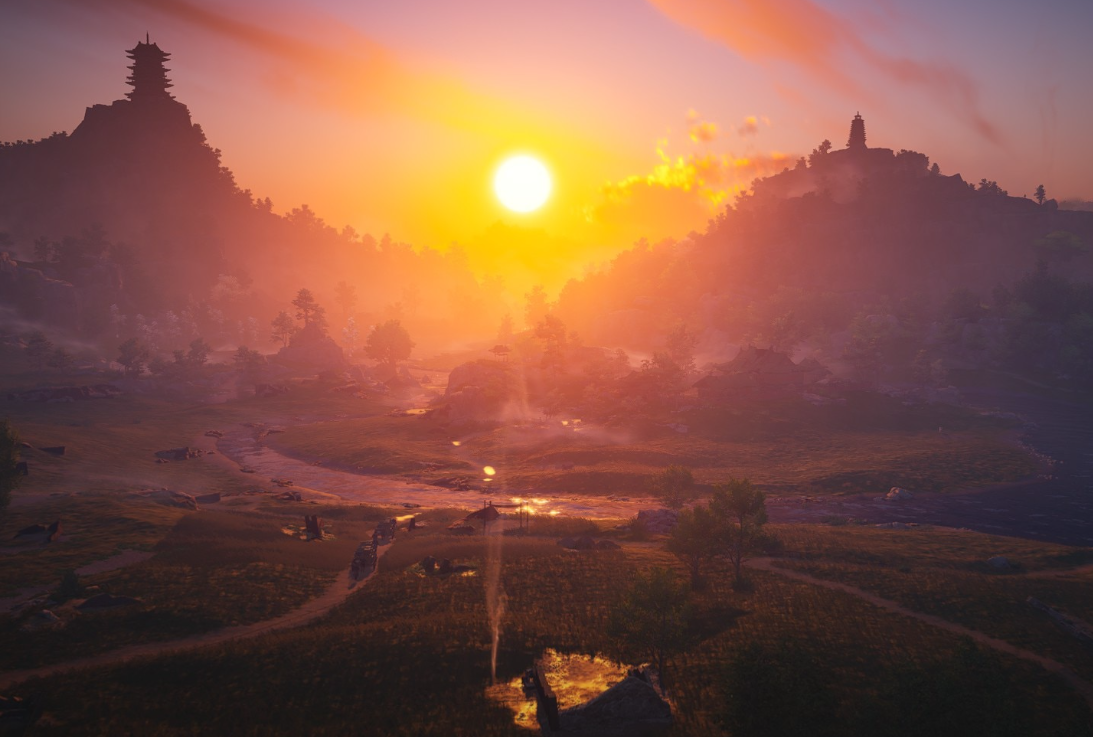
Where Winds Meet Vernal Umbrella: How to Unlock Ninefold Umbrella in the Temporal Pavilion
Learn how to access the Temporal Pavilion, deduce the keepsake’s location, and steal the Vernal Umbrella martial art from the Time Tower master.