
Instructional, step-by-step articles.
Content Type: How-To
-
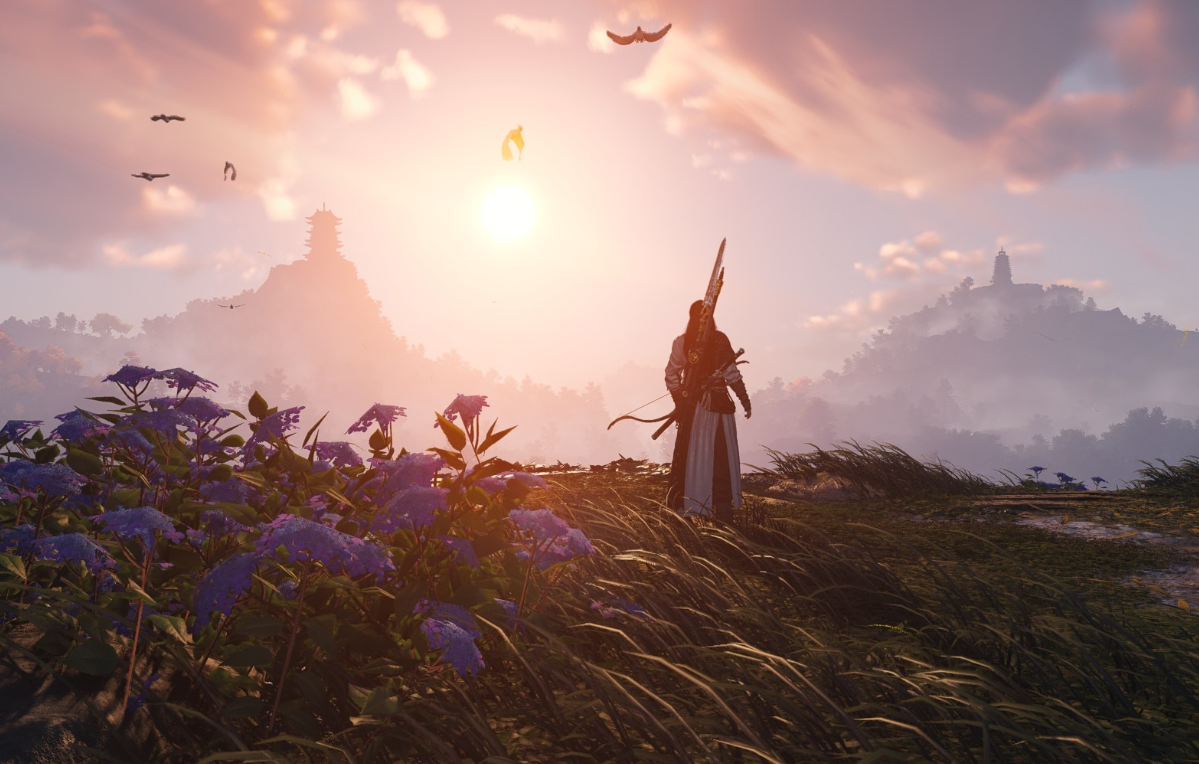
Where Winds Meet: How to Unlock and Complete the Beauty and Blade Encounter
Unlock the Beauty and Blade encounter in Qinghe, clear its trials, and claim the Alms Pilgrim cosmetic set.
-
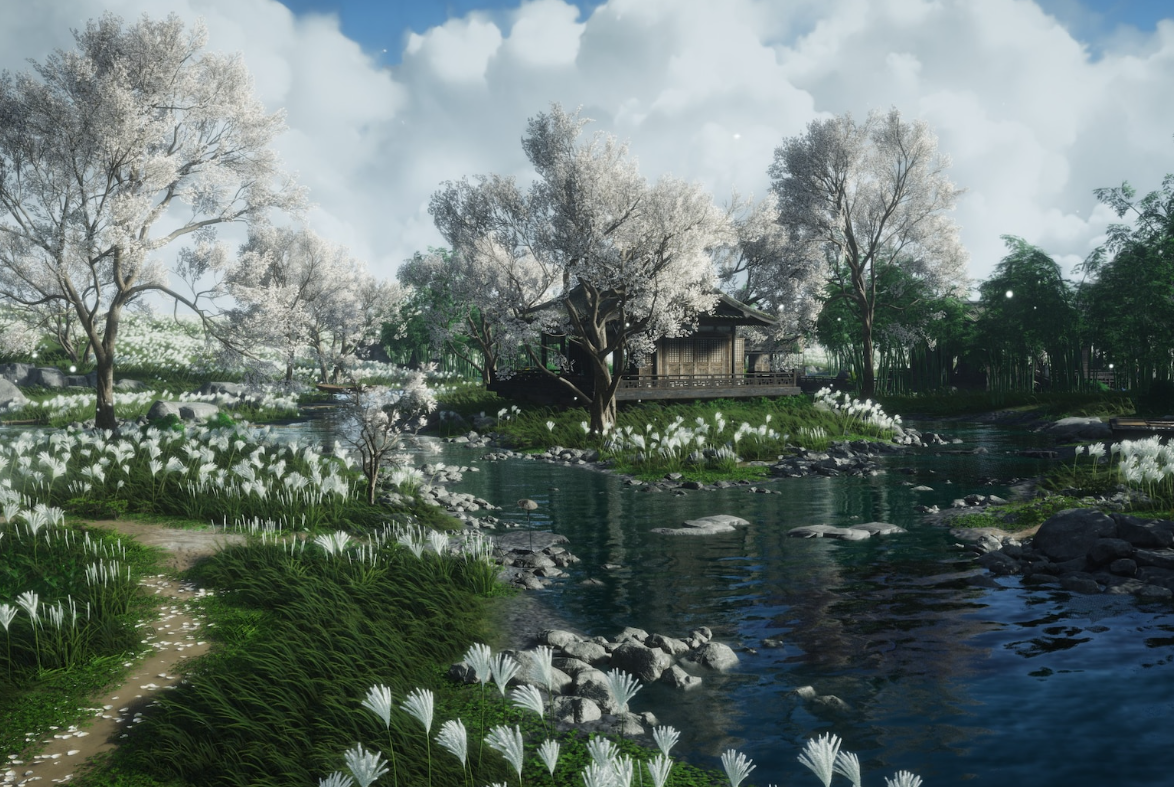
Where Winds Meet Pardon Parades: How To Join And Max Your Weekly Rewards
Learn how Pardon Parades work in Where Winds Meet, how to find them, the rewards on offer, and how much jail time they remove.
-

Evolve Bachira into NEL Bachira in Blue Lock Rivals
Unlock NEL Bachira by first pulling Bachira, then clearing a set of evolution quests worth 100 XP.
-
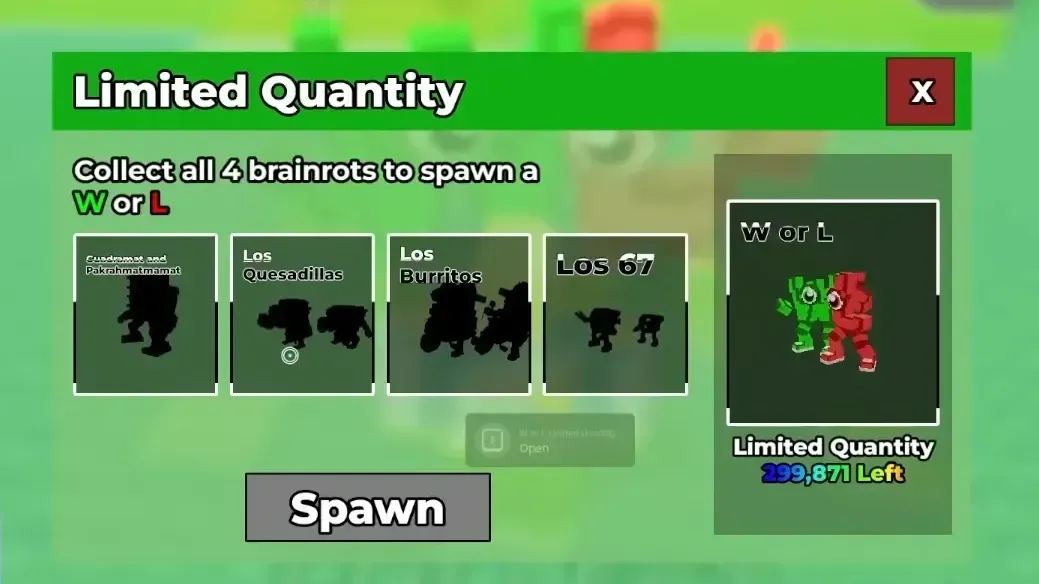
W or L in Steal a Brainrot: How to unlock one of the strongest secret units
Learn the two reliable ways to get W or L in Steal a Brainrot and why this limited secret brainrot is so valuable.
-
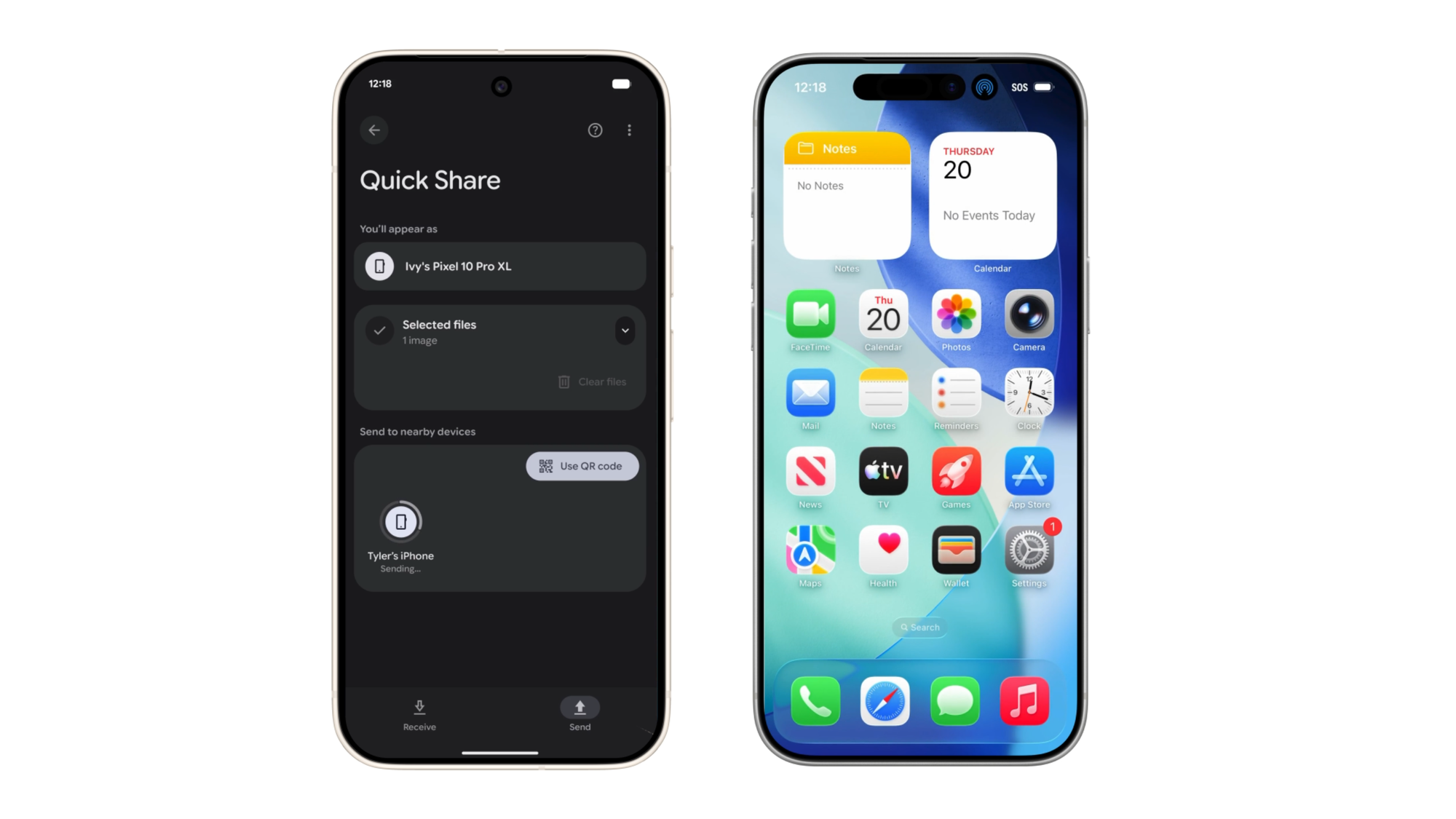
How to Use Android’s Quick Share with AirDrop on iPhone, iPad, and Mac
Set up your Pixel 10 and Apple devices so you can send and receive photos, videos, and files over AirDrop.
-

How to Update Where Winds Meet on PC, PlayStation 5, and GeForce NOW
Learn how to keep Where Winds Meet up to date on Steam, Epic Games, PS5, and GeForce NOW, plus how to fix common patch…
-
How to Leave or Disband Guilds in Where Winds Meet guilds
Learn how to exit a guild, disband your own, and understand the six-hour cooldown in Where Winds Meet.
-
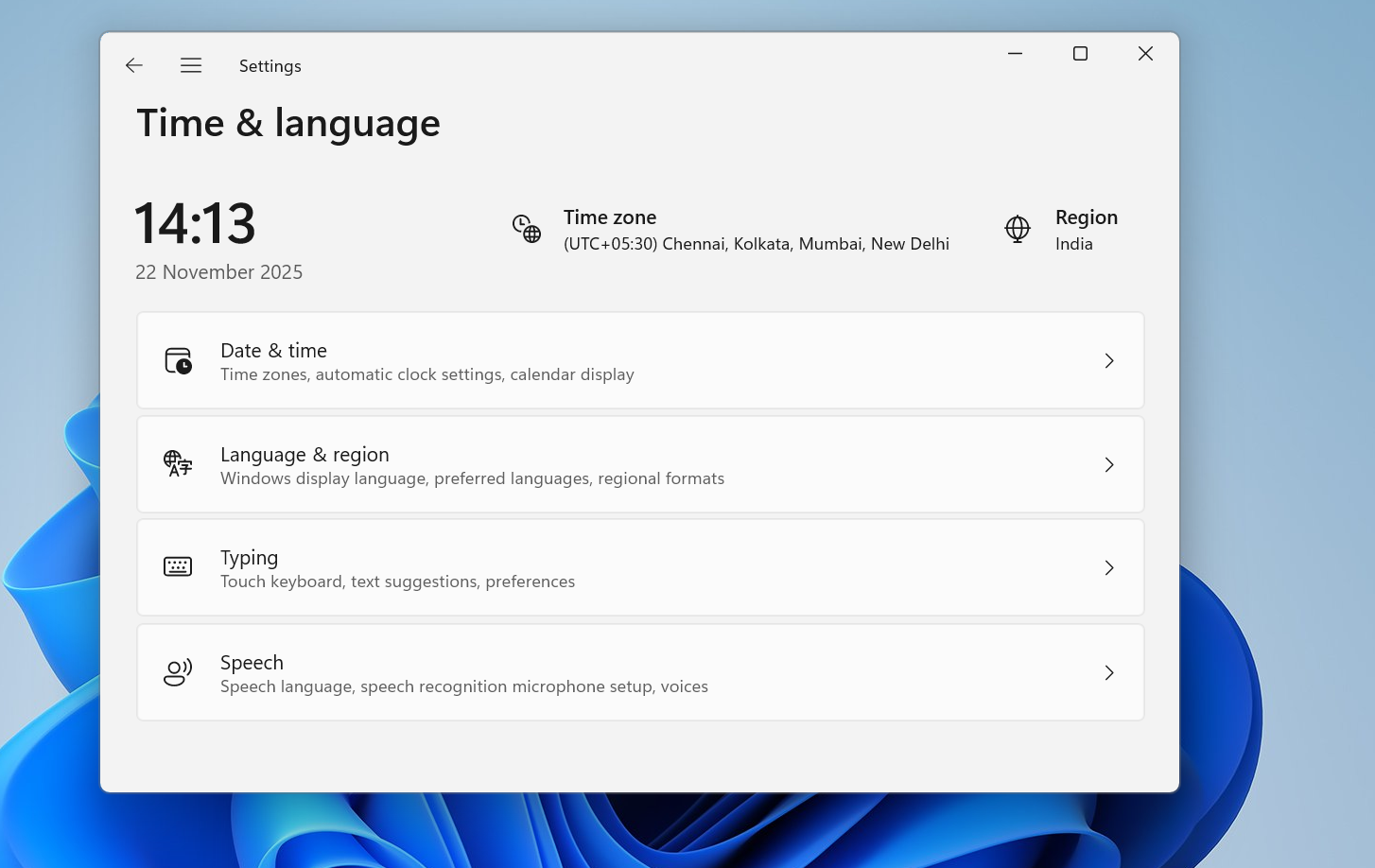
How to change time server on Windows 11 without breaking time sync
Switch Windows 11 to a different NTP time server using Settings, Control Panel, or command line, and know when it fails.
-
Fixing controller issues in INAZUMA ELEVEN: Victory Road on PC
How to get Xbox, PS4, and PS5 pads working reliably with Victory Road on Windows and Steam.
-

Starman in Kirby Air Riders: Unlock requirements and how to race him well
How to unlock Starman in every mode, what his glide-focused kit does, and how to make the most of him in City Trial.