
Instructional, step-by-step articles.
Content Type: How-To
-

How to Get the Porsche 918 Spyder in Neverness to Everness
The Velocity Rush Mystery Box guarantees the car within 15 draws, and you can pay with Fons or Annulith.
-
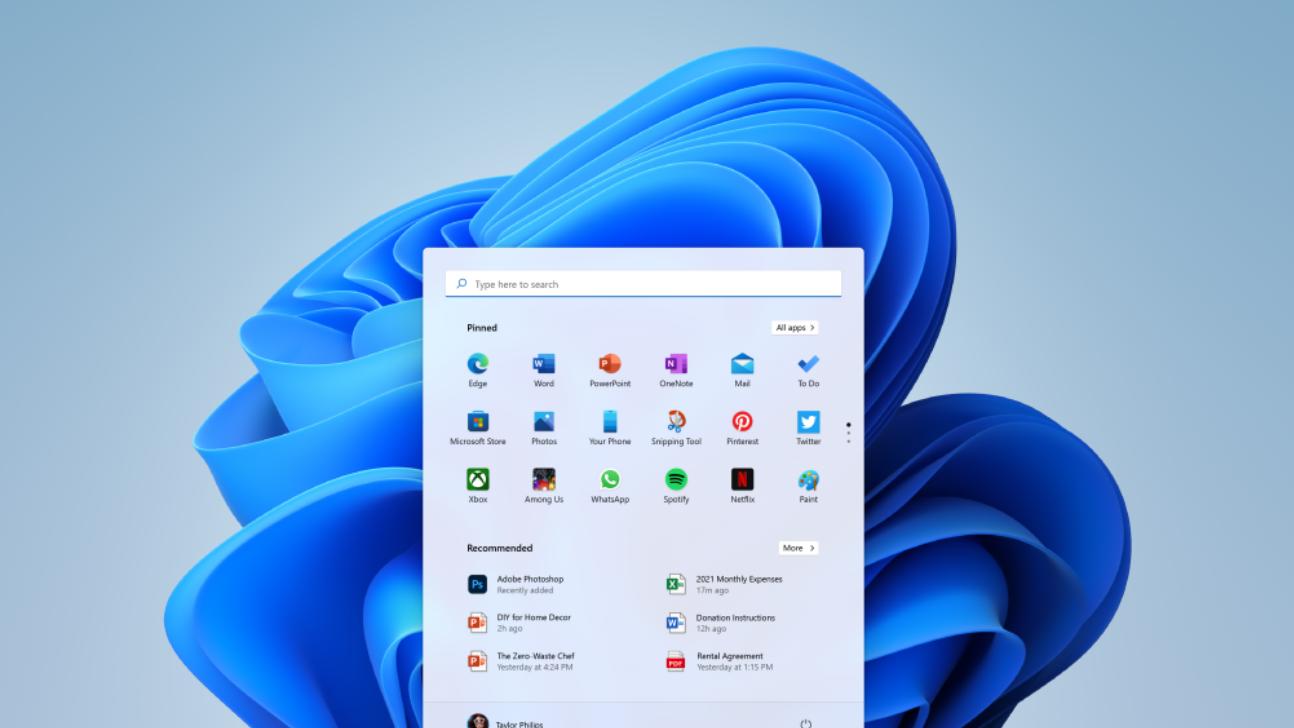
How to Update Network Drivers on Windows 11
Four reliable ways to refresh your Wi-Fi or Ethernet driver and fix dropouts, slow speeds, and connection errors.
-

Forza Horizon 6: How to Finish the Ultimate Driving Machine Weekly Challenge
Clear all four BMW M2 Competition Coupé tasks to bank 25,000 credits and Festival Points.
-

How to Turn Off Bing Web Results in the Windows 11 Start Menu
A registry tweak, a Group Policy switch, and a Settings toggle that strip Bing links out of Start menu search.
-

Fix the Modpack Installer Stuck on “Finishing Installation”
Why the installer freezes at the final step and the exact toggle that gets it moving again.
-

Marvel Rivals June 4, 2026 Update: New Store Items and Bug Fixes
The latest Season 8 patch adds a handful of in-store items alongside bug fixes and performance tweaks.
-
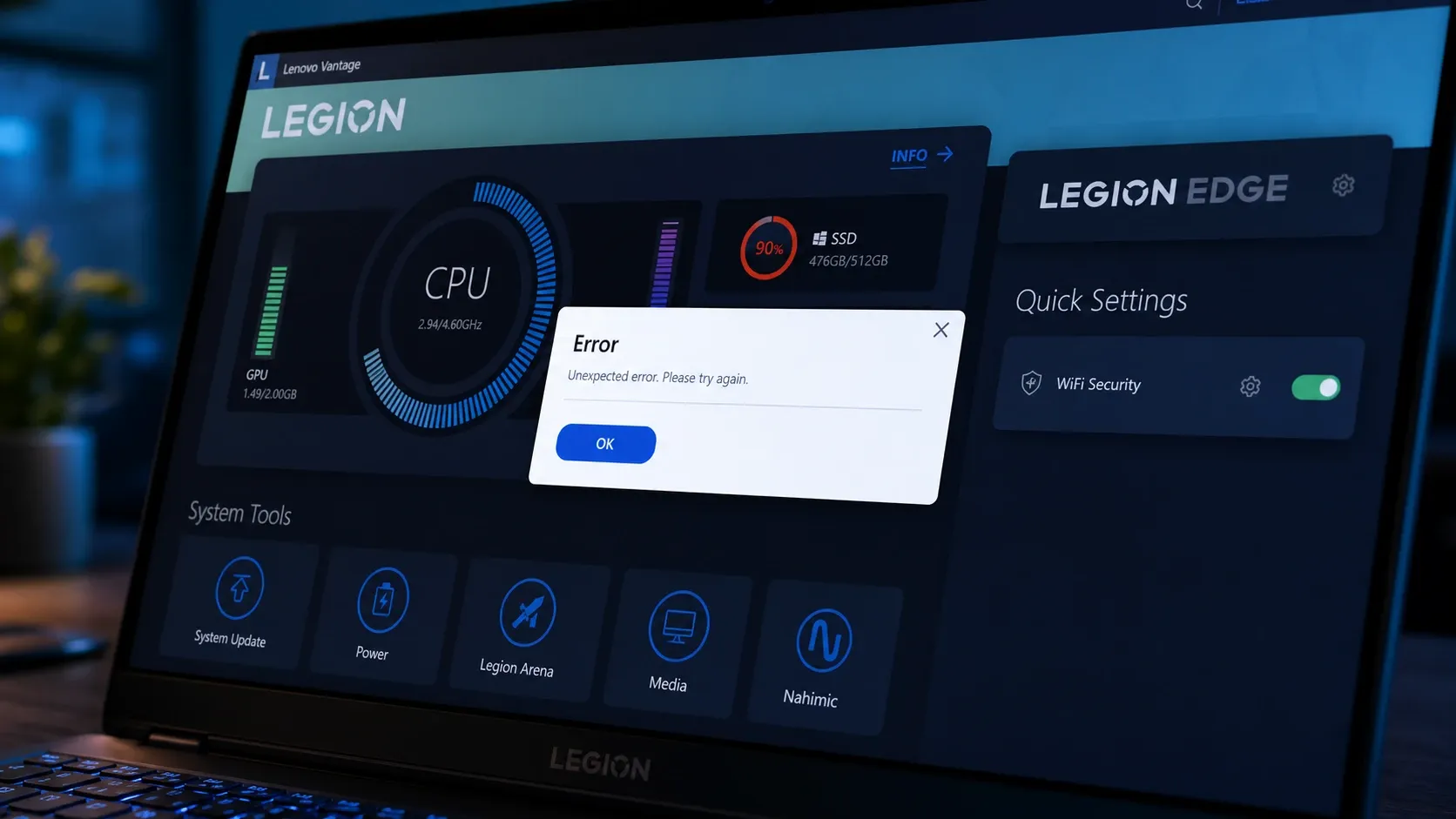
Fix Lenovo Vantage when it won’t open on Windows 11
Concrete steps to restore Vantage when it stalls on the splash screen, throws error 0xc0000135, or loses its battery and update controls.
-
How to Unlock Every Broken Blade Title (Excalibur Update)
Every Level, Boss, Collection, Soul Forge, and Master title in Broken Blade, with exact unlock conditions and stat buffs.
-
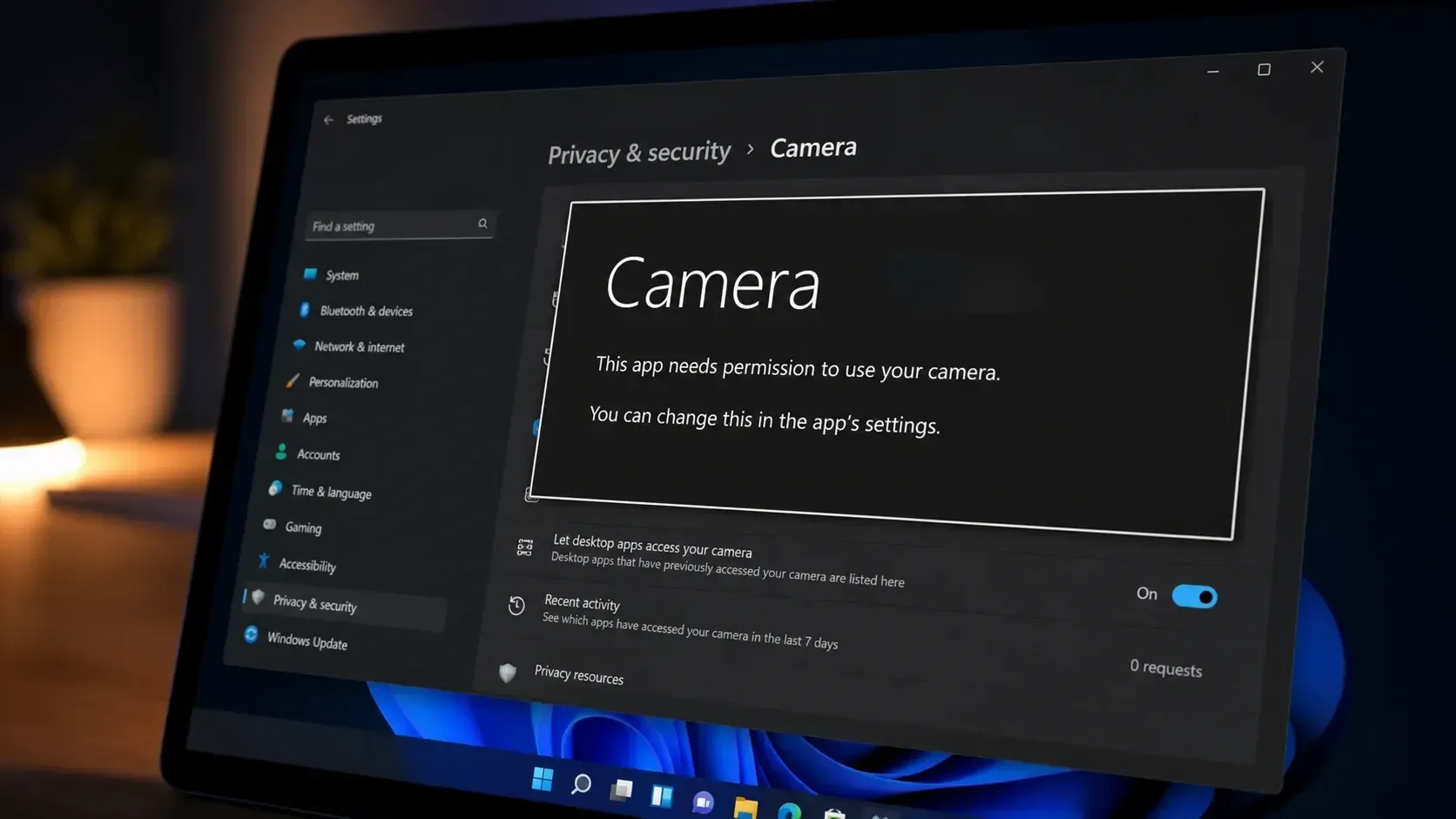
Fix the ‘This app needs your permission to use your camera’ error on Windows 11
Turn on camera access and the app’s toggle in Privacy & Security to clear the block and get your webcam working.
-

How to Complete All 9 Sunward Island Strange Tales in NTE 1.1
Exact time, weather, and NPC conditions for every Strange Tale on Sunni Island in the Sunward Travelogue event.