
Instructional, step-by-step articles.
Content Type: How-To
-
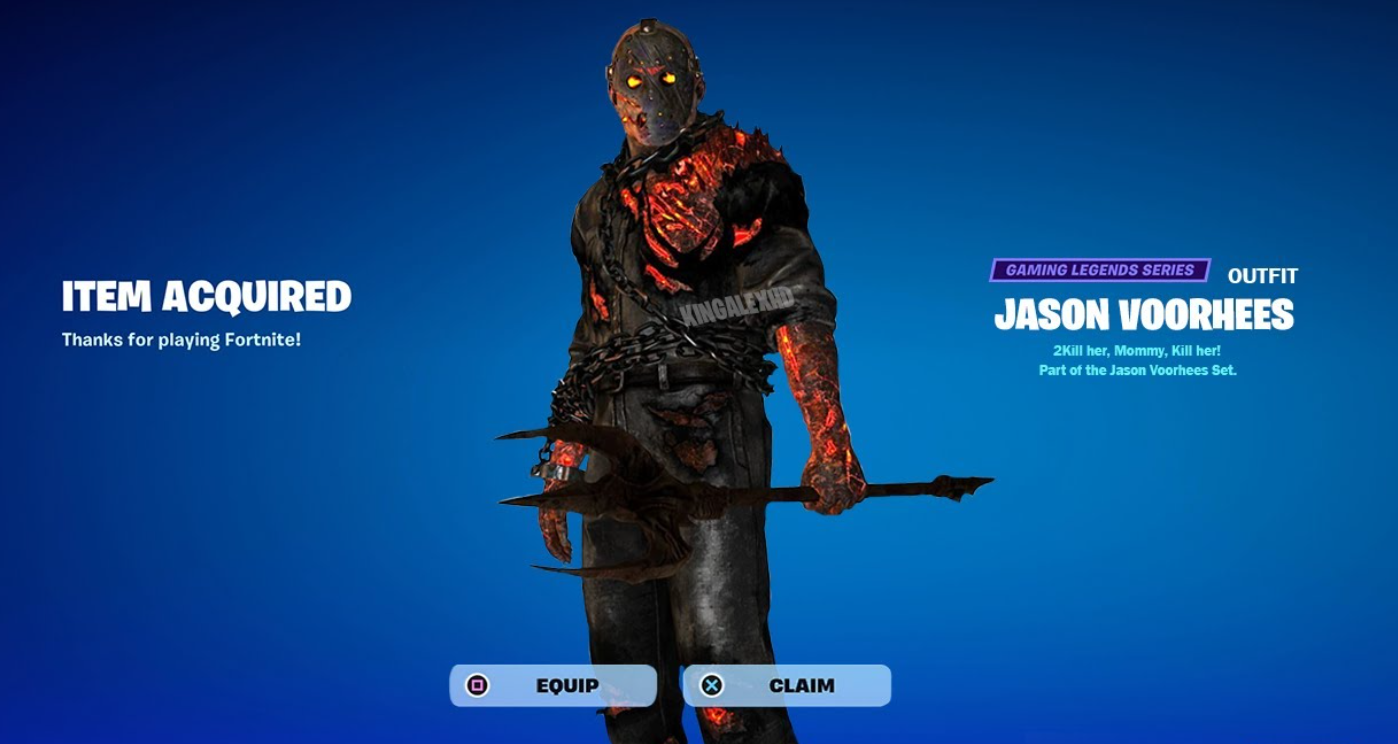
How to unlock Fortnite’s Jason Voorhees skin for free (Oct 2025)
Earn the outfit through the Jason Haunted Cup in Reload Duos or grab an emote with eight points during a short event window.
-
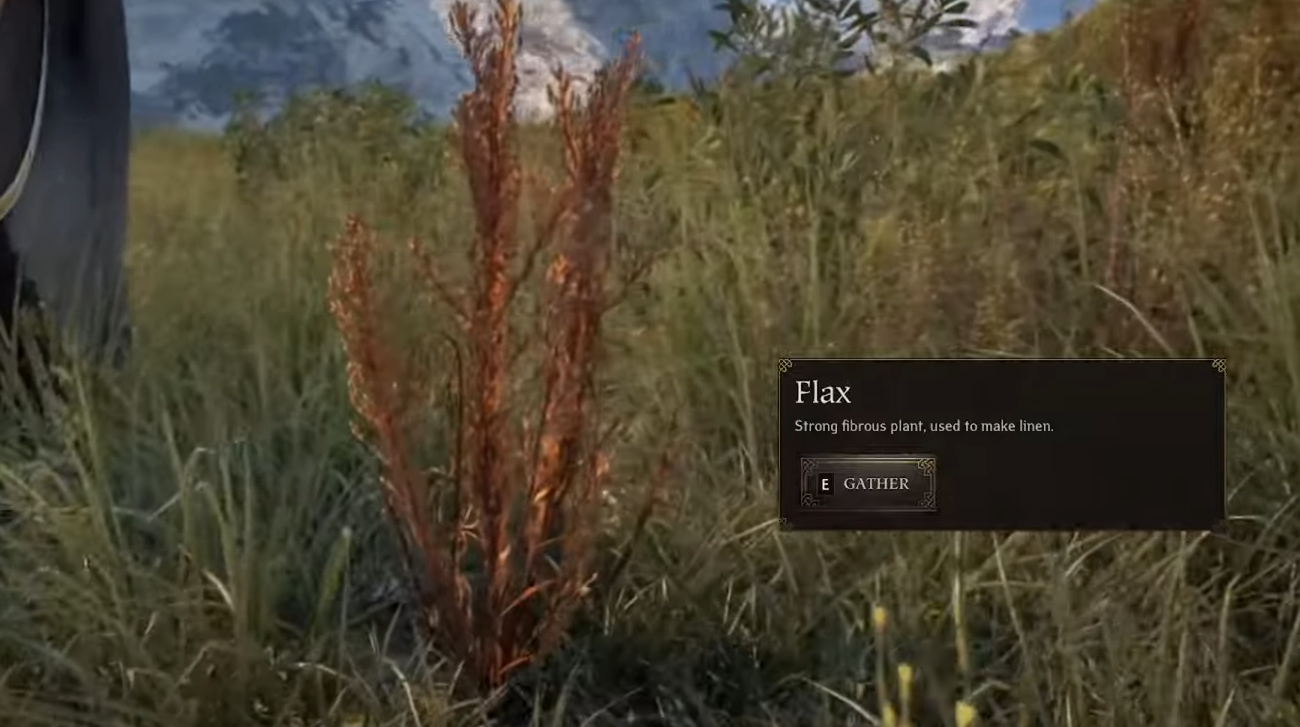
Pax Dei Flax Seeds — where to farm them and how to use them
Find flax fast, collect seeds reliably, and turn them into linseed oil and early tailoring materials.
-
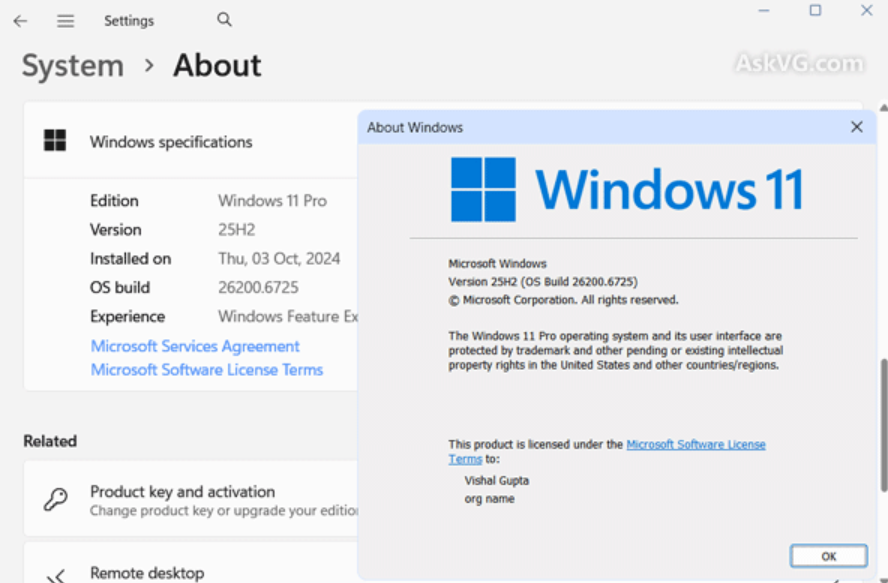
Fix File Explorer’s PDF preview warning in Windows 11 (25H2)
Why File Explorer now blocks some PDF previews and the safe, fast way to restore them for trusted files.
-

Battlefield 6 Rapid Fire assignments — what they require and how to finish them
Clear the mislabeled objectives, understand tracking quirks, and use reliable routes to unlock KORD, NVO, and L85A3.
-
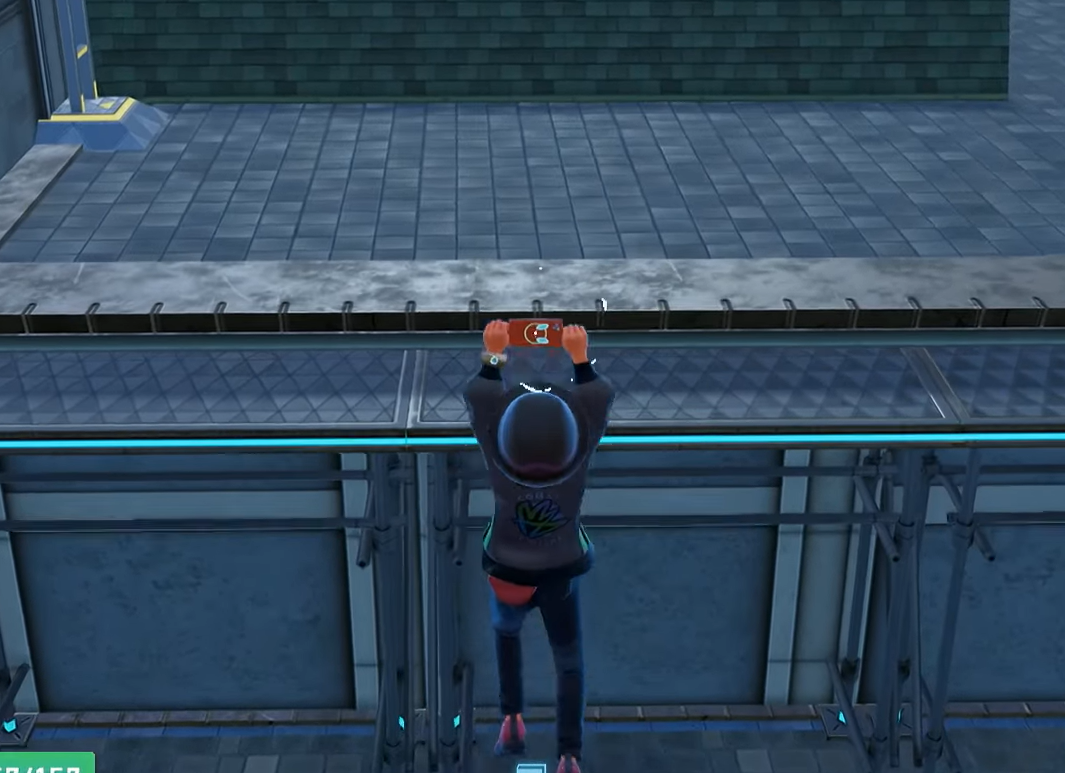
How to unlock Roto‑Glide in Pokémon Legends: Z‑A — and how it works
Get the rooftop traversal upgrade during Mission 16 and learn the A‑button timing to glide safely.
-
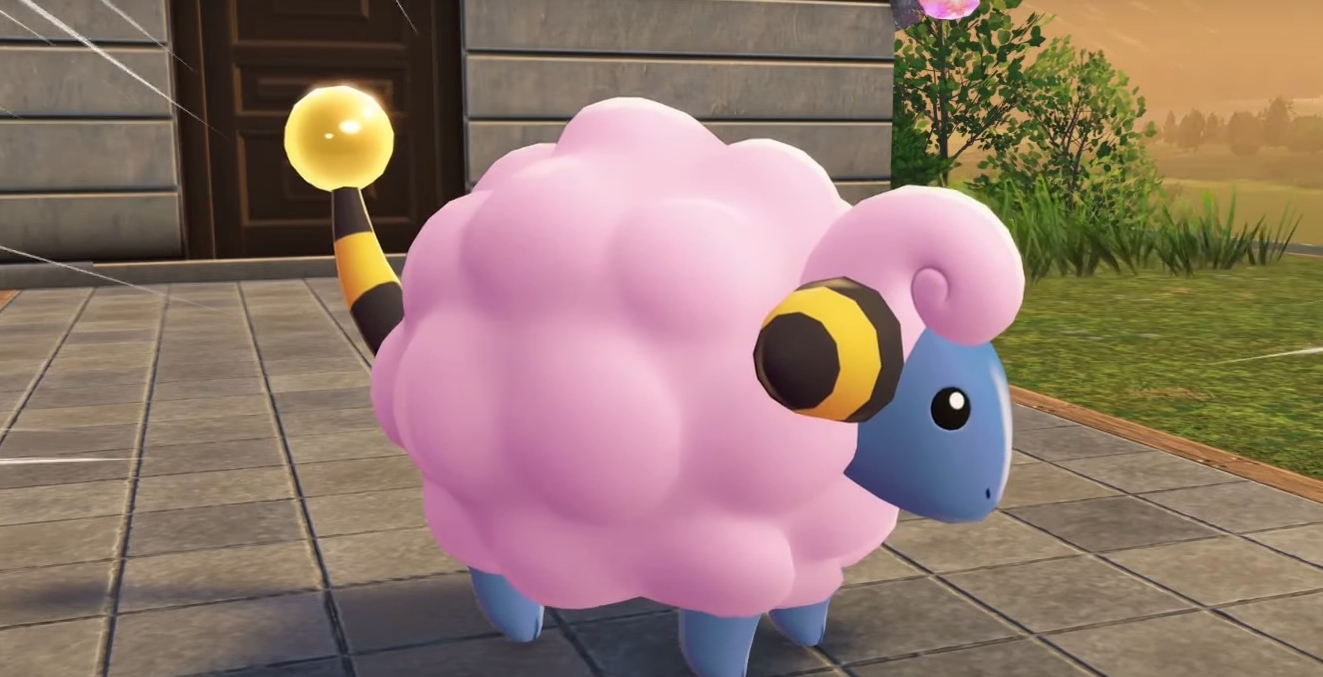
Pokémon Legends: Z-A — How to catch the guaranteed Shiny Mareep
Side Mission 17 (“A Shiny Mareep?”) adds a one-time, permanent shiny spawn you can claim once you meet a simple story milestone.
-

ARC Raiders Dam Control Tower key — what it opens and how to use it
What the Dam Control Center Tower key opens, how it fits with other Dam keys, and how to run the room safely.
-

ARC Raiders on PC — fixes for crashes, freezes, and CTDs
Practical steps to stop startup crashes, black screens, stutter, and sudden shutdowns during the Server Slam.
-

ARC Raiders stuck on loading screen (PC) — fixes for black screen
A detailed playbook to resolve load hangs, blank video, and launcher stalls without reinstalling Windows.
-

Download ARC Raiders Server Slam on PS5 (Oct 17–19 playtest)
A quick walkthrough to find the free PS5 playtest, plus dates, PS Plus rules, and the backpack reward.