
Instructional, step-by-step articles.
Content Type: How-To
-
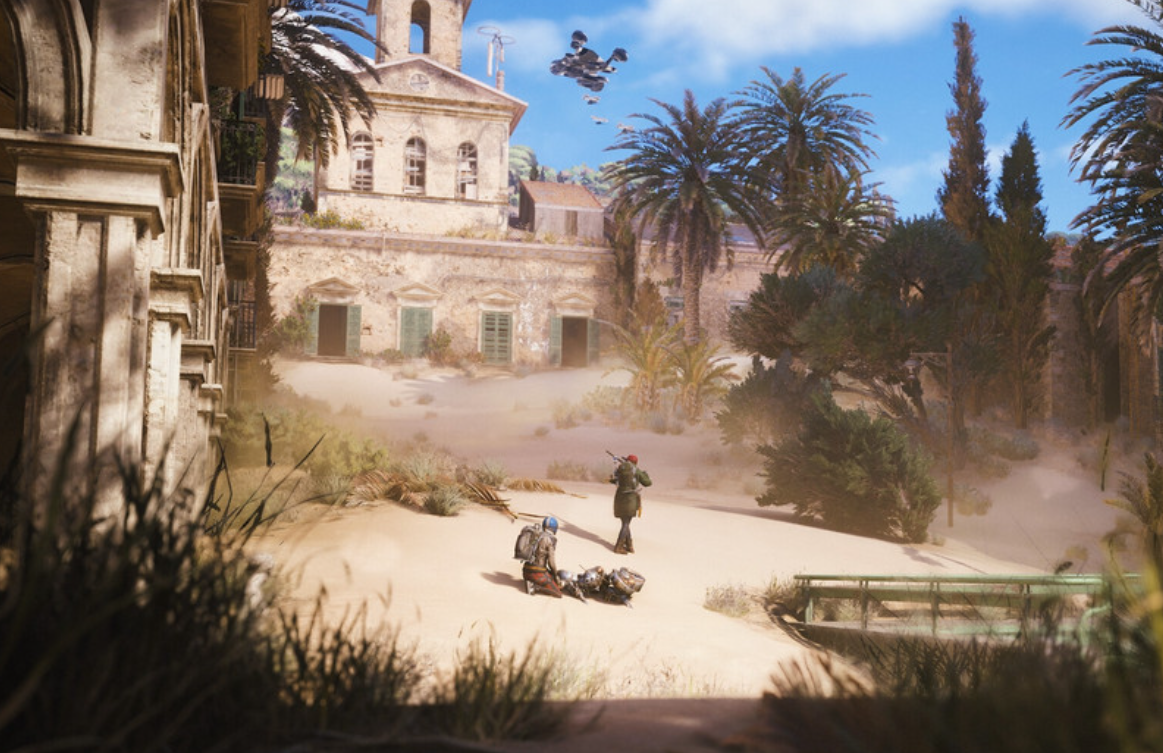
Download ARC Raiders Server Slam on Xbox (Oct 17–19)
A free, time-limited open test for Xbox Series X|S with simple steps, age limit, and no progress carryover.
-
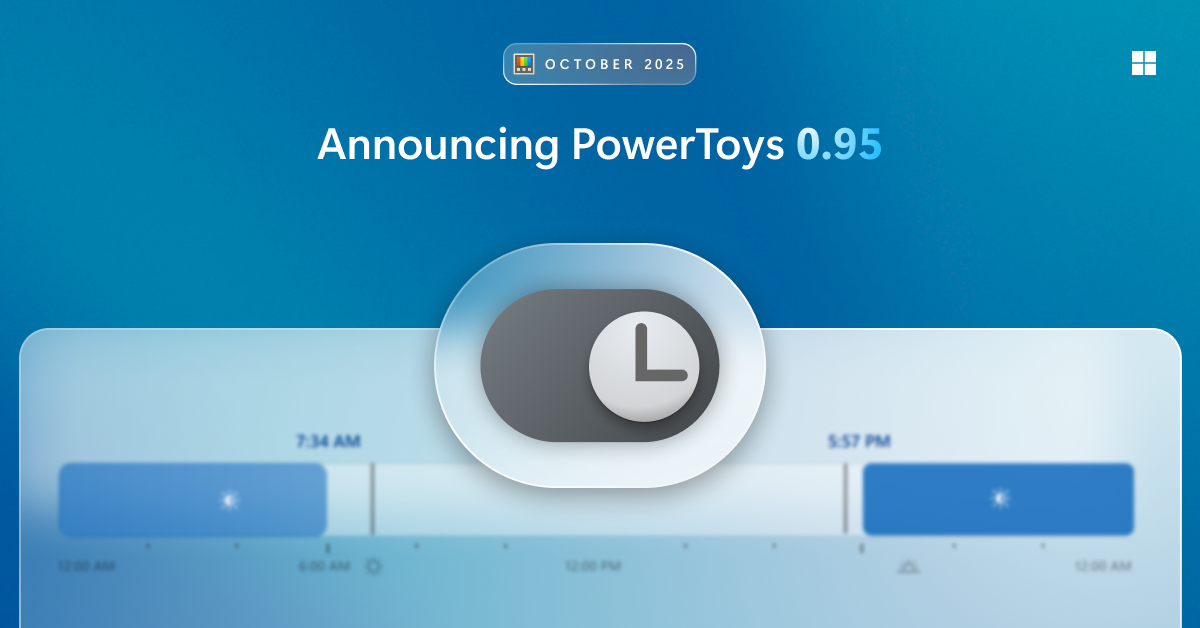
PowerToys Light Switch for Windows — Automatic theme scheduling
Set Windows to switch between light and dark modes by time, sunrise/sunset, or a manual shortcut.
-
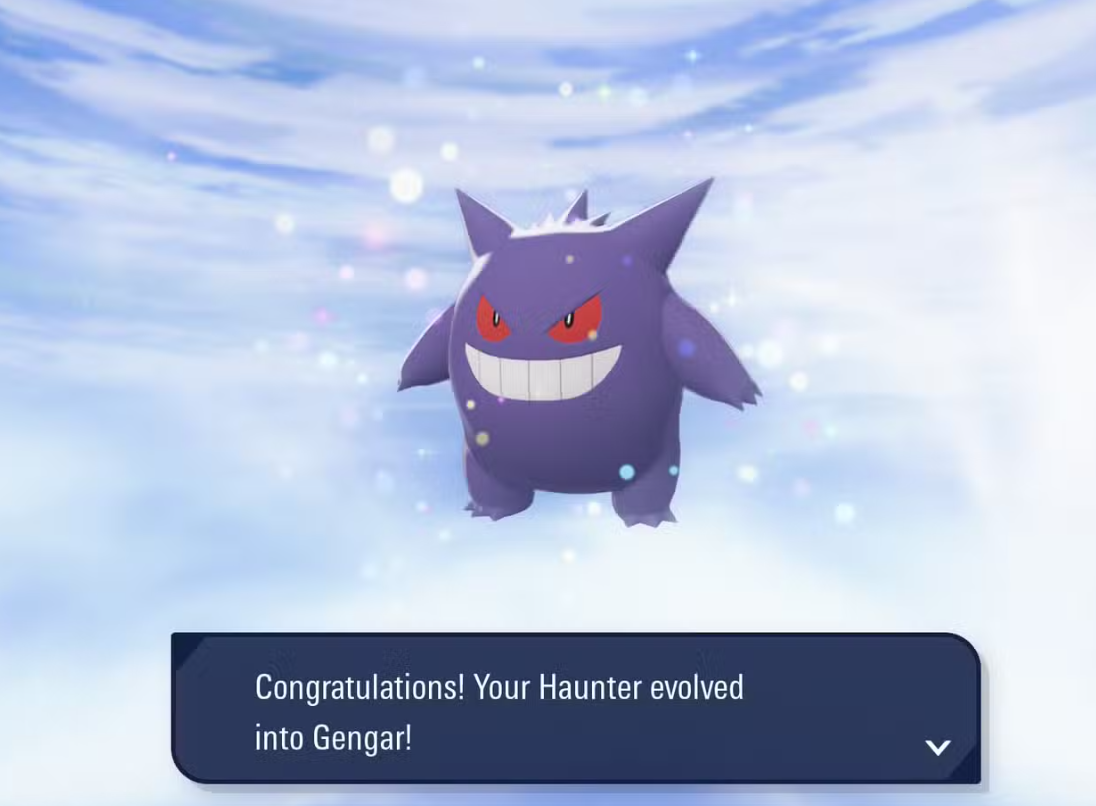
Pokémon Legends: Z‑A — How to evolve Haunter into Gengar
Trade evolutions are back; here’s what you need and where to find Gengar without trading.
-

ARC Raiders Server Slam: how to download and play (Oct 17–19)
Open weekend on Steam, Epic, PS5, and Xbox with a focused map; here’s where to get it and when it starts.
-
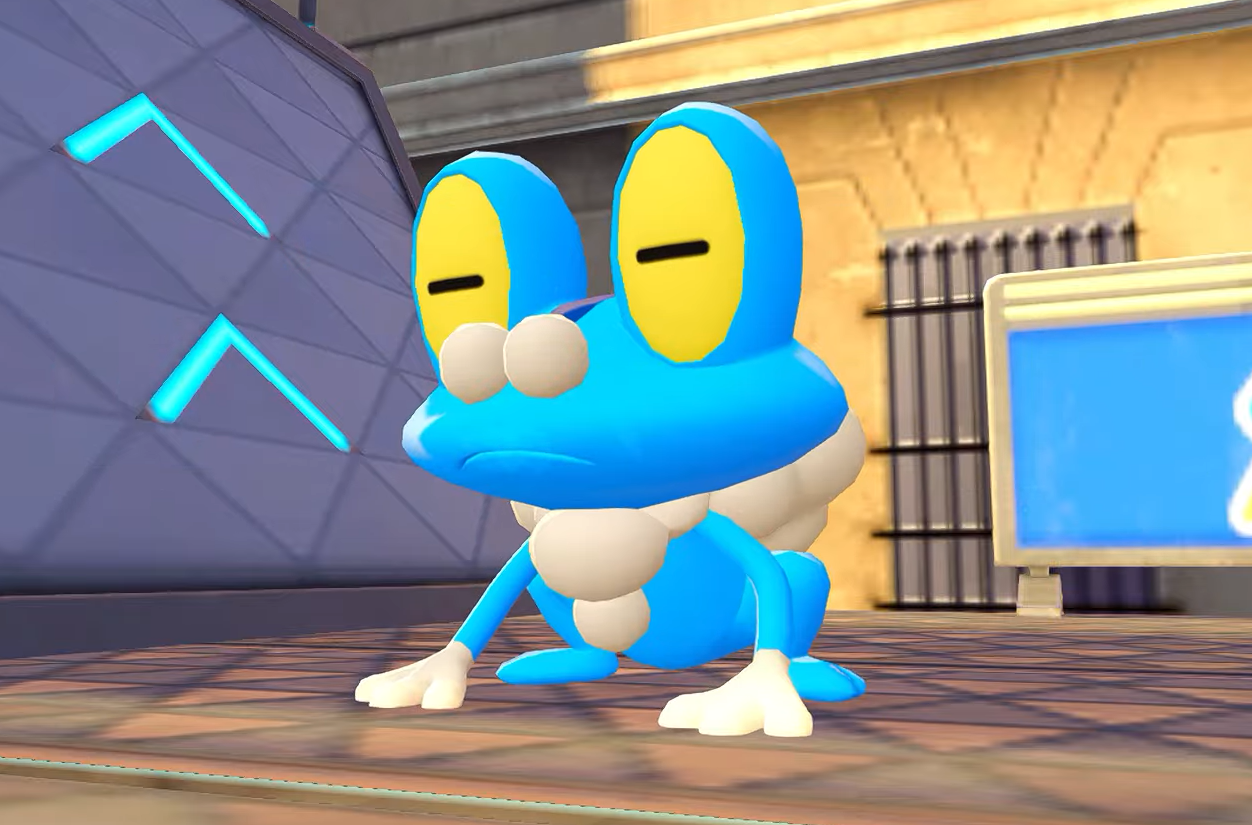
Get Froakie in Pokémon Legends: Z-A — finish the parkour side quest
Find the “A Challenge from Froakie” mission, clear three scaffold runs, and roll across the two tricky gaps.
-
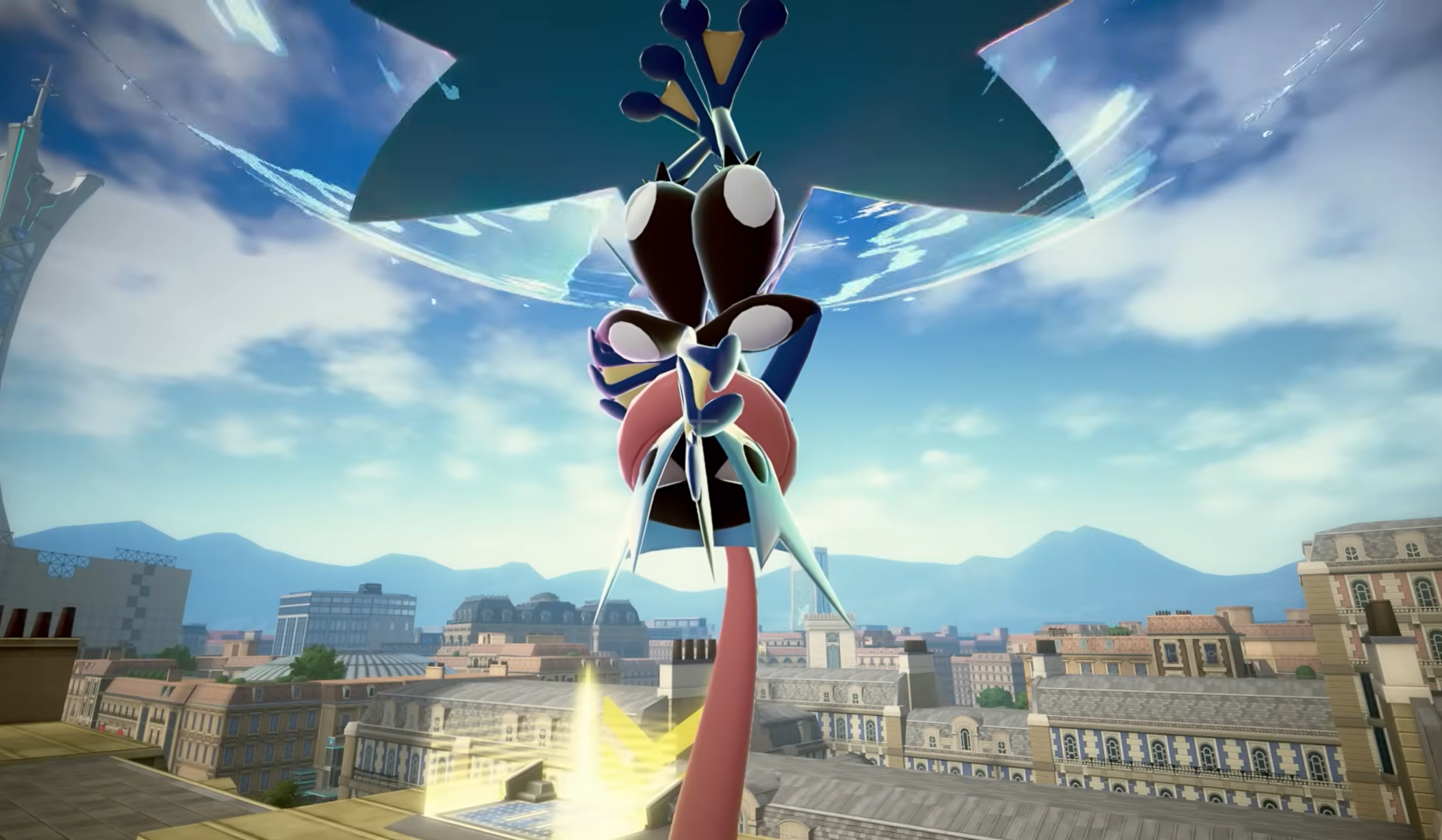
How to unlock Mega Greninja in Pokémon Legends Z‑A
Reach Rank K in Ranked Battles Season 1 to earn Greninjite, then equip it to Greninja to Mega Evolve.
-

Find Eevee in Pokémon Legends: Z-A — early rooftops and Wild Zone 19
Exact rooftop routes, late-game Wild Zone spawns, and how to trigger every Eeveelution.
-
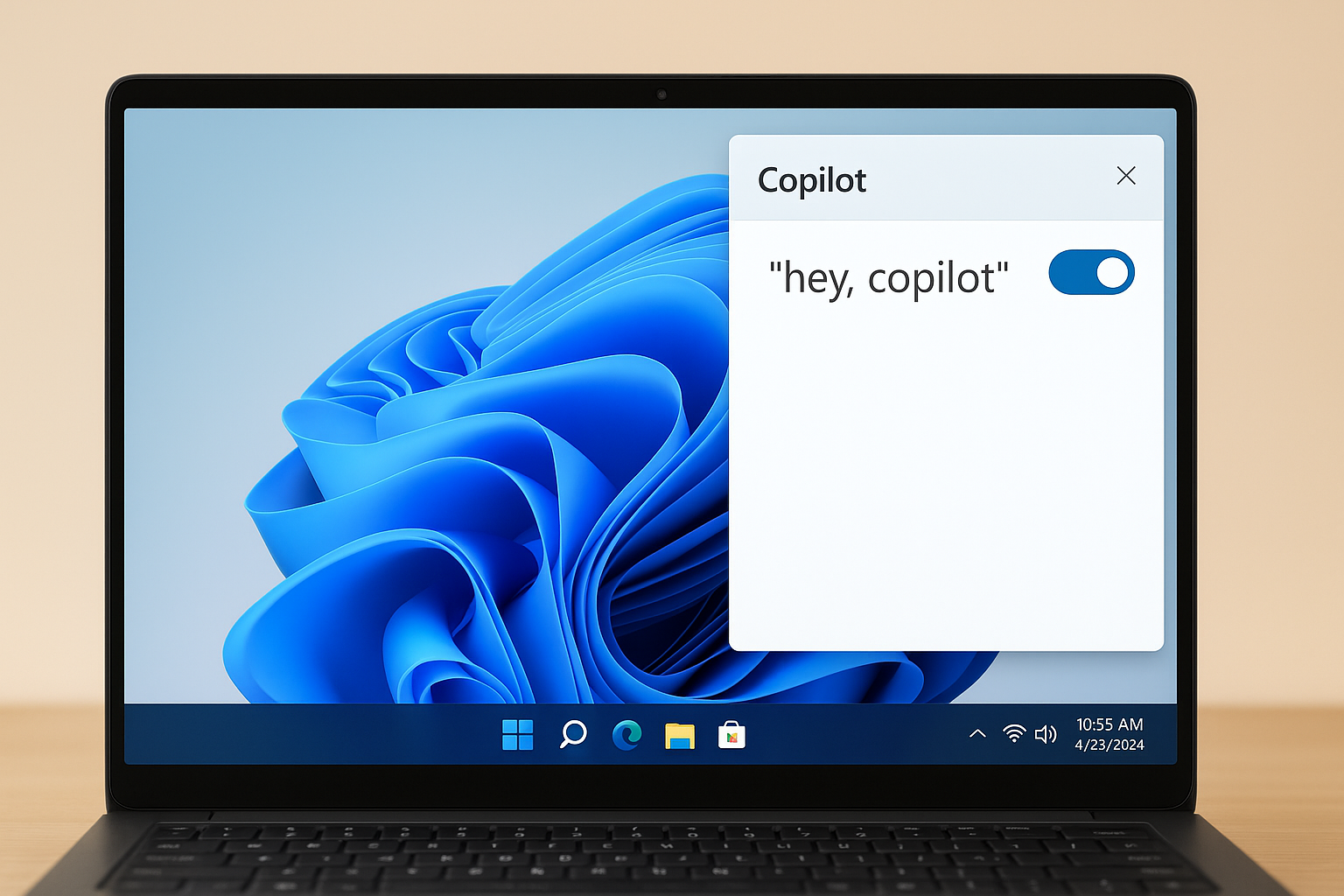
How to Enable “Hey, Copilot” on Windows 11 — Setup, voice use, and fixes
Turn on the wake word in the Copilot app, start hands‑free voice, and fix common issues with clear steps.
-
PowerToys Light Switch on Windows 11 keeps undoing manual toggles
A bug in version 0.95.0 forces the scheduled theme back after hotkey switches.
-
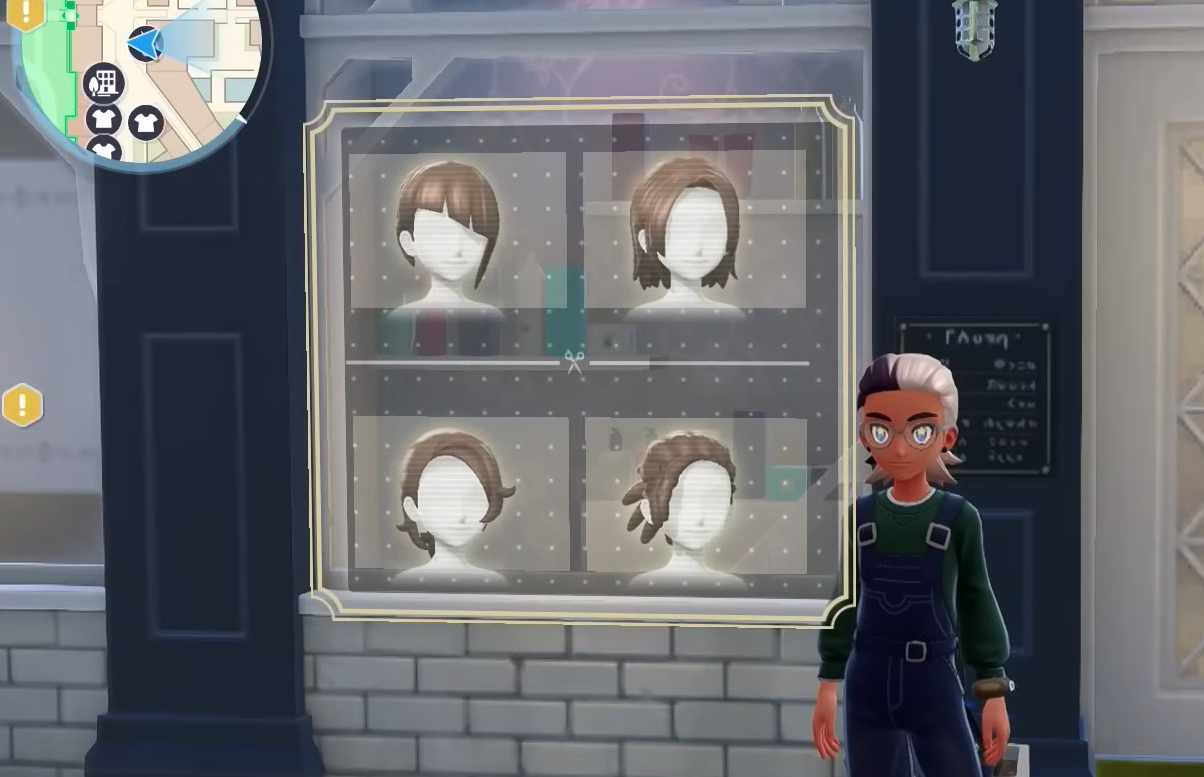
Pokémon Legends Z-A hairstyles — how to change and what’s available
Find every way to update your hair, the exact buttons to press, and how style options work across both character models.