
Instructional, step-by-step articles.
Content Type: How-To
-
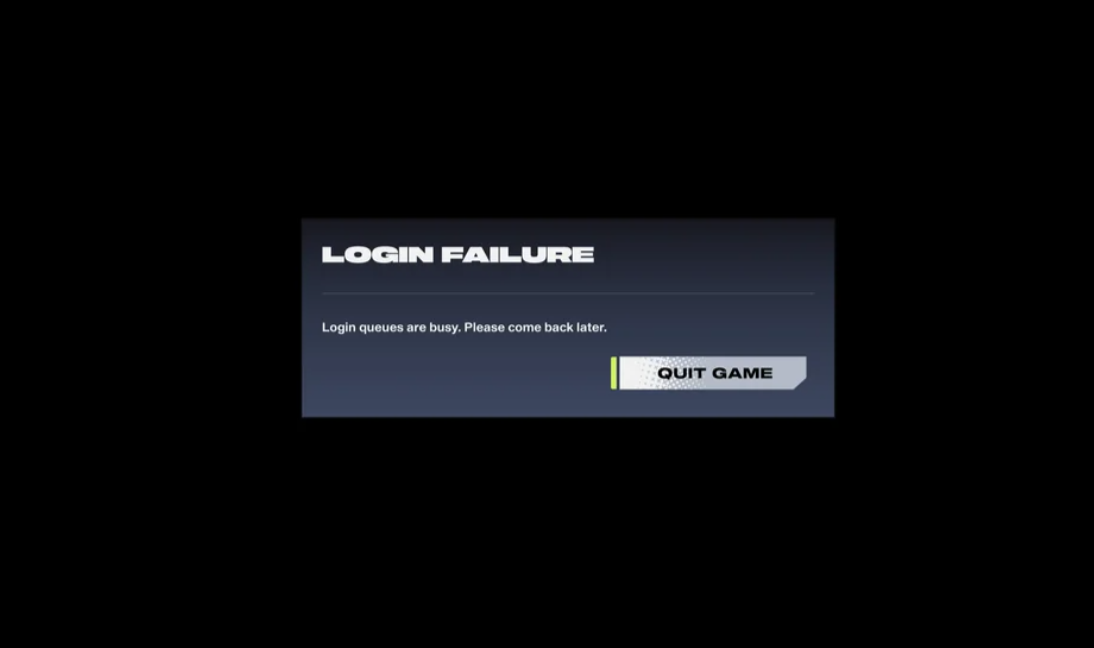
2XKO’s “Login queues are busy” error — what it means and what to do
The message typically appears during maintenance or heavy logins; here’s how to get back in or keep playing offline.
-

Pokémon Legends: Z‑A Alpha Pokémon — locations, spawn rules, and how to catch
Where to find static Alphas across Lumiose City, how shiny odds work, and a clean strategy to secure captures.
-

Find Goomy in Pokémon Legends Z‑A — sewer route and rainy spawn
Clear directions to the sewers encounter, the rain-only spot, and how to evolve Goomy to Goodra.
-

Find Larvitar and evolve it to Tyranitar in Pokémon Legends: Z‑A
Precise rooftop locations in Lumiose, access requirements, evolution levels, and how Tyranitarite unlocks Mega Tyranitar.
-
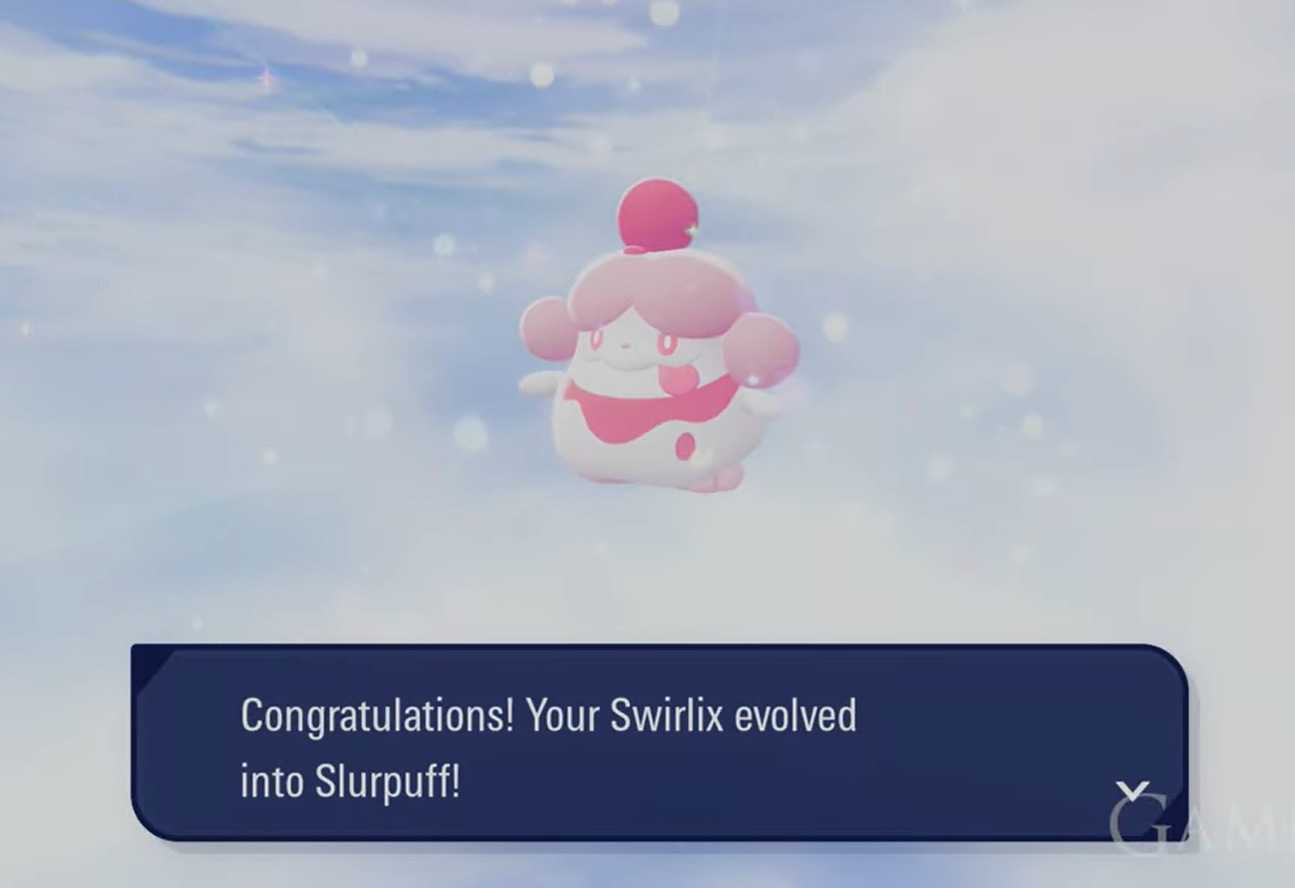
Swirlix to Slurpuff in Pokémon Legends: Z-A — how to get Whipped Dream
Trade Swirlix while it holds a Whipped Dream; Side Mission 14 is the earliest reliable way to get the item.
-

Fisch Witch quest — how to unlock the Spooky Rod (FischFright 2025)
Collect goblin ingredients, feed the cauldron at Crook’s Hallow, and claim a Stage 4 rod with event mutations.
-
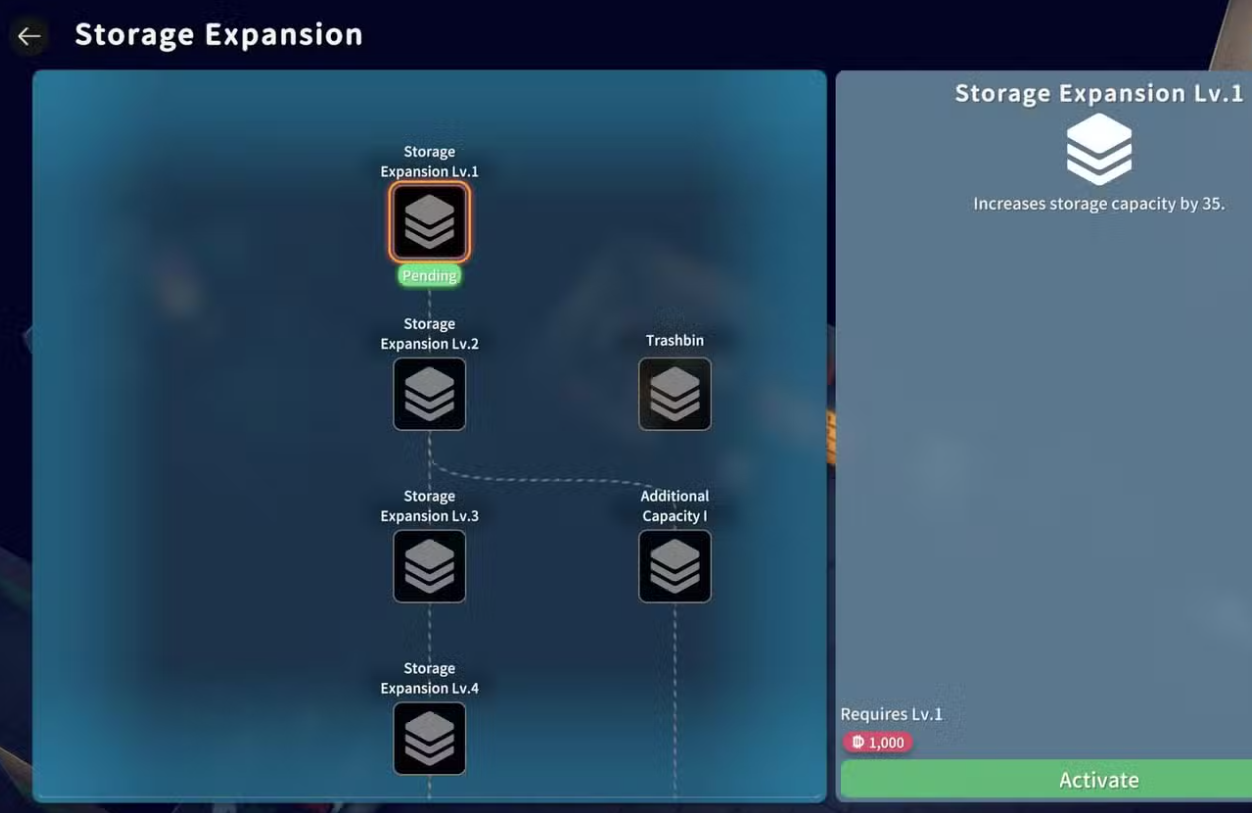
Escape From Duckov — How to use Expansion Box S to expand storage
Expansion Box S is a vault upgrade material, not a consumable; here’s how to apply it and where to reliably find one.
-
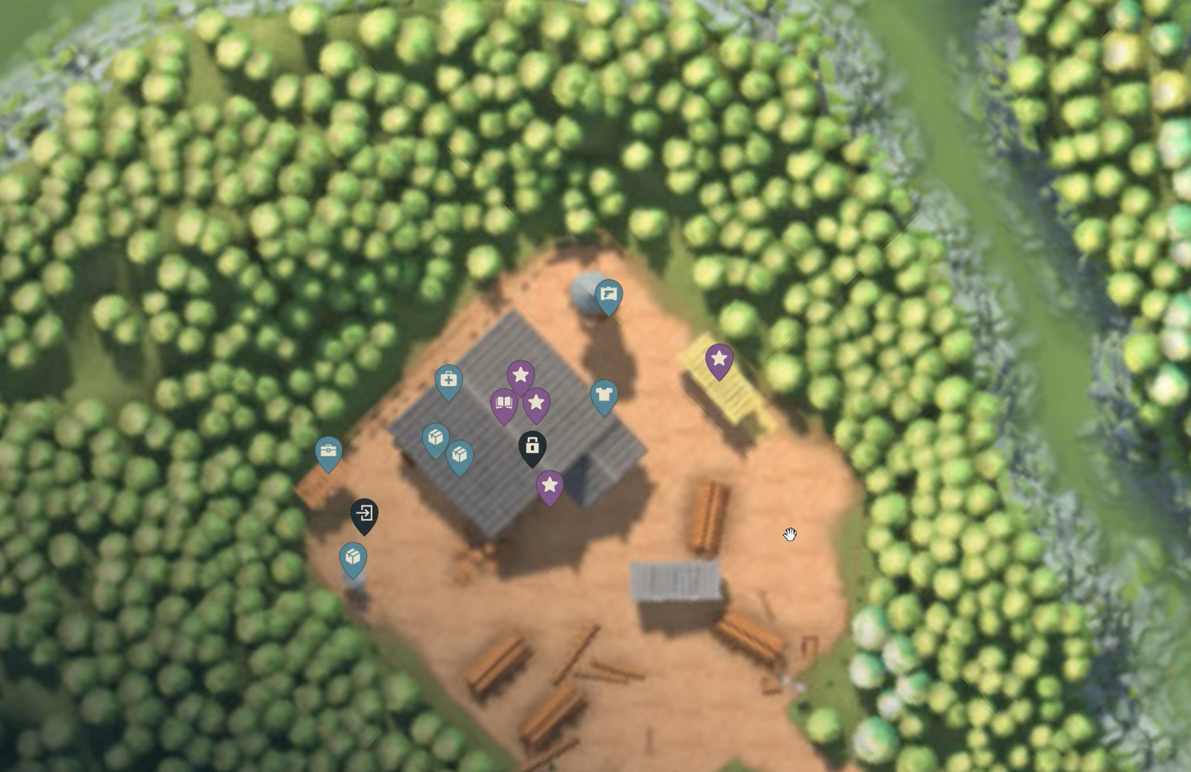
Escape From Duckov: How to get the Cellar Key and open both Hidden Secret doors
Where to find the Cellar Key, the two cellar locations on Warehouse, and the gear you need to bring.
-

Escape From Duckov cheats — how to enable the hidden cheat mode
Turn on god mode, teleport, and spawn items by creating one blank file.
-

Windows 11 update error 0x800f0991 — working fixes for 24H2
Detailed repairs for KB5060829 and similar cumulative updates when DISM and standard installs fail.