
Instructional, step-by-step articles.
Content Type: How-To
-
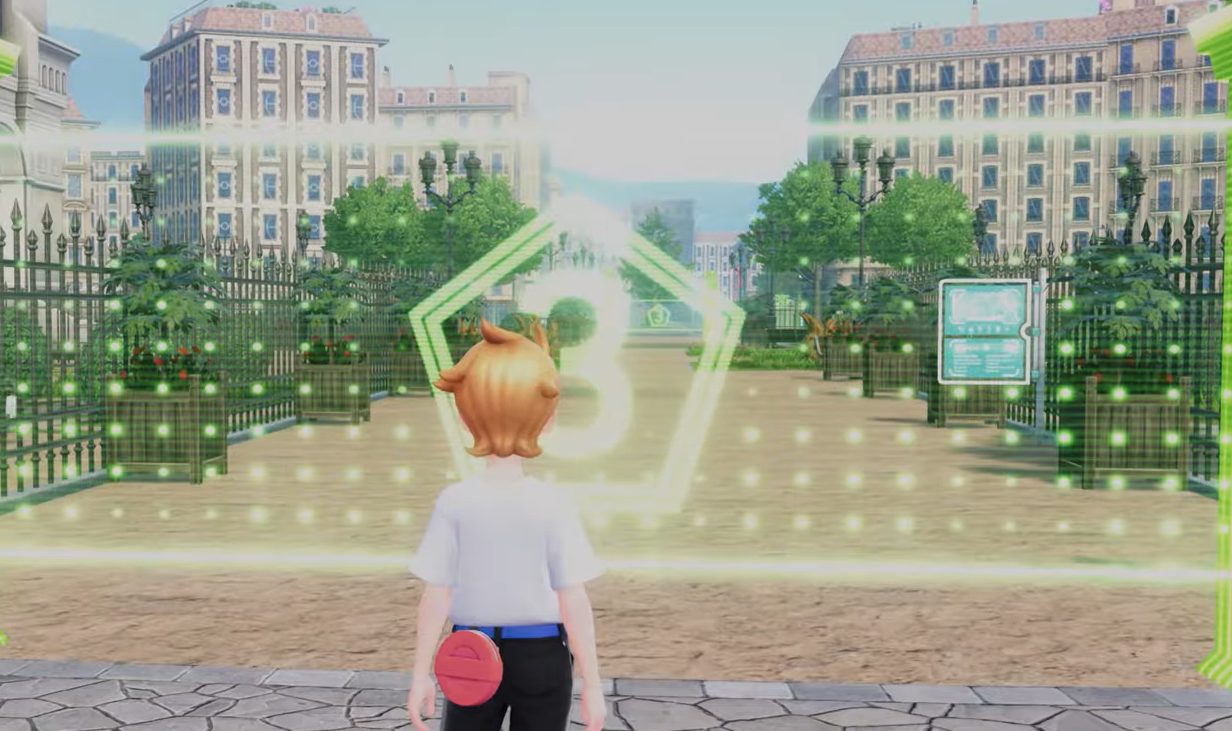
Pokémon Legends: Z‑A Wild Zone 3 — all spawns and how to 100%
Six species appear in Rouge Plaza’s Wild Zone 3; here’s where each spawns, when they show up, and a quick sweep route.
-
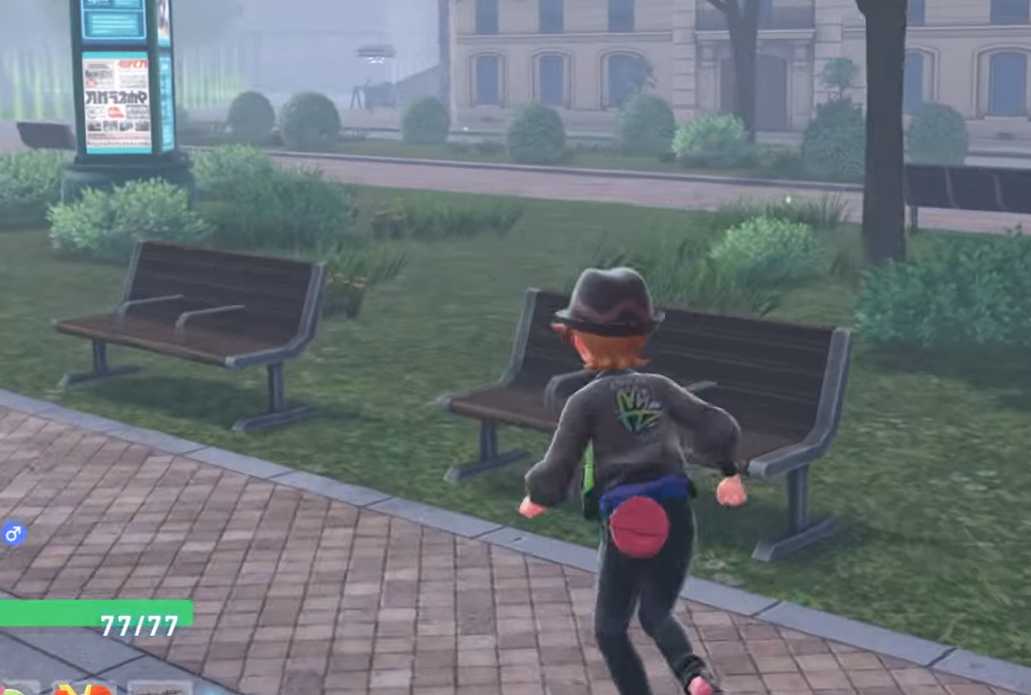
Pokémon Legends: Z‑A — How to change day and night on demand
Use benches in Lumiose City to fast‑forward time, unlocked after early missions; days last ~16 minutes, nights ~8.
-

Pokemon Legends: Z-A — Evolve Pichu and get Pikachu and Raichu
Where to find Pichu and Pikachu, how friendship evolution works, and where to buy a Thunder Stone.
-
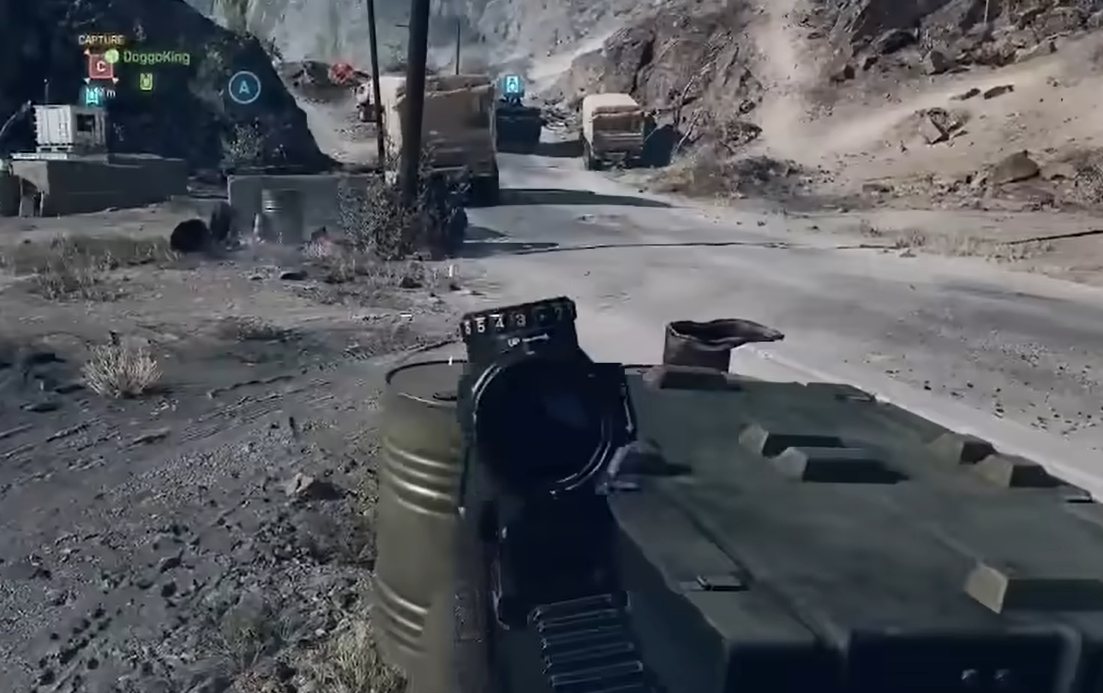
Battlefield 6 (PC) — Fix high CPU usage with a simple User.cfg
Set BF6’s thread counts in User.cfg and use the Performance preset to reduce spikes and CPU saturation.
-

Pokémon Legends: Z-A Mystery Gift codes and how to redeem
Where to enter codes, how “Get via Internet” works, and what kinds of limited-time rewards to expect.
-

Pokémon Legends: Z‑A starter guide — Best pick and how to build around it
Compare stats, evolution timing, types, and Mega Evolutions to choose between Chikorita, Totodile, and Tepig.
-
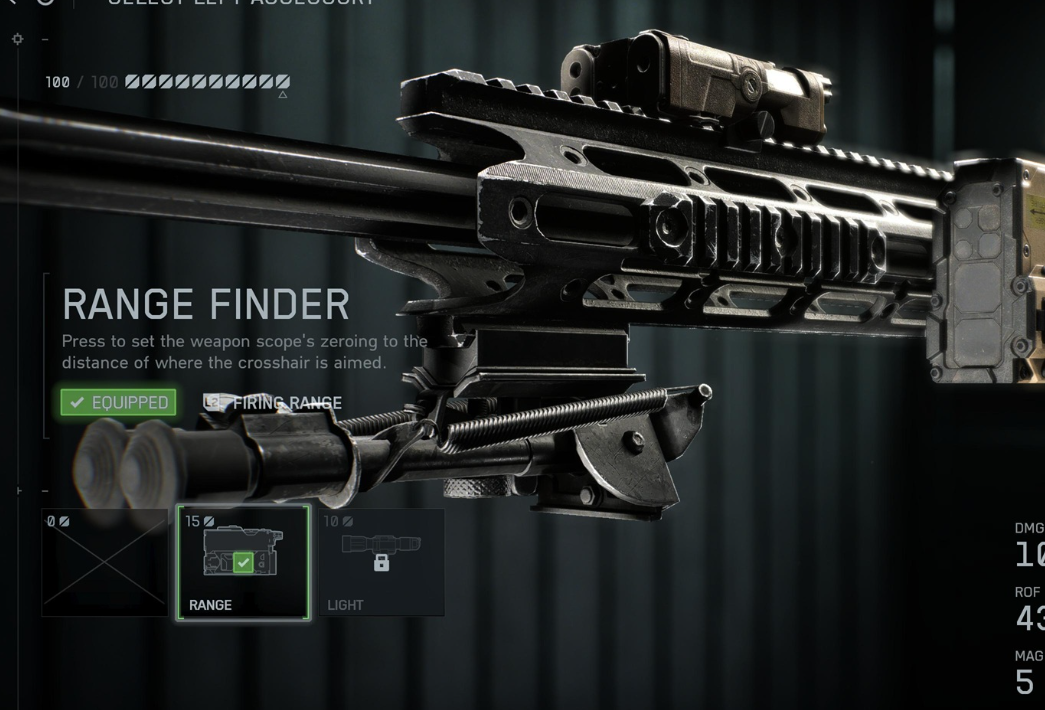
Battlefield 6 range finder — how to unlock, use, and zero
Calibrate your sniper or DMR for precise shots with the built‑in range finder and manual zeroing.
-
Windows 11 KB5066835 (Oct 2025): what’s fixed, what might change, and how to install
Microsoft’s October cumulative update bumps 24H2/25H2 to 26100.6899/26200.6899 with security fixes, reliability updates, and a few removals.
-
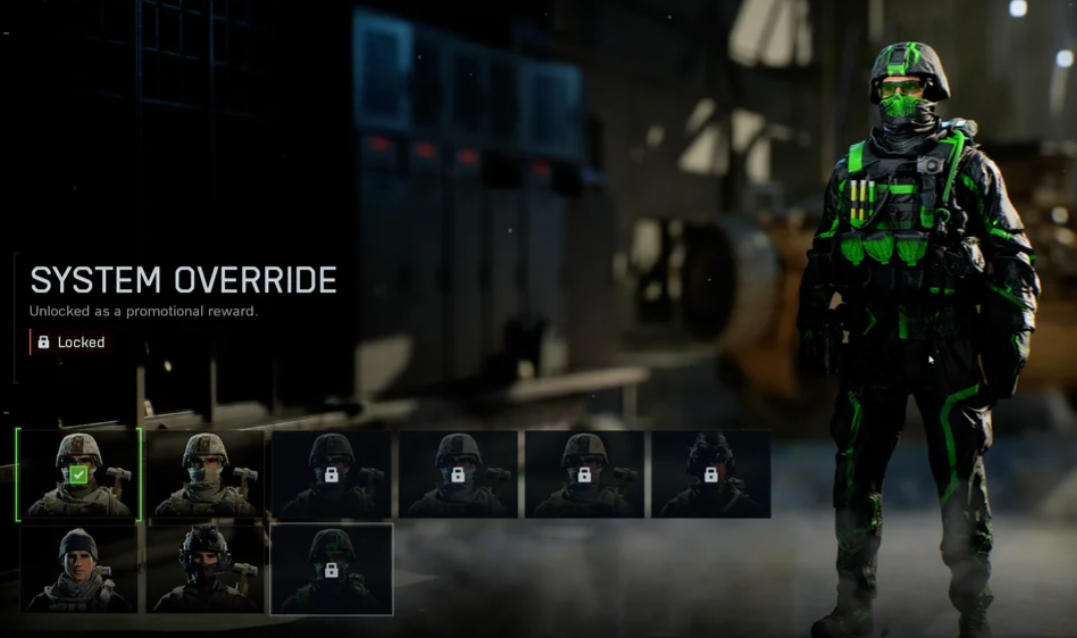
Battlefield 6’s System Override skin — what it is and how to redeem it
A quick rundown of where the System Override skin came from and the only way to unlock it now.
-

Battlefield 6 dev says weapon bloom is bugged, fix in the works
Florian Le Bihan confirms two dispersion issues and says the team is working on a patch.
