
Instructional, step-by-step articles.
Content Type: How-To
-
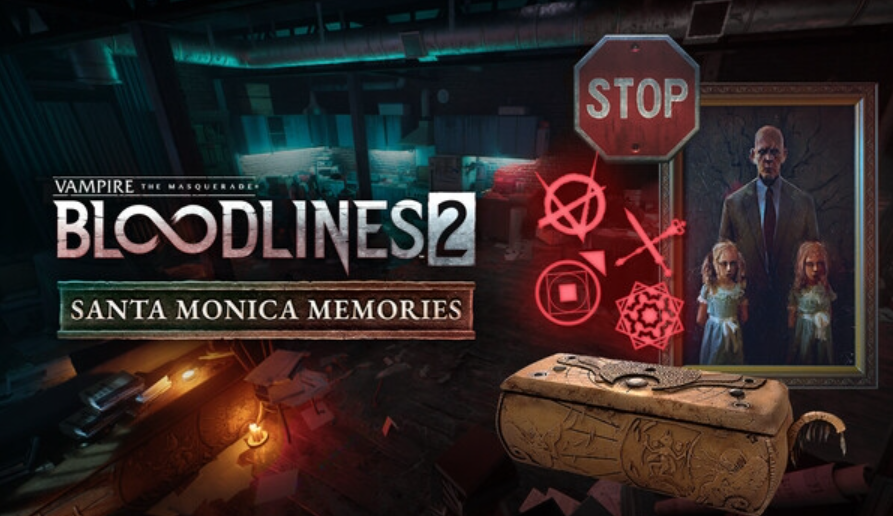
Bloodlines 2’s Santa Monica Memories — what’s in the pack and how to get it
A quick guide to the cosmetic pack, clan neon signs, editions, price, and platforms.
-
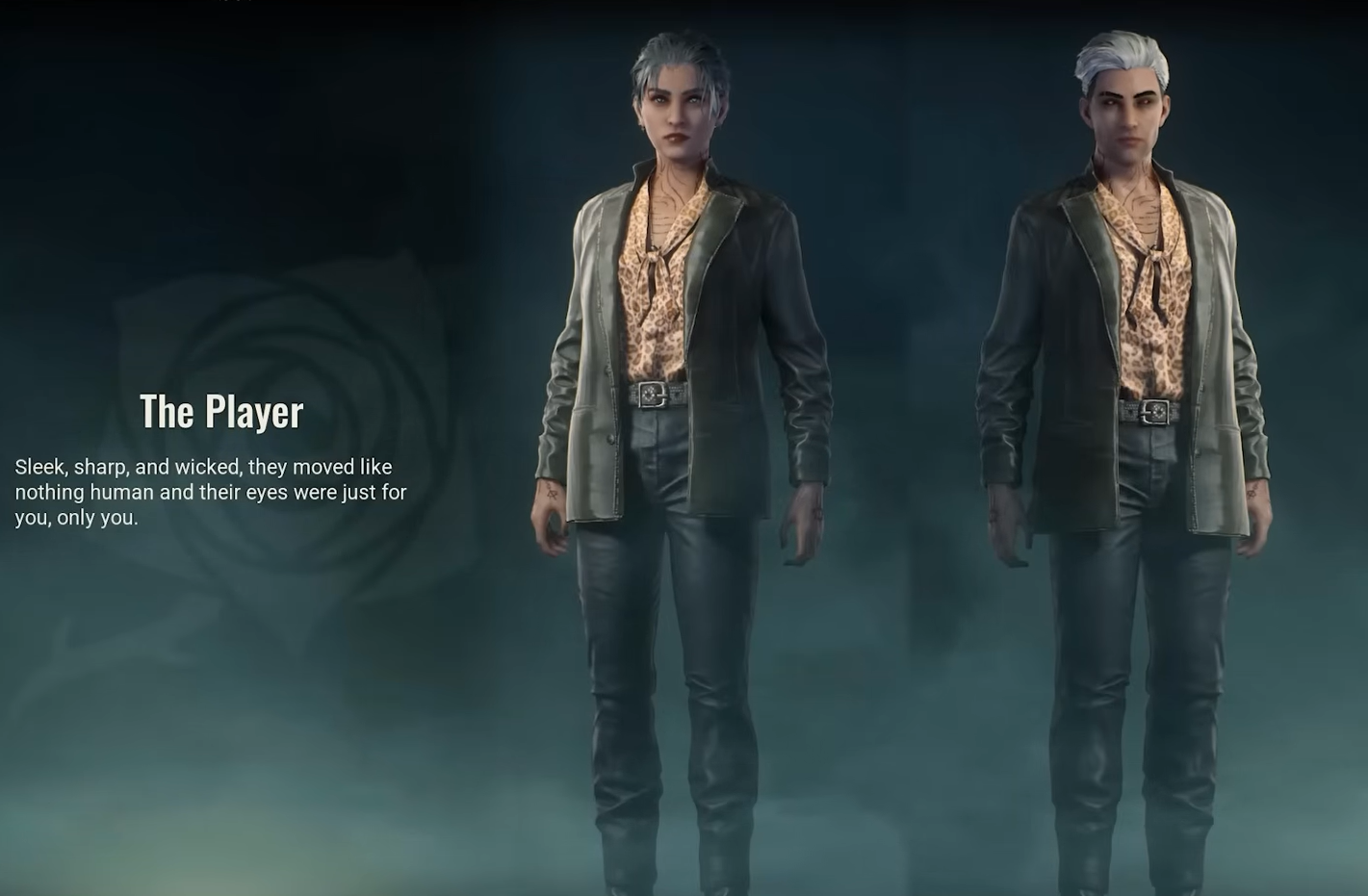
Bloodlines 2 outfits — how to unlock all 24 looks
Outfits are tied to specific skills; here’s every look, the ability that unlocks it, and how cross‑clan unlocks work.
-
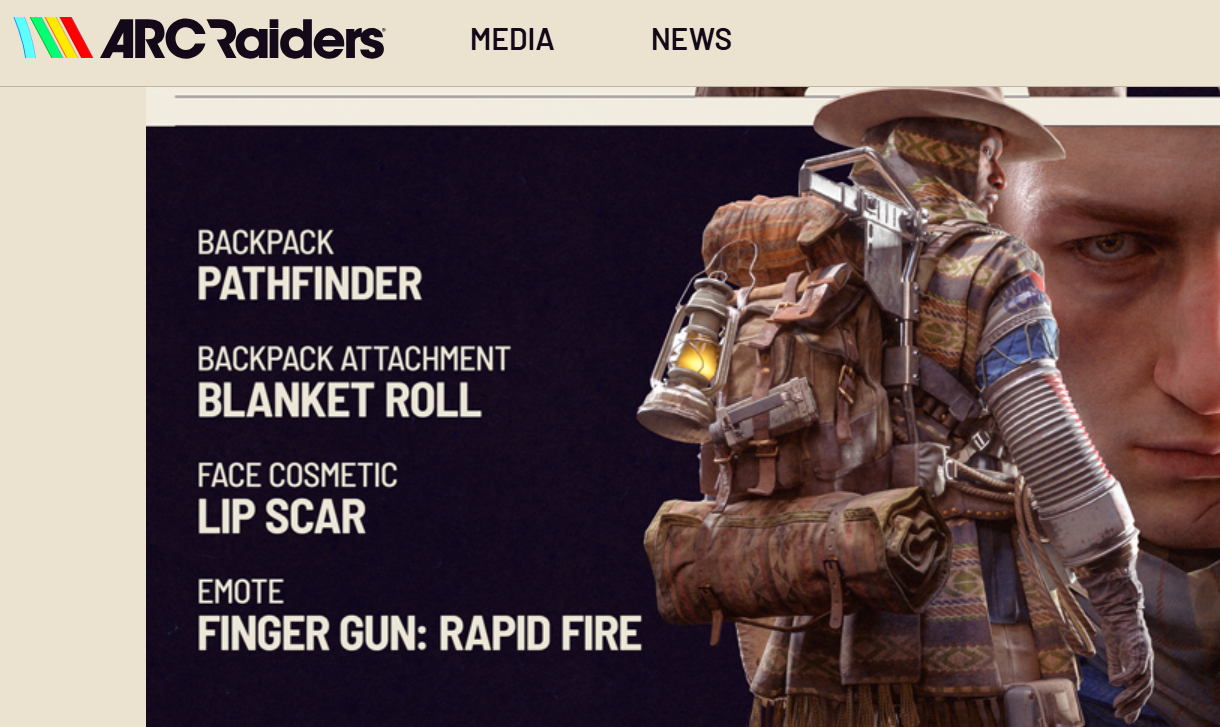
ARC Raiders pre-order bonuses, editions, and how to claim them
What Standard and Deluxe include, bundle contents, prices, and when the items unlock.
-
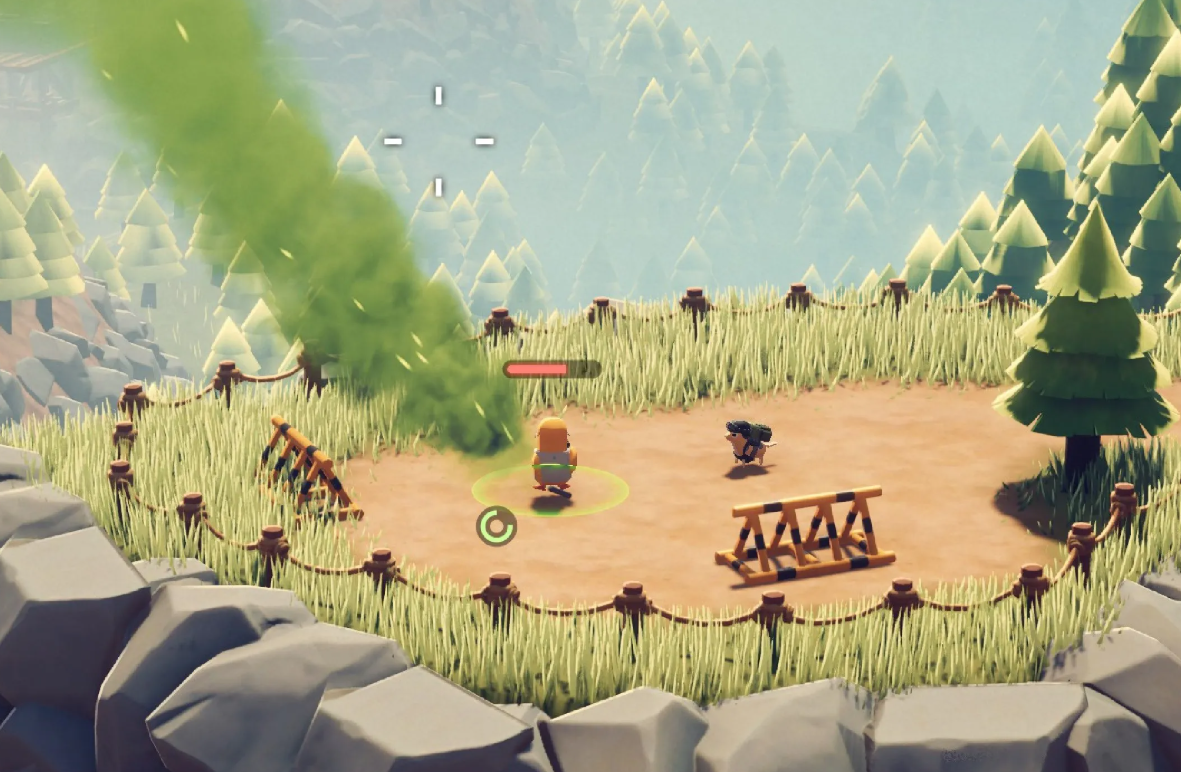
Escape From Duckov save locations and Mac backup fix (Oct 2025)
Find your Windows and macOS save folders, restore Mac backups, and prevent cloud sync from wiping progress.
-
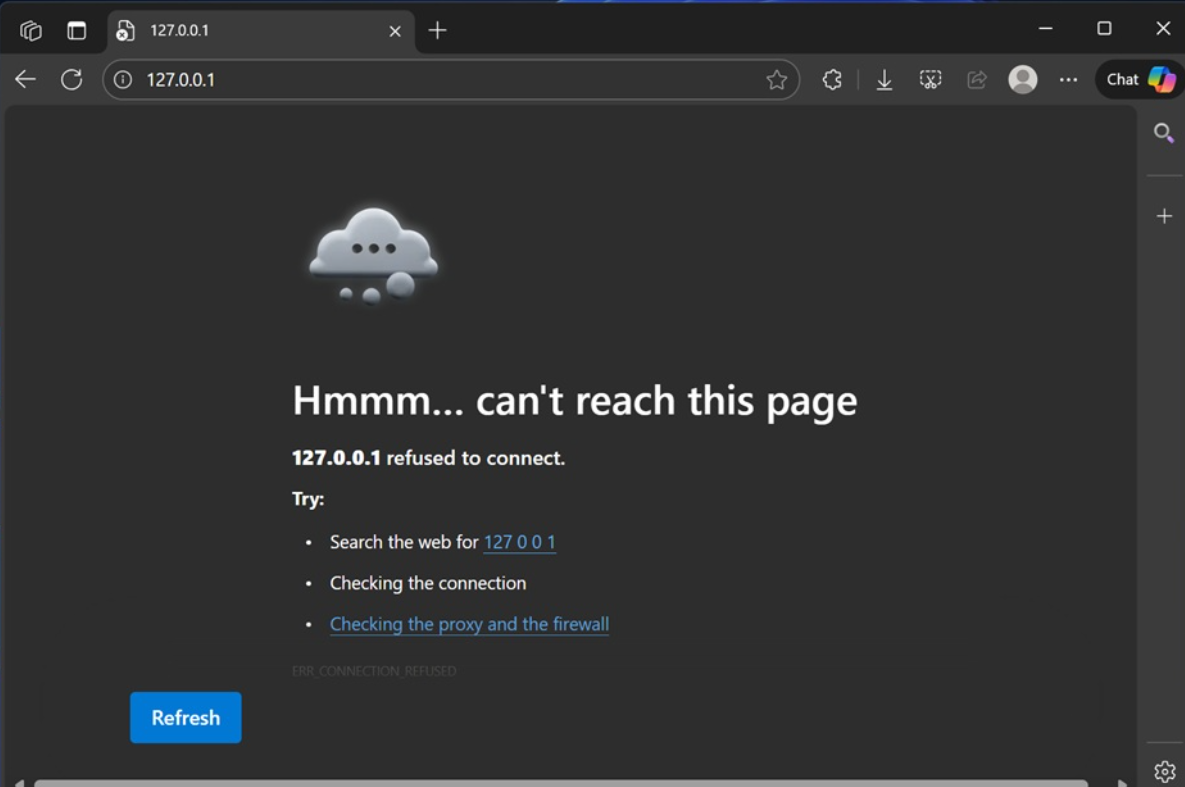
Fix Windows 11 KB5066835 breaking localhost (HTTP/2 bug)
Restore local IIS/Kestrel sites using Windows Update, KIR policy, registry, or safe uninstall.
-
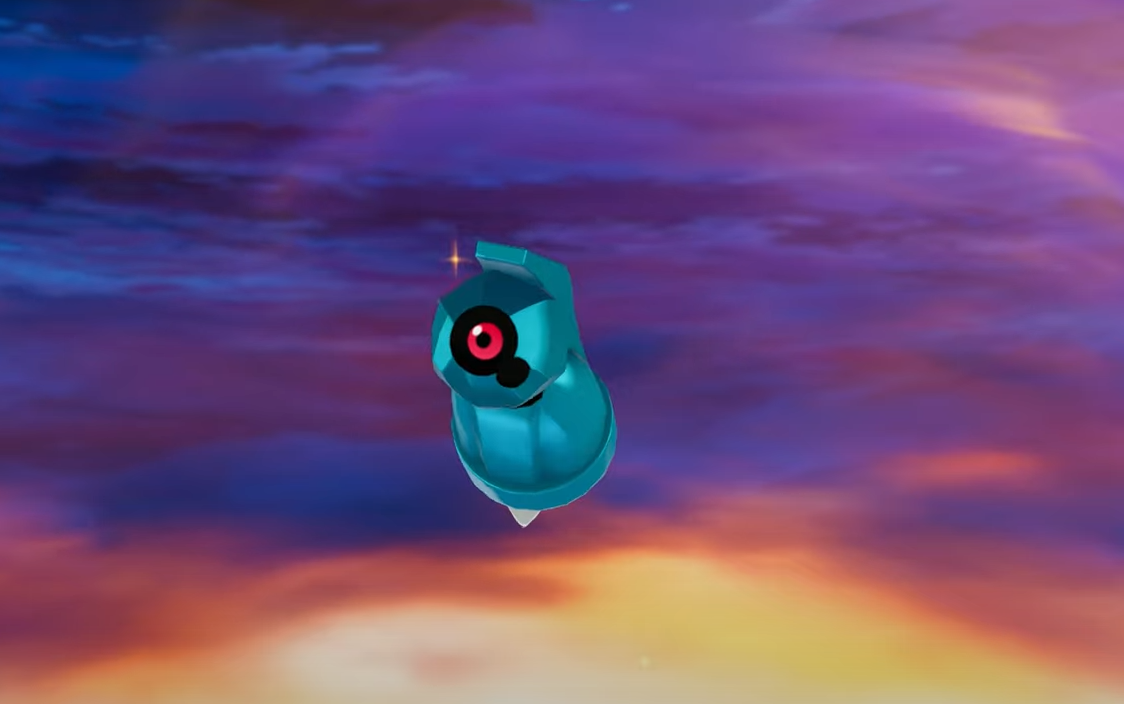
Pokémon Legends Z-A Beldum location — how to find and catch it
Beldum only spawns inside Lysandre Labs; here’s the room, access steps, and catch advice.
-
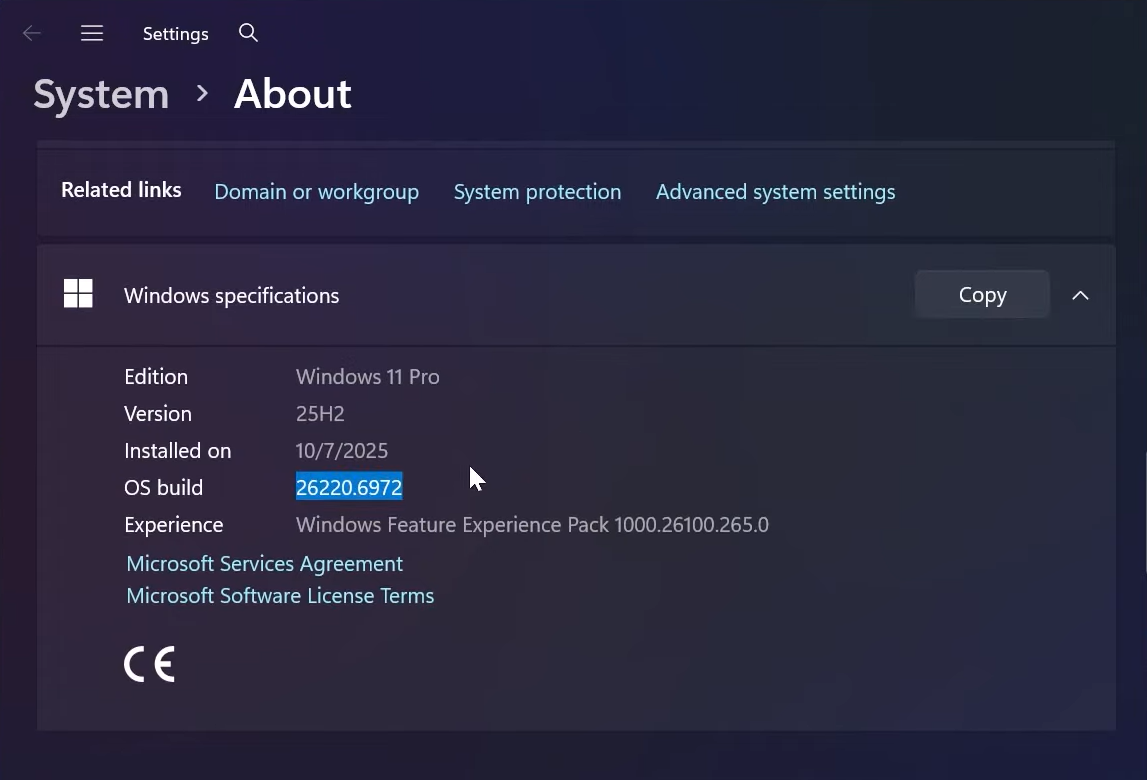
Enable new dark mode dialogs in Windows 11 (25H2 Insider)
Turn on hidden dark UI for Run, Folder Options, and file operations with ViVeTool on recent Insider builds.
-
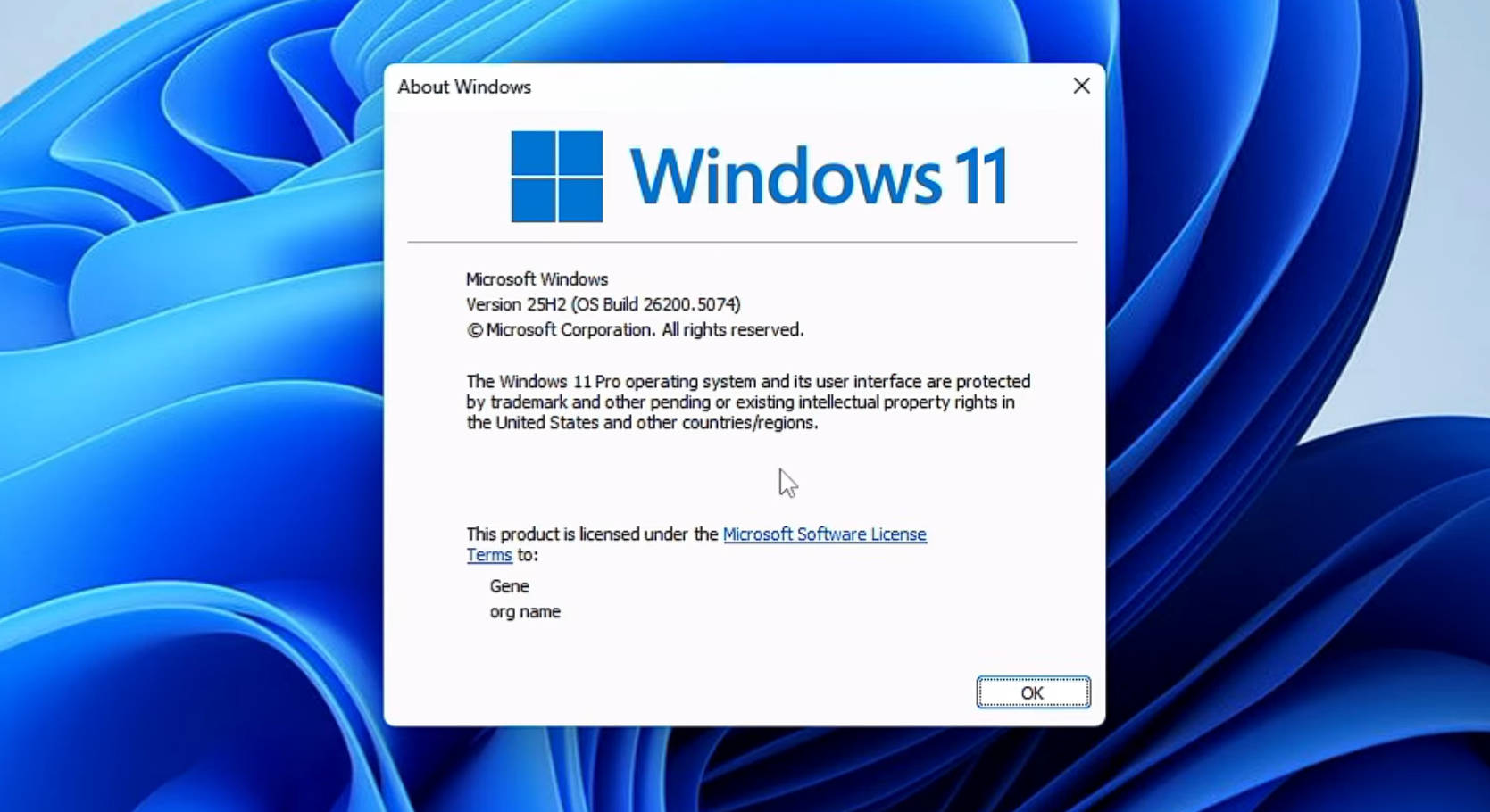
Windows 11 25H2 tiny11 on x64 and arm64 — what’s new, how to get it
A lean 25H2 build now exists for Intel/AMD and ARM PCs, with a script to roll your own from official ISOs.
-
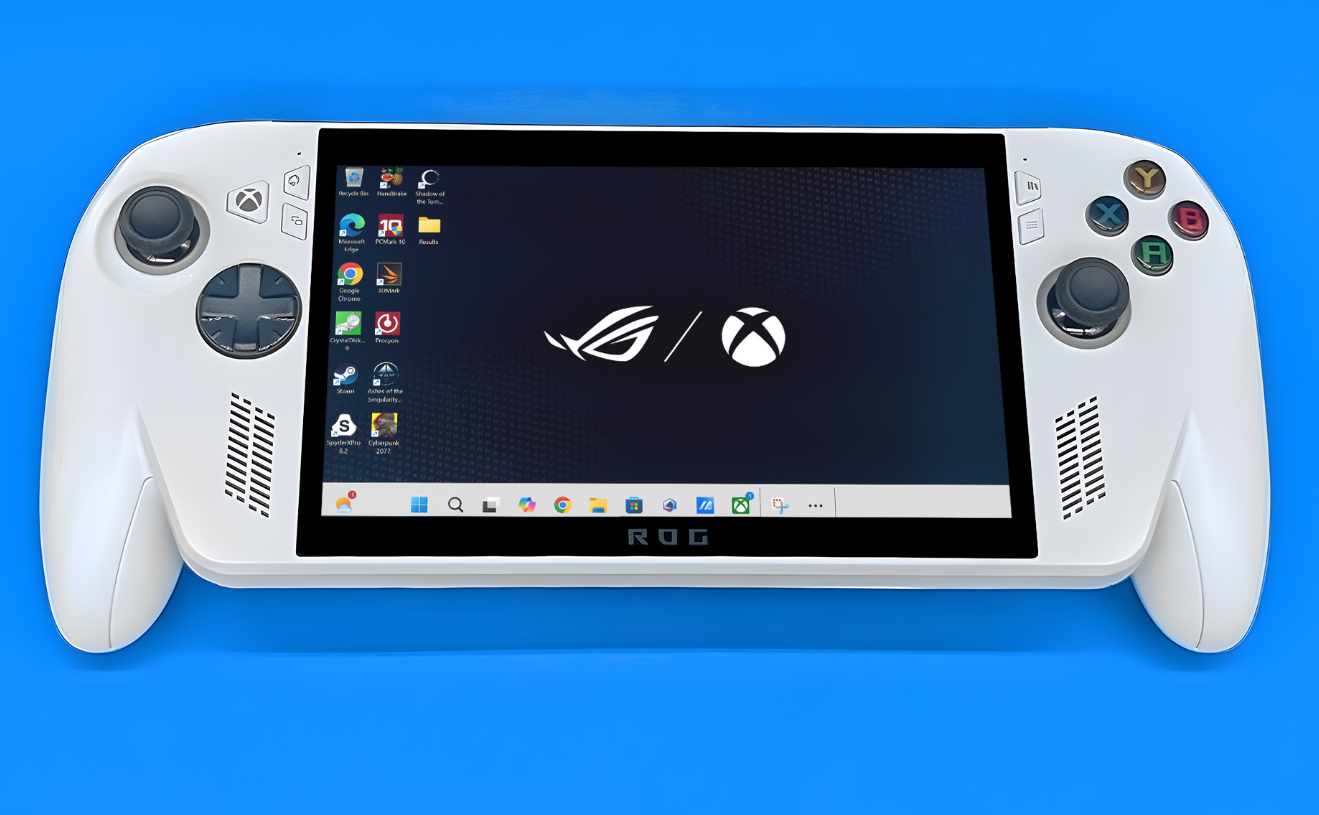
Factory reset Xbox Ally X on Windows 11 (Reset this PC, BIOS)
Use Windows Reset or ASUS Cloud Recovery to return the handheld to factory defaults, with clear trade‑offs.
-
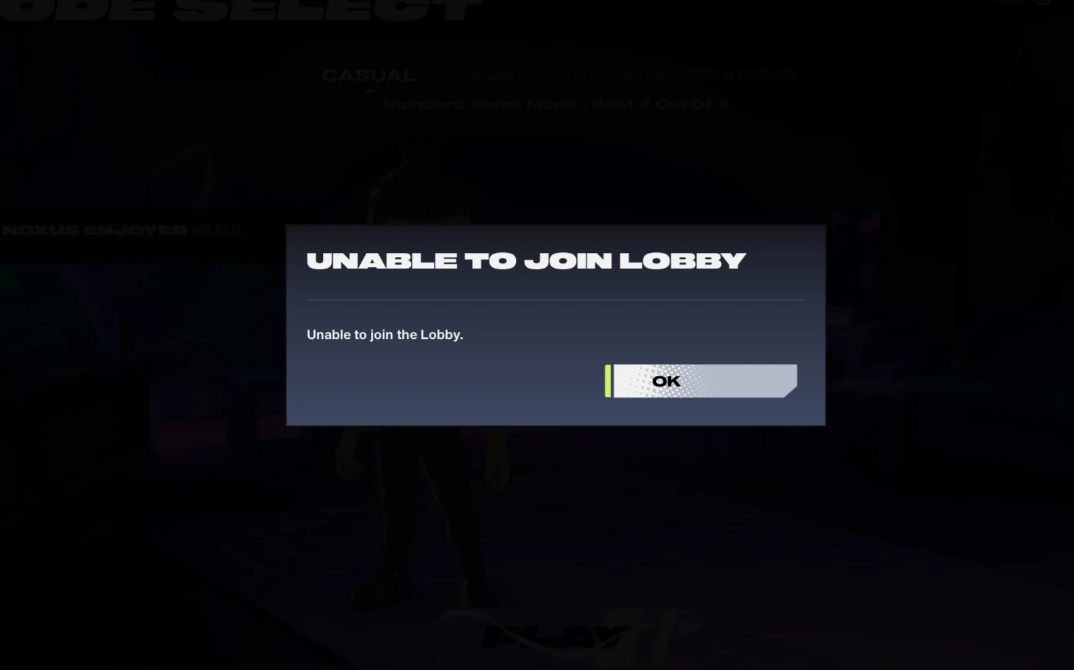
2XKO “Unable to join lobby” fixes — quick, reliable steps
Practical troubleshooting for lobby errors, UI quirks, and network resets.