
Instructional, step-by-step articles.
Content Type: How-To
-

How Elegance Points Work in Where Winds Meet (and How to Earn Them)
Pet cats, eat specific food from stalls, and avoid the common pitfalls that stop points from counting.
-

Where Winds Meet’s stone slab gate puzzle can soft-lock — here’s the workaround
If the “hold the stone slab down” objective leaves you outside the cavern, resetting your position can put you back inside.
-
How to Detach Runes in The Forge (Roblox) Without Losing Them
Learn how rune removal works, what it costs, and when it’s smarter to extract a rune or leave it on your gear.
-
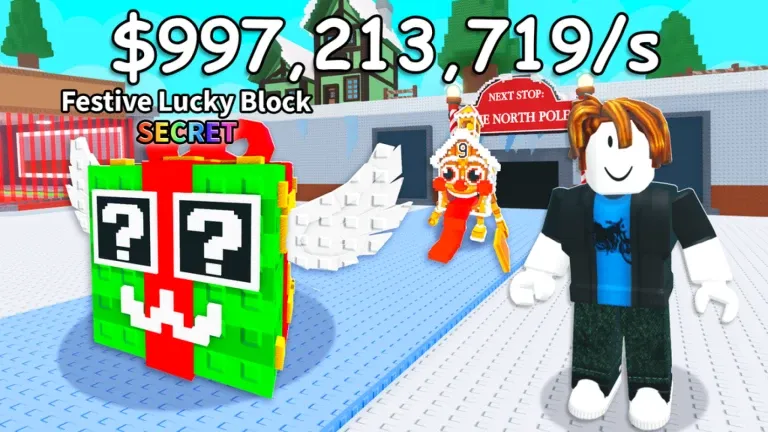
How to Get Festive 67 in Roblox Steal A Brainrot! (DLC Codes and Trades)
Learn how Festive 67 works in Steal A Brainrot! and the main legitimate ways players are getting it.
-

How to get the Christmas Spirit in Adopt Me (Winter Event 2025)
Where it spawns, what it costs in Gingerbread, and the other ways players can obtain the limited Legendary pet.
-
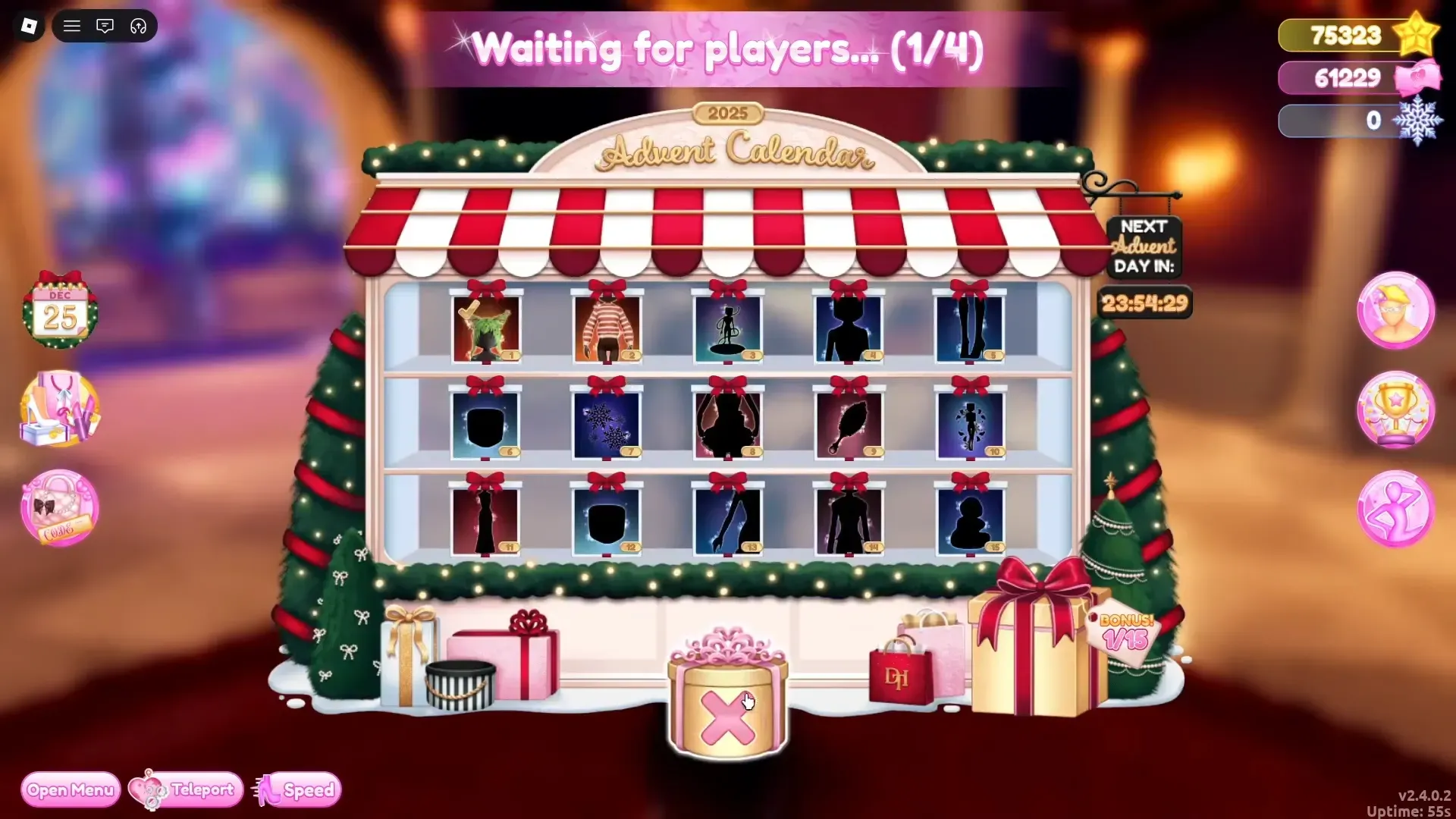
Lana elf location in Dress to Impress (Day 2) and how to claim the gift
Find the Day 2 Lana elf in the lobby, click to unlock the item, and keep daily claims on track.
-

Snowflakes are the Winter 2025 grind in Dress to Impress — Here’s how to earn and spend them
Snowflakes drop from Hall of Fame tasks, skating and exploration, Santa’s Workshop deliveries, and the Advent Calendar.
-
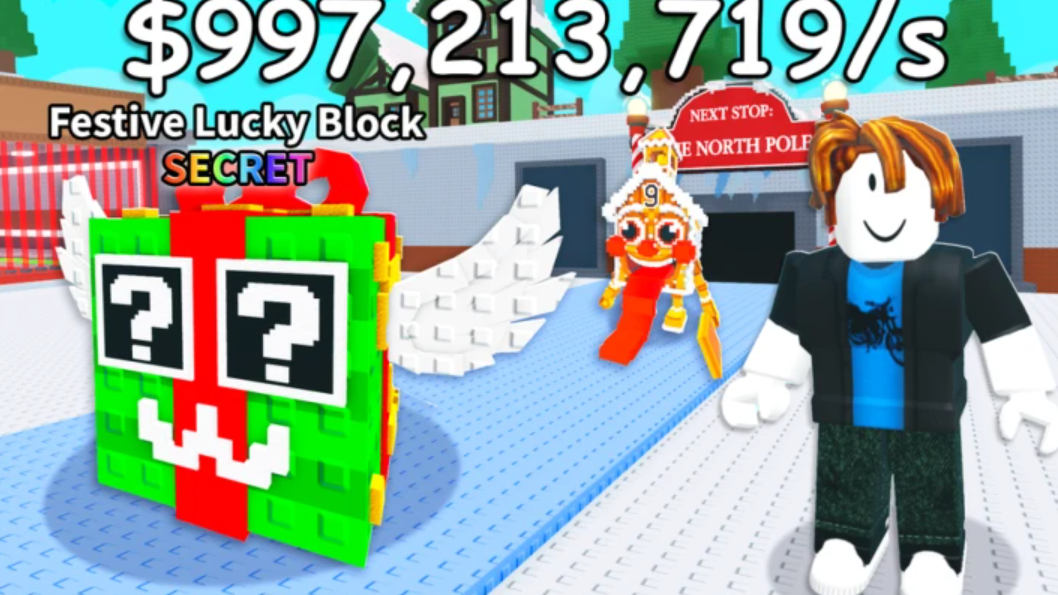
Festive Lucky Block in Steal a Brainrot: Drop Rates, Values, and How to Get It
Everything in the eight-unit pool, plus the main ways players earn, buy, or steal the seasonal block.
-

Roblox The Forge Private Servers: what they cost and how to set one up
Create a subscriber private server, control who can join, and avoid public lobbies when you’re mining.
-

Sips of Serenity in Where Winds Meet: How to finish the Riverside Station tale
Find three clues around Zhang the Teaman’s stand, then use the right one to win the haggle.