
Category
Browsers
-

How to Start a Skype Meeting without a Skype Account
Skype’s ‘Meet Now’ feature allows you to start meetings that anyone can join without needing a Skype account. This makes it easy to connect…
-

How to Change Your Name on Webex
Having your correct name displayed on Webex is essential for maintaining professionalism during meetings and collaborations. If your display name isn’t accurate, you can…
-

How to Format Messages in Chat on Microsoft Teams
Microsoft Teams has become an essential tool for organizations aiming to enhance collaboration and streamline communication. Whether you’re participating in a private chat, a…
-
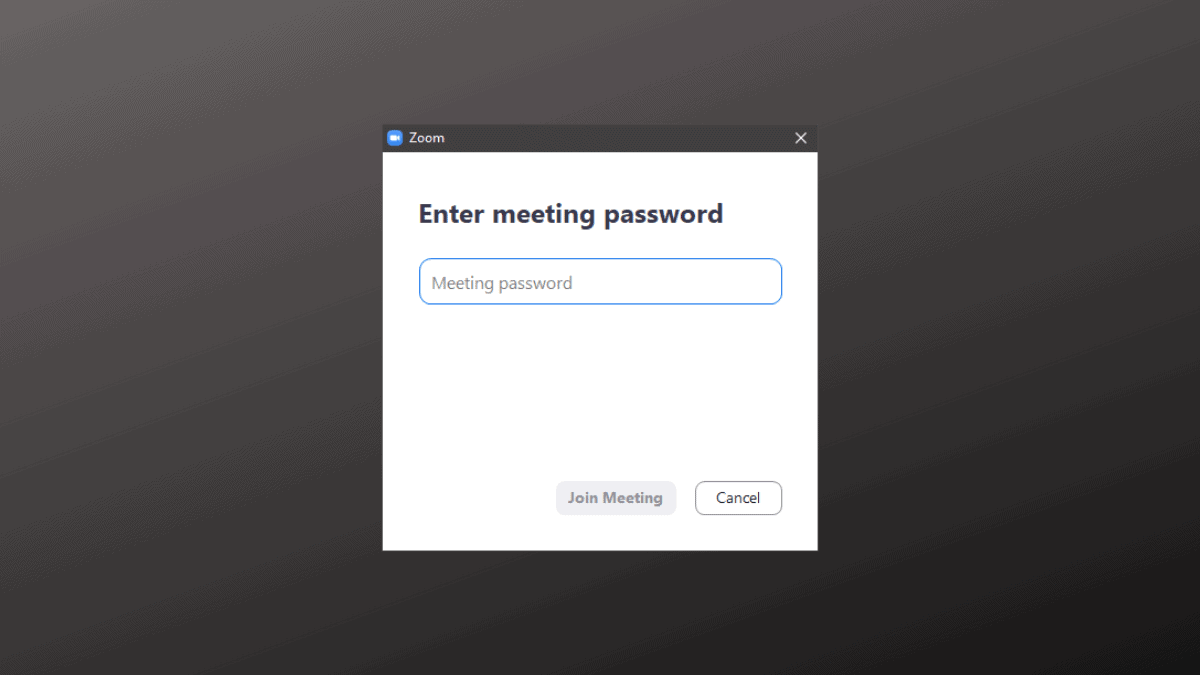
How to Find Zoom Meeting Password
Recently, Zoom has strengthened its security measures to protect meetings from unauthorized access and disruptions. One of the significant changes includes mandating passwords for…
-
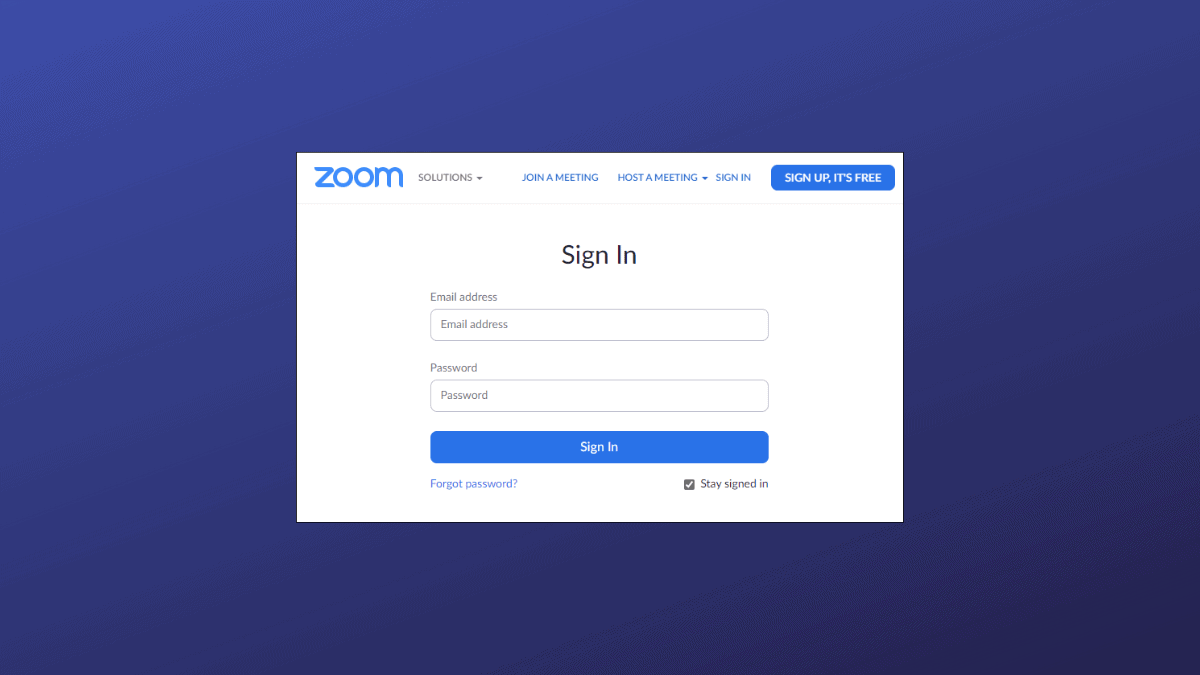
How to Join a Zoom Meeting without an Account
Joining a Zoom meeting doesn’t always require you to have an account. While Zoom has tightened security by disabling guest access via its web…
-

How to Admit Someone in a Zoom Meeting from the Waiting Room List
Zoom’s Waiting Room feature provides hosts with enhanced control over meeting access, ensuring that only approved participants can join. With this feature enabled by…
-

How to Join a Microsoft Teams Meeting
Microsoft Teams has become an essential tool for organizations to collaborate, share files, and hold virtual meetings. Whether you’re new to Teams or just…
-

How to Use Skype Meet Now to Set Up a Meeting
Skype’s ‘Meet Now’ feature makes it easier than ever to host video meetings, allowing you to invite both Skype and non-Skype users without requiring…
-

How to Disable Waiting Room for Participants in a Zoom Meeting
Zoom has become an indispensable tool for virtual meetings, online classes, and staying connected with friends and family. While the ‘Waiting Room’ feature enhances…
-
Zoom 403 Forbidden Error when Joining from Browser? Here’s Why
Are getting a ‘403 Forbidden’ error when trying to join a Zoom Meeting from the browser? If yes, then it’s likely that you’re not…