
Category
Browsers
-
How to download Microsoft Edge Chrome on Windows 10
Microsoft’s chromium-based Edge browser is now available to download as a preview release for everyone to try. The browser is currently available for Windows…
-
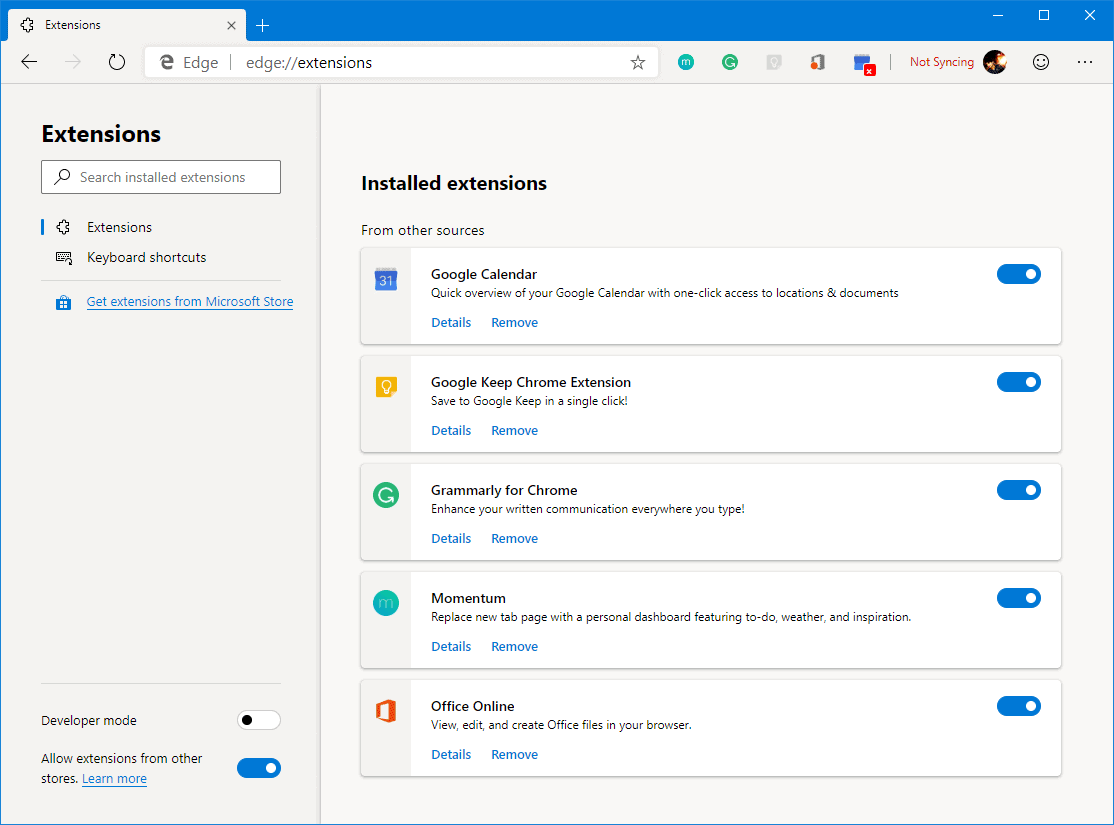
How to install Chrome Extensions on Microsoft Edge from Chrome Web Store
Microsoft has finally launched the much-awaited chromium based Edge browser as a preview release for interested users to test and try. If you haven’t…
-
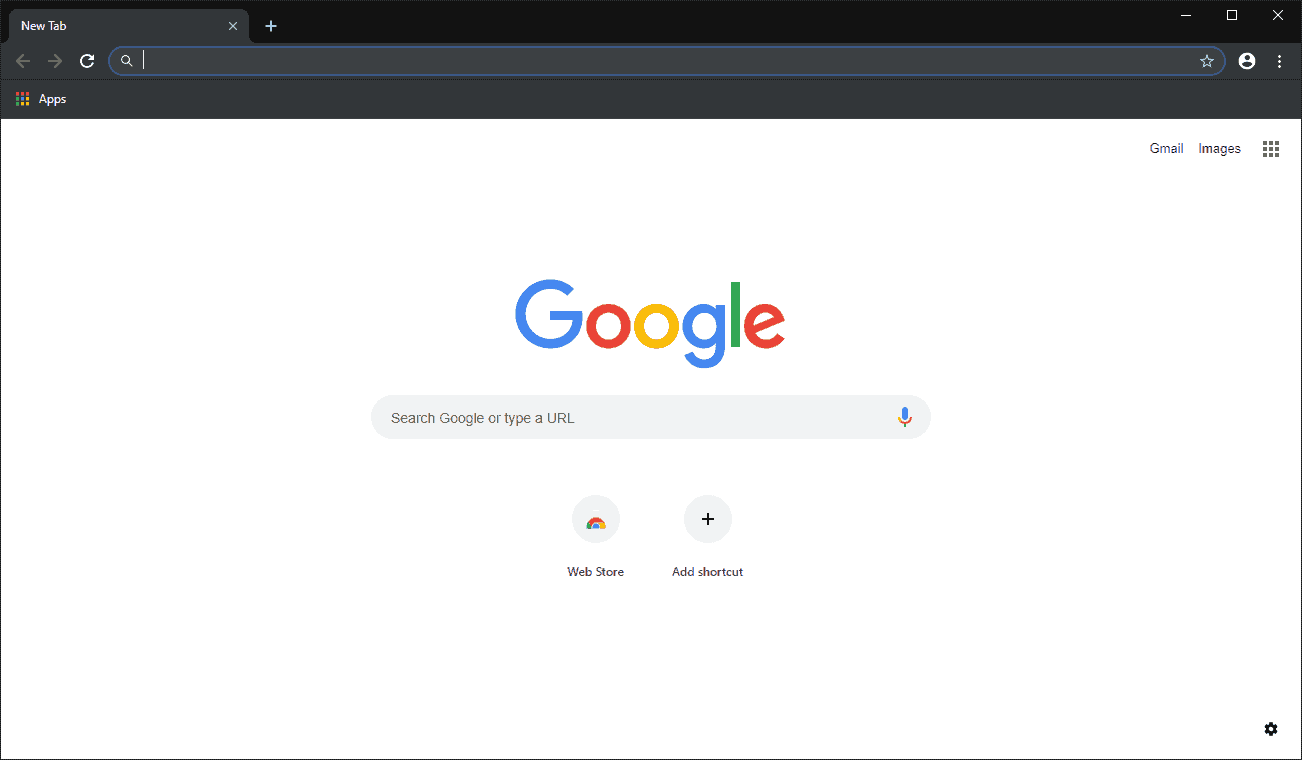
Chrome Dark Mode: How to Enable it on a Windows 10 PC
Google Chrome doesn’t have a built-in dark theme like the Microsoft Edge and Mozilla Firefox do. Last year, the company announced its intention of rolling…
-
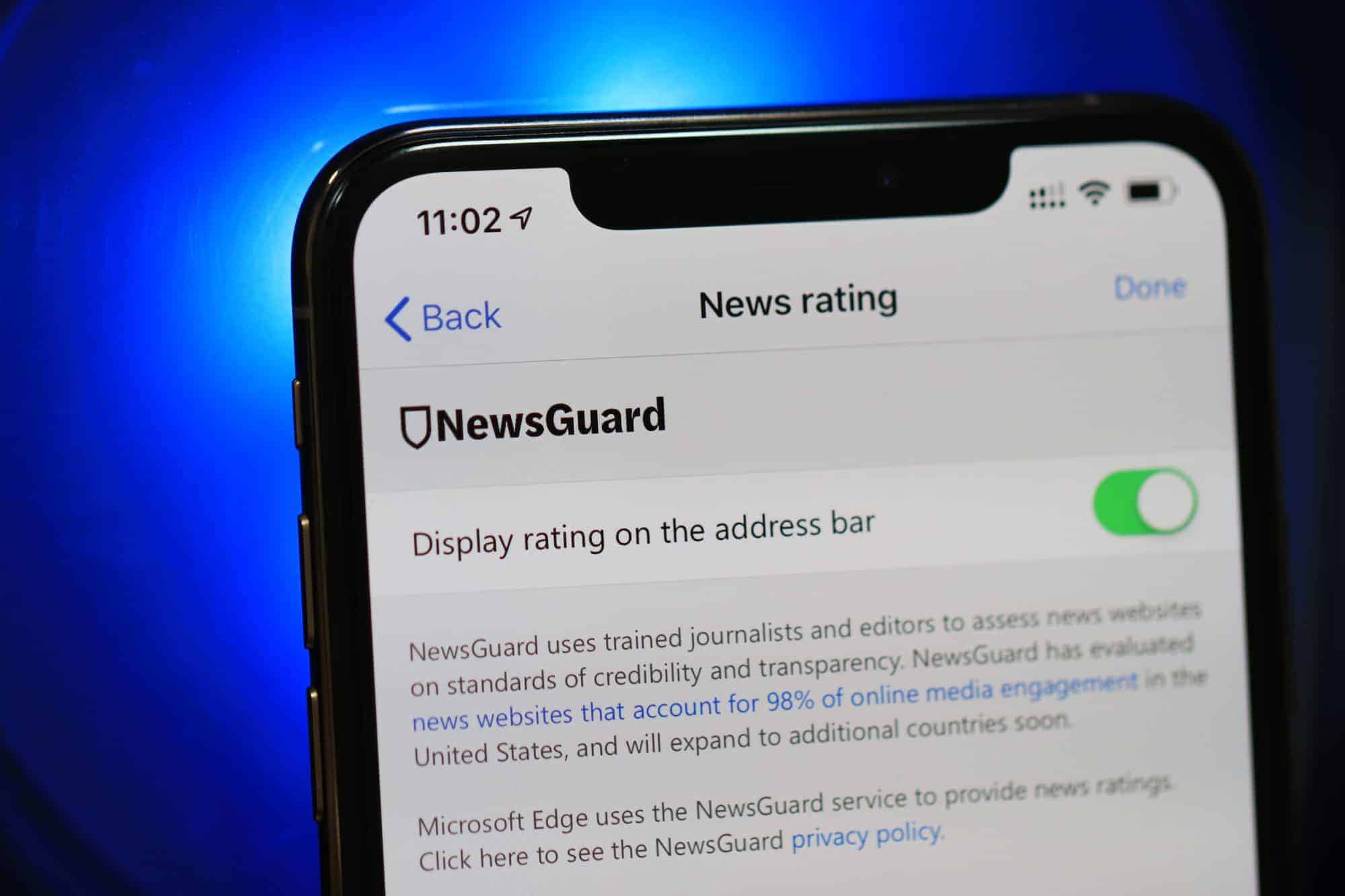
Microsoft Edge for iOS gets picture-in-picture mode, NewsGuard and more with version 42.9.3 update
A new version of Microsoft Edge browser is now available on the App Store with support for picture-in-picture mode, NewsGuard, and a kid-friendly news…
-
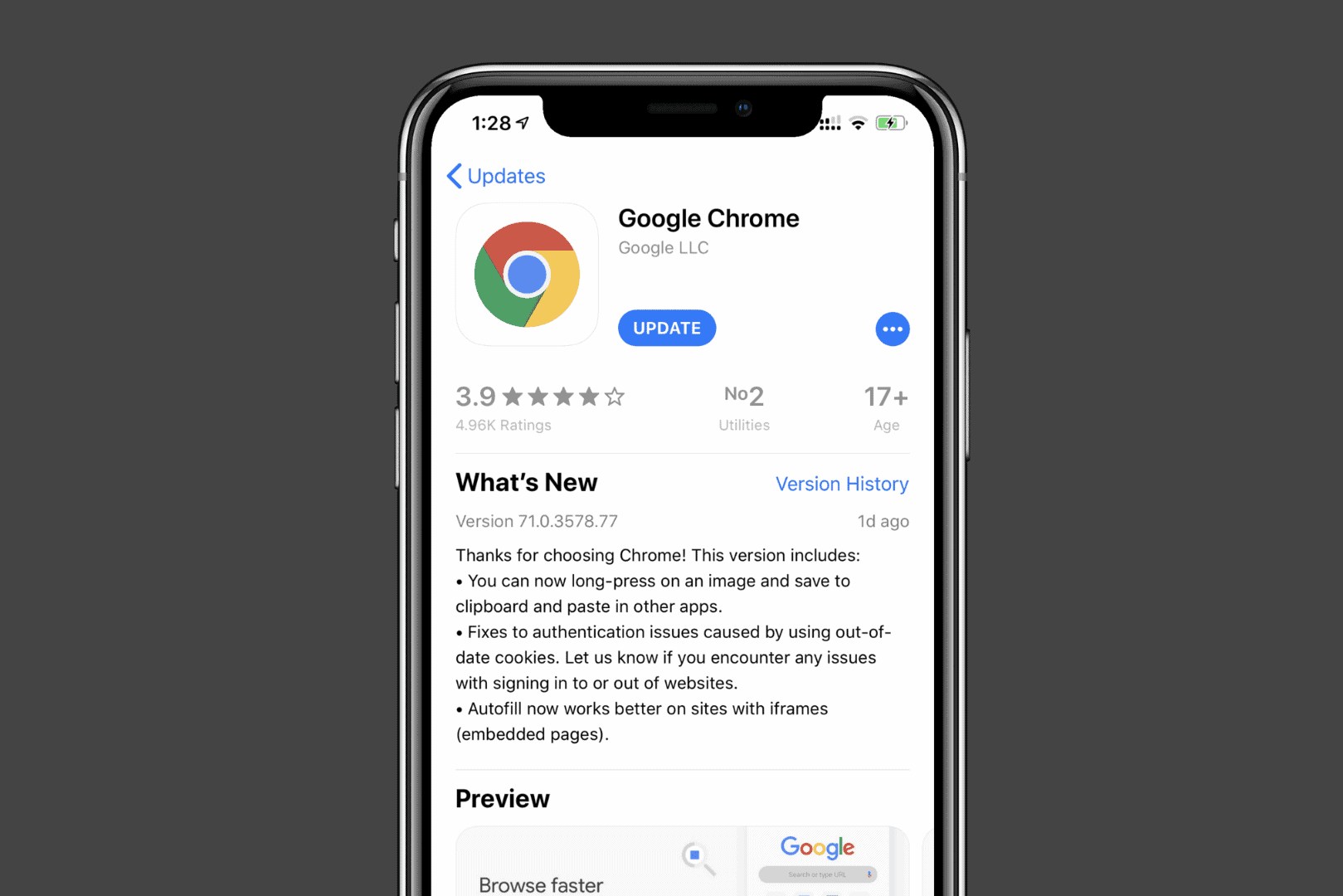
Google Chrome on iPhone now lets you save images to clipboard
A new version of Google Chrome is now available on the App Store for iPhone and iPad devices with a neat new feature. The…
-
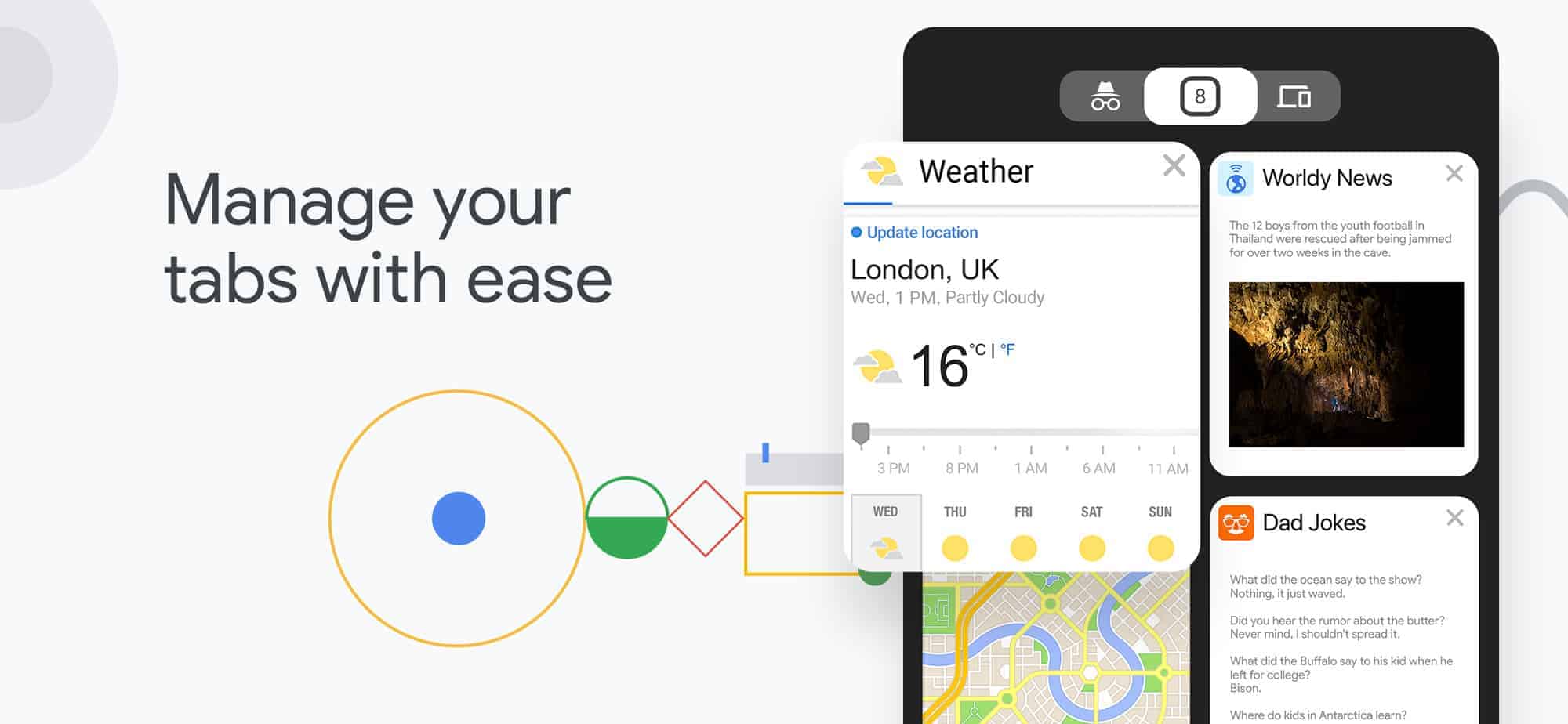
Swipe to close a tab on Chrome is no longer a feature for iOS devices
Google rolled out a design refresh for the Chrome browser with version 69 for desktop and mobile devices. The update improves the usability of the…
-
Are Microsoft Windows, Office and Adobe Keys Purchased from Impkeys or GVGMall Legit?
A handful of online retailers are selling Microsoft Product keys at a meager price. These keys work without a flaw. But the rates charged…
-
Chrome spell check not working? Here’s how to fix it
The basic spell check tool in Chrome is useful to spot typos in the mail you’re writing, your posts/comments on various social networks and…
-

How to Enable Third Party Cookies in Chrome
Cookies are small data files that websites store on your browser to improve your browsing experience. They help sites remember your login information and…
-
How to Disable Pop up Blocker on Chrome
While pop-up blockers in Google Chrome prevent unwanted windows from appearing, there are times when you might need to allow pop-ups for certain websites.…