
Category
Windows
Windows 11, Windows 10, troubleshooting, and tips for power users.
-

Antimalware Service Executable (msmpeng.exe) High CPU, Memory, and Disk Usage Fix
Cut Microsoft Defender’s resource drain with exclusions, scan rescheduling, and platform rollback steps that actually work.
-
AIXHost.exe “application is exiting” error on Windows 11: How to fix it
Reset the Windows AI component tied to Recall to stop the recurring popup on Copilot+ PCs.
-
WiFi Option Missing in Windows 11: Causes and Fixes
Restore the wireless toggle and network list with adapter, service, driver, and network reset fixes that target each common cause.
-
Windows 11 Precision Touchpad Gestures: Auto, Accelerated, and Single-Finger Scroll
Microsoft is testing four new precision touchpad gesture options in Windows 11 Experimental Build 26300.8376 under Settings.
-
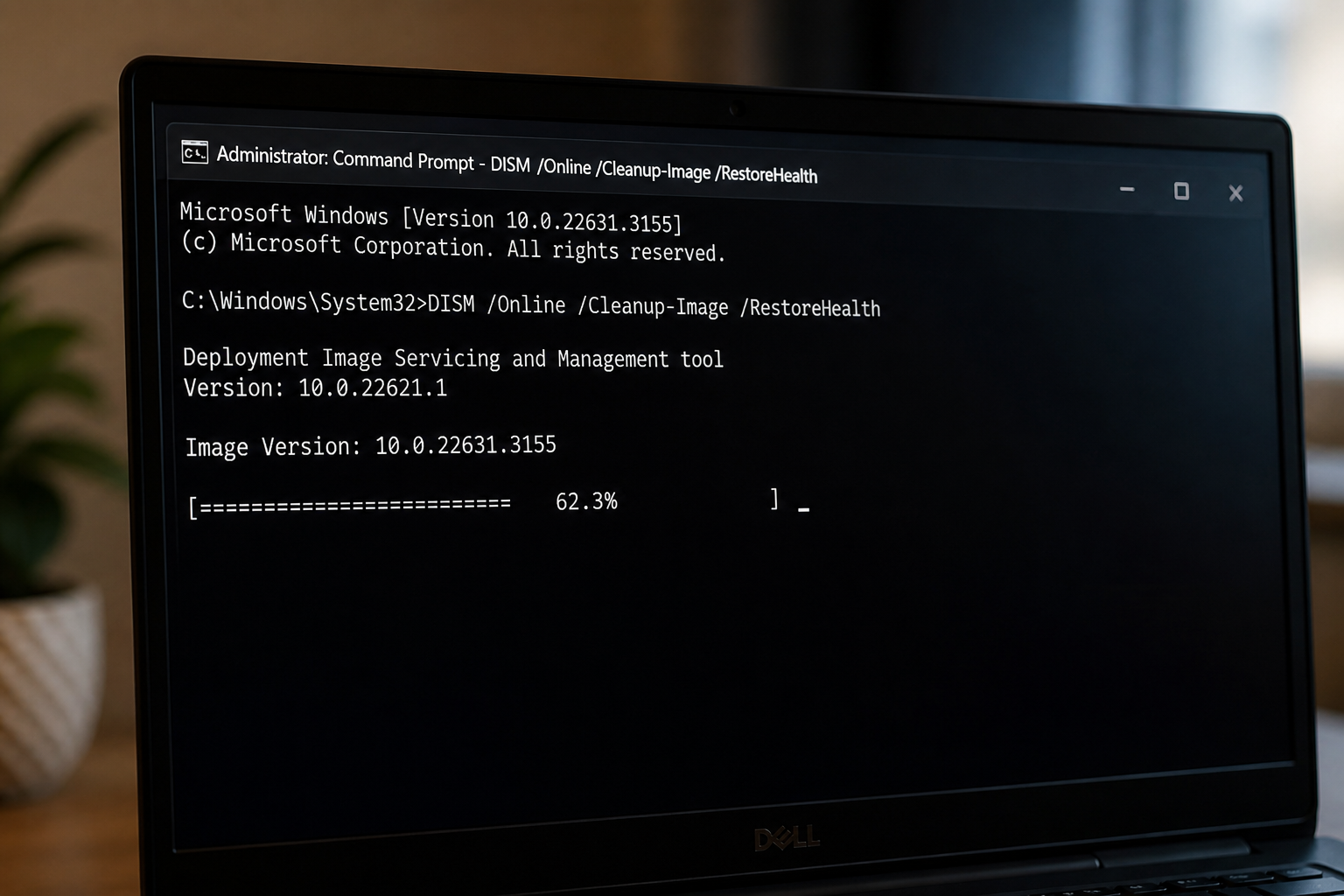
DISM Stuck at 62.3% on Windows 11: Fix and Verify
Why the RestoreHealth scan pauses at 62.3 percent and the exact actions that get it moving again.
-
Windows 11 KB5083631 Extra Restart Explained (Secure Boot Certificate Update)
Why the April 2026 preview update can reboot twice on some PCs, plus the BitLocker recovery prompt to watch for.
-
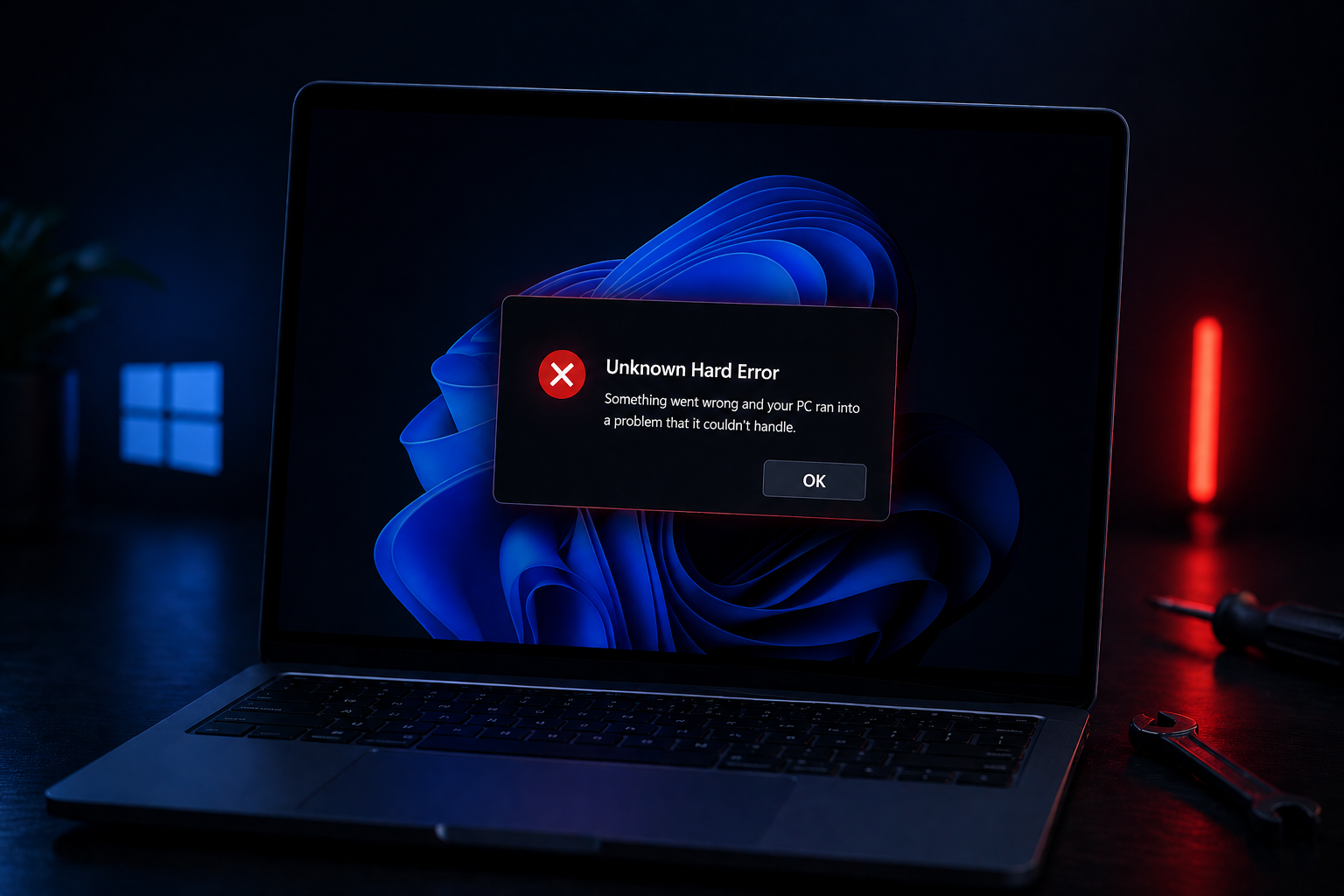
Unknown Hard Error on Windows 11: How to Fix the Black Screen Popup
Walk through the recovery, file repair, and clean boot steps that actually clear the cryptic Windows 11 popup.
-
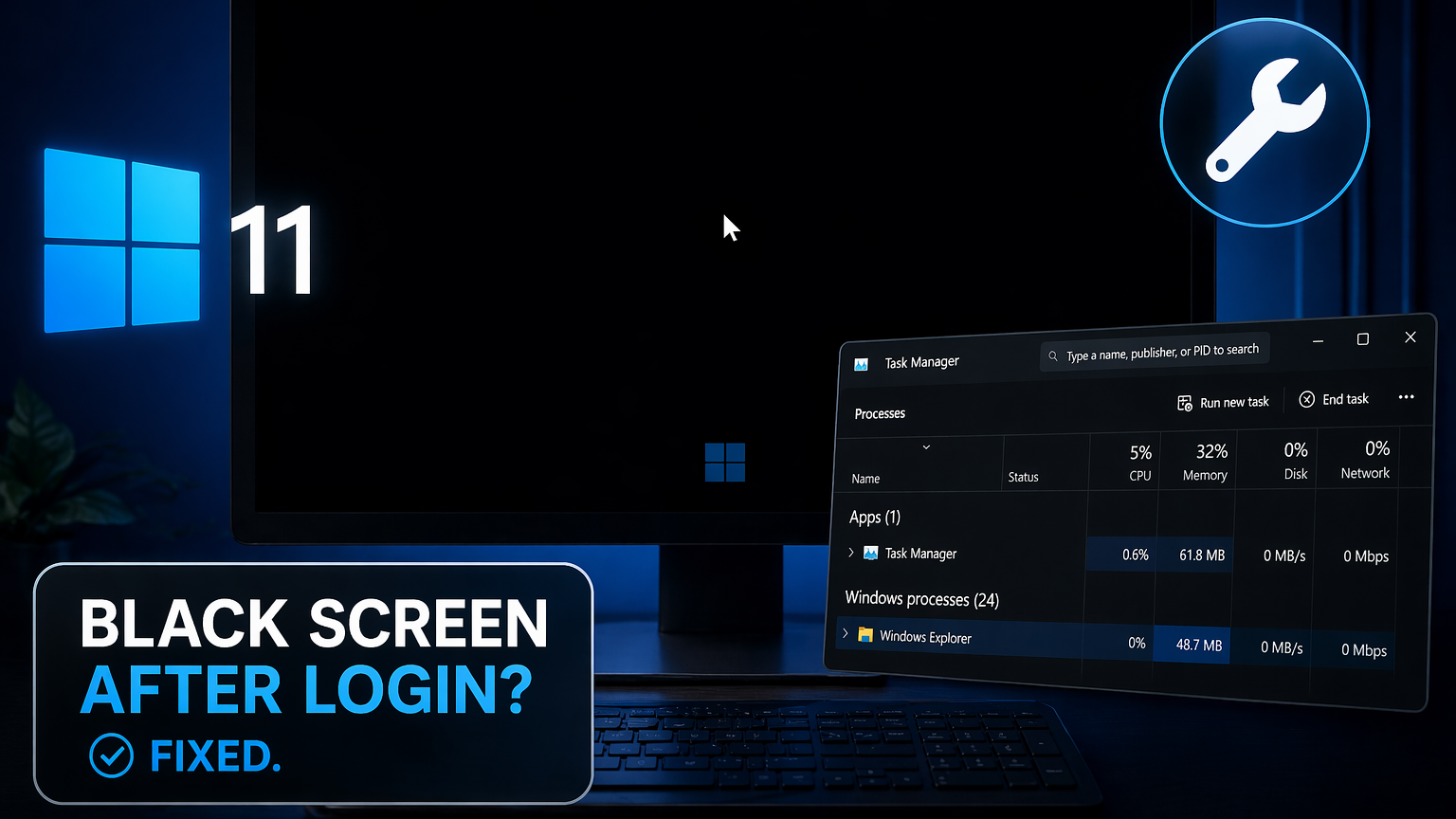
Black screen after login on Windows 11: How to fix it
Recover your desktop when Windows 11 boots to a blank screen with only a cursor visible.
-
Windows 11 KB5083769 Boot Loop: What’s Happening and How to Recover
The April 2026 Patch Tuesday update is leaving some PCs stuck in pixelated crashes and endless recovery cycles.
-
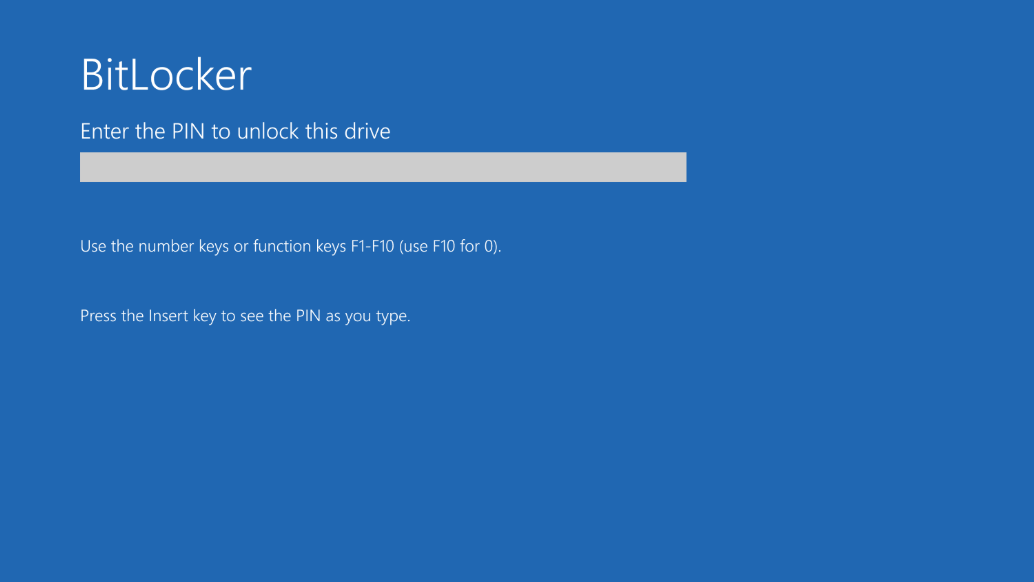
Windows 11 KB5083769 BitLocker recovery bug and install problems
The April 2026 cumulative update can trigger a BitLocker recovery prompt on devices with a specific PCR7 Group Policy configuration.
