
Category
Windows
Windows 11, Windows 10, troubleshooting, and tips for power users.
-

Nvidia RTX Spark: The 1-Petaflop Superchip Coming to Windows PCs
Nvidia’s new Grace Blackwell superchip brings on-device AI agents, RTX graphics, and 128GB of unified memory to slim laptops and compact desktops.
-

Registry Editor: How to Fix “Cannot import, Error accessing the registry”
The fastest paths through permission, ownership, and Safe Mode fixes when a .reg file refuses to merge.
-
How to find the largest files on Windows 11 when your drive is full
Use File Explorer size filters, Storage settings, and PowerShell to pinpoint the files eating your disk.
-
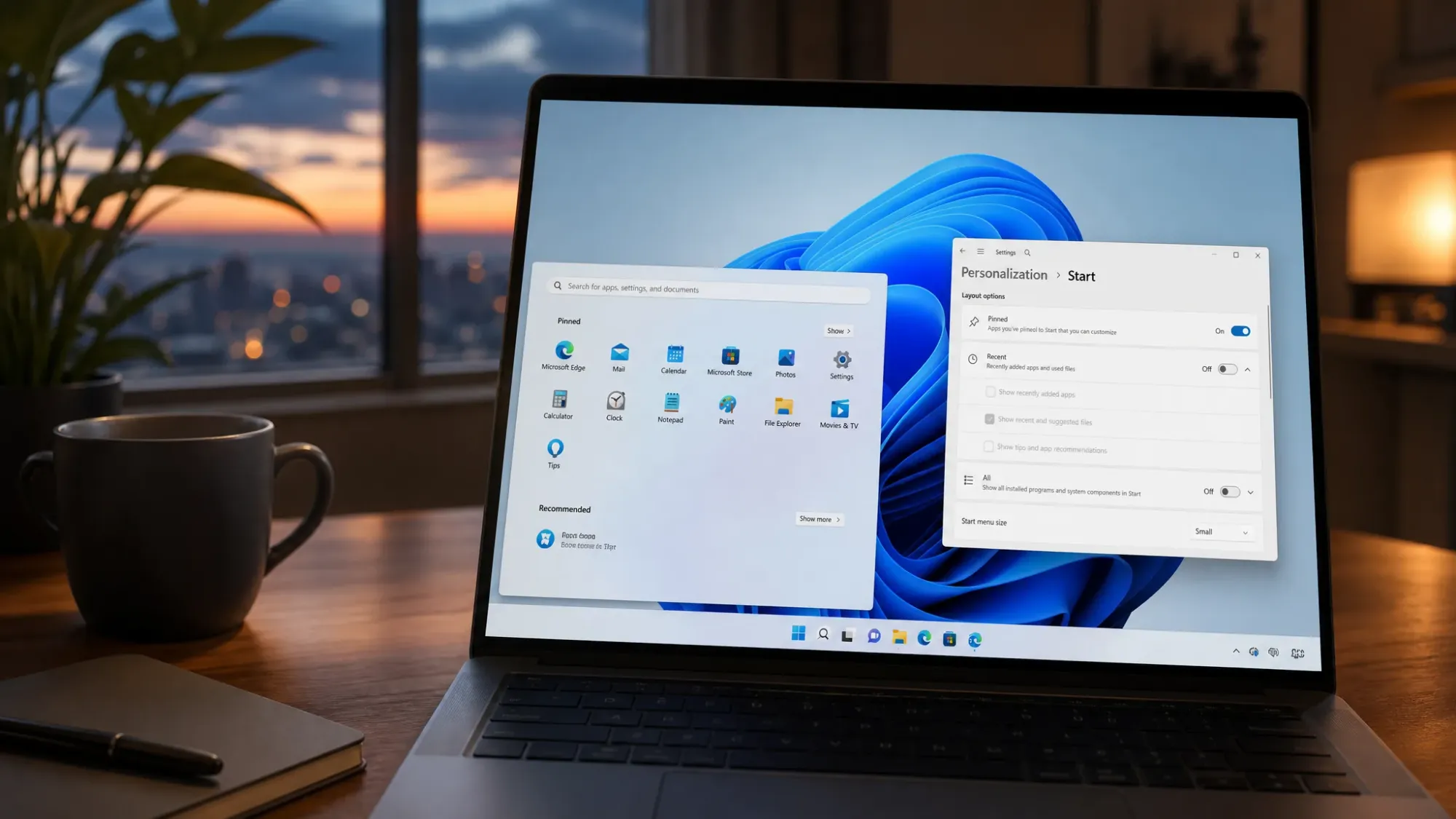
Enable the resizable Windows 11 Start menu using ViveTool
Switch on the hidden Small, Large, and Automatic layouts and choose which sections appear inside Start.
-
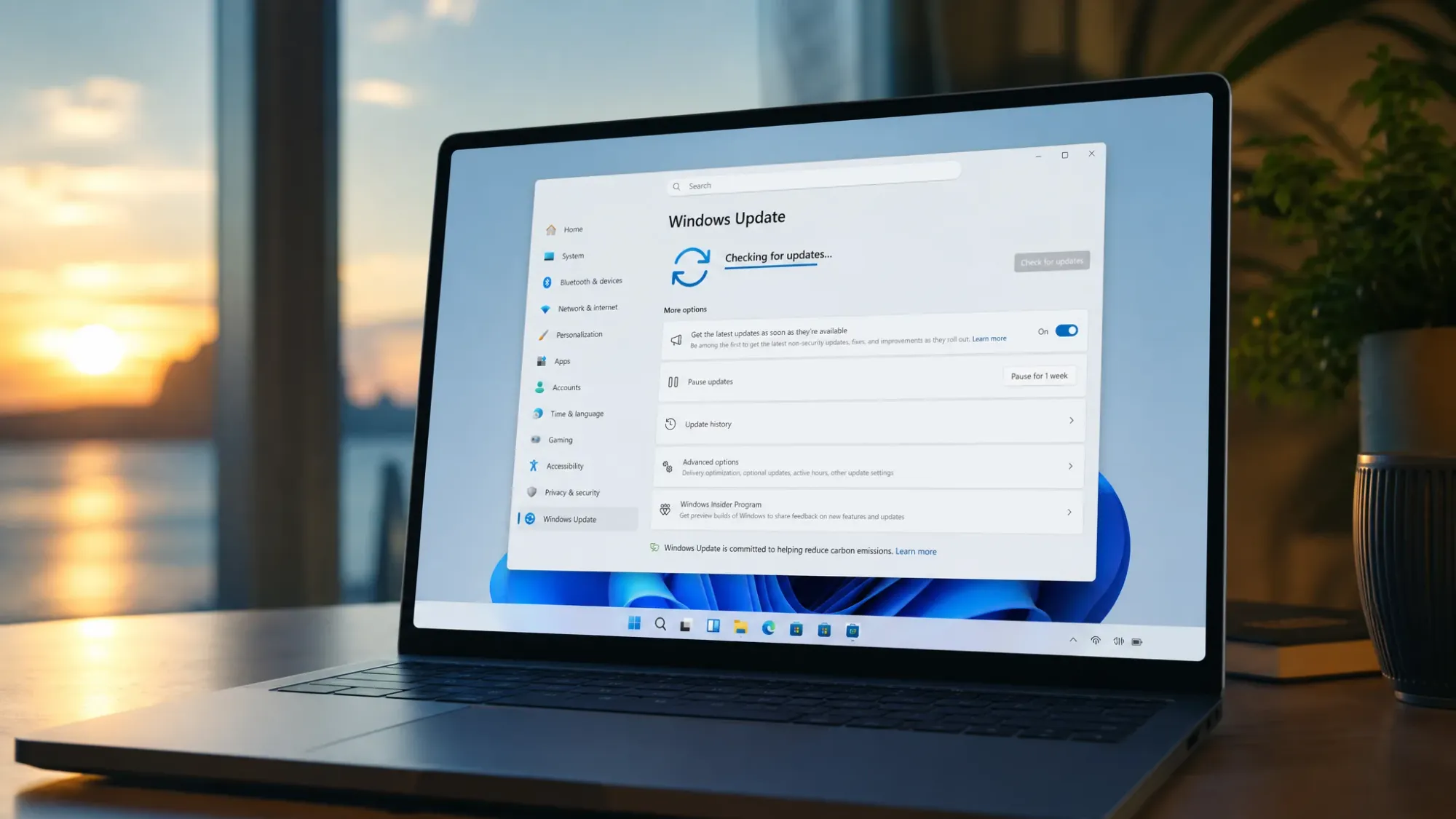
Windows 11 builds 29599 and 28020.2207 fix a Microsoft account sign-in bug
Microsoft’s latest Experimental flights for Feature Platforms and 26H1 ship bug fixes and a Task Manager virtualization tweak, with no new features.
-
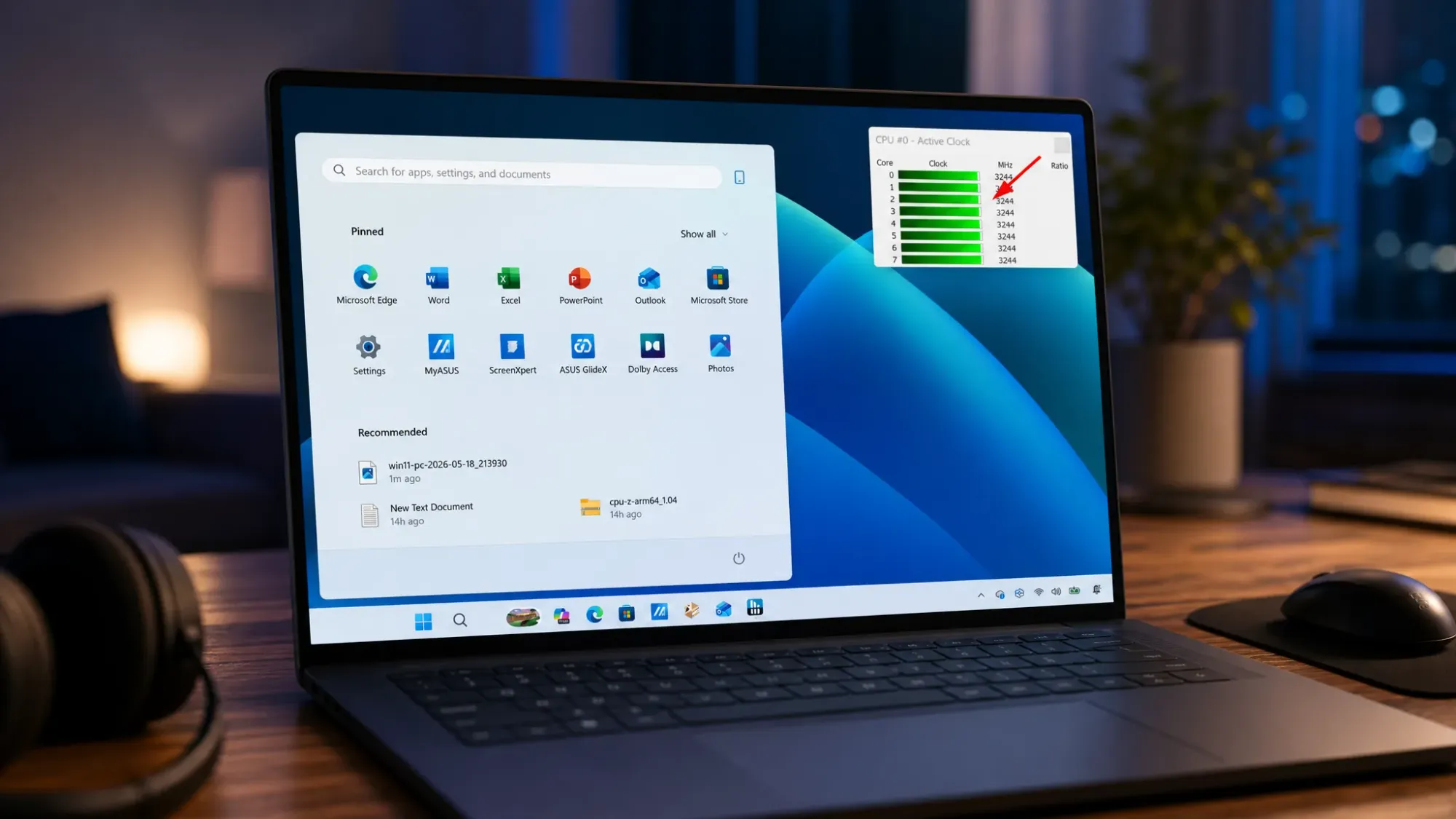
How to verify Low Latency Profile is running on Windows 11 (HWiNFO method)
Watch for short CPU frequency spikes when you open Start, Search, and Notification Center to confirm the hidden CPU boost is active.
-

Windows 11 KB5089549 Won’t Install? Fix for Error 0x800f0922
The May 2026 update rolls back at 35% on PCs with a nearly full EFI partition, and here’s how to get it to install.
-
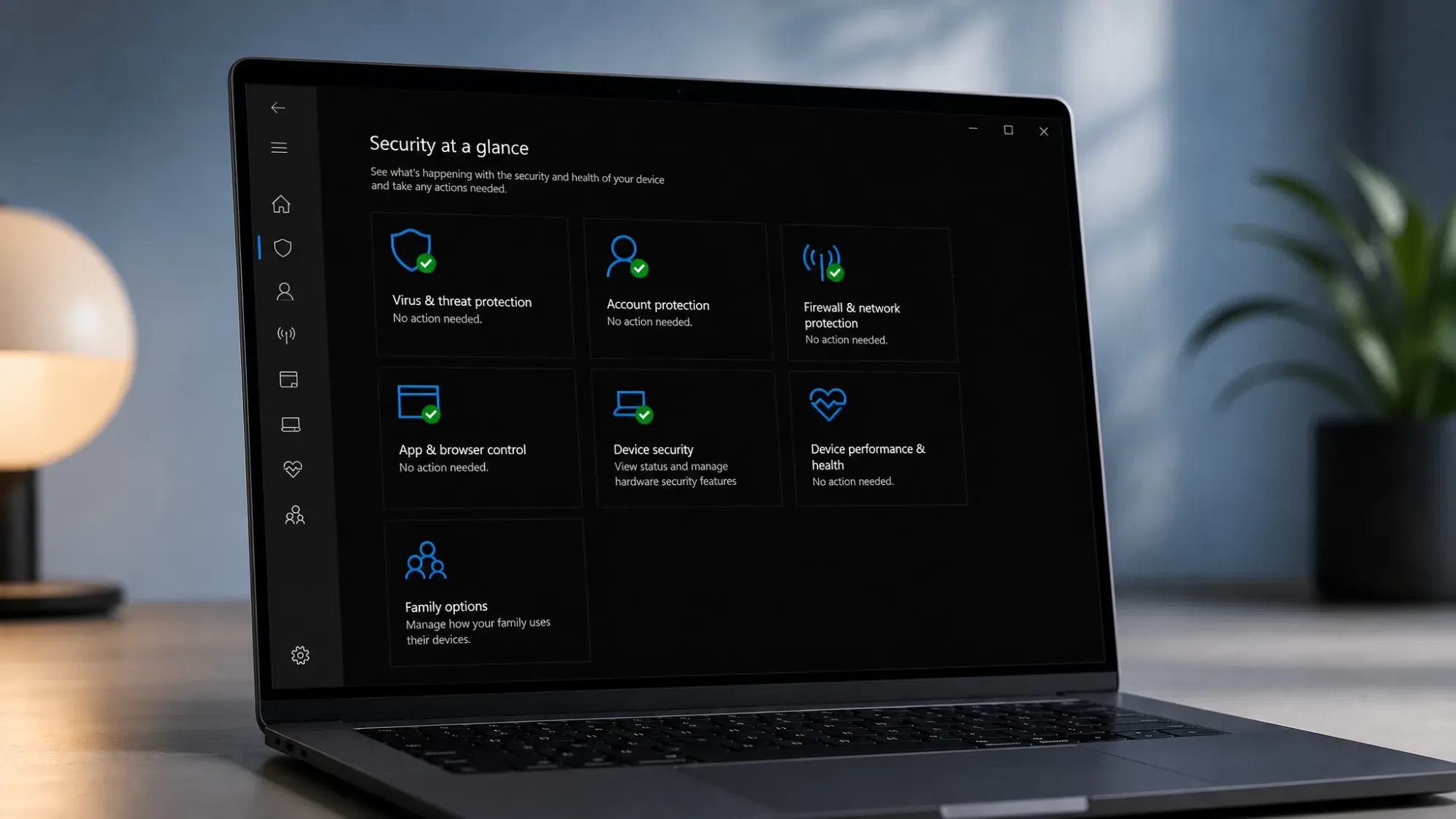
Windows Security in Windows 11: Switch Protection On or Off
From a quick real-time toggle to Group Policy and registry methods, here is how to control Microsoft Defender on any edition.
-
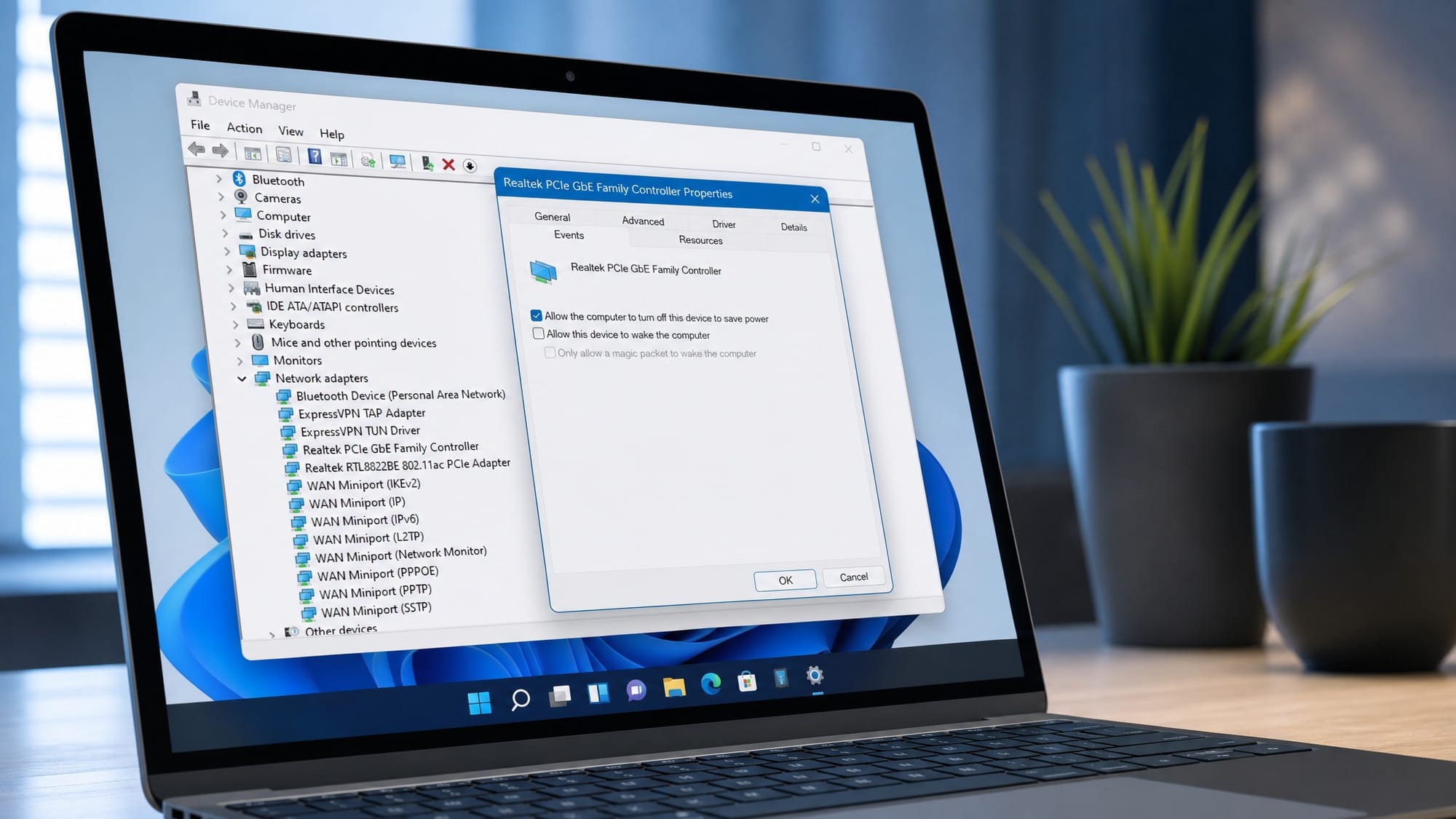
Power Management tab missing in Device Manager on Windows 11
How to restore the Power Management tab for network adapters, USB controllers, and other devices on Windows 11.
-

How to Safely Shrink the WinSxS Folder in Windows 11
Reduce the component store size using built-in tools without breaking updates or system recovery.