
Topic
Microsoft Outlook
-
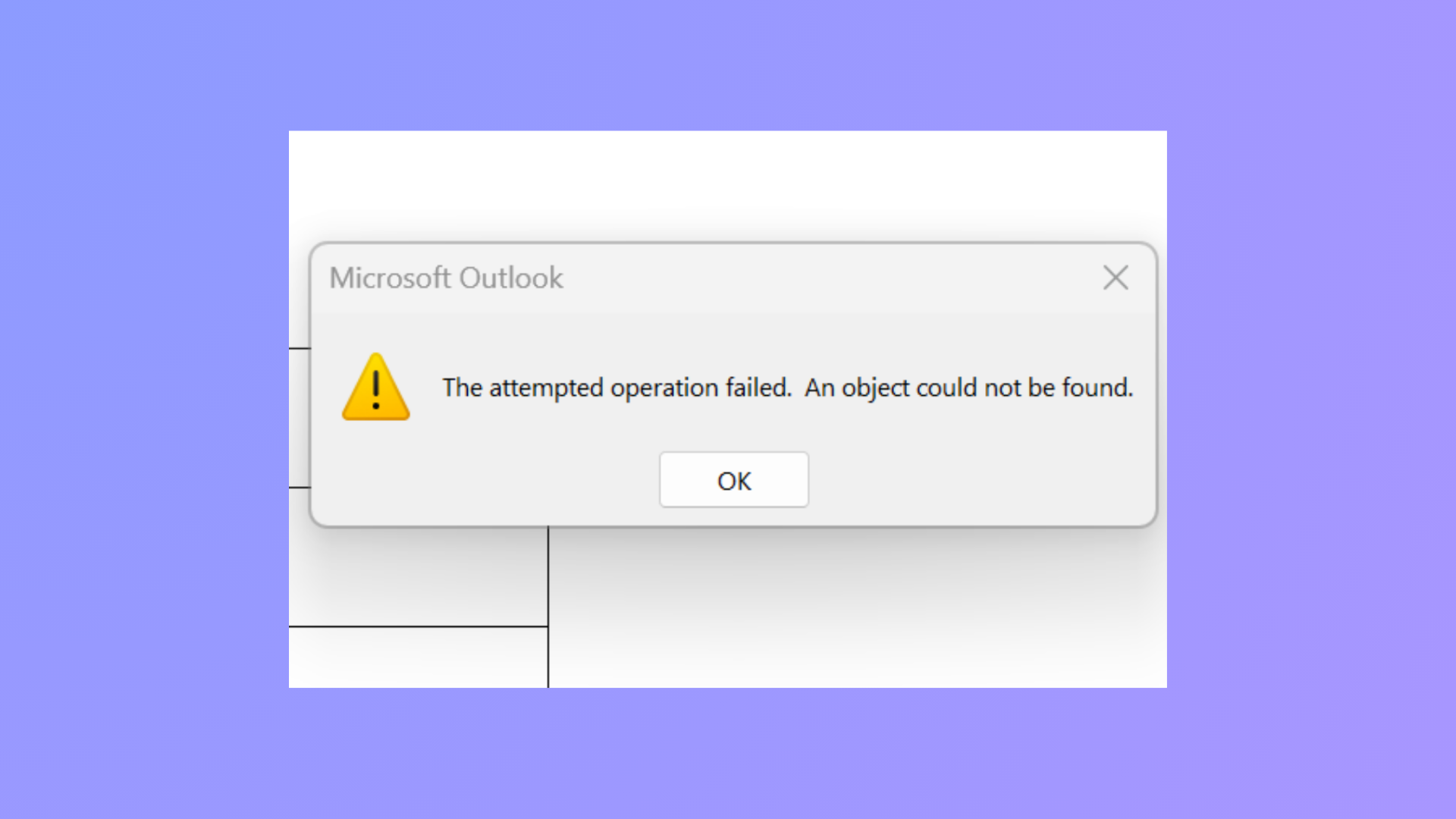
How to Fix the Attempted Operation Failed Outlook Attachment Error
Resolve the “The attempted operation failed. An object could not be found.” error in Outlook and restore normal attachment functionality using proven troubleshooting steps.
-
How to Fix Outlook Error Code 3399811147
Resolve Outlook error code 3399811147 by addressing cached credentials, account configuration conflicts, and Windows authentication service issues with these clear solutions.
-

How to Fix the “Custom Dictionary Is Not Available to Be Updated in Outlook” Error
Resolve issues preventing you from adding or updating words in Outlook’s custom dictionary with practical solutions for Windows and Mac.
-
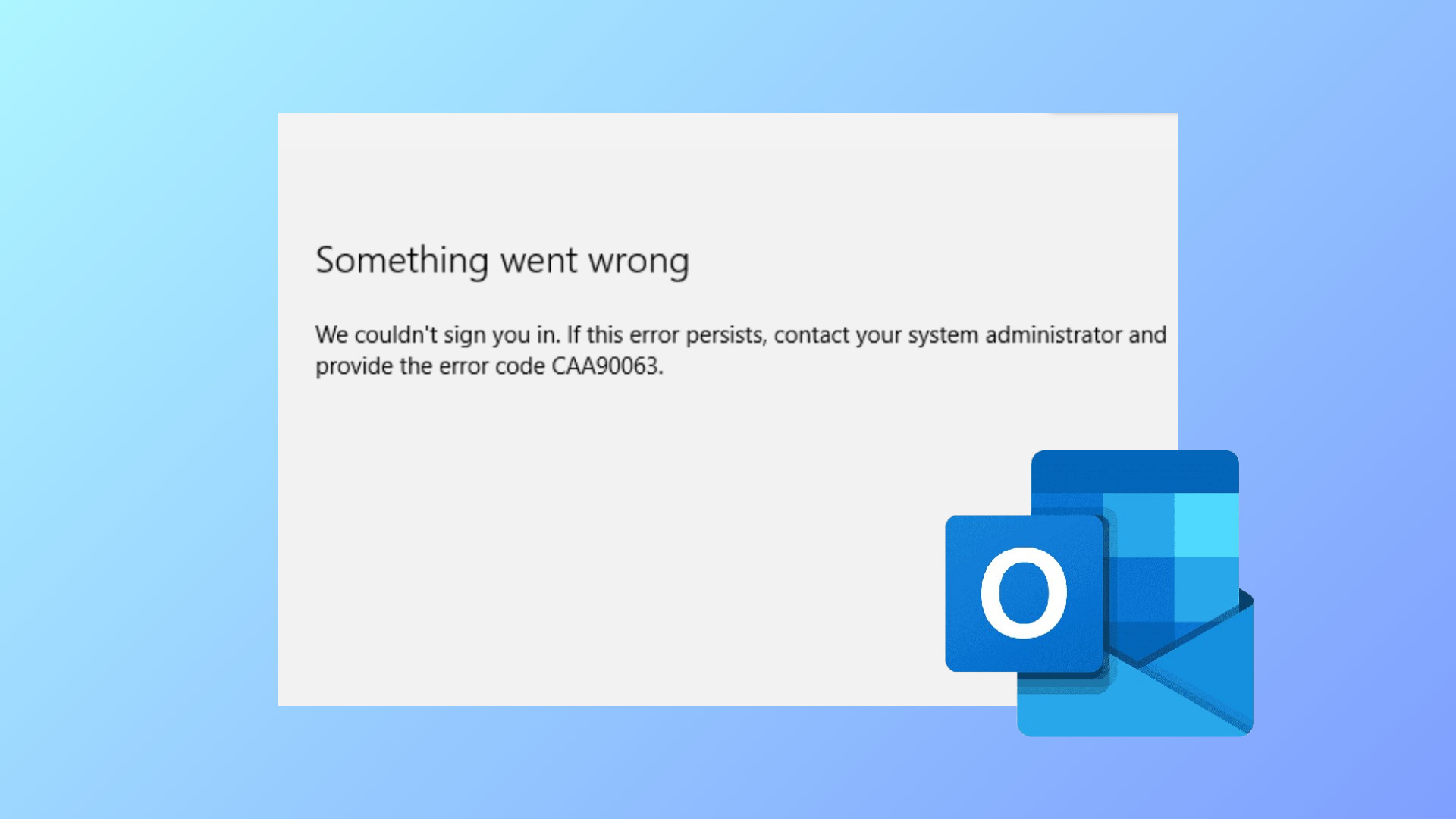
How to Fix “Something Went Wrong and We Can’t Sign You In Right Now” Outlook Error
Detailed steps to resolve Outlook’s sign-in error message so you can regain access to your email without unnecessary delays or confusion.
-

How to Fix Outlook Signature Not Working on Reply
Resolve issues with Outlook signatures not appearing or displaying incorrectly when replying to emails by adjusting message format, signature settings, and troubleshooting common problems.
-
How to Fix Outlook Error 0x80040154
Resolve the 0x80040154 error in Microsoft Outlook by repairing data files, re-registering DLLs, and correcting configuration issues with detailed solutions.
-

How to Fix Outlook Error 0x8007007a
Resolve Outlook’s 0x8007007a error to restore reliable email sending, especially when attachments fail to upload or send.
-
How to Fix Outlook Crashing When Sending Emails
Proven solutions to resolve Outlook crashes triggered by sending emails, including recent update issues, profile corruption, and delivery location errors.
-
How to Fix the Time Limit for Logging On Was Reached Outlook Error
Resolve the Outlook error “The time limit for logging on was reached while waiting for system resources” with clear troubleshooting methods.
-

How to Fix Outlook Error 0x800CCC67
Resolve Outlook error 0x800CCC67 by correcting SMTP settings, adjusting security software, and repairing email files to restore reliable email sending.