
Instructional, step-by-step articles.
Content Type: How-To
-

How to Unlock Awakened Devil EX in Dungeon Lootr (Roblox)
Every requirement, the Devil Heart farm, and how to confirm the Exotic-tier evolution actually went through.
-
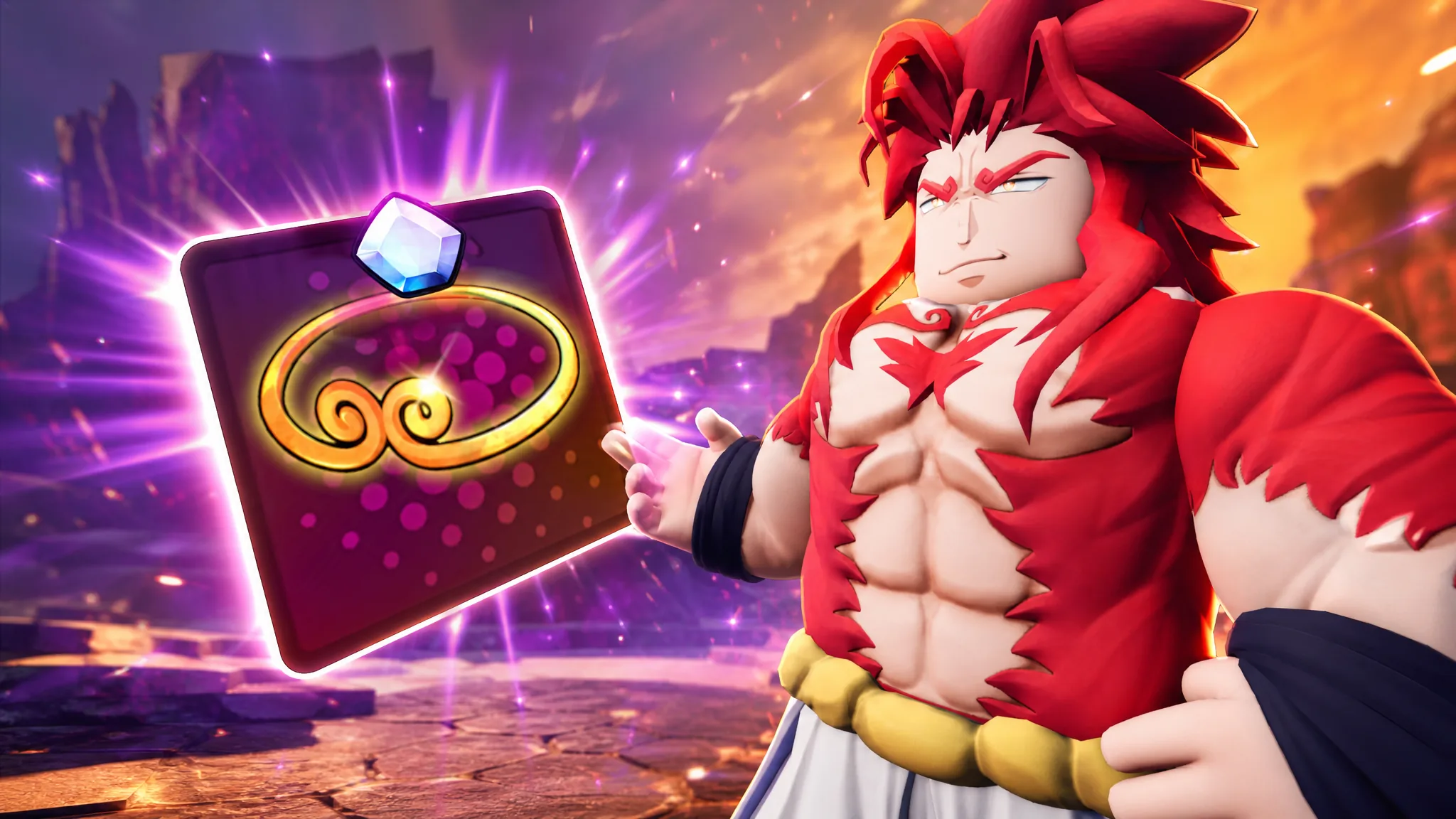
Anime Vanguards: How to Get the Monkey King’s Circlet Gogeta Familiar
Farm the 1,000,000 Gems in Wartorn Warfront, then buy the Rogita (Super 4) exclusive from the Gold Merchant.
-
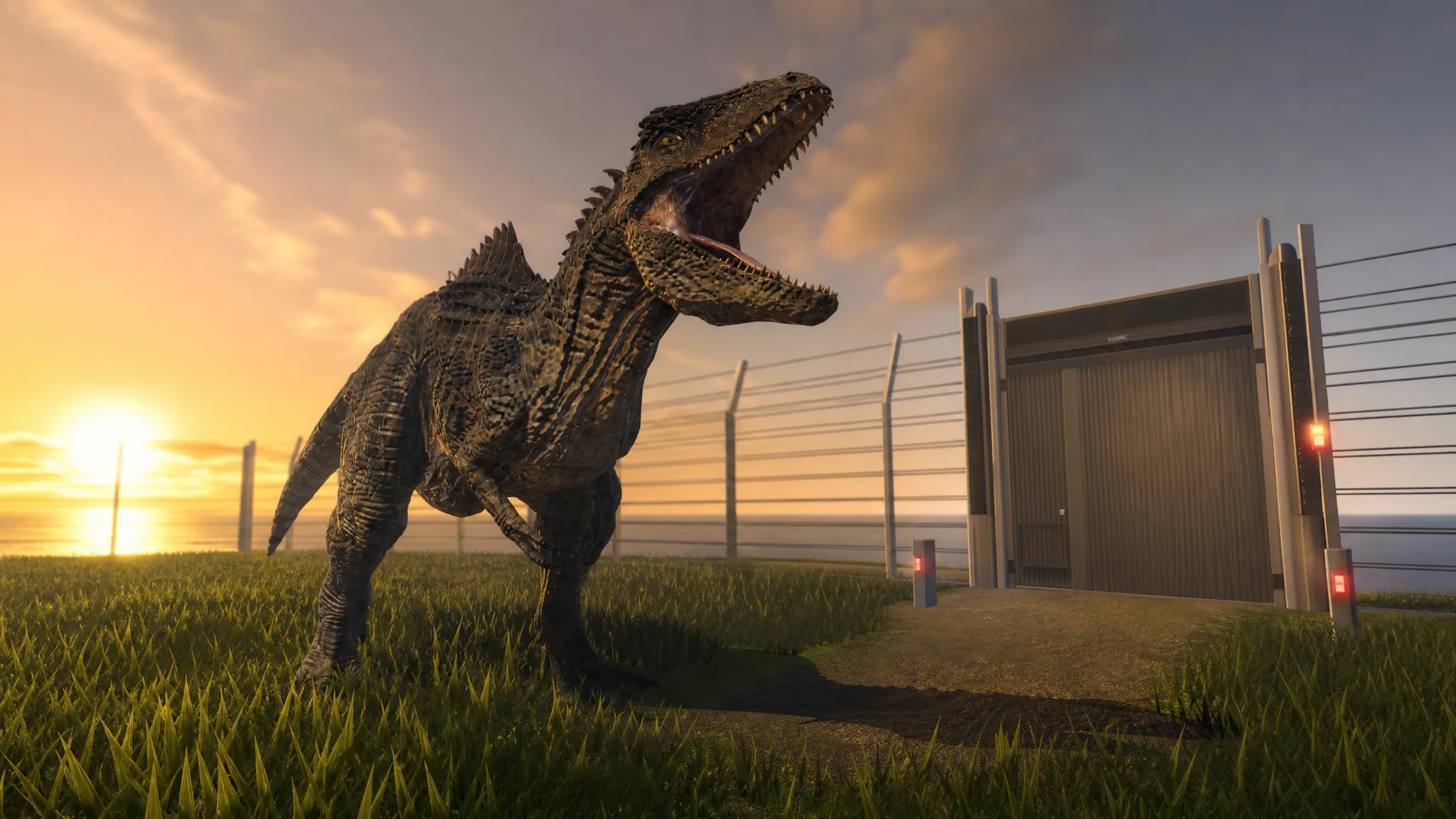
Jurassic Genesis: How to Get Giganotosaurus With the Dominion Unleashed Badge
Locate the hidden T. rex skull, take down the boss Zeb, and add the 1,800-health carnivore to your roster.
-
+1 Speed Keyboard Escape: How to Ascend and Get the Broken Mask
Exact Rebirth and trophy requirements for Tier 1 Ascension, what resets, and how to confirm it worked.
-

GTA 6: How to Steal Cars With a Slim Jim and Get Away Clean
How the Slim Jim minigame, key cloners, trackers, and the car-swap getaway work in Grand Theft Auto VI.
-

GTA 6: How to Lower Your Wanted Level
The escape routine Rockstar demonstrated in Vice City, from breaking line of sight to ditching the car that got you caught.
-
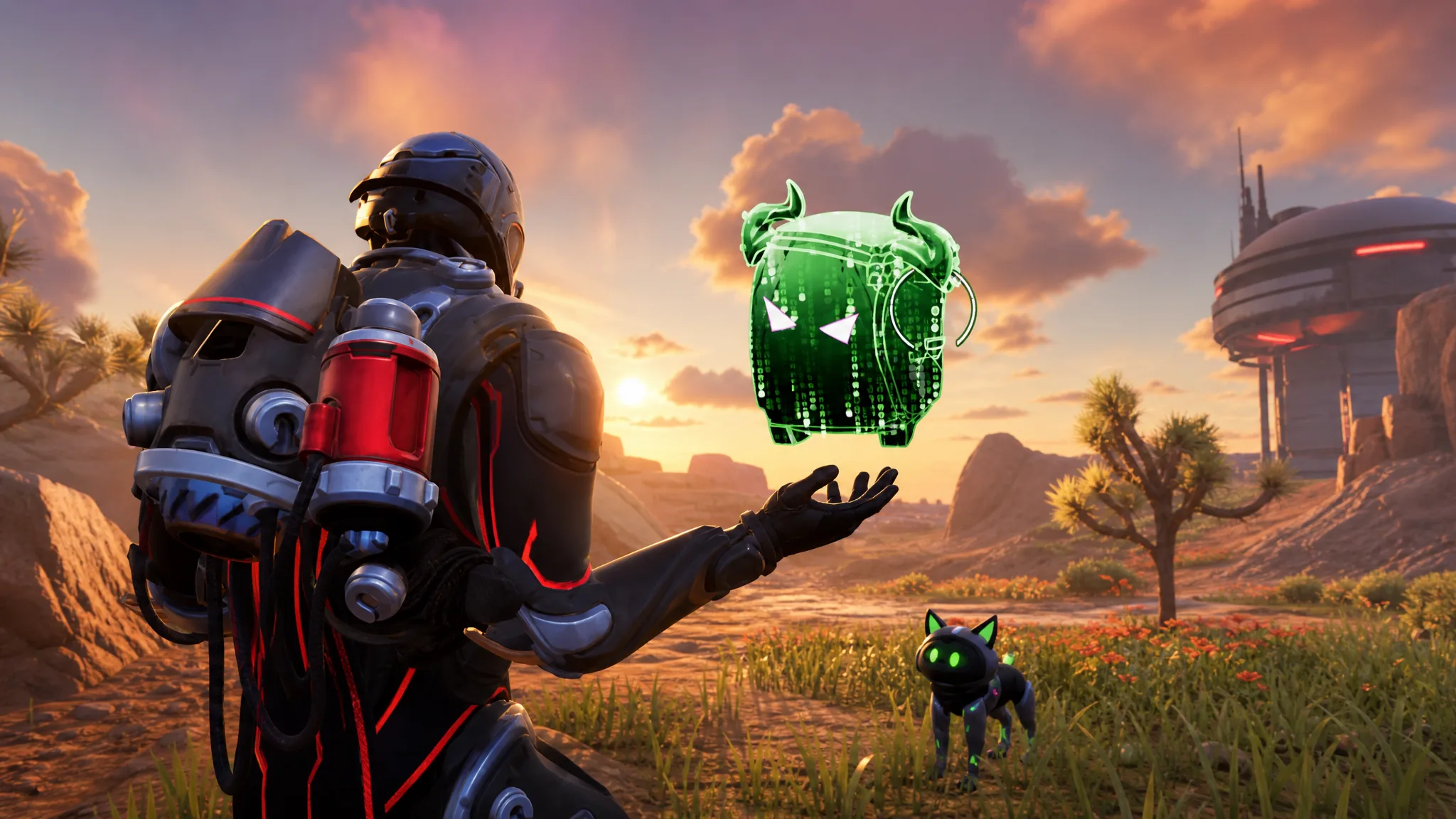
Fortnite Override: How to Get the Cheat Master Storm Scout Sprite
Where the Storm Scout spawns, which cheat codes drop the Cheat Master variant, and what its button-mash perk changes.
-

GTA 6: How to Hold Hands as Jason and Lucia
The R2 prompt only appears while the couple walk together, and it has no effect on combat or mission outcomes.
-

Star Wars Zero Company: How to Disarm the Coil Explosives in Infiltrate the Prisoner Exchange
The four-charge objective, the gunship bombardment rule, and the survival condition that ends the run instantly.
-
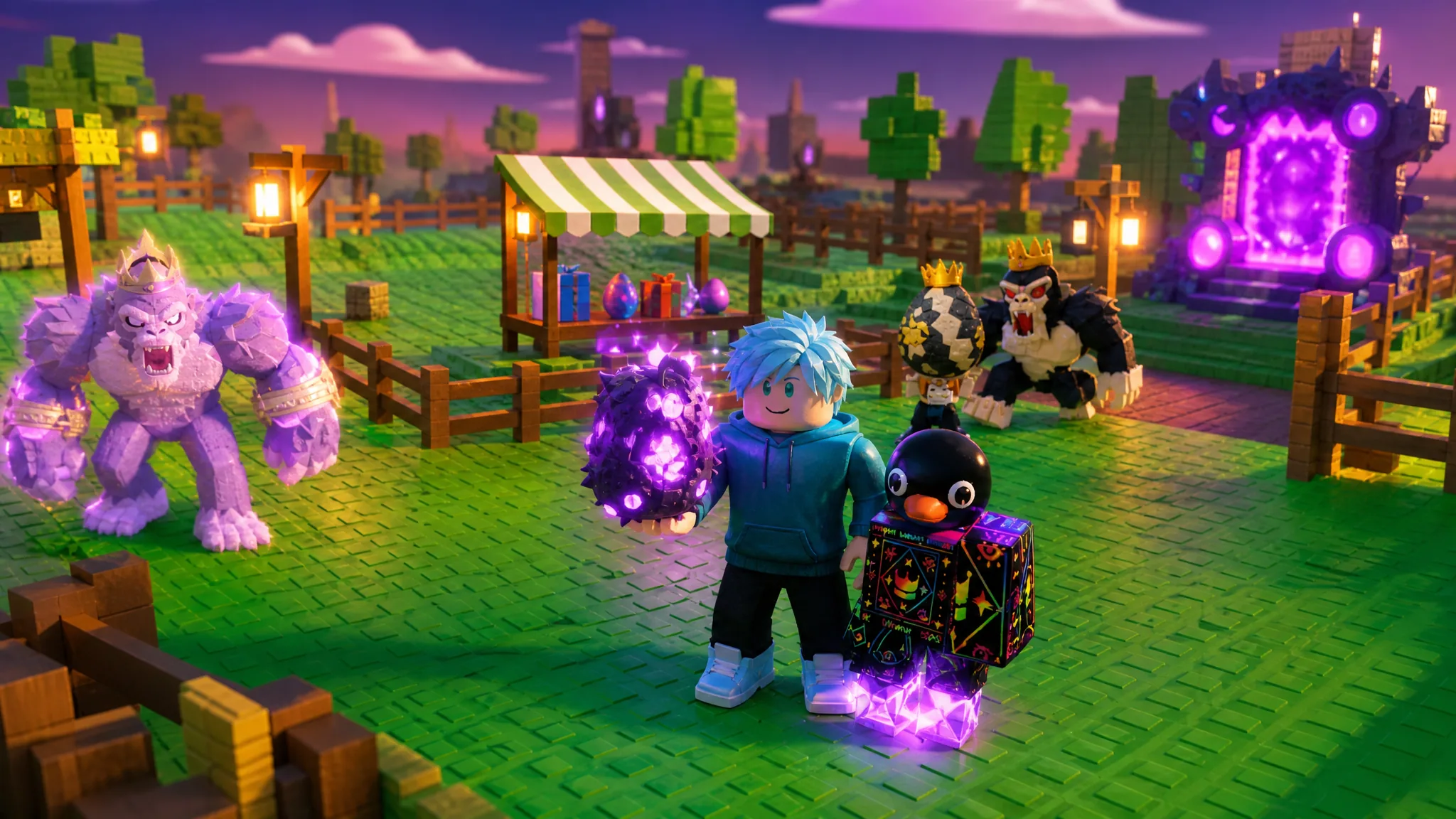
Steal an Egg: How to Get the Parasite Egg in Roblox
The Parasite Egg only drops from Monster Chests, and each chest costs five parasites fed to the Hungry Monster.