
Instructional, step-by-step articles.
Content Type: How-To
-

Anime Vanguards: How to Get Holy Deceiver (Dark), the Goku Black Unit
The Event Pass Bundle price, the trait and Memoria setup, and exactly what Holy Deceiver (Dark) does on the field.
-
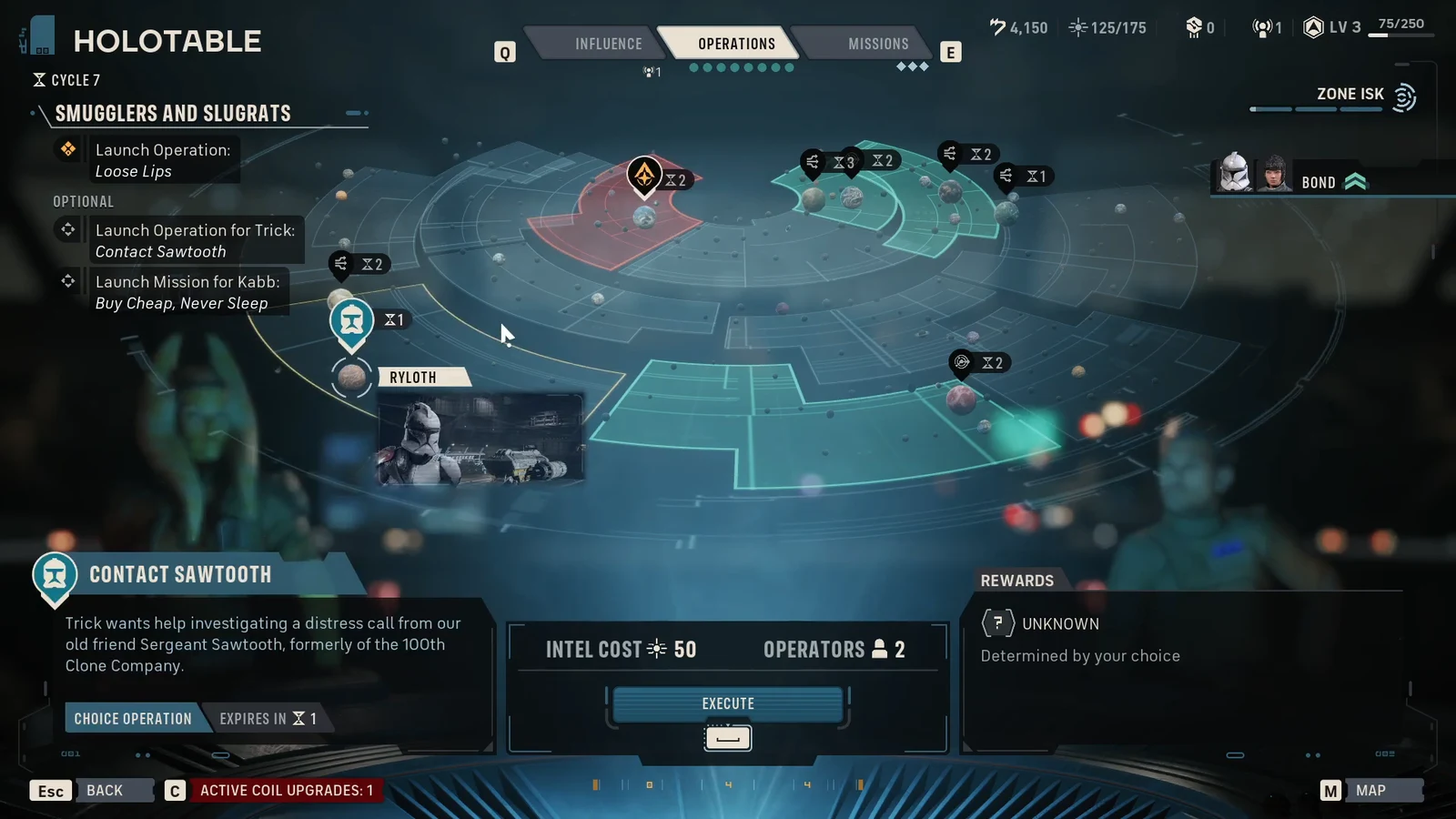
Star Wars Zero Company: How to Run Contact Sawtooth and Opportunity Knocking
Intel costs, operator requirements, and the choice that unlocks No Clone Left Behind on Ryloth.
-

Mortal Shell 2: How to Get the Voltaic Crown Tarstone
Beat Vrago, Solikar Champion at the Nochtean Gate beacon to unlock lightning infusion, then upgrade it to permanent.
-

Fortnite: How to Get the Spyro the Dragon Sidekick
What the purple dragon costs, the Crash Bandicoot bundle option, and the styles you can unlock.
-
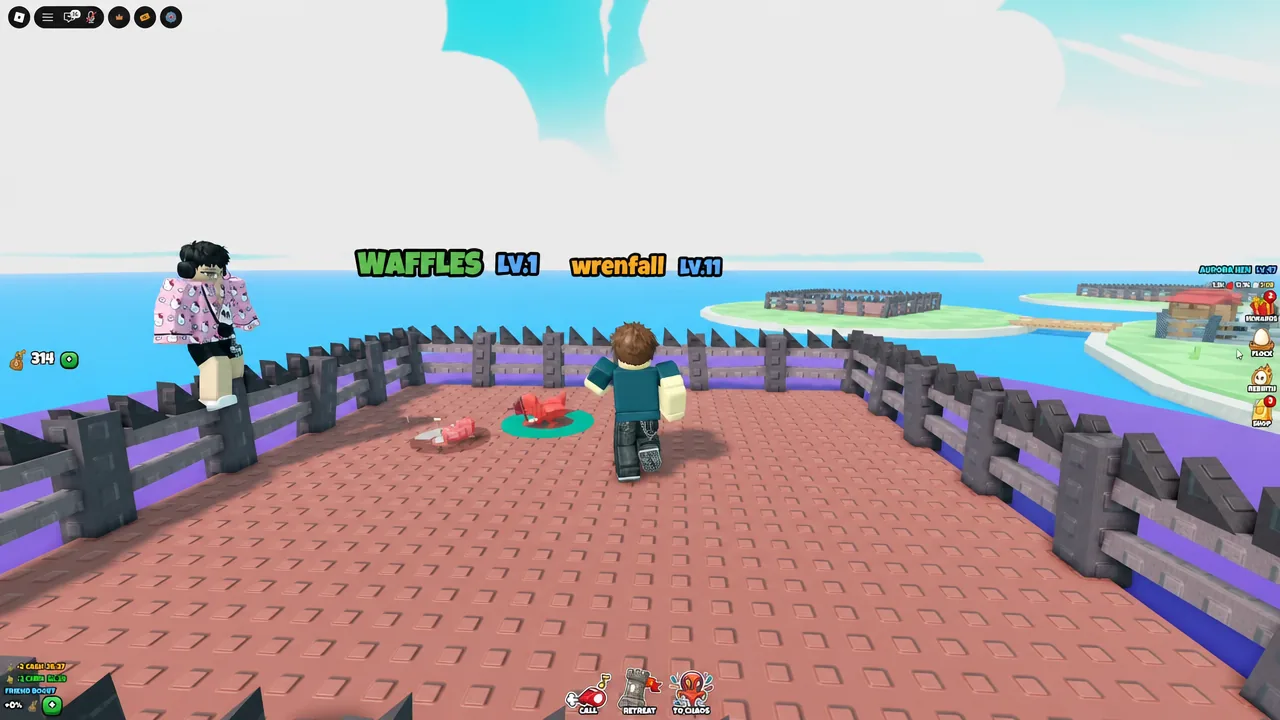
Grow a Chicken Fighter: How to Get Ace Rooster From the Trick Egg
The exact chicken to hatch and the egg to farm to land the Secret-tier Ace Rooster.
-

Moonlighter 2: How to Find the Night Realm’s Hidden Treasure in Kalina
The Bio-Buddy recipe sits behind a green portal in Kalina’s healing room, one node before the boss.
-

Steal an Egg: How to Feed the Hungry Monster (Roblox)
Infested eggs from the Snow zone fill the monster’s belly by 20 percent each, and five feeds unlock a Monster Chest.
-

Steal an Egg: How to Get the Secret Monstrous T-Rex Pet
The Capture the Egg event hands the Monstrous TRex Egg to whoever holds it longest before night falls.
-

How to Feed the Hungry Monster Fast in Steal An Egg (Roblox)
Five infested eggs fill the monster to 100% and pop out a Monster Chest with a 1.5% shot at the Monstrous Egg.
-

Fisch Sei Whale: How to Summon and Catch the Exotic Whale
The exact weather, cycle, bait, and route needed to land the Sei Whale, plus the code and shop items added alongside it.