
Instructional, step-by-step articles.
Content Type: How-To
-
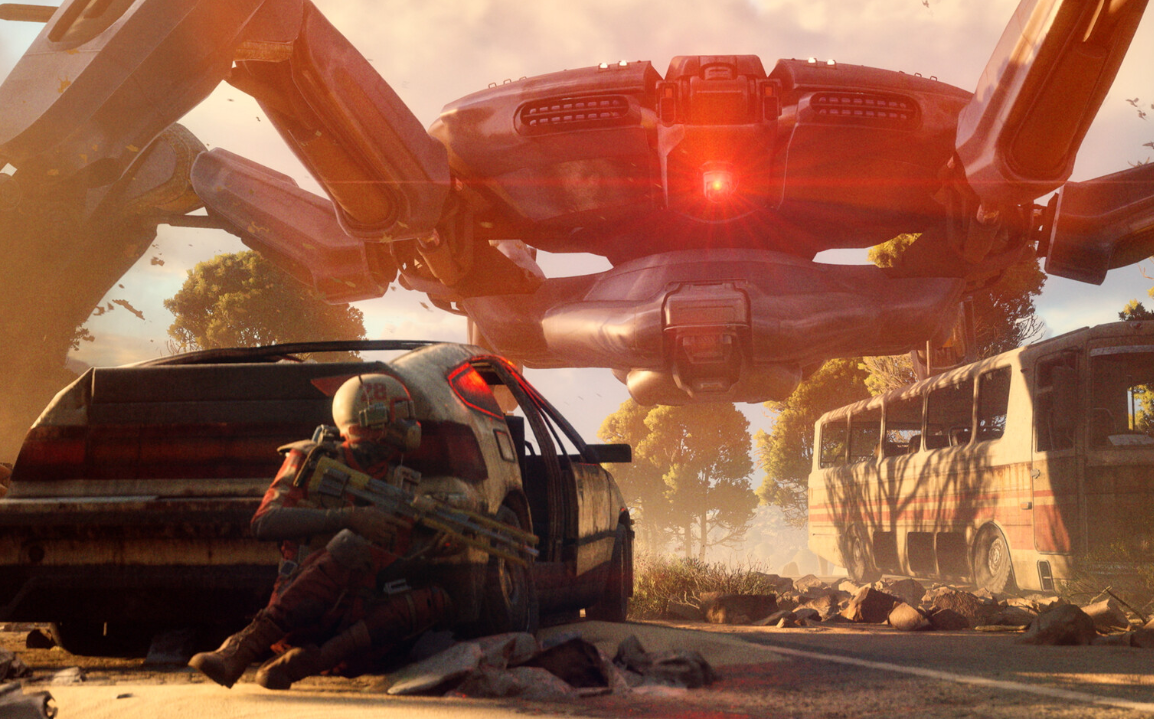
Arc Raiders’ Stella Montis: how to unlock the new map and what’s inside
A community event opens the mountain tunnels, with new enemies and gear waiting beyond.
-
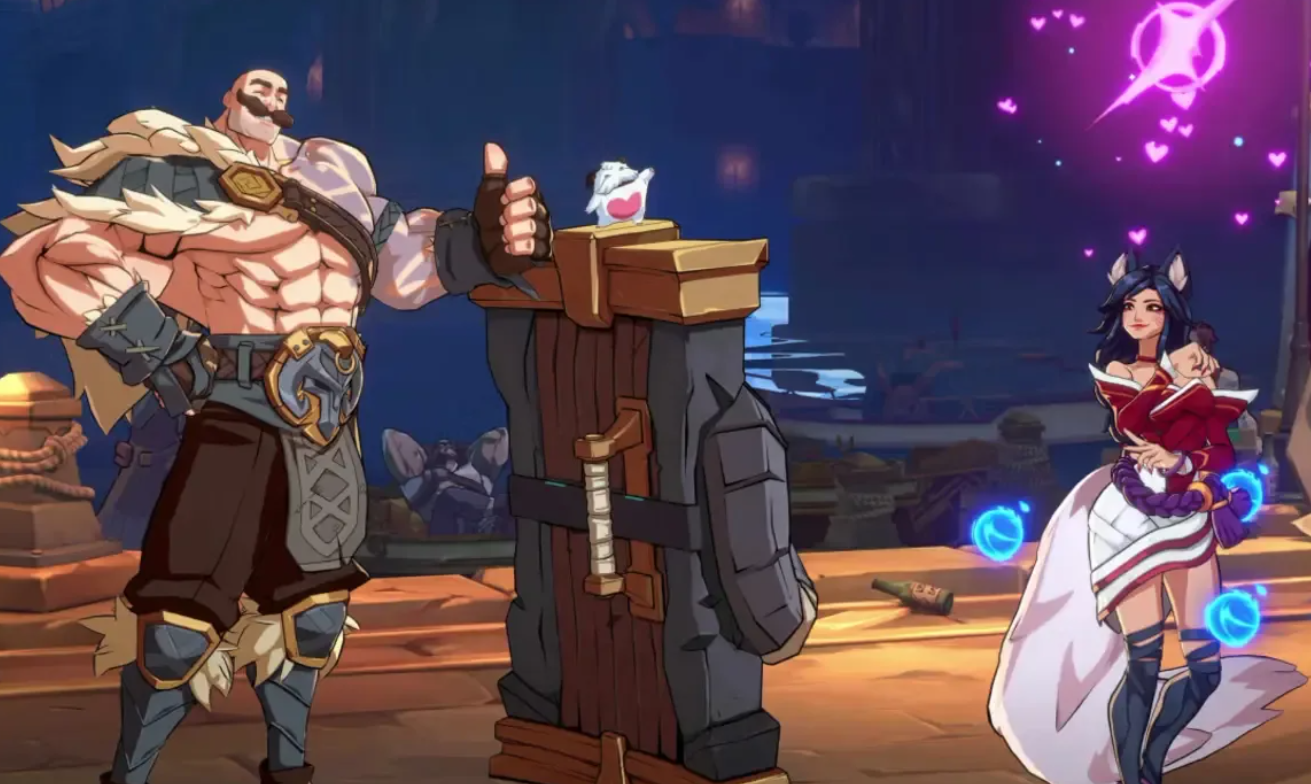
2XKO controller not working (PC) — fixes and supported devices
Resolve input bugs, Steam conflicts, and bad mappings using concise steps and official guidance.
-

Fix ‘Your Personal Vault isn’t up to date’ in OneDrive (Windows)
Proven fixes to clear the red X and get Personal Vault syncing again.
-

Fix Clipchamp screen recording on Windows 11 — permissions and setup
A practical checklist to resolve grayed-out record buttons, mic errors, and missing screen capture.
-
Fix “Sorry, we ran into a problem loading this app” in Microsoft 365 Copilot
Detailed fixes for the Copilot app failing to load on Windows, including licensing, reset, and WebView2 checks.
-
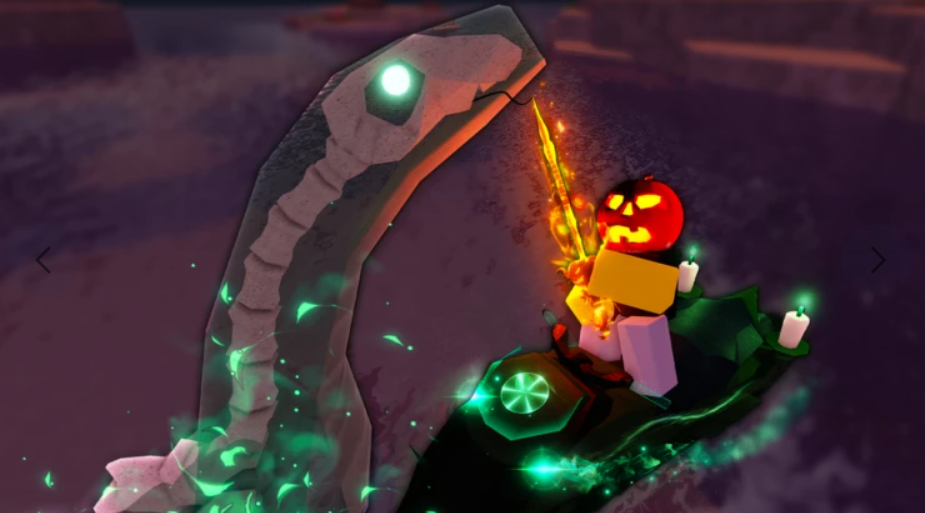
Fisch Lucid Rod: How to craft it, stats, and what it actually does
Craft the Stage 7 Lucid Rod, unlock its Lucid mutation proc, and understand when it duplicates your catch.
-
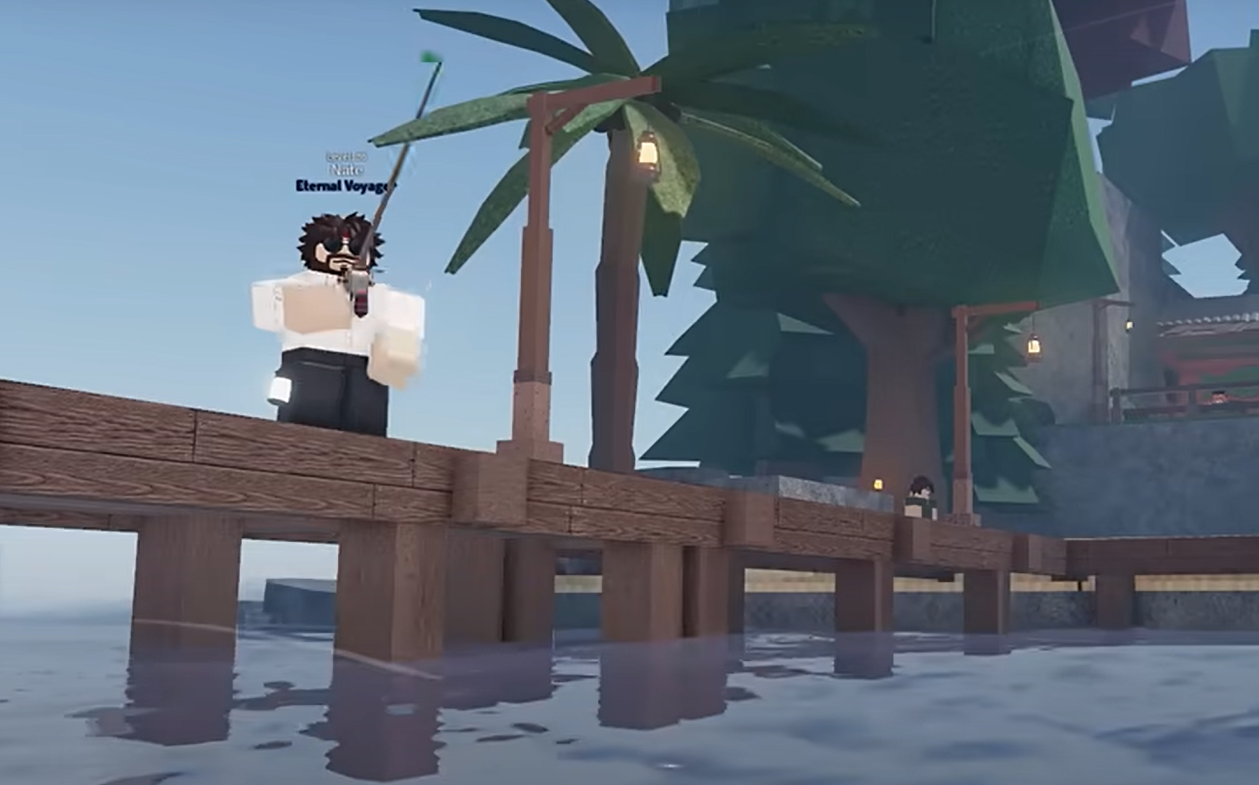
How to get the Lucid Rod in Fisch — requirements and crafting
Reach level 50, gather three parts and 80,000C$, then craft it at Ancient Archives.
-
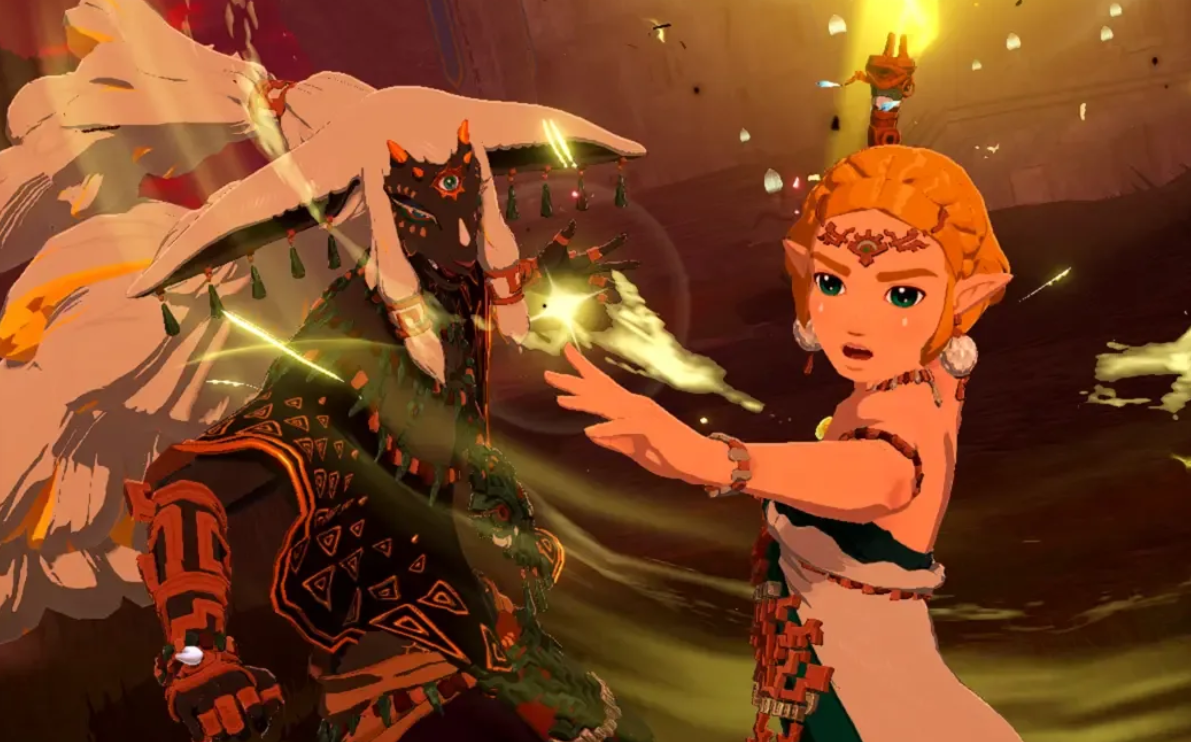
Hyrule Warriors: Age of Imprisonment — All playable characters and how to unlock them
Who’s on the roster, when they join, and the side quests you need to complete to recruit the rest.
-
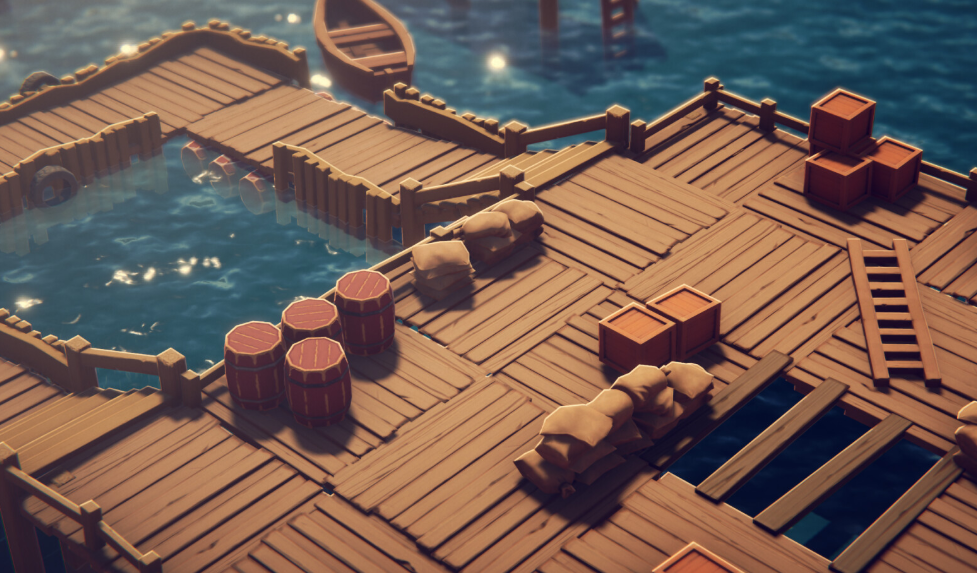
Escape From Duckov: How to catch Pink Goldfish (and Sardine)
Reliable setups for Pink Goldfish at night, Sardine in Ground Zero’s northwest pond, plus bait, time, and weather rules.
-
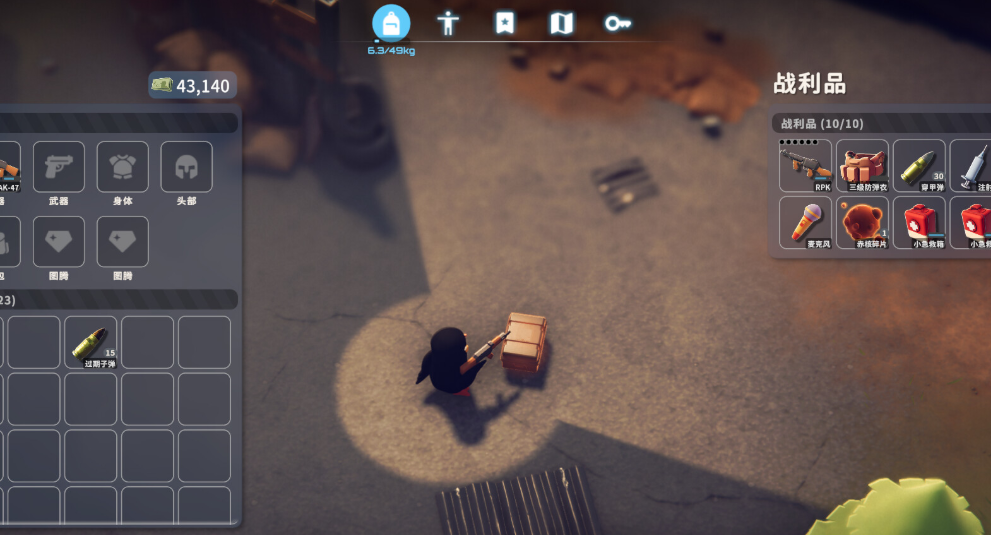
Escape From Duckov: Warehouse beacon location and how to get there
Reach the Warehouse, breach the cracked wall, ride the one‑way zipline, and activate the gas station beacon.