
Instructional, step-by-step articles.
Content Type: How-To
-
How to Leave TacSim in 007 First Light
The Tactical Simulation hub is separate from the campaign, so returning to the story takes one menu step.
-
Forza Horizon 6 Crashing on PC – Fixes for FHC01, FHE01, and Launch Failures
Targeted fixes for the most common Forza Horizon 6 PC crashes, including launch failures, video card errors, and mid-race freezes.
-
Forza Horizon 6 Speed Skills – Tiers, Thresholds, and How to Earn Them
The exact mph requirements, point payouts, and the fastest way to trigger every tier in free roam.
-
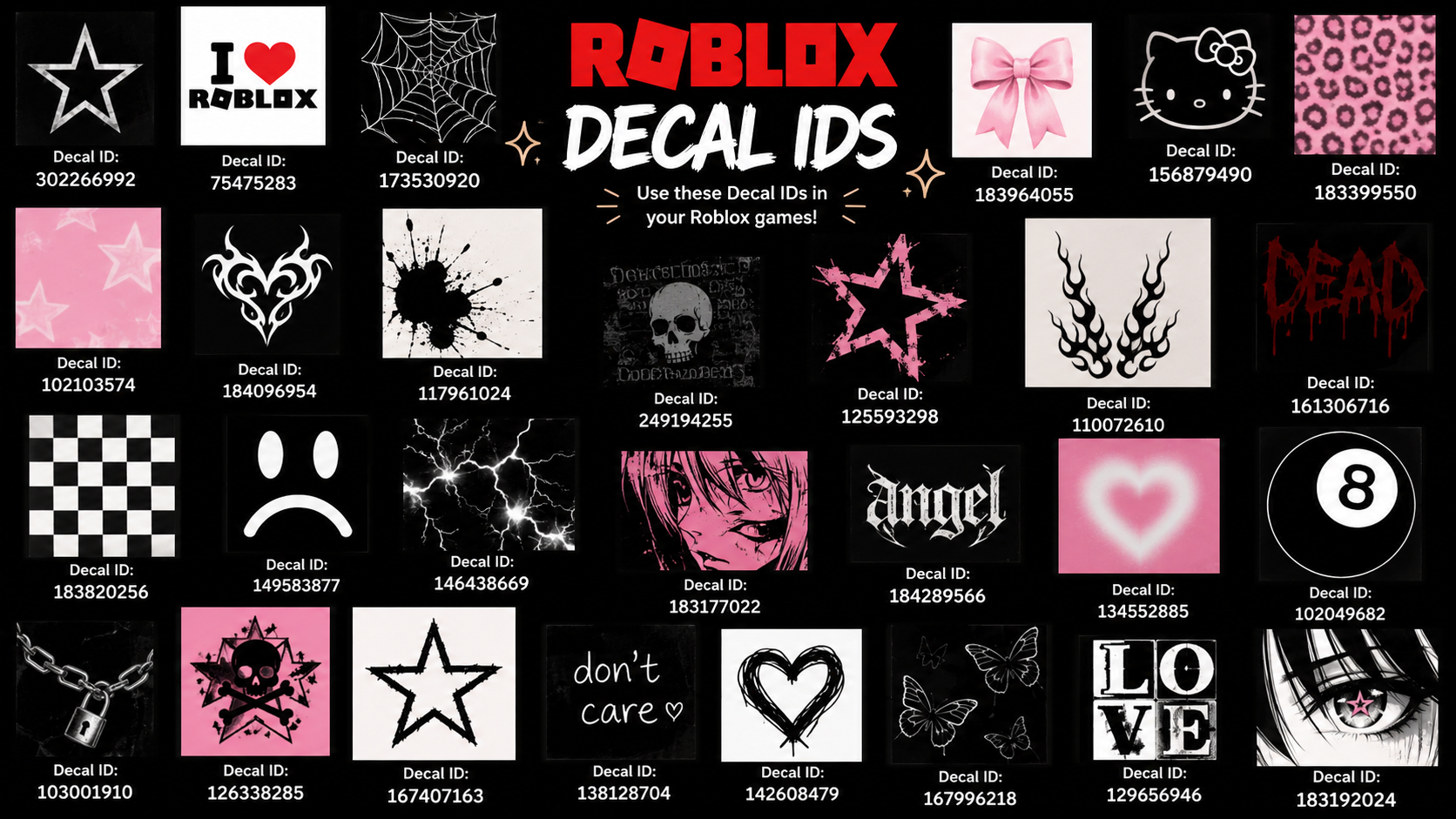
Roblox Decal IDs and How to Use Them in Studio
Use these decal IDs for signs, faces, posters, and themed builds, then apply them in Roblox Studio.
-
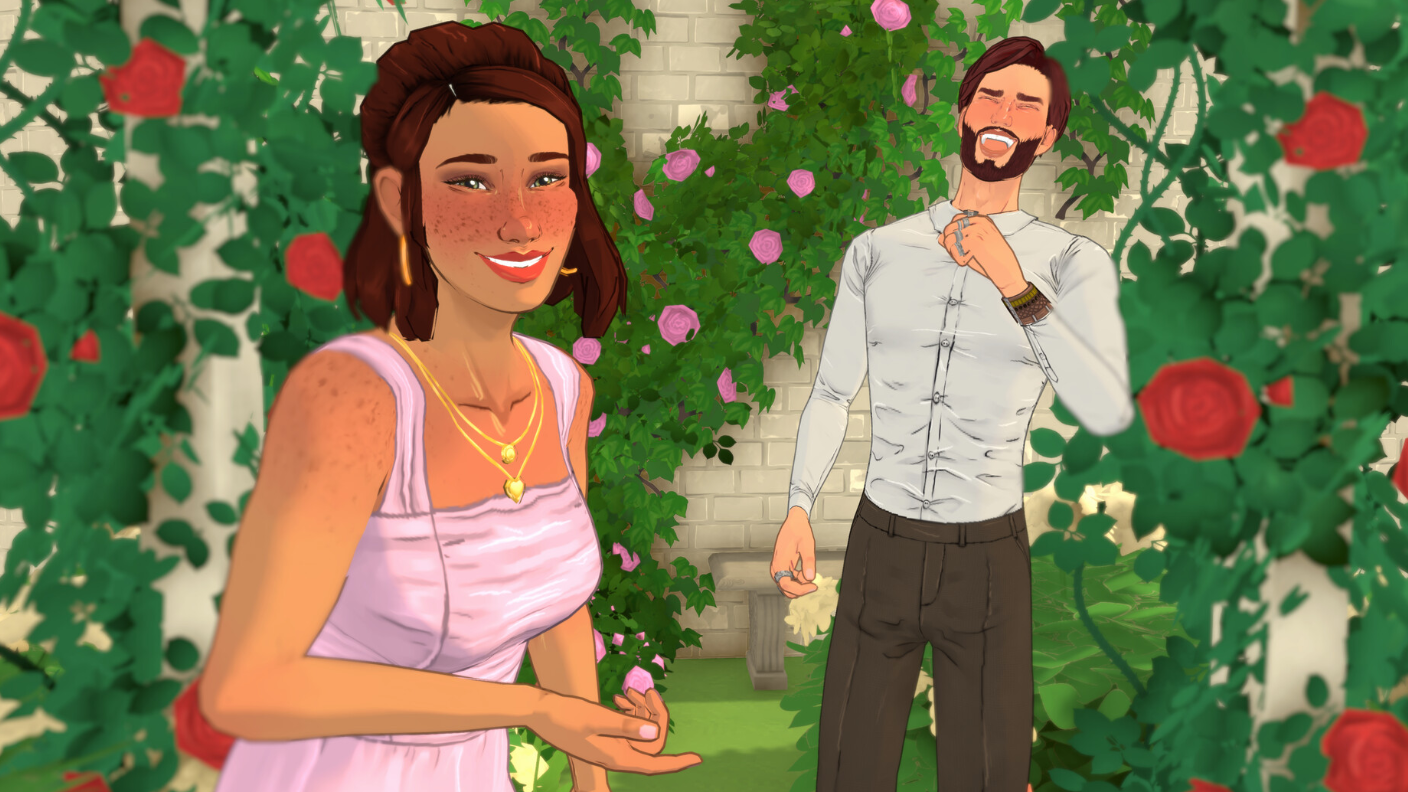
How to Get Married in Paralives
Build the relationship, land the proposal roll, then elope to seal it.
-
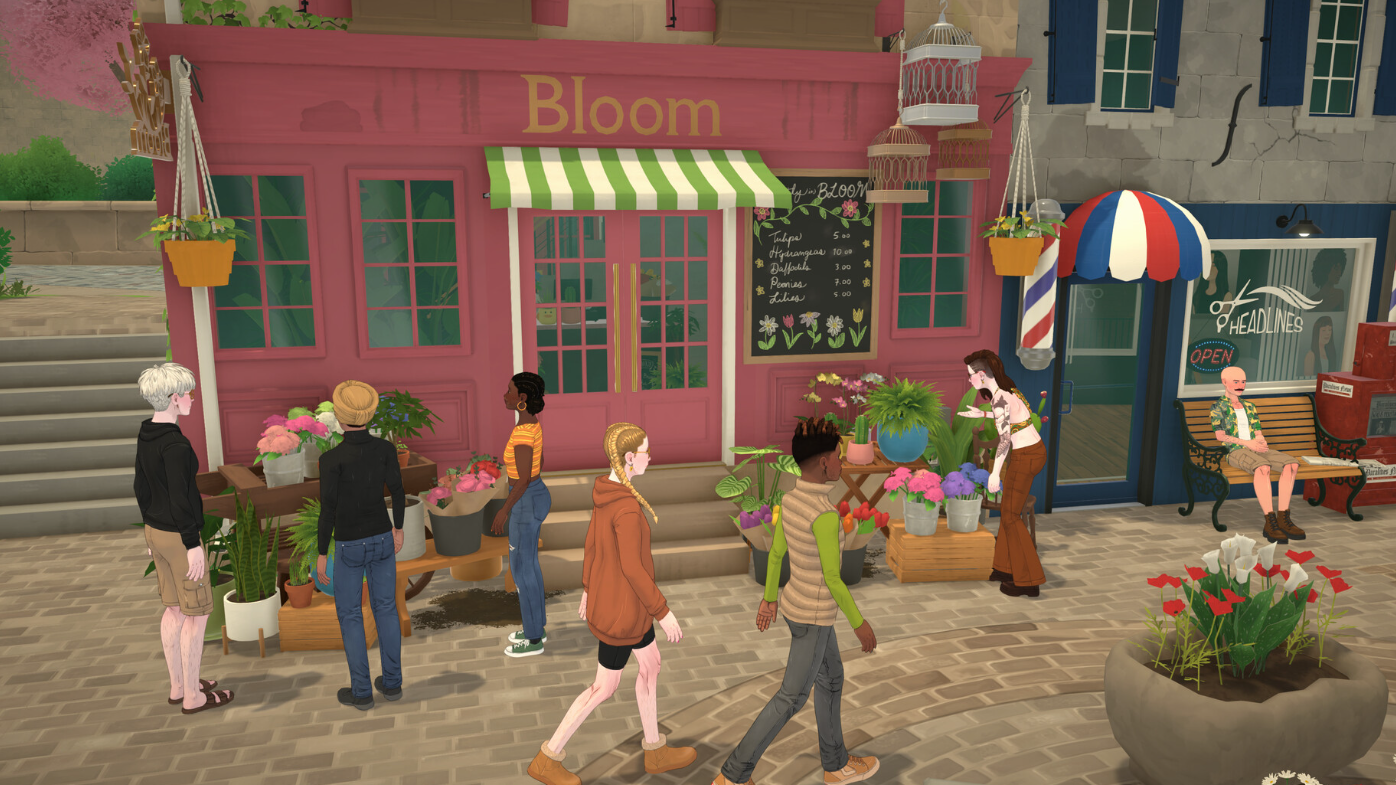
Paralives Homework: How to Complete School Assignments
Homework lives on the computer, not in your inventory, and skipping it can trigger Child Services.
-
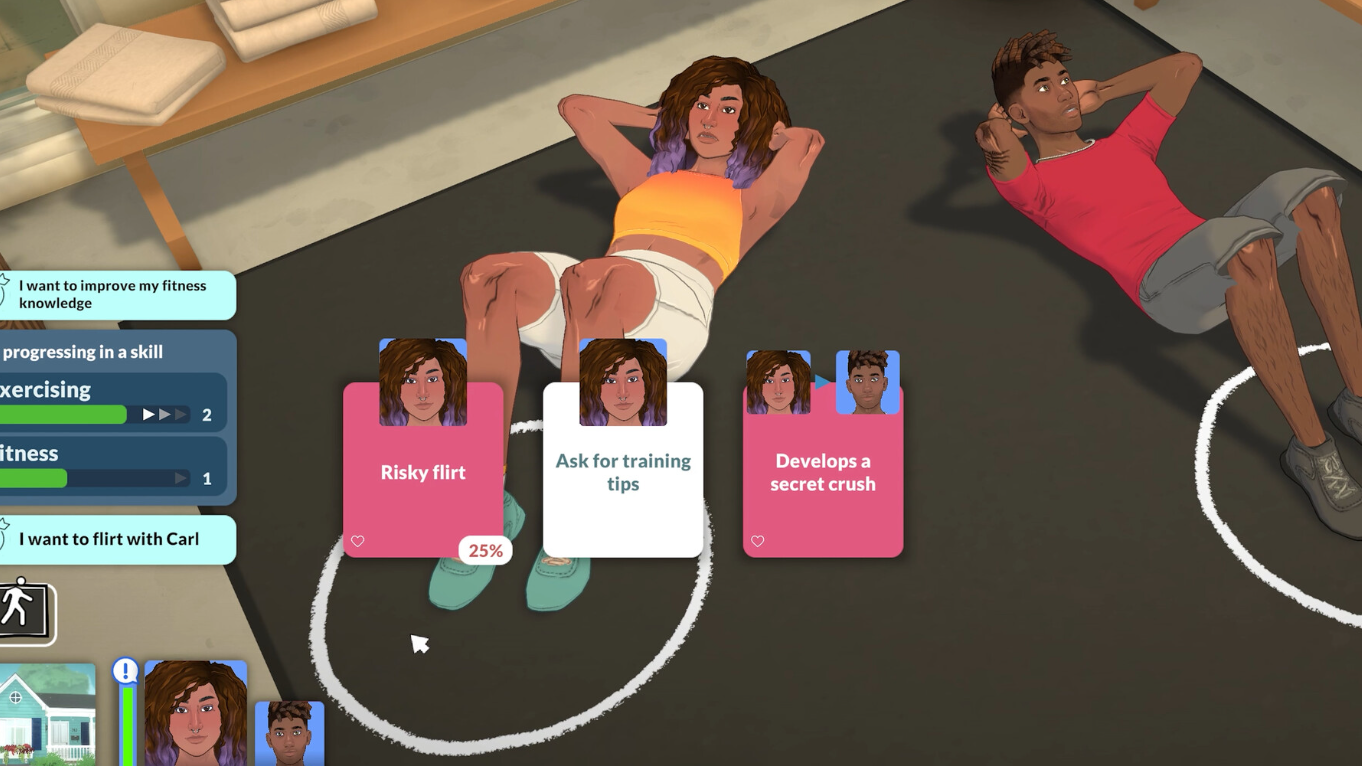
Paralives: How to Edit a Para After Creation (EDITCHARACTER cheat)
Reopen the Paramaker on any existing Para using a built-in cheat command during Early Access.
-
007 First Light Crashing on PC: Fixes for Launch-Day Errors
The launch-week crashes mostly trace back to one GPU setting, and switching it takes about a minute.
-
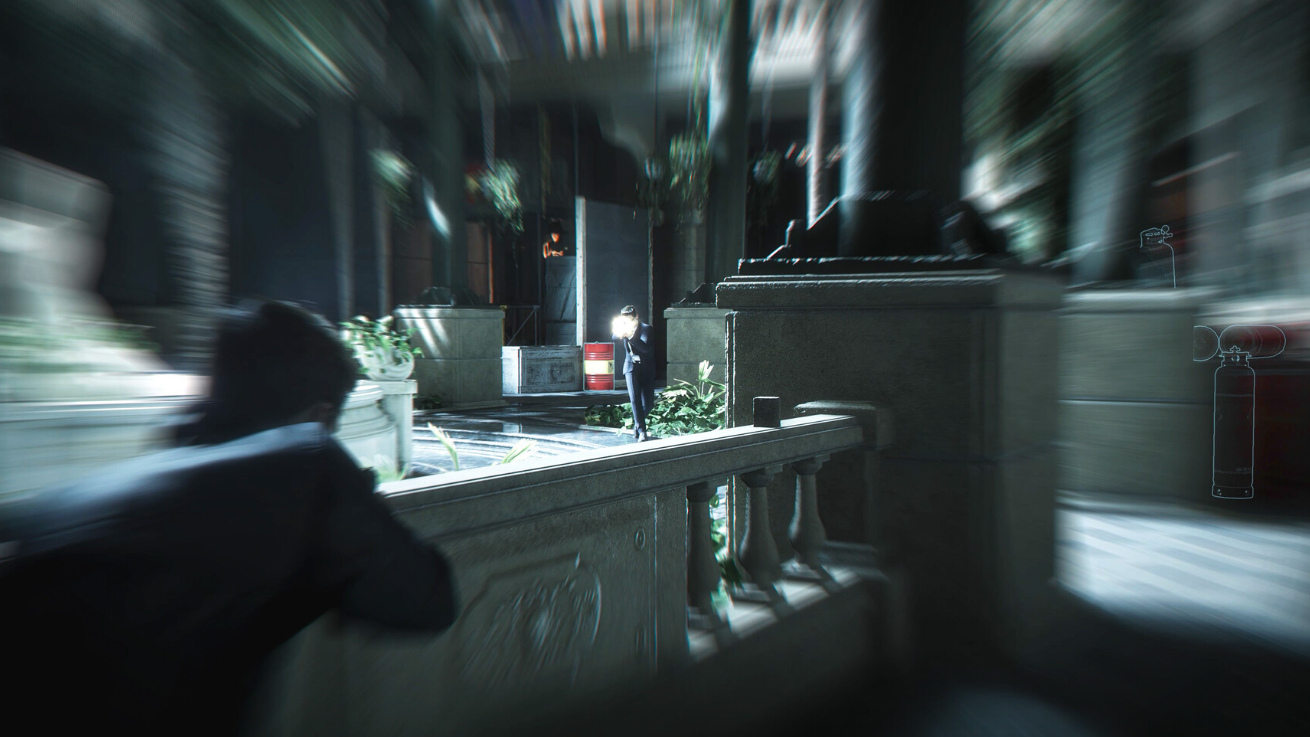
How to Use Guns in 007 First Light: Licence to Kill Explained
Bond’s firearms stay holstered until the game flips into a Licence to Kill state, and here’s exactly what triggers it.
-

How to Safely Shrink the WinSxS Folder in Windows 11
Reduce the component store size using built-in tools without breaking updates or system recovery.