
Instructional, step-by-step articles.
Content Type: How-To
-
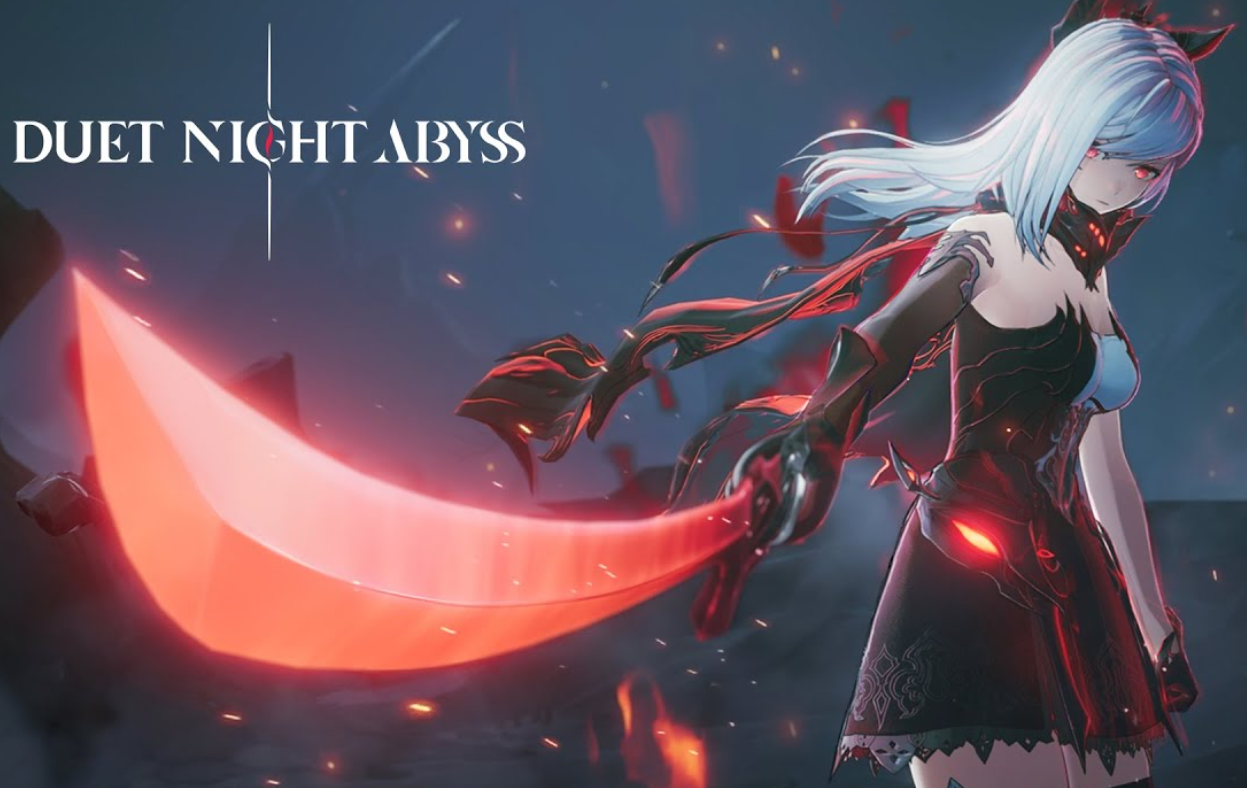
Duet Night Abyss (PC) — Fix the launcher fatal error and crashes
A practical playbook to repair files, update the client, and stop crash‑on‑launch issues.
-
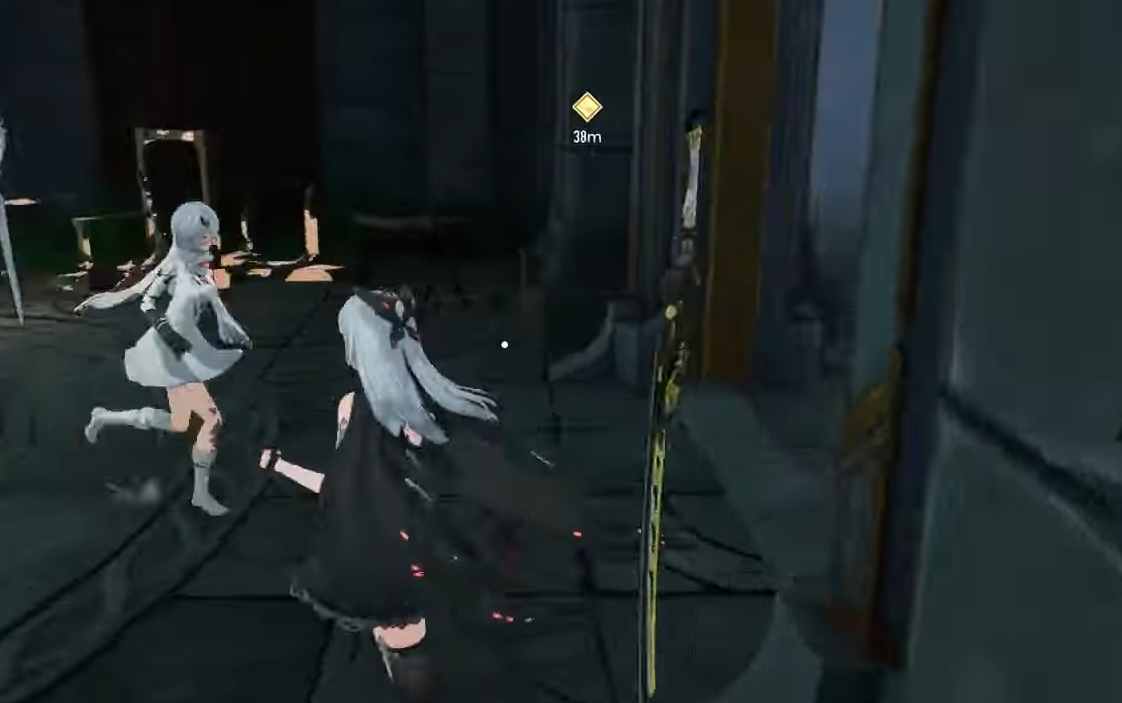
Duet Night Abyss co‑op — unlock requirements and how to team up
Co‑op is limited to commission battles; finish Black Iron and White Flower to enable Friends and party play.
-
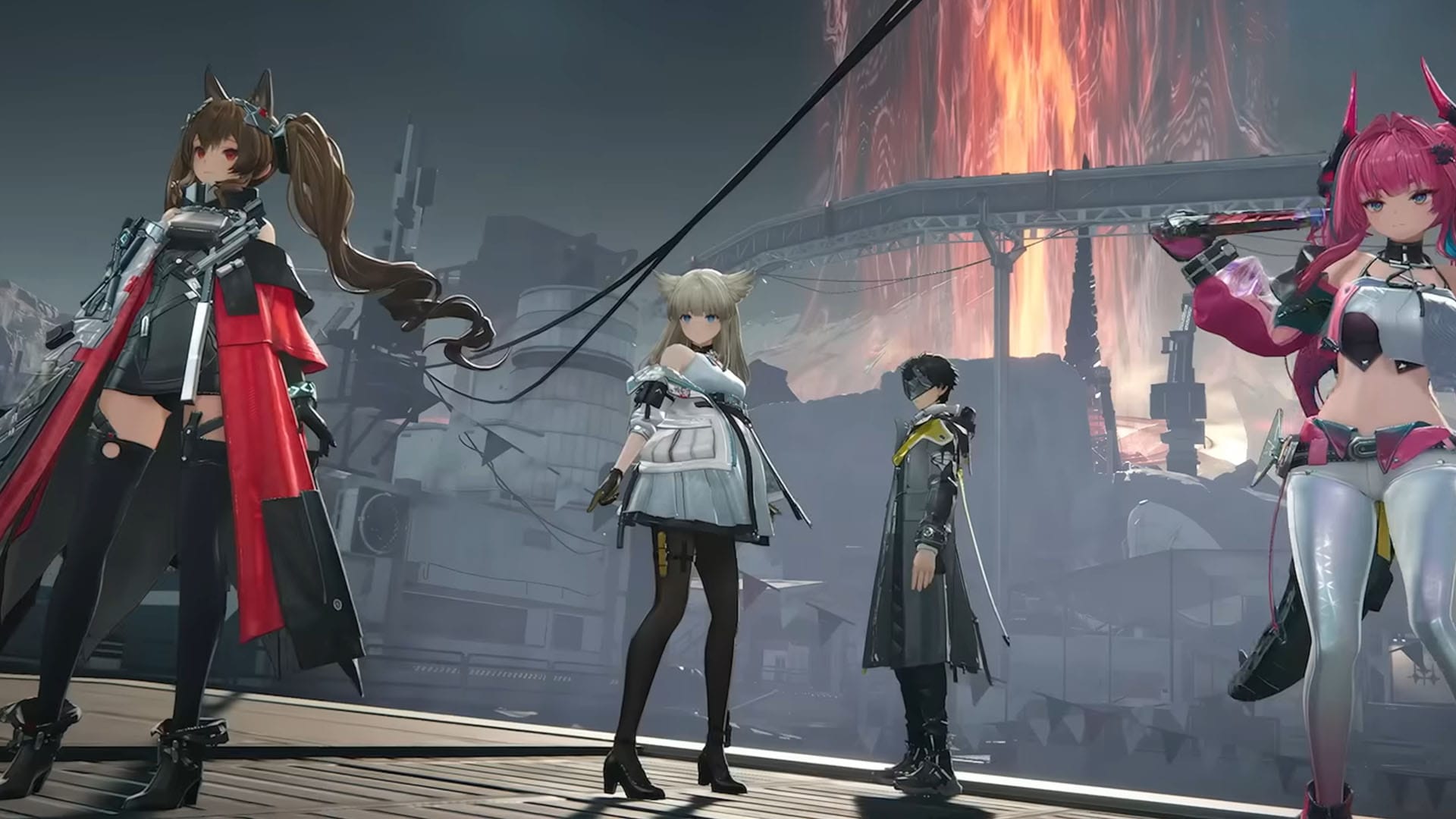
Duet Night Abyss — How to add friends and unlock co‑op
Unlock the Friends menu, share your UID, and squad up for commission co‑op; crossplay works if you’re on the same server.
-
Duet Night Abyss — fixes for Android loading hangs and black screens
What to do when the game won’t pass the loading screen on Android, plus current PC and Mac caveats.
-
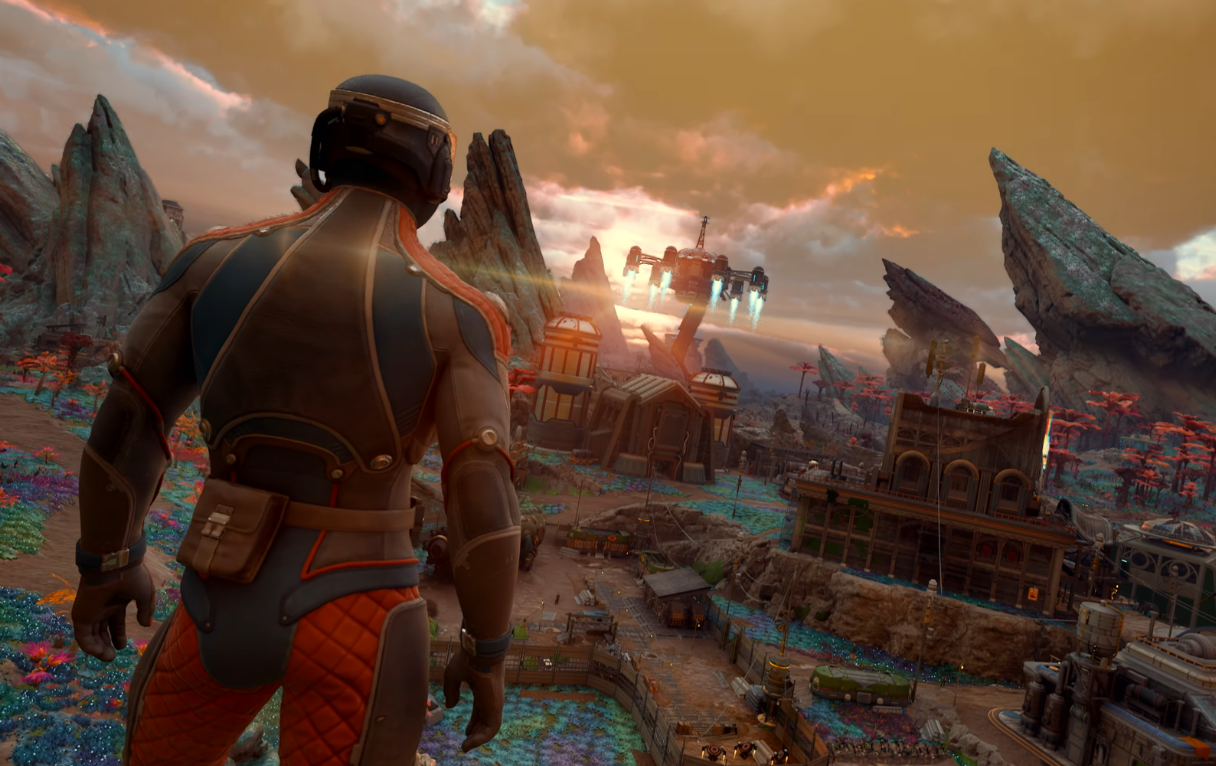
The Outer Worlds 2 (PC) — enable and use console commands
Unlock the developer console with a small mod, then run reliable commands for items, perks, and combat toggles.
-
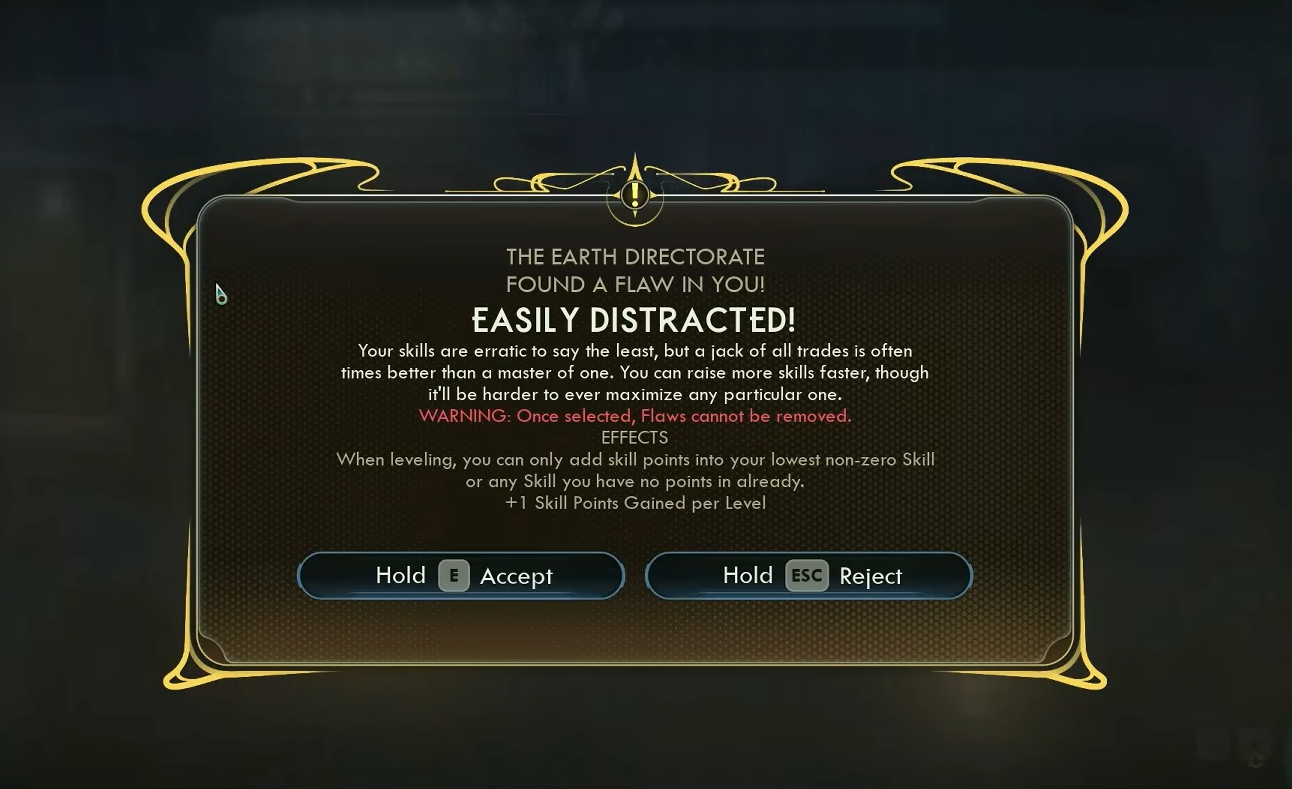
Easily Distracted in The Outer Worlds 2 — how to trigger it and play around its limits
A flexible flaw that adds a skill point each level but locks you into even, generalist leveling.
-
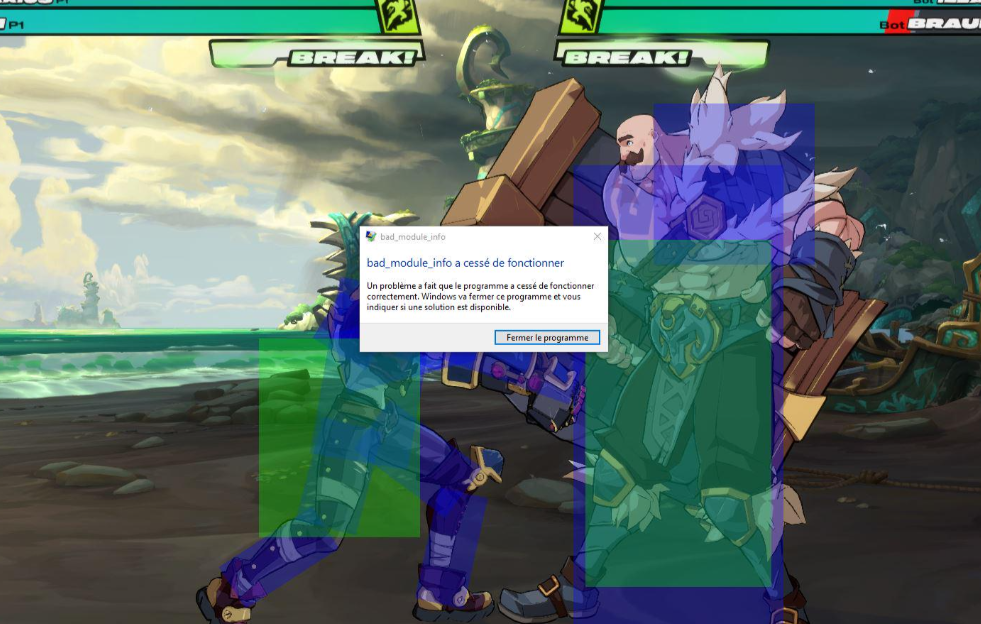
2XKO (PC) — fixes for startup crashes and black screens
If 2XKO closes on launch, hangs on a black window, or throws a System Error, use these tested steps in this order.
-
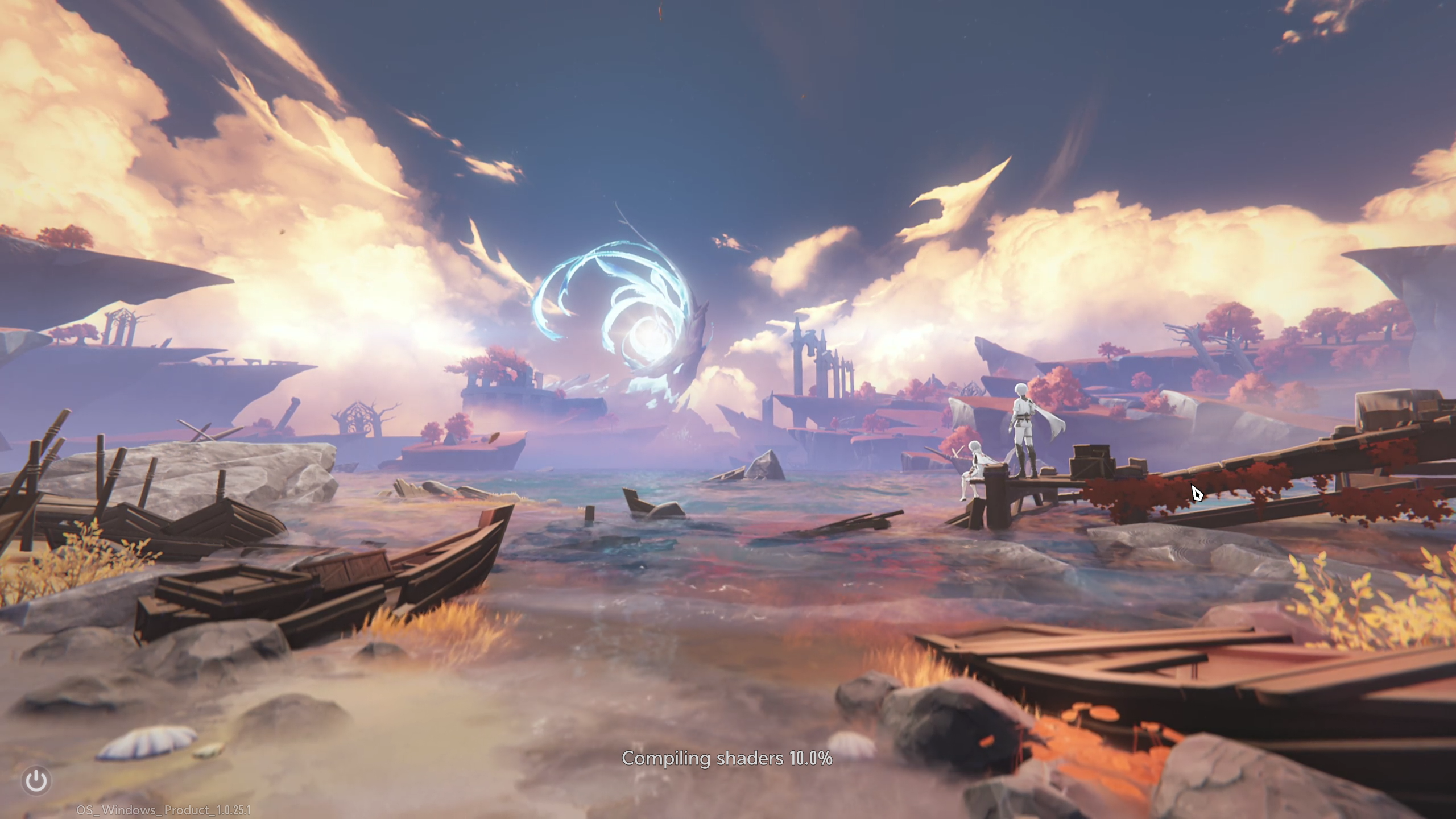
Duet Night Abyss login failure — fixes that actually work
How to resolve the “Login Failure” message, set your password, and get back into the game.
-
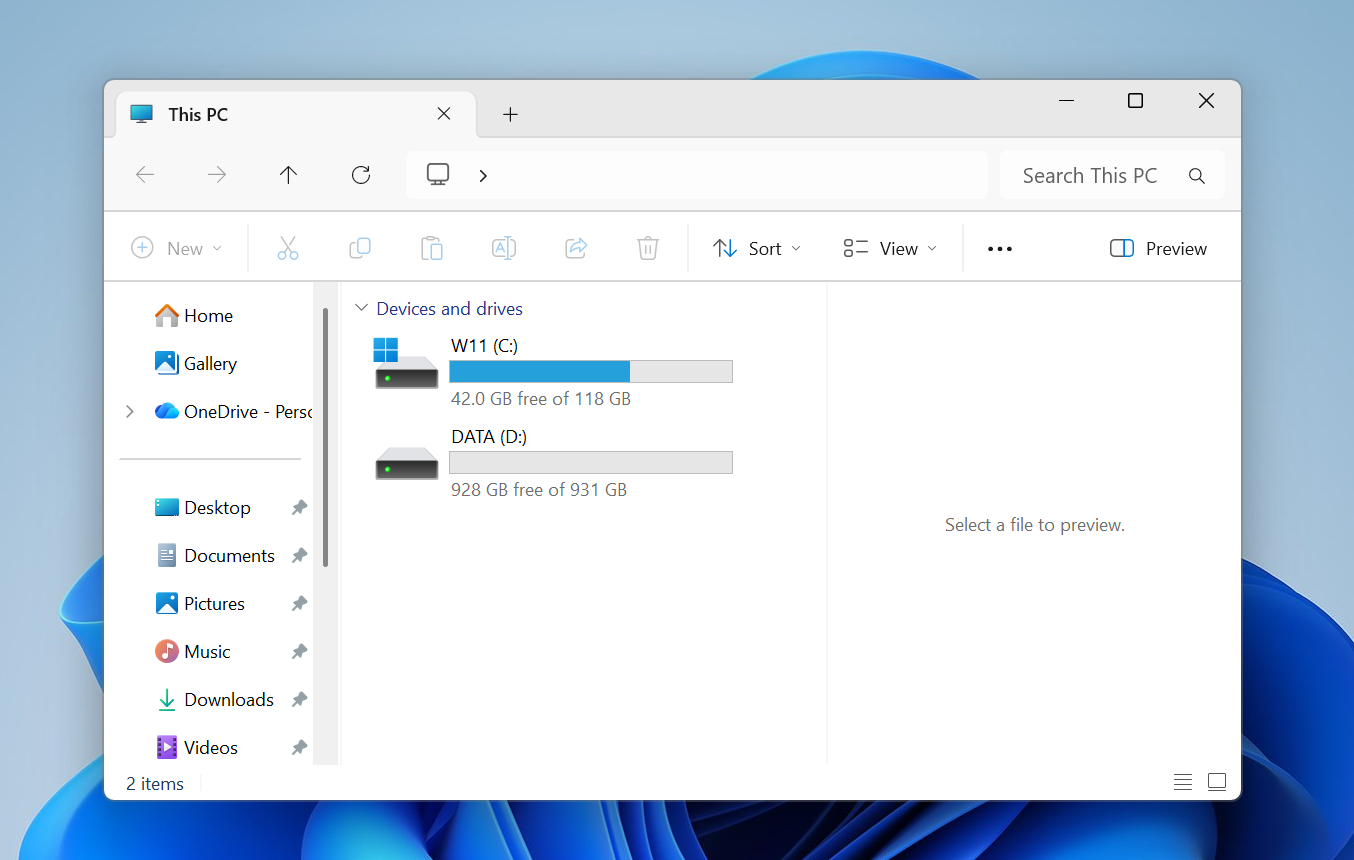
Fix the Windows 11 File Explorer Preview Pane (and why it breaks)
Proven fixes for PDFs and other files, plus the 2025 change that blocks internet downloads by default.
-

Windows 11 25H2 won’t install? Fixes for common update errors
Step-by-step ways to get 25H2 installed, from SFC/DISM to in-place repair and the official ISO.