
Instructional, step-by-step articles.
Content Type: How-To
-
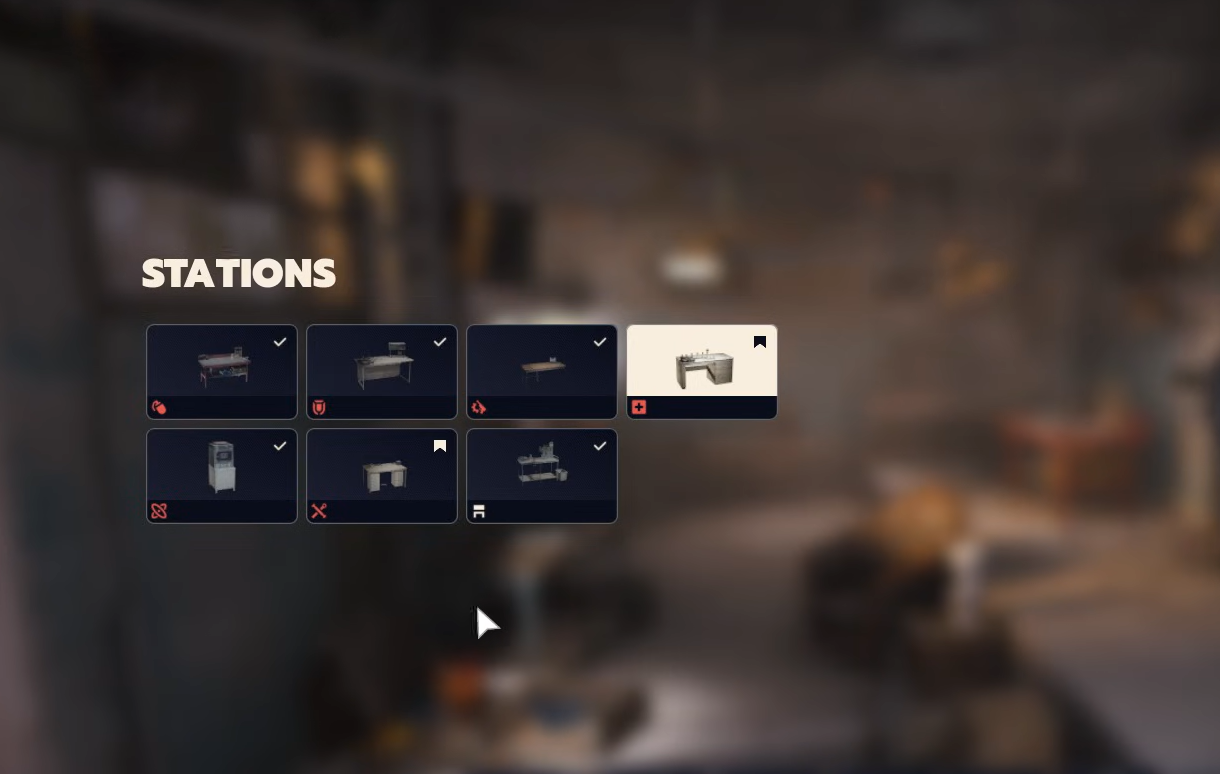
Arc Raiders — how to upgrade Workshop stations and what they unlock
Material costs and unlocks for Gunsmith, Gear Bench, Medical, Utility, Explosives, Refiner, and the base Workbench.
-

Arc Raiders — where to find lemons and apricots and how to use them
Use swamp fruit trees and timed events to stock up, then turn them into Scrappy upgrades and basic crafting.
-

Arc Raiders grenades and explosives — stats, crafting, how to use
A concise breakdown of damage values, effect radius, and how to craft, buy, and equip every confirmed throwable.
-
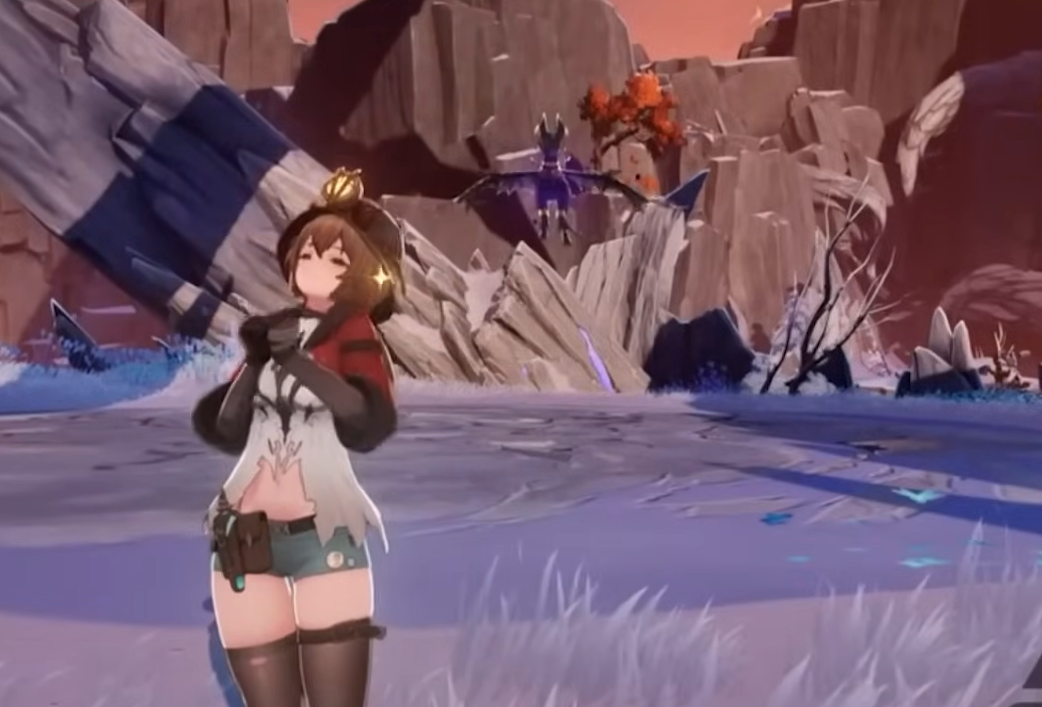
Duet Night Abyss: who to unlock second and how to get them fast
A straightforward plan to pick your next character and farm the Thoughts to add them to your roster.
-
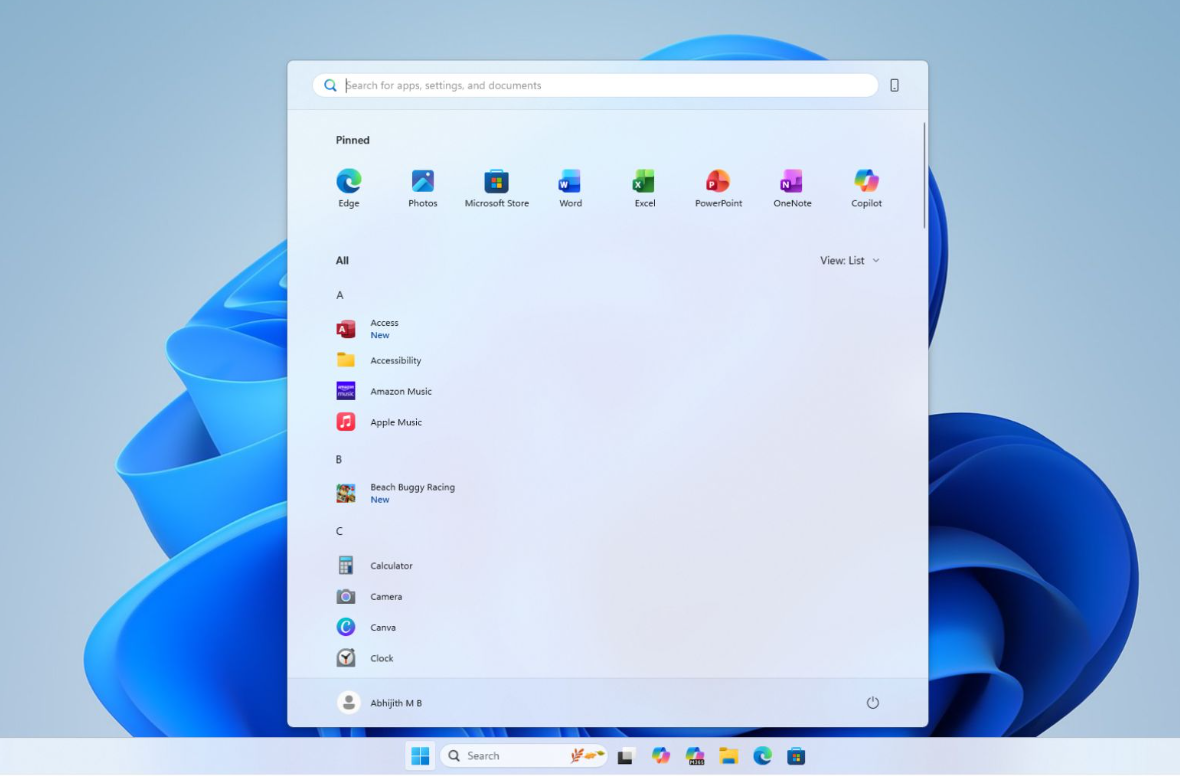
Get the new Windows 11 Start menu now (KB5067036, 24H2/25H2)
Install the October 2025 preview update or use ViVeTool to unlock the rollout immediately.
-
ARC Raiders Twitch Drops — how to earn rewards at launch
A concise guide to eligibility, claiming, and the launch badge for ARC Raiders streams.
-
Windows error 0x80244007 — what it means and how to fix it
The code usually signals a Windows Update handshake problem; these steps fix scans and Store downloads.
-
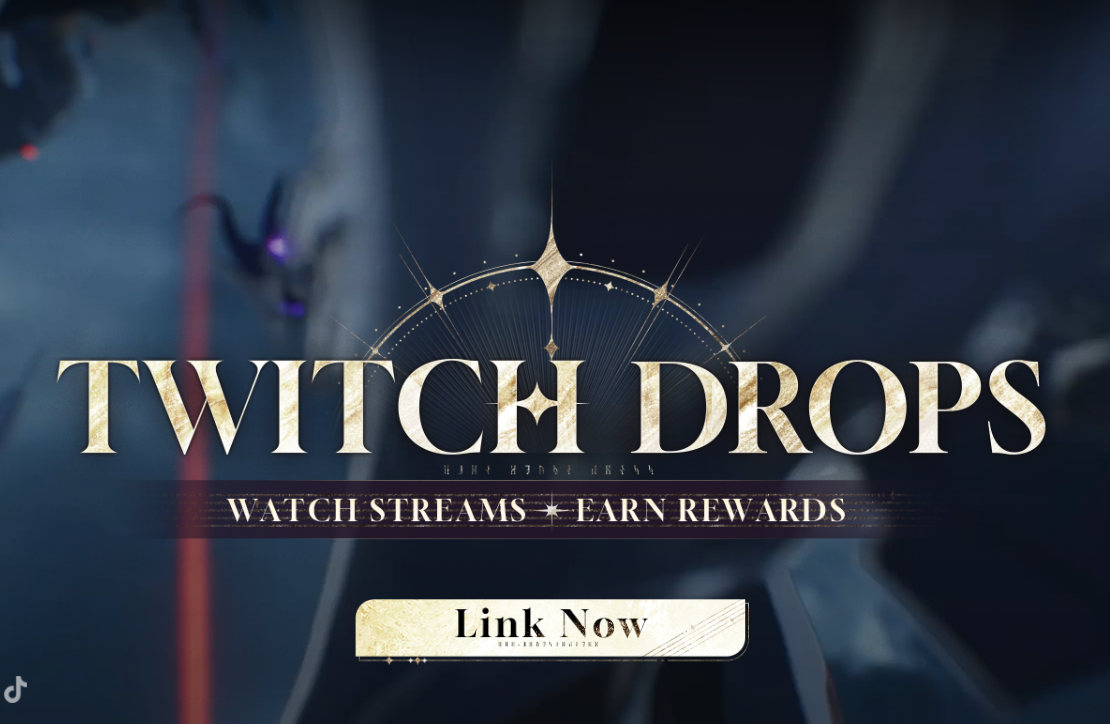
Duet Night Abyss Twitch Drops (v1.0) — link, watch, claim, and fix missing rewards
Detailed setup, claim timing, rules, and practical fixes if your rewards don’t arrive.
-
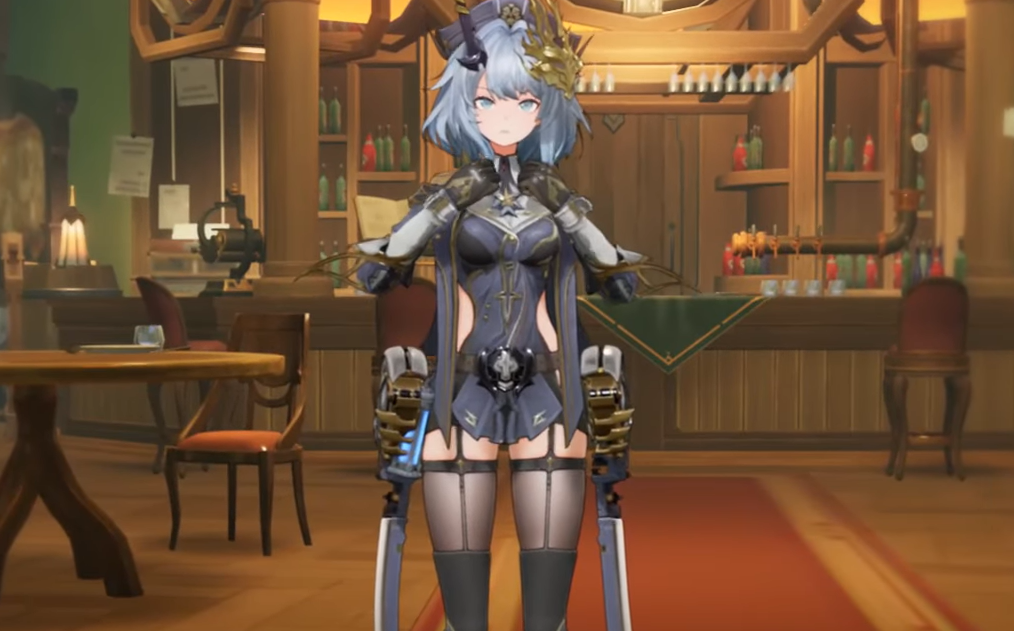
Duet Night Abyss Rhythm — kit, stats, teams, and how to unlock
An Electro DPS who chains charges and converts Sanity to damage, plus how her unlocks work.
-
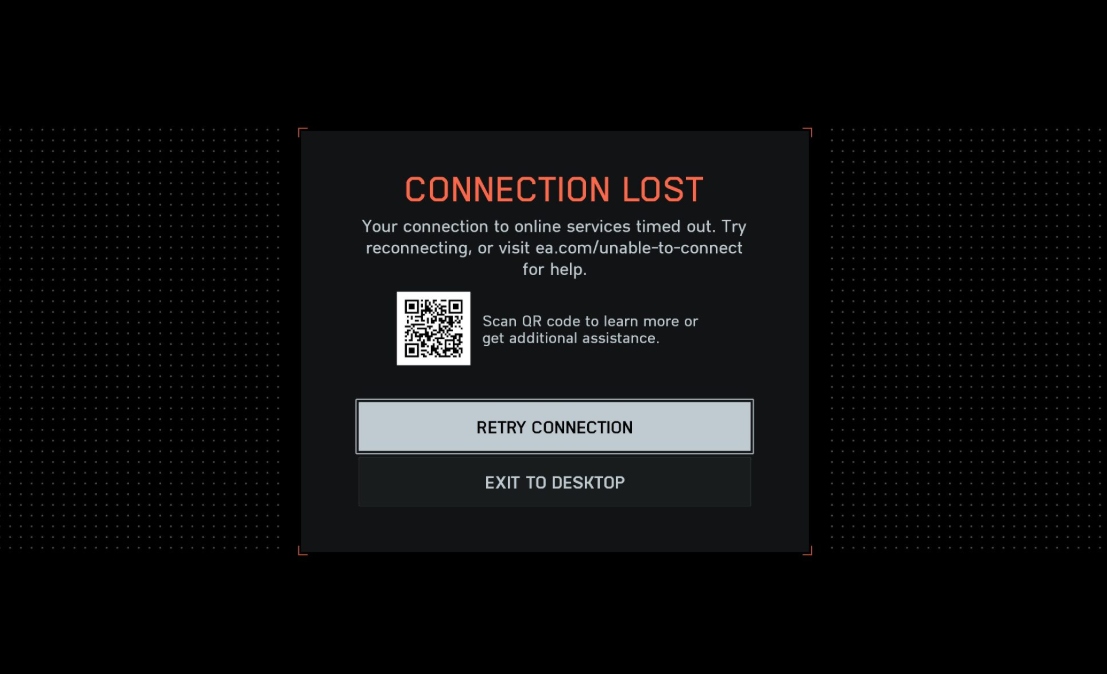
Battlefield 6 campaign ‘Connection Lost’ on Steam — fixes and status
A known post‑1.1.1.0 bug blocks campaign access on Steam; here’s what you can safely try until a fix arrives.