
Instructional, step-by-step articles.
Content Type: How-To
-
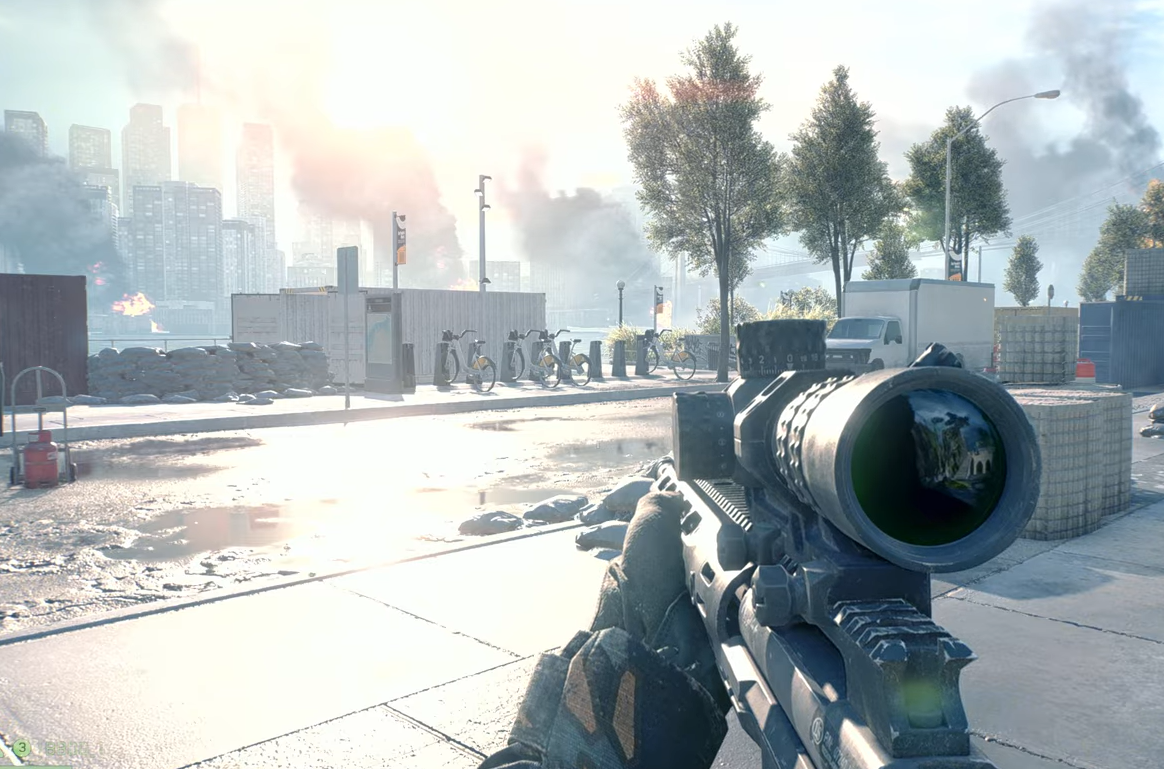
Battlefield 6 brightness is harsh — these settings ease the glare
Lower World Brightness to 30–40 and adjust HDR, AO/GI, and post-processing to cut white-out.
-
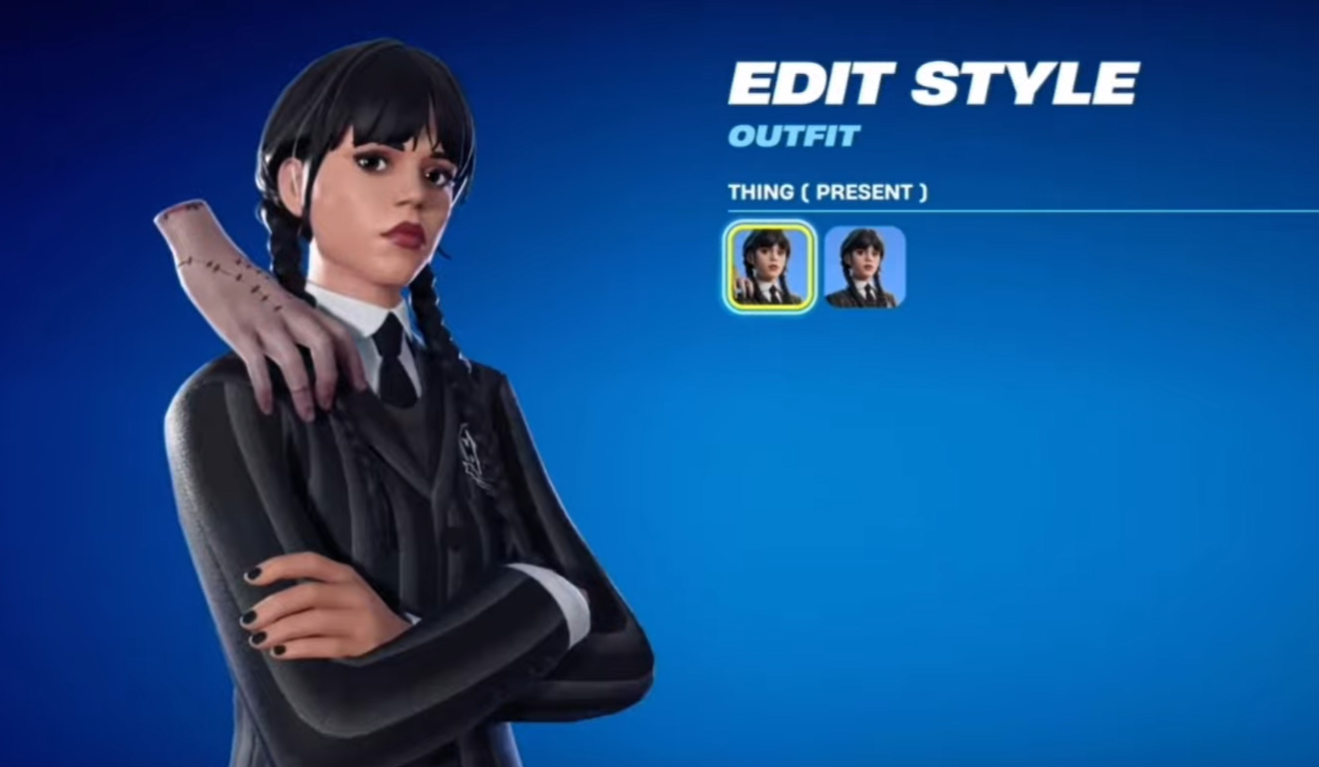
How to get Fortnite’s Wednesday Addams skin for free
Here is how you can grab the Wednesday skin in Fortnite during the Fortnitemares Halloween event.
-
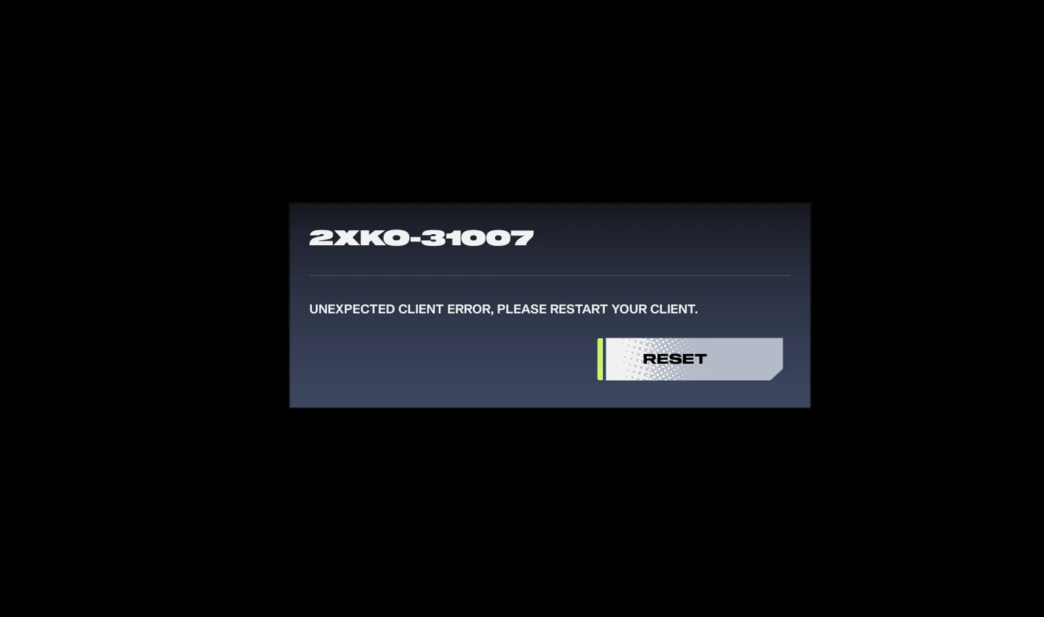
2XKO (PC) — Fixes for startup crashes and black screens
Clear instructions that resolve instant crashes, black screens, and launch errors without guesswork.
-
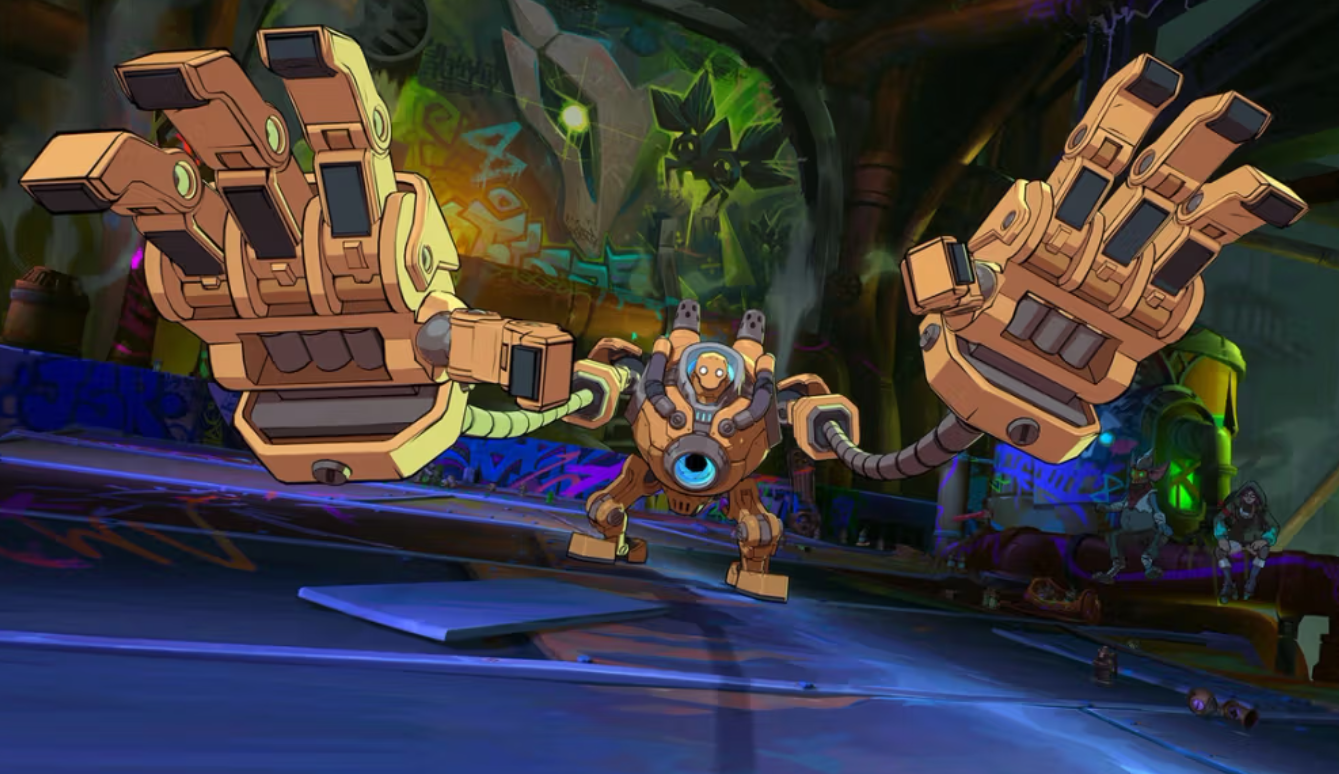
2XKO controller not working (PC) — supported devices and fixes
If your pad or fight stick won’t register in 2XKO, start here to diagnose conflicts and restore input.
-
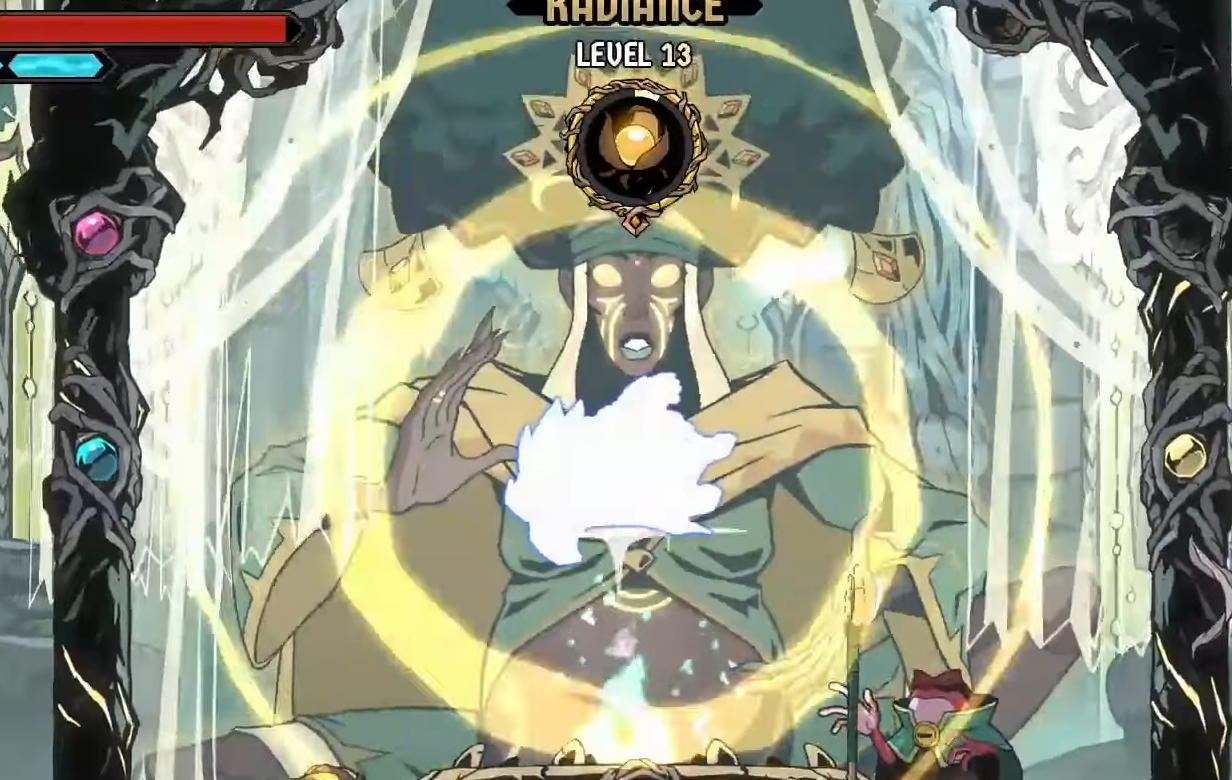
Absolum’s Imbued Fruits — how to earn them, unlock Vikhana, and spend them
What Imbued Fruits do, how to free Vikhana the Joyful, and the most efficient ways to power up Rituals.
-
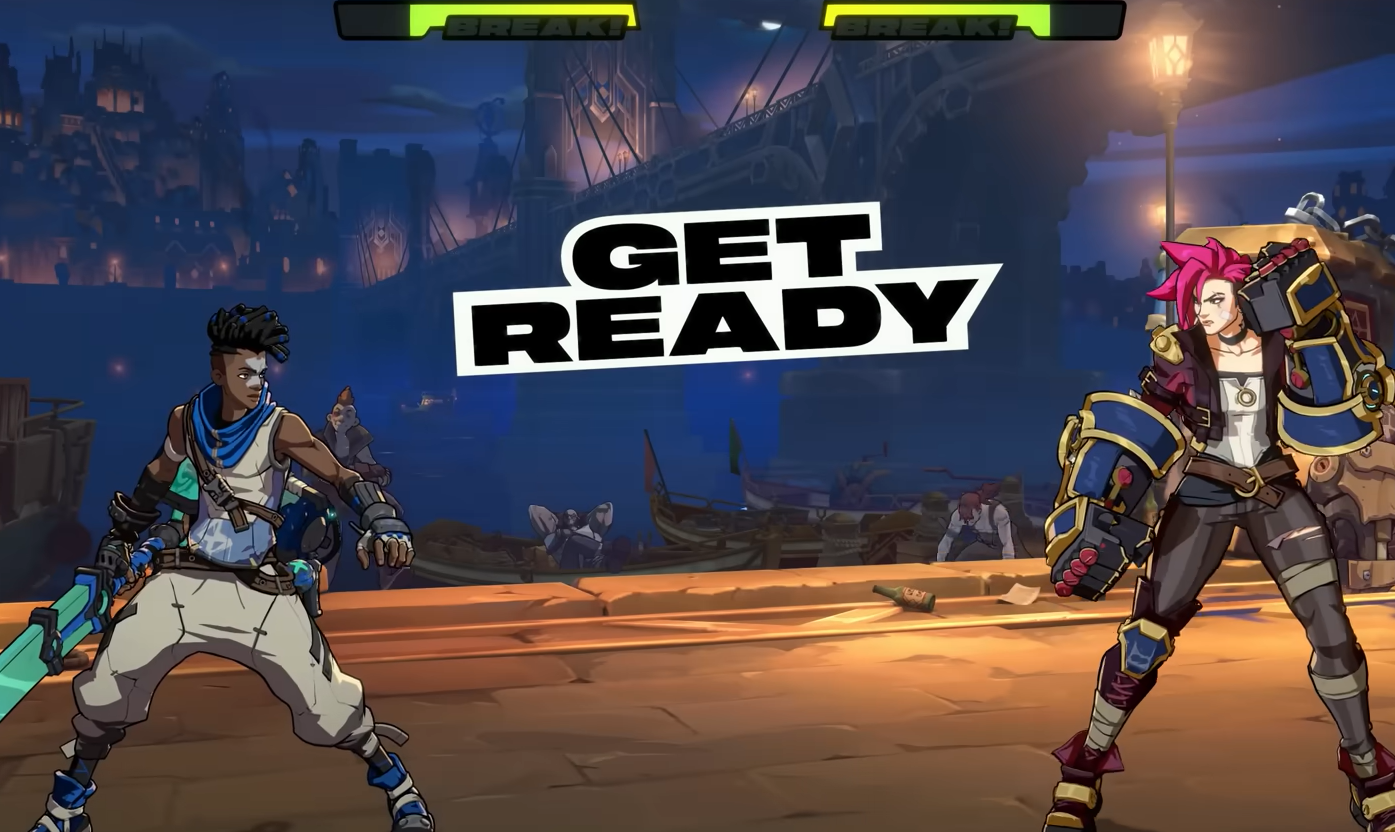
Fix 2XKO stuttering on PC — reliable steps for lobby and match lag
Troubleshoot choppy matches, lobby slowdowns after several sets, and stutter with simple checks and workarounds.
-
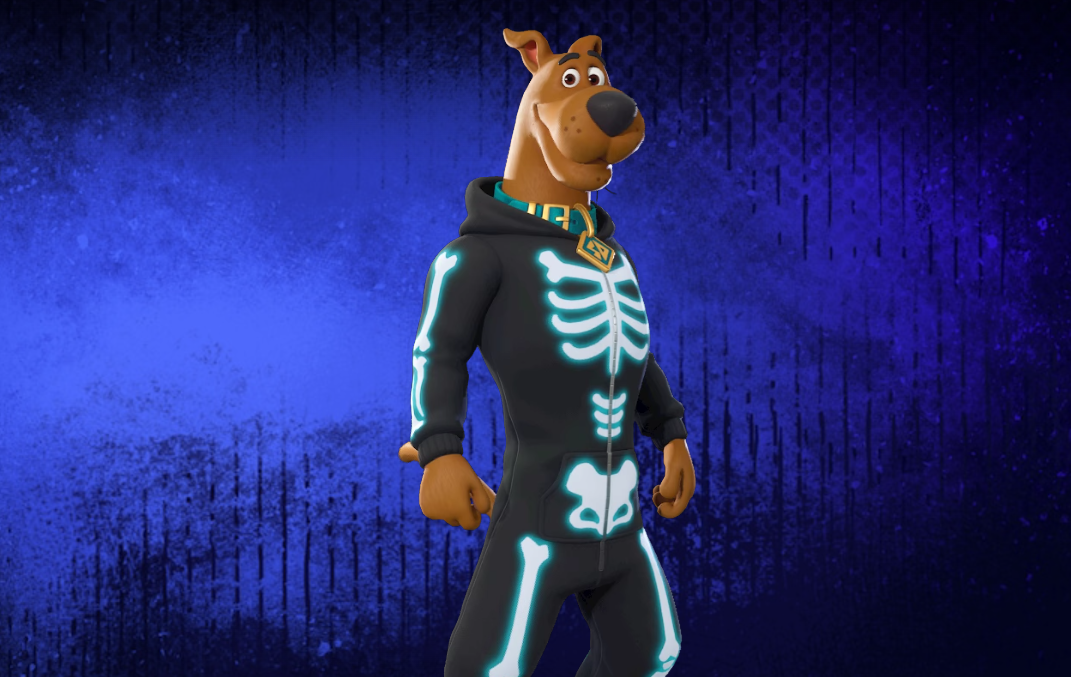
Fortnite Scooby‑Doo skins: dates, prices, and how to buy (Oct 2025)
Mystery Inc. rolls into the Item Shop in three drops; here are the dates, contents, and prices.
-

Connect Copilot to Gmail, OneDrive, and more on Windows 11
Link Microsoft and Google accounts to search emails, files, and contacts directly from Copilot.
-
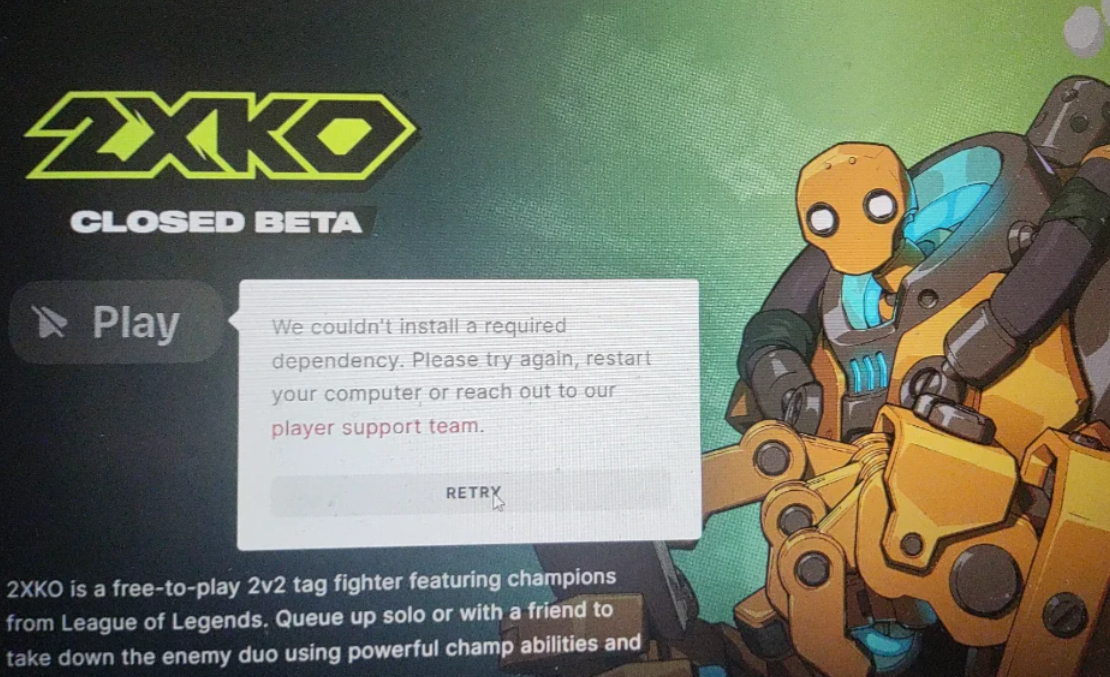
2XKO not installing on PC — reliable ways to get the installer working
When the installer stalls, 2XKO doesn’t appear in Riot Client, or dependencies fail, these steps clear the most common blockers.
-
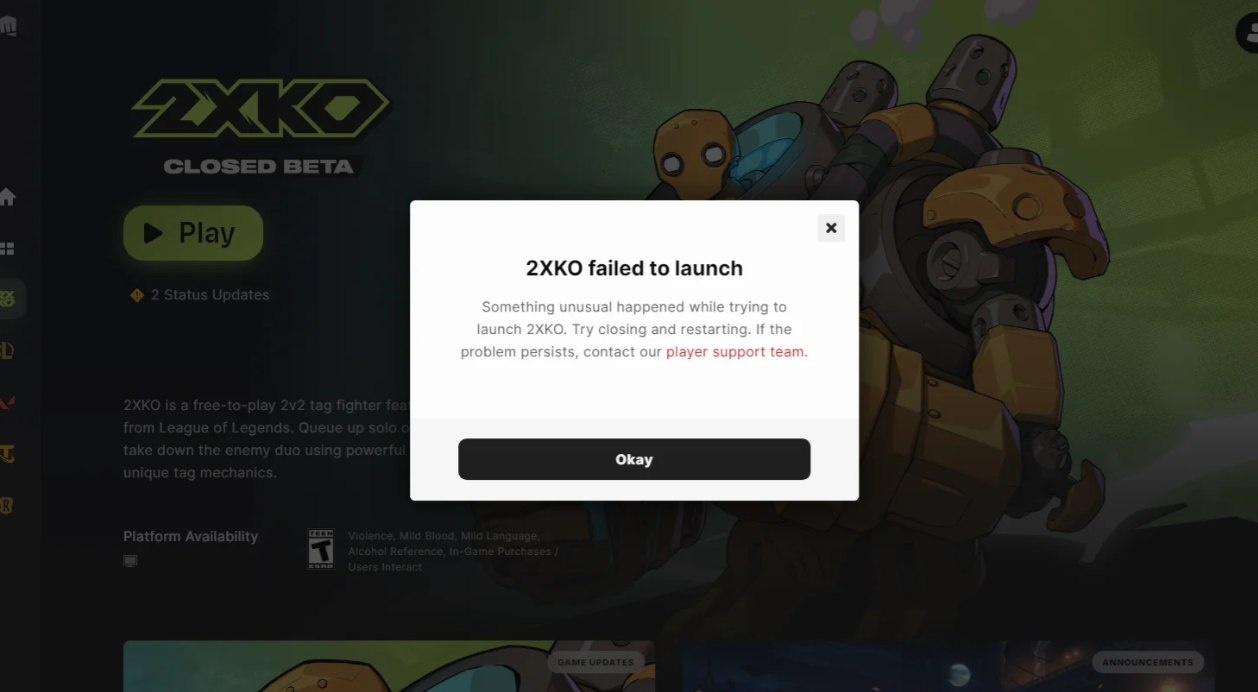
2XKO won’t launch on PC — fixes for login errors and black screens
A short, ordered playbook that clears 2001 logins, black screens, and VAN errors.