
Category
Communication
-

How to Set Up a Zoom Meeting in Outlook
Outlook comes with a calendar feature that enables the user to add important appointments and Skype meetings into their schedule. It is however less…
-

How to Create Breakout Rooms in Google Meet with a Google Workspace Account
Video conferencing systems existed long before the pandemic. But to work as a fully-functioning replacement of the real-world model, a lot needed to be…
-
Can Microsoft Teams Track your Activity?
For many schools and offices, Microsoft Teams has been the glue that’s holding everything together. Without apps like Microsoft Teams, it would not have…
-

How to Raise Hand on Google Meet
Apps like Google Meet have made holding large video meetings incredibly easy. Even with a free, personal account, you can meet with up to…
-

How to Pause a Zoom Meeting and Suspend Participant Activities
Zoom is one of the most popular video meeting apps right now. But there was also a time when Zoom became notoriously popular for…
-
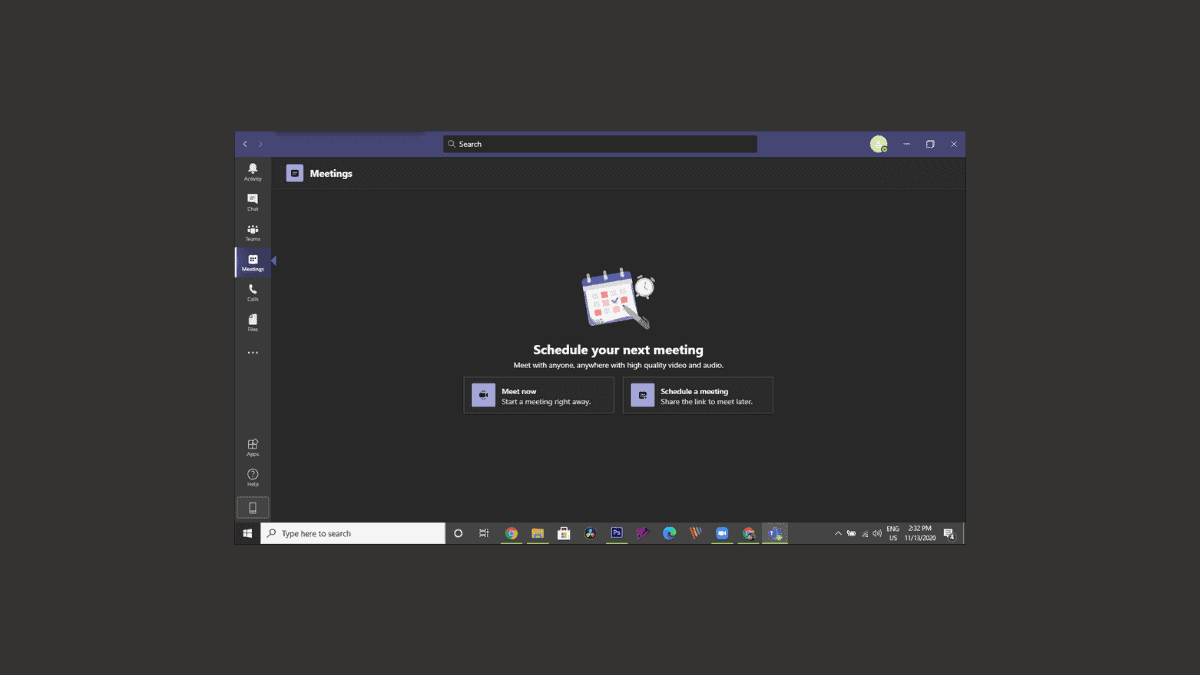
How to Enable Dark Mode in Microsoft Teams
Since the work-from-home culture has arrived, it has become an indispensable part of our professional life to depend upon our laptops and computers for…
-
How to Share Audio on Google Meet
Google Meet has made it easy for everyone to connect over video meetings and share their screen with fellow meeting participants. However, when sharing…
-
How Many People Can You Have On a Zoom Call
Zoom has truly made large online gatherings possible during the pandemic. The free plan on the platform itself offers group meetings for up to…
-

How to Increase or Decrease Font Size of a Message in Microsoft Teams Chat
Microsoft Teams has a zillion features when it comes to Chat. You can increase the font size of a message to emphasize an important…
-

How to Stop Zoom from Running in the Background
There are many desktop applications that might keep running in the background even after you have pressed the close button. These apps continue running…