
Topic
iPad
-
How to Launch Google Assistant with Double Back Tap on iPhone
iOS 14 will be introducing Back Tap to your iPhone, a feature that lets you perform a slew of actions by tapping on the…
-
How to Enable and Use Back Tap on iPhone running iOS 14
Apple announced iOS 14 that will release for the public this fall at the WWDC20, but the beta profile for developers is already available.…
-

How to Reply to a Specific Message in iMessage
Apple has introduced a lot of major changes to the iPhone with iOS 14, but the grand, eye-catching changes are not all that is…
-
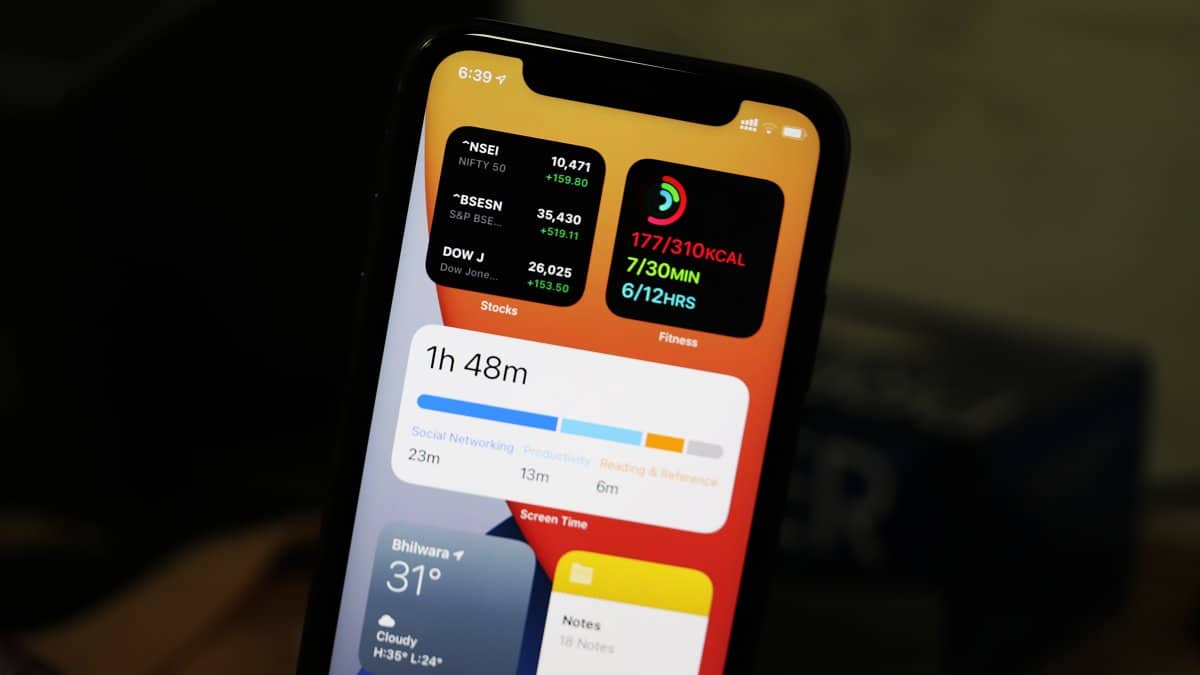
How to Add Widgets to iPhone Home Screen in iOS 14
Widgets might have been around in iOS for quite some time now but Apple just buffed them completely in iOS 14. Widgets are no…
-
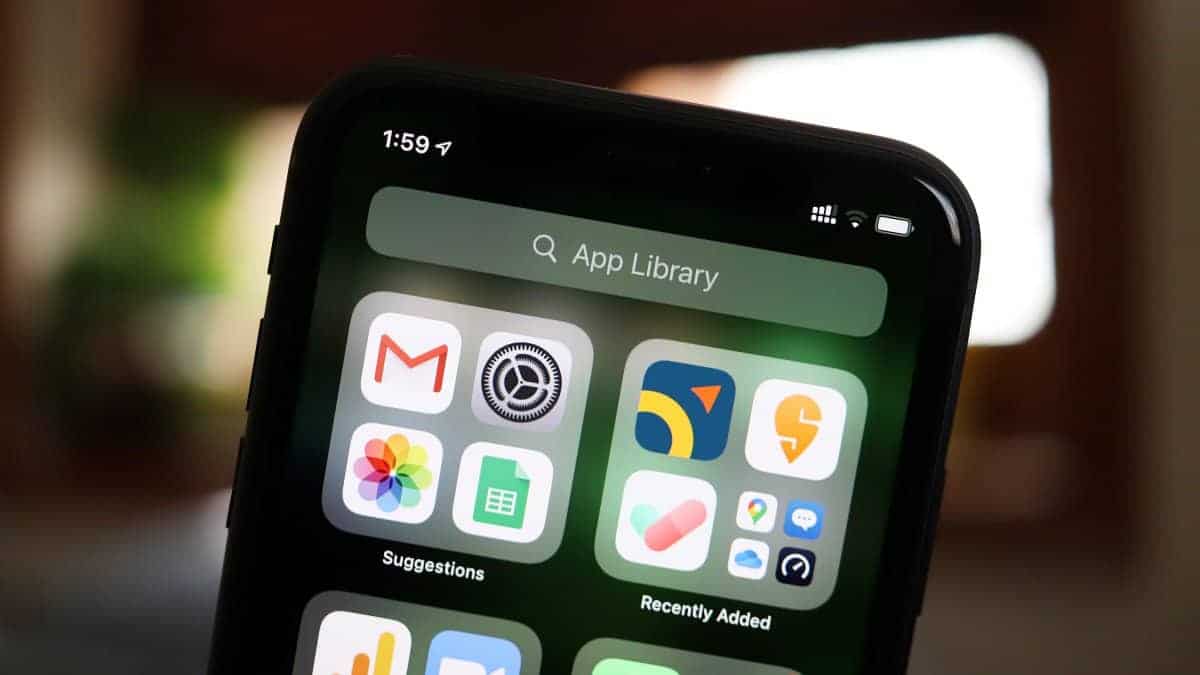
Where is App Library in iOS 14 on iPhone and How to Open It
Apple announced iOS 14 at the WWDC20 in June. iOS 14 was finally released yesterday. I think it’s safe to say that the wait…
-
How to Record a Zoom Meeting on iPhone and iPad
People love Zoom for all the ways it has been making working remotely easier for them. It zoomed into people’s lives with astonishing speed,…
-
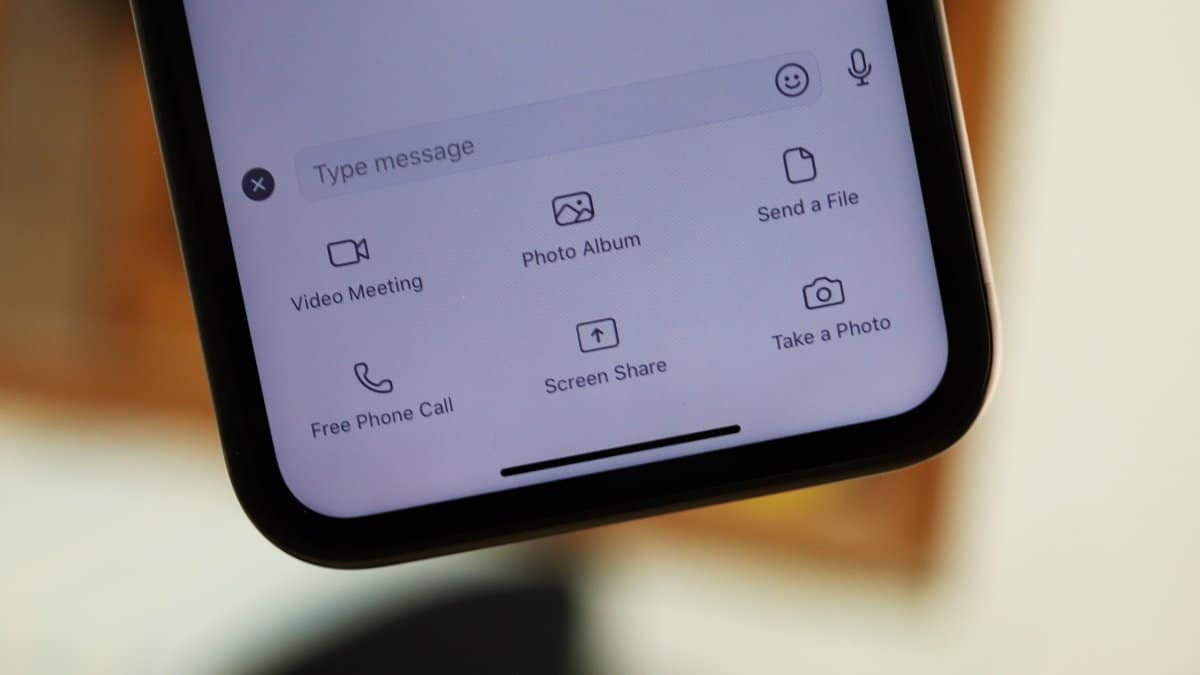
How to Share Screen in Zoom Chat on iPad and iPhone
The video conferencing app Zoom has become increasingly popular recently. It gained a lot of new users at an almost exponential rate. And Zoom…
-
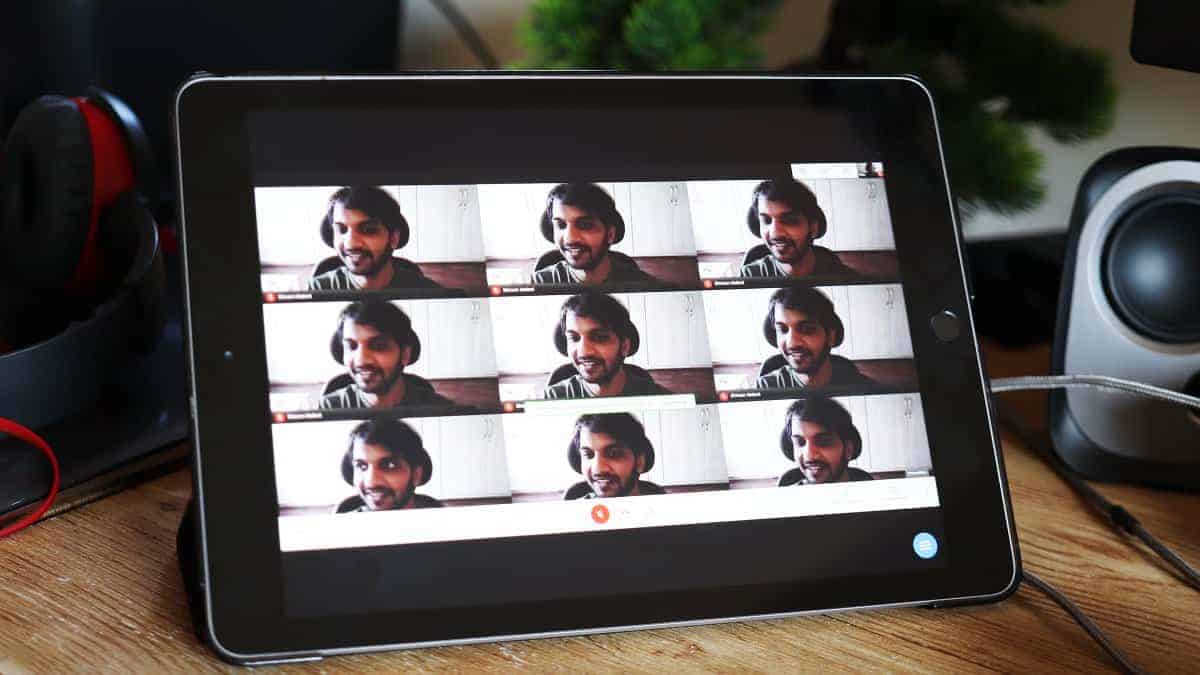
How to Get Google Meet Grid View on iPad using Chrome Remote Desktop
Google Meet has become a go-to platform for secure video conferencing, especially for students and professionals. While it previously lacked some features compared to…
-
How to Change Zoom Background on iPhone and iPad
Zoom is a remote video conferencing service that lets users host online meetings and video conferences with ease. In these times when the world…
-
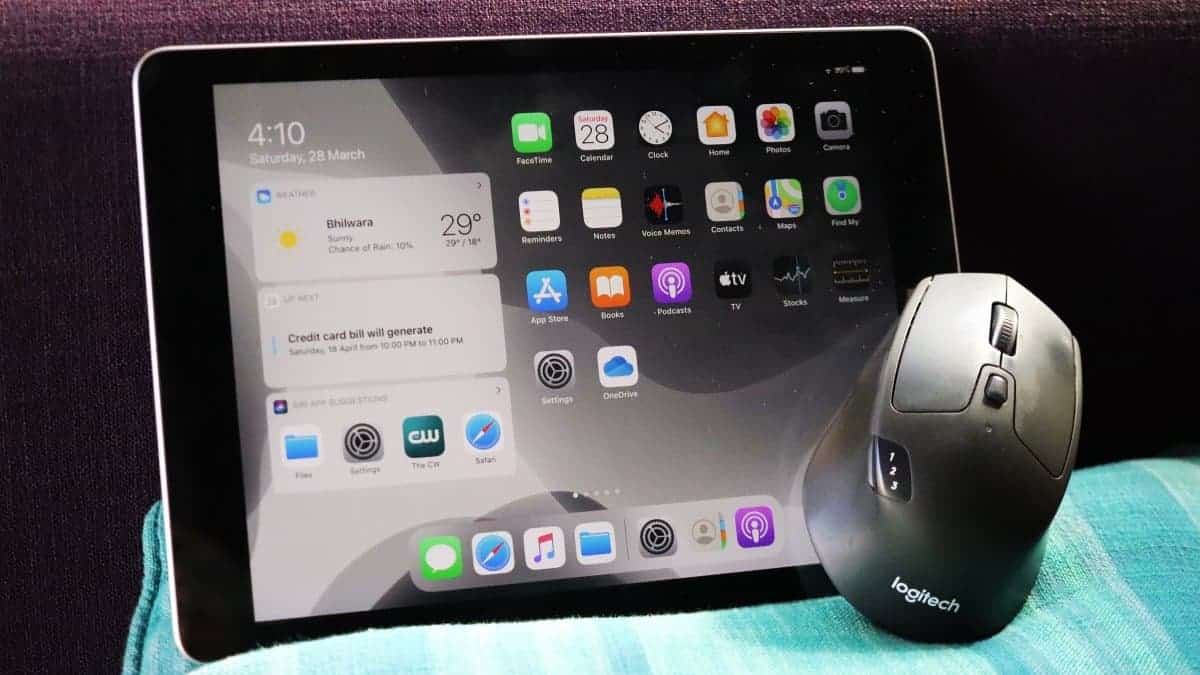
How to Go to iPad Home Screen using Mouse and Trackpad
iPadOS 13 brought along support for the mouse on iPad devices back in 2019, and with the recent iPadOS 13.4 update, it has become…