
Instructional, step-by-step articles.
Content Type: How-To
-
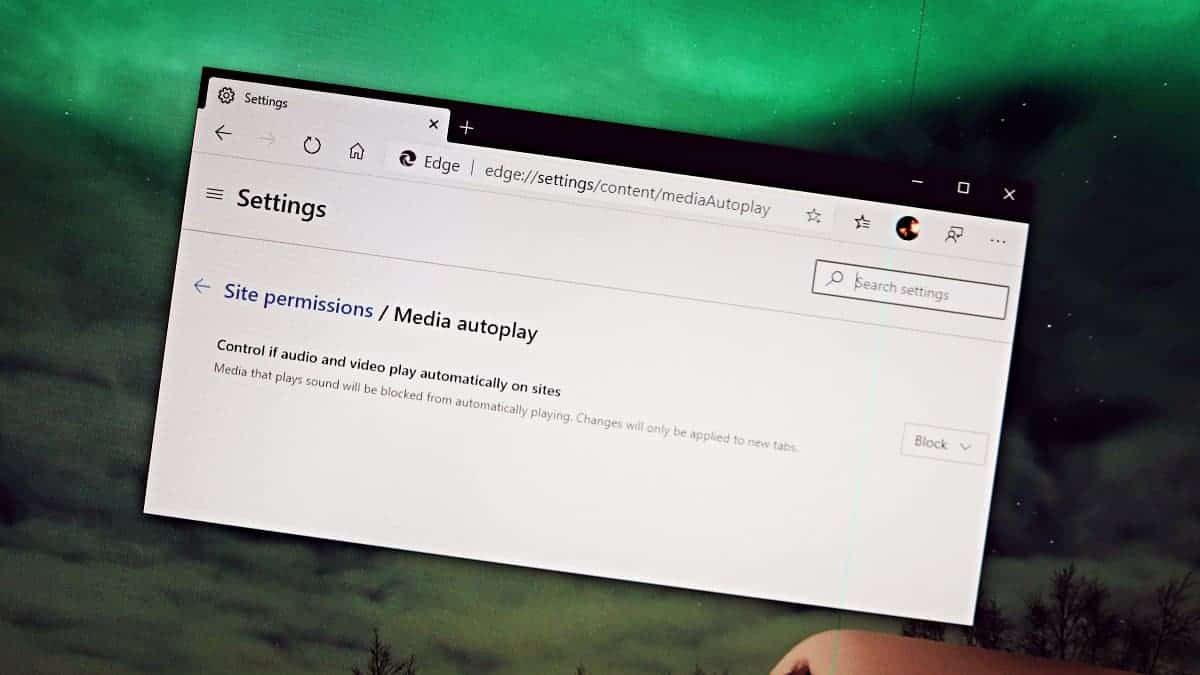
How to Stop Auto-Playing Videos on Websites in Microsoft Edge
Auto-playing videos on websites can be both annoying and disruptive, especially when they suddenly start with sound in quiet environments. If you’re using the…
-
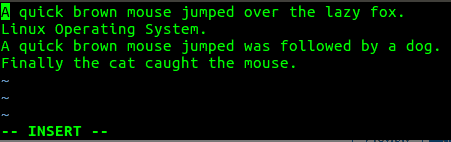
Bash ‘For’ Loop: Tutorial and Examples
Bash (Bourne Again Shell) is a shell command prompt and scripting language in GNU/Linux operating systems. It is the default shell for most Linux…
-

How to Create Siri Shortcuts for Google Photos on iPhone
A lot of us like to use Google’s Apps instead of Apple’s native apps on the iPhone for many reasons. Maybe you like Google’s…
-
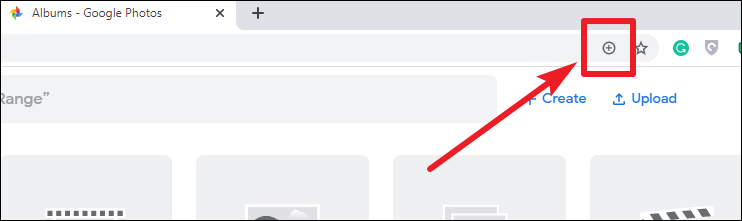
How to Install Google Photos as an App on Windows 10, Mac, and Linux
If you’re looking to access Google Photos quickly and easily on your desktop without opening a web browser every time, you can install it…
-

How to Increase Font Size in Chrome and Microsoft Edge
If you’re having trouble reading small text on websites, both Google Chrome and Microsoft Edge allow you to adjust the font size to make…
-
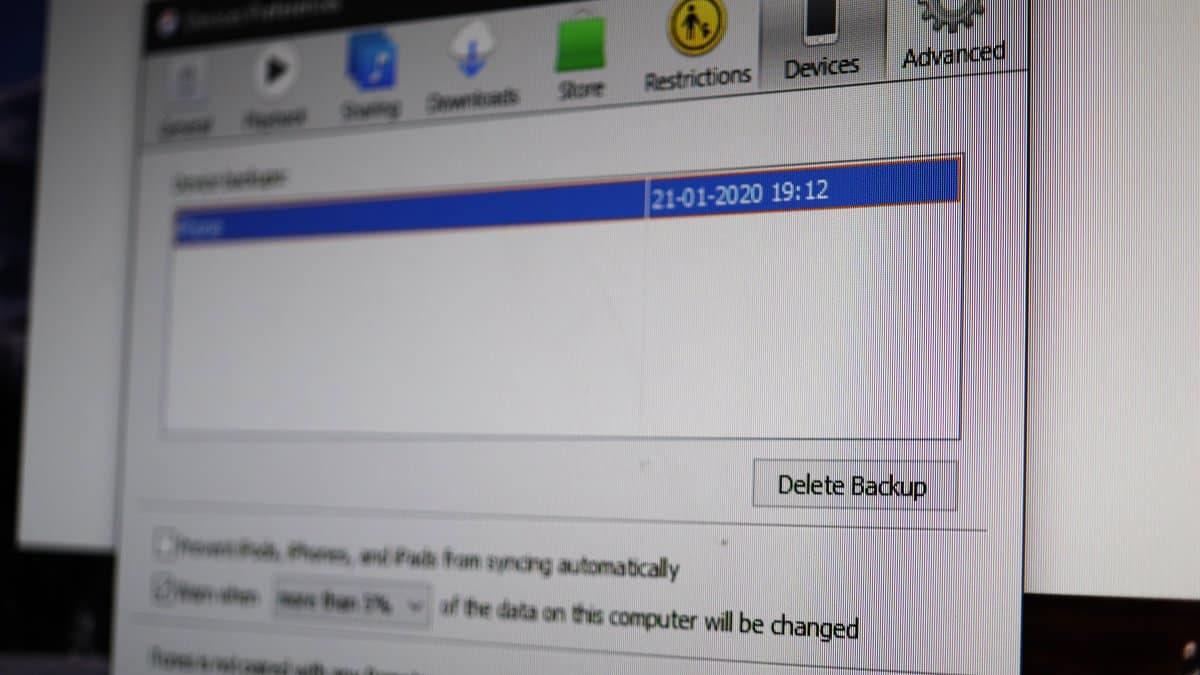
How to Delete iPhone Backups in iTunes on Windows 10
Whenever you sync your iPhone with iTunes, it backs up your phone and creates backup files on the PC. This backup is meant to…
-
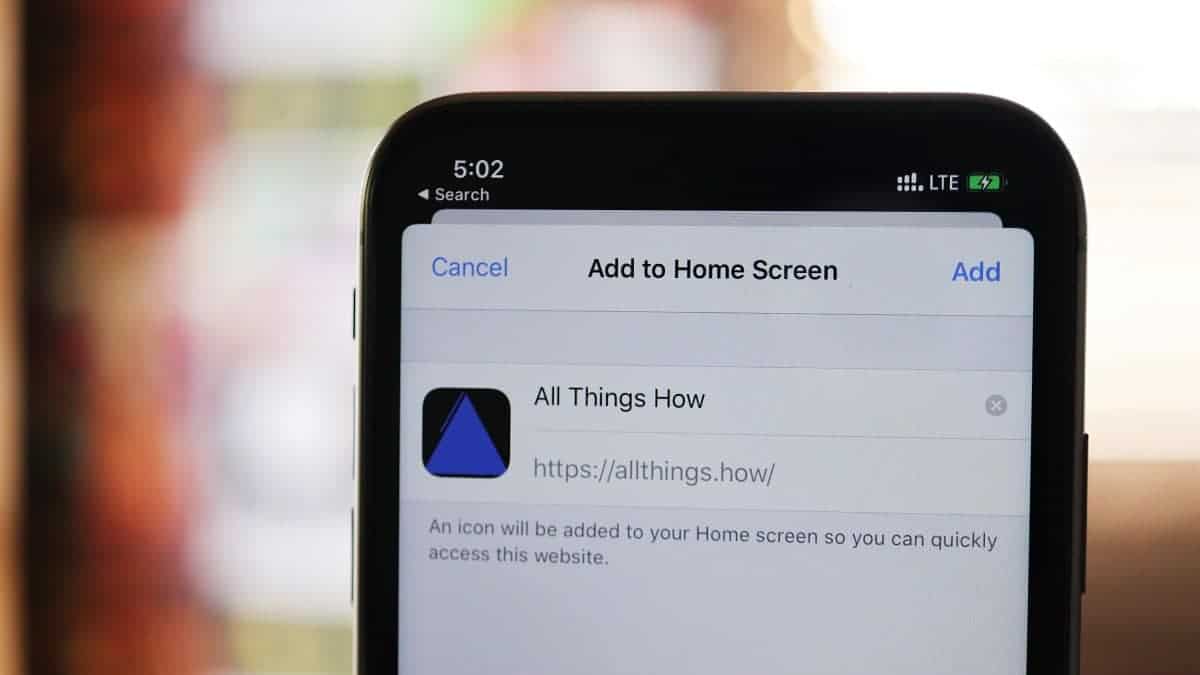
How to Install or Save any Website as an App on iPhone using Safari
Sometimes, you might wish a certain website had its own app for easier access, but that’s not always the case. Luckily, there’s a straightforward…
-
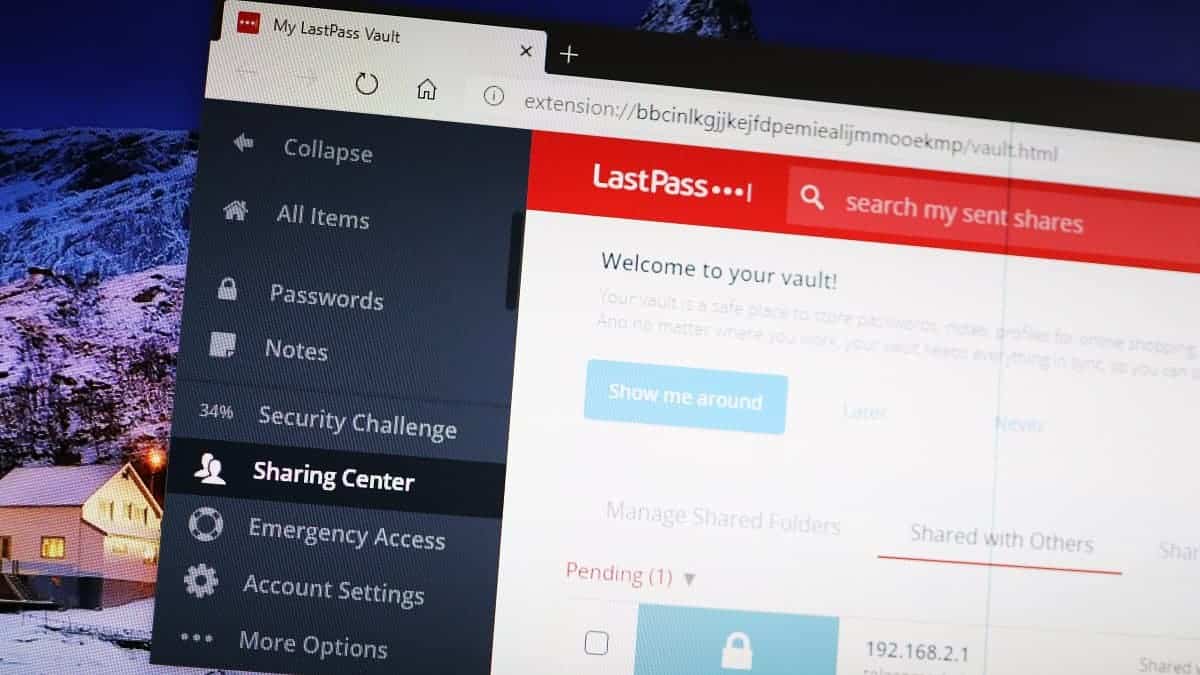
How to Securely Share your Passwords using LastPass
Sometimes, it’s necessary to share access to online accounts with trusted individuals like family members, friends, or coworkers. However, sharing passwords through insecure channels…
-

How to Delete All Photos at Once in a Single Tap on iPhone
If you ever have tried to delete all photos at once on your iPhone, you must have noticed that there is no option to…
-
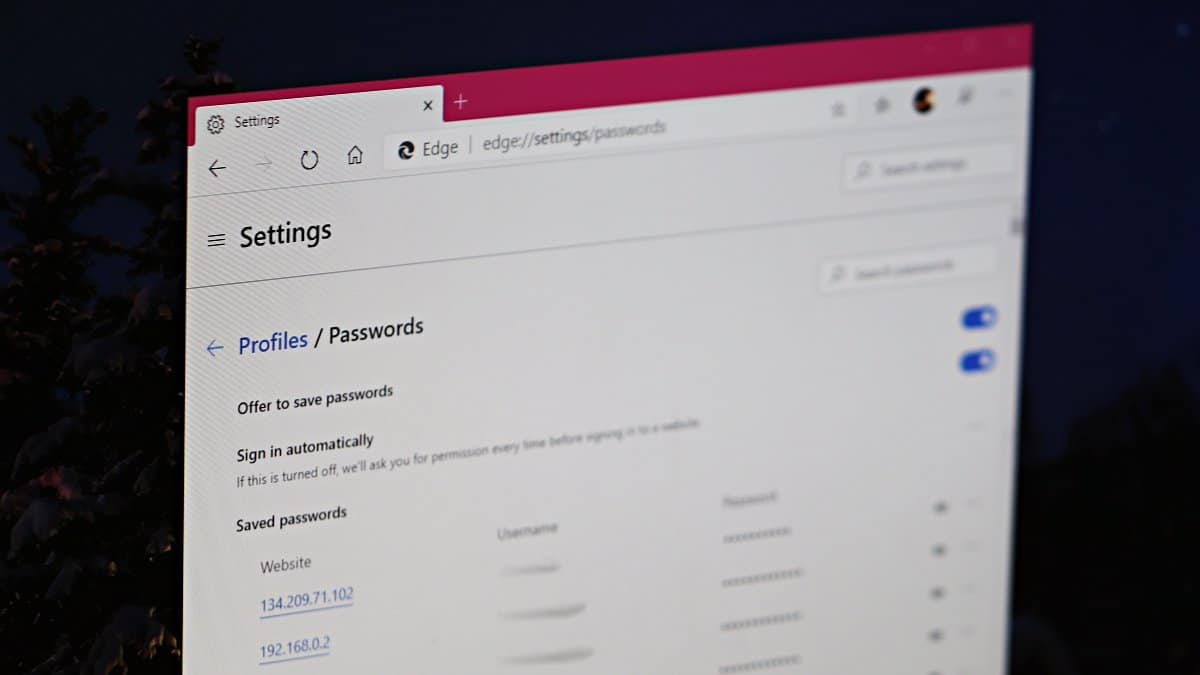
How to Disable Password Saving in Chrome and Microsoft Edge
Most web browsers, including Google Chrome and Microsoft Edge, offer to save your passwords for the websites you visit, making future logins more convenient.…