
Instructional, step-by-step articles.
Content Type: How-To
-
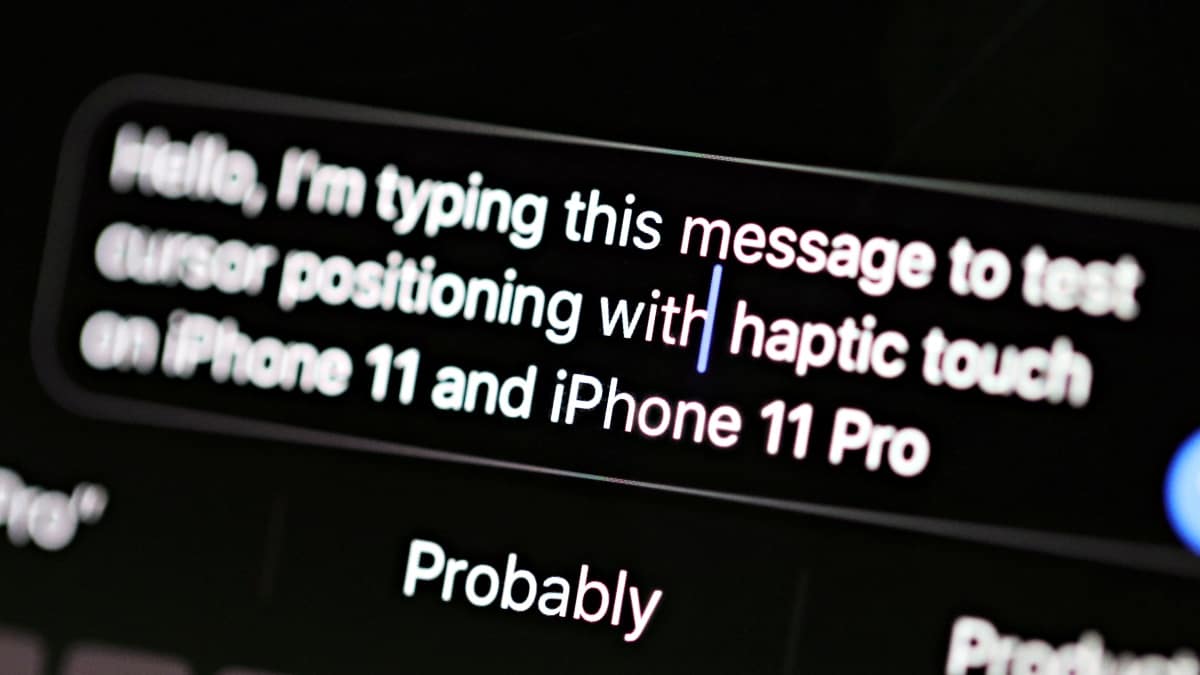
How to Move Cursor from Keyboard using Haptic Touch on iPhone 11 and 11 Pro
To move the cursor on iPhone 11 and 11 Pro, touch and hold space bar on the keyboard and then swipe your finger around…
-
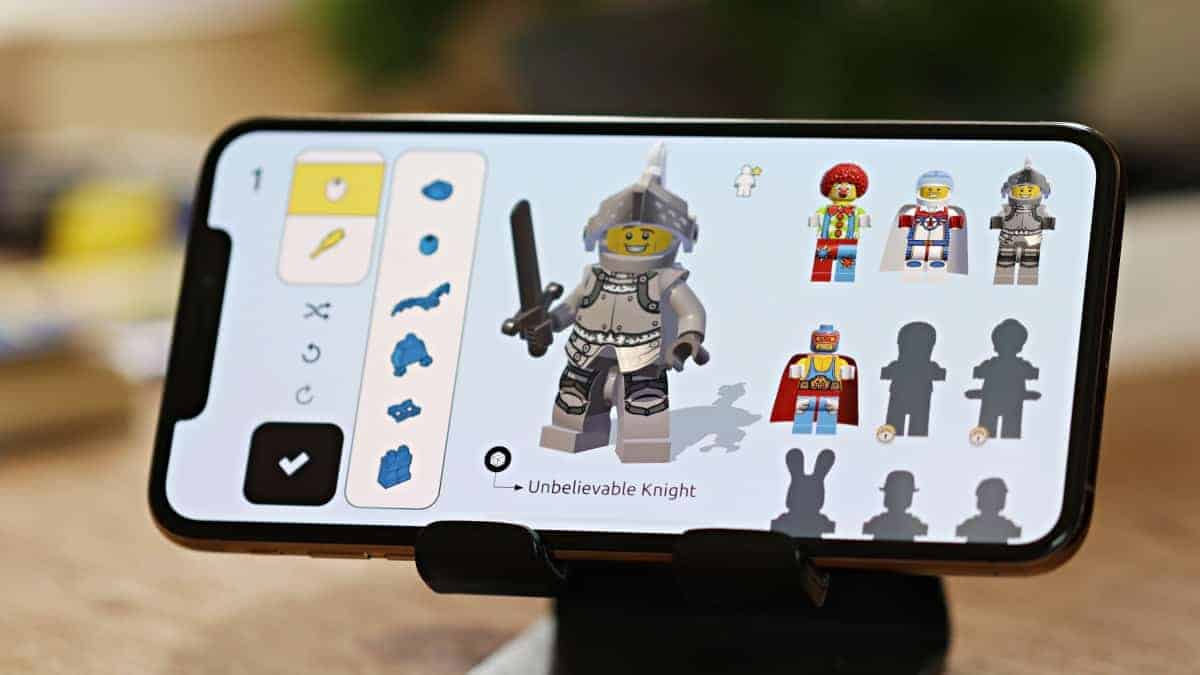
How to Customize your Brawler in Lego Brawls
Lego Brawls is now available for iPhone and iPad users with the launch of Apple Arcade. The game is an online multiplayer where people…
-
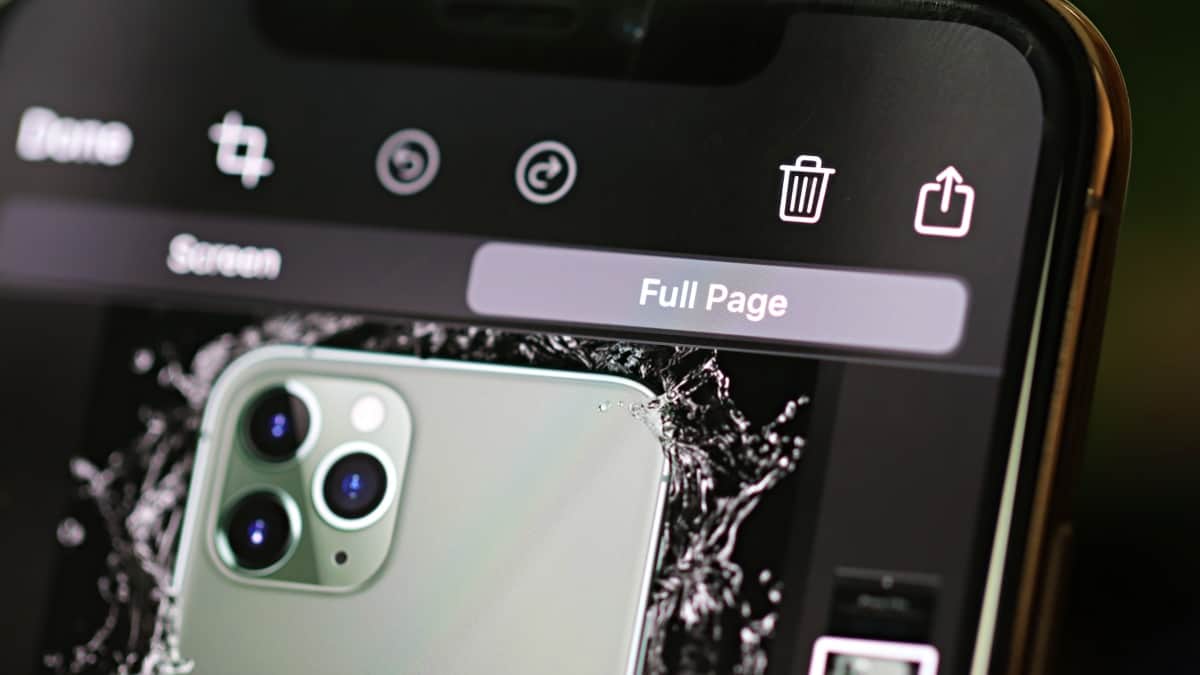
How to take a Full Page Screenshot on iPhone
iOS 13 let’s you take a full page screenshot in compatible apps on your iPhone. You can get the “Full Page” option from the…
-
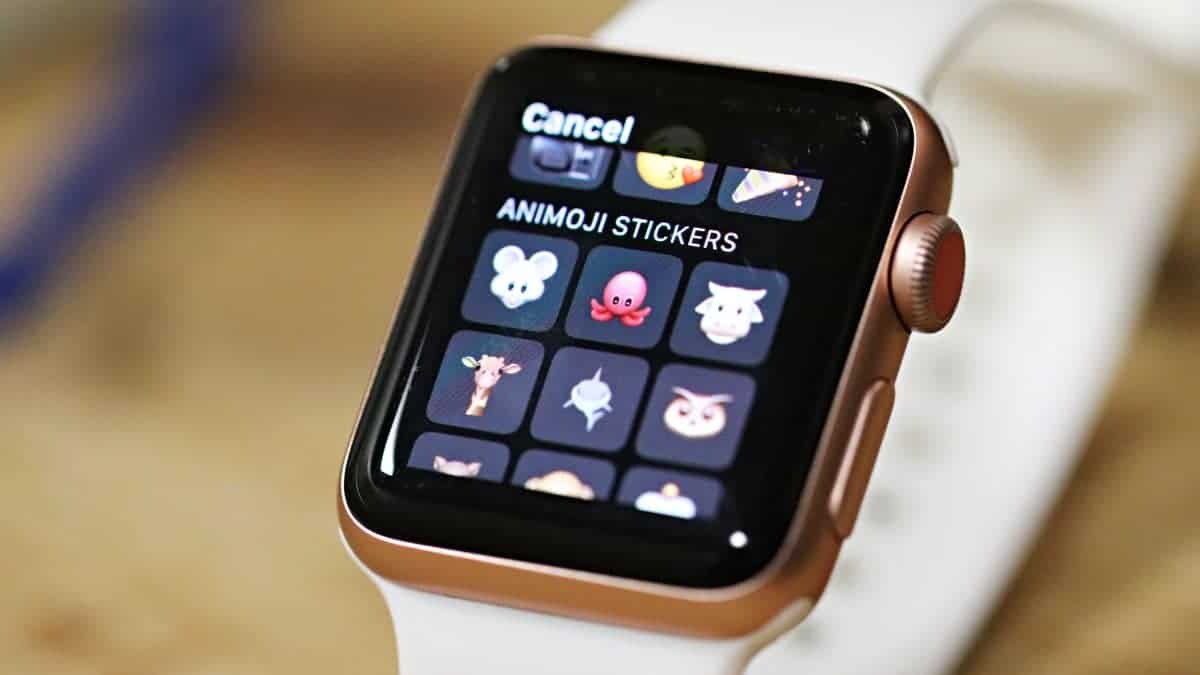
How to use Animoji stickers in Messages on Apple Watch
The watchOS 6 update will be rolling out alongside iOS 13 later this week and it’ll bring many new features to your Apple Watch.…
-
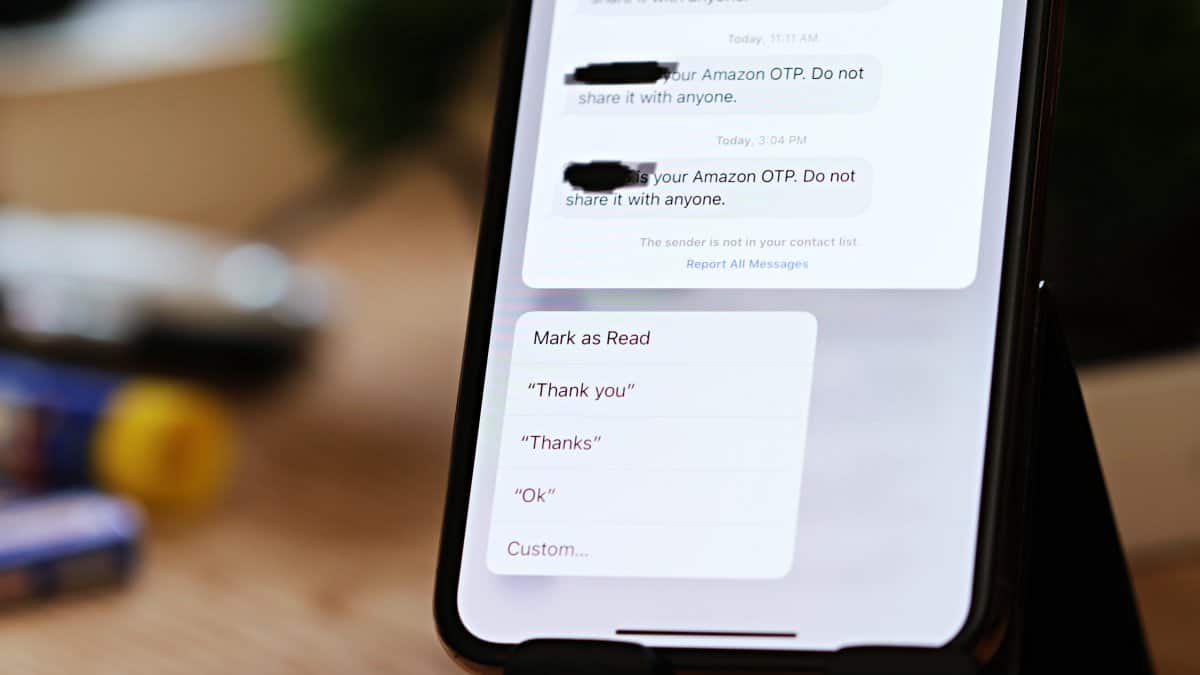
How to Mark All Messages as Read on iPhone after iOS 13 update
iOS 13 changes the location of “Read All” messages button on iPhone. It’s now available from “Manage Messages List” option under menu.
-
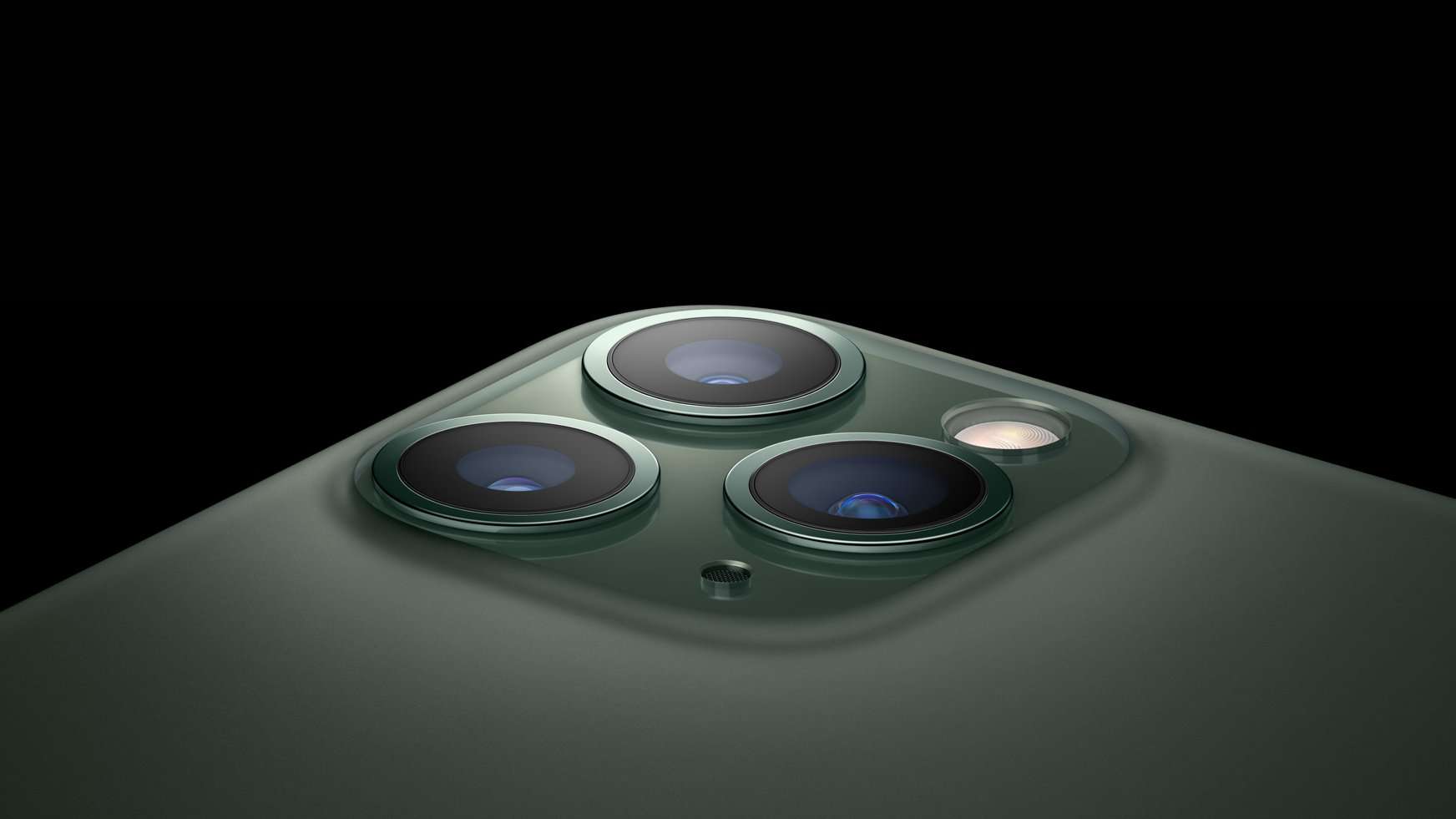
How to take wide-angle photos on iPhone 11 and 11 Pro
One of the biggest selling point of the new iPhone 11 and iPhone 11 Pro is the ability to take ultra wide photos with…
-
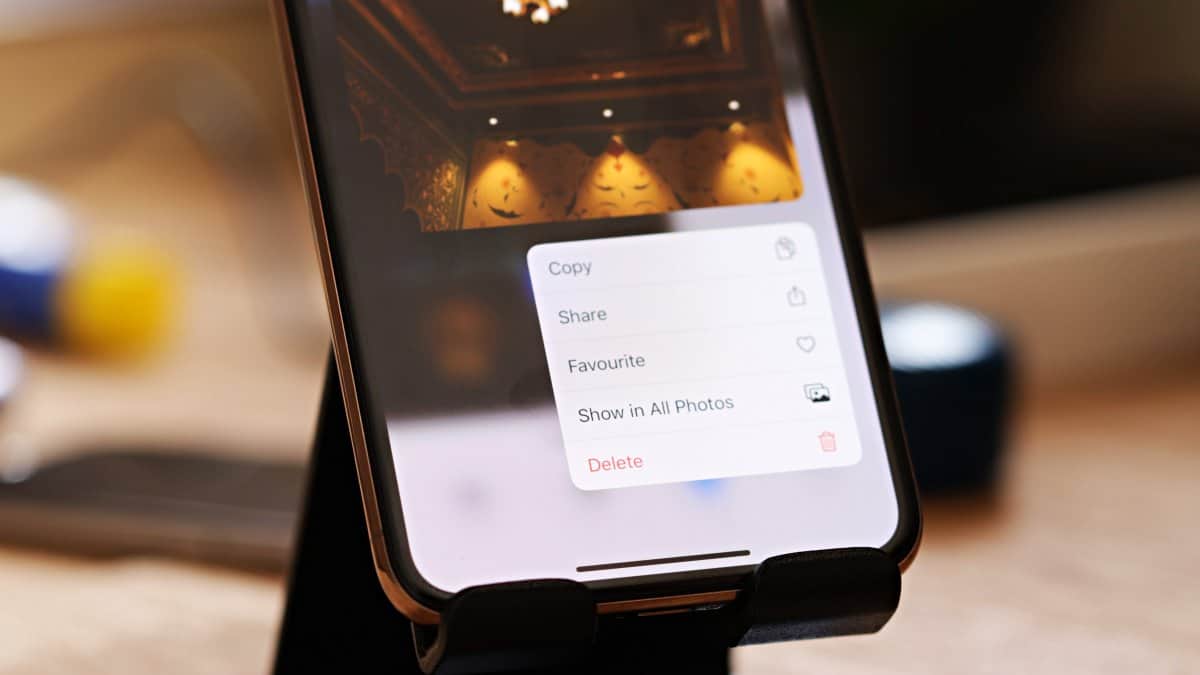
How to Quickly Delete a Photo on iPhone
The Photos app on iPhone has received a lot of improvements and new features in iOS 13. One of our favorite is the quick…
-

How to Take a Screenshot with Apple Pencil on iPad
On Apple Pencil supported iPad models, you can swipe up from the bottom of the screen to capture a screenshot using Apple Pencil.
-
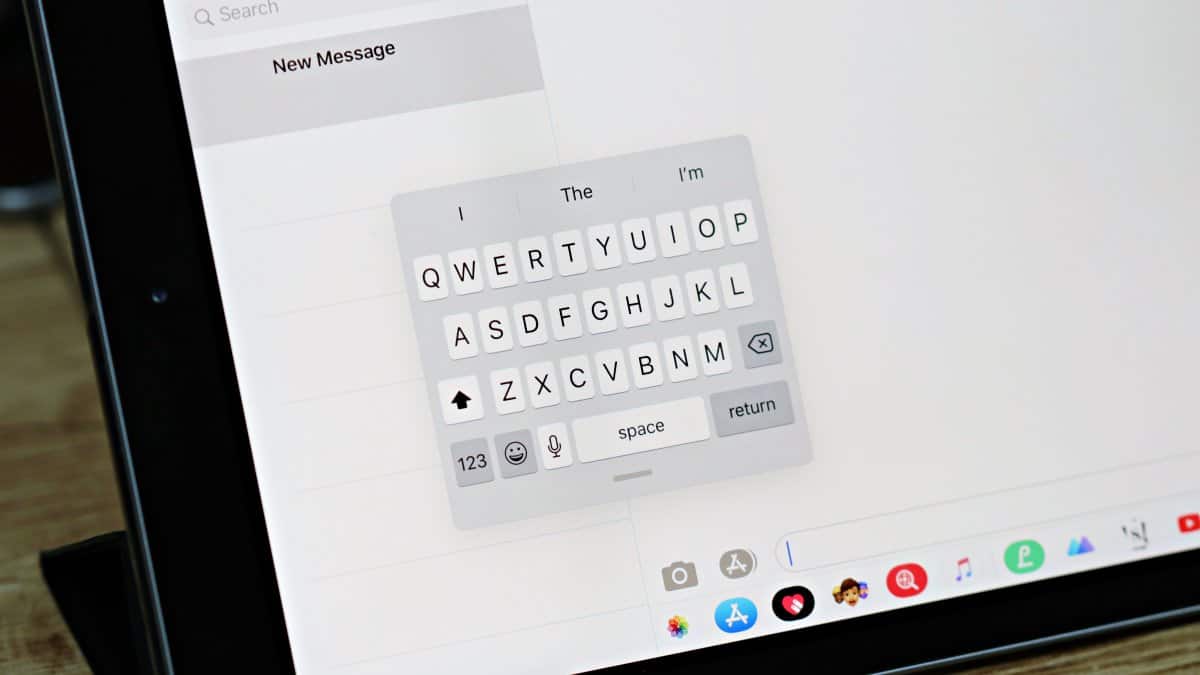
How to Get Floating Keyboard on iPad
Get the new Floating keyboard on iPad by pinching in on the regular keyboard, or tap and hold the keyboard icon and select “Floating”…
-
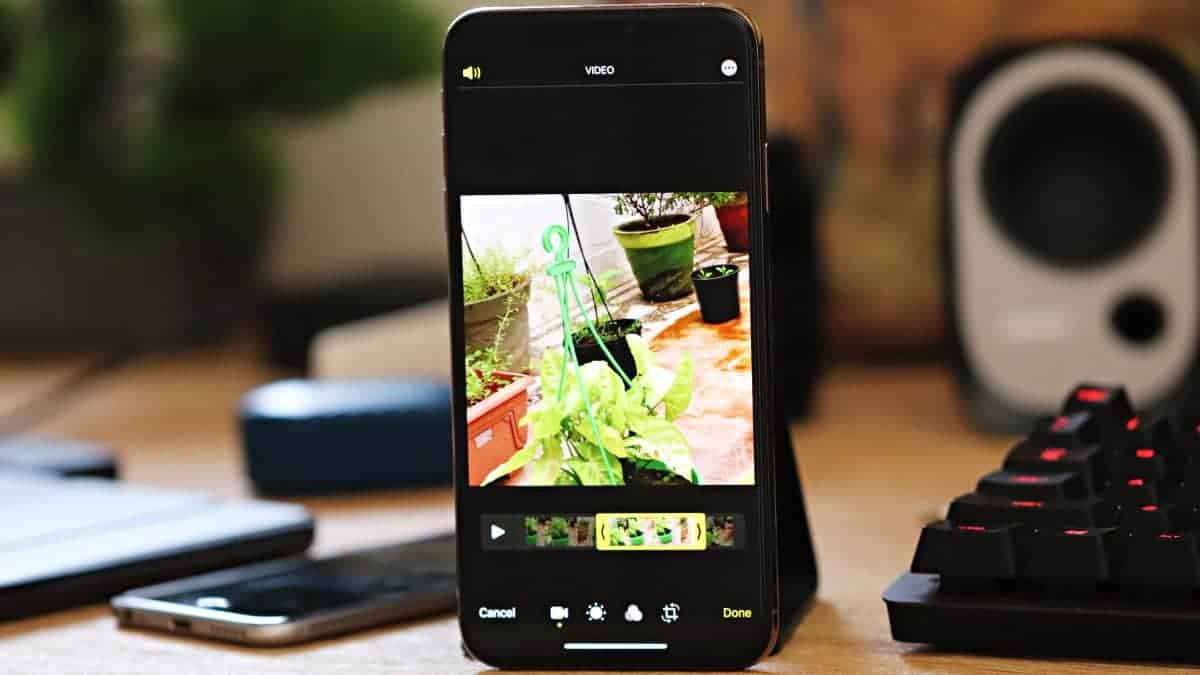
How to use iPhone’s new Video Editor on iOS 13
iPhone is getting a cool new video editor built into the Photos app with the release of iOS 13. It’s as good as the…